 EN
 IT Italiano
 ES Español
 FR Français
 DE Deutsch
Description
What it is
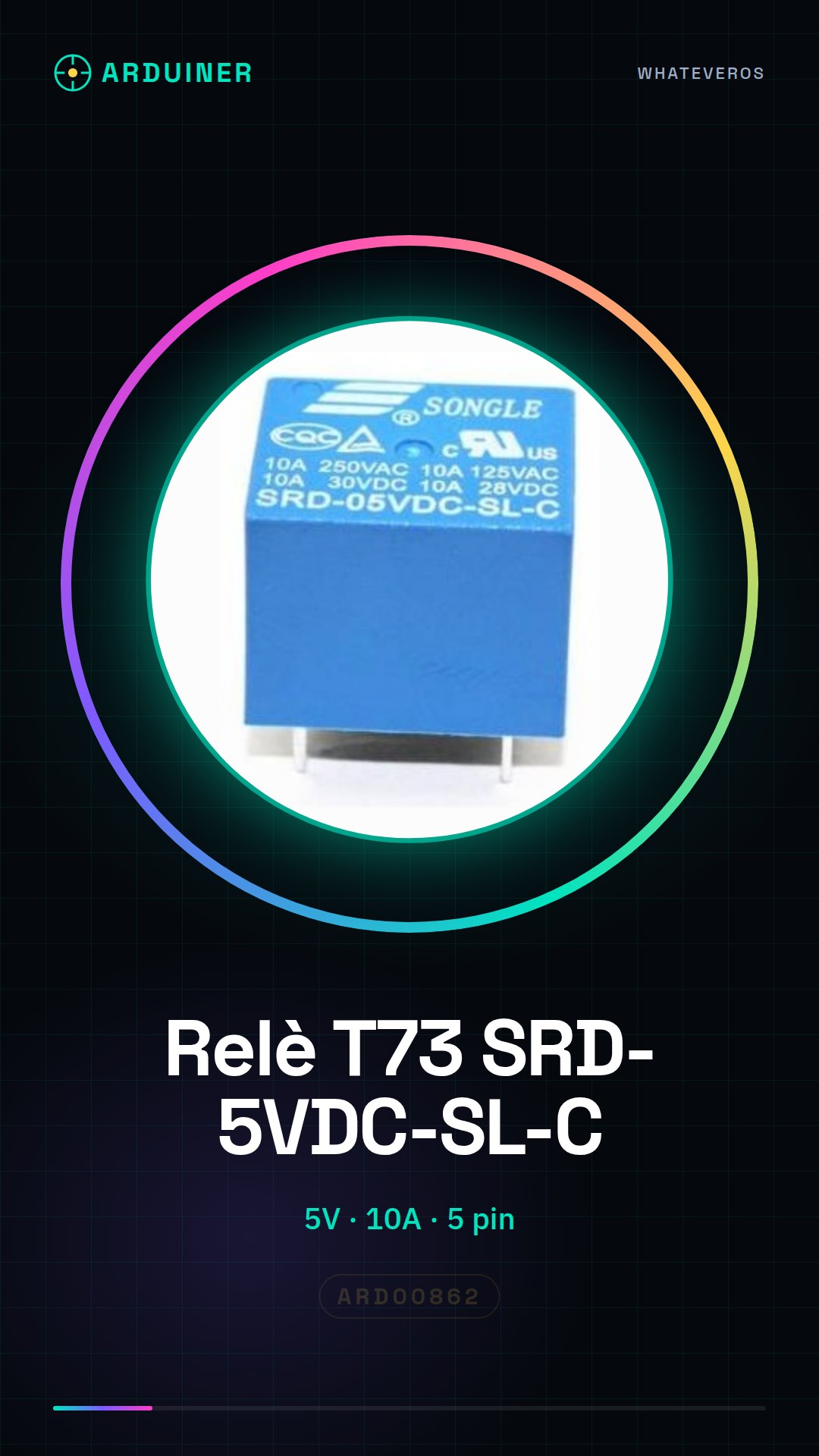
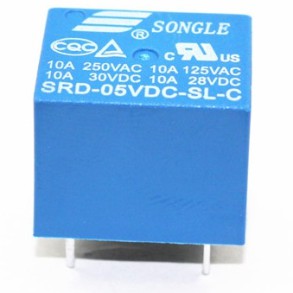
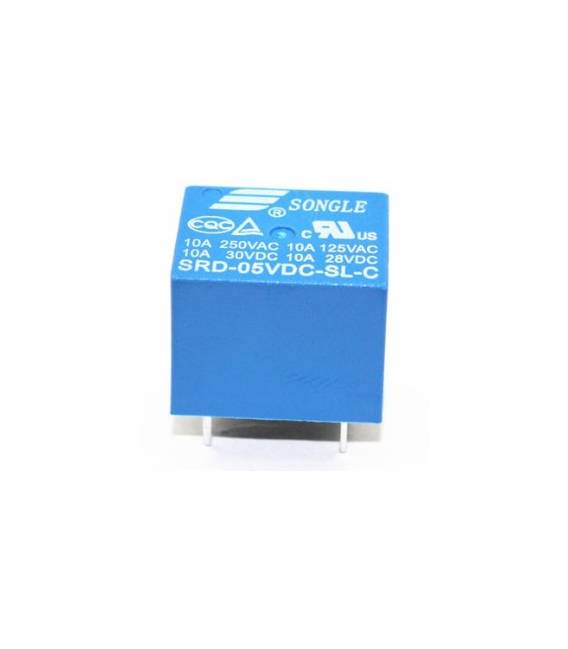
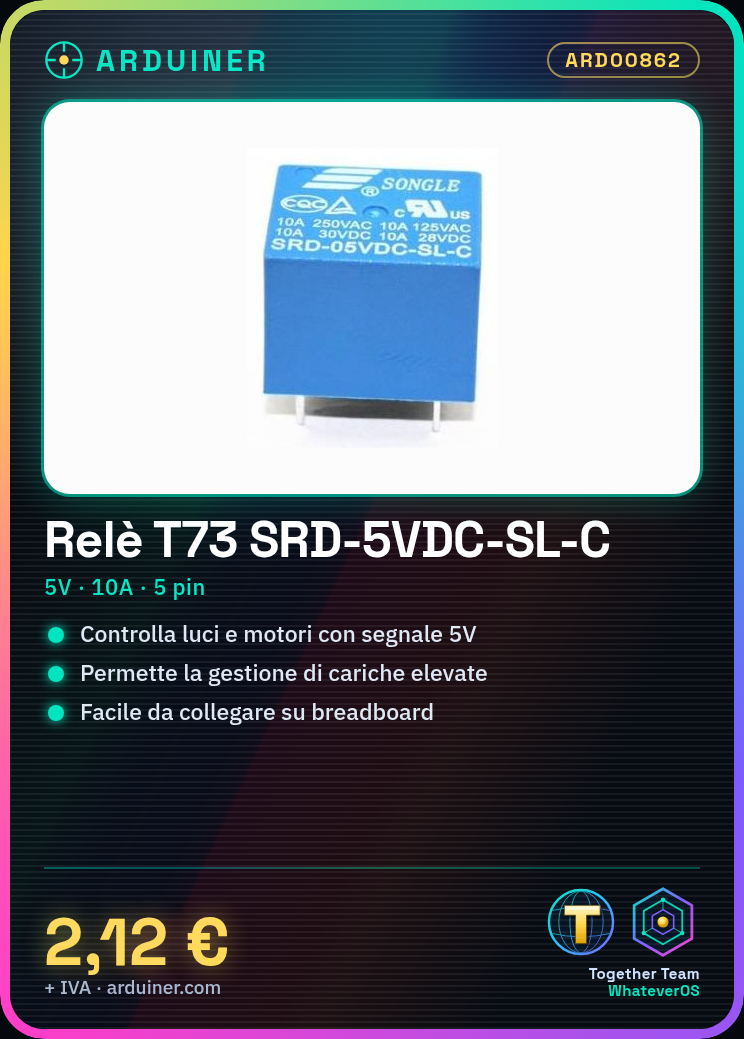
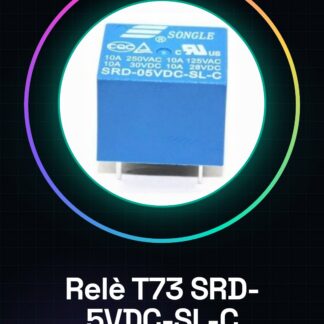
The T73 SRD-5VDC-SL-C relay is an electronic component used to control devices that require high current, such as lights or motors, through a low-voltage signal provided by Arduino.
Features
- Operating voltage: 5V
- Maximum current: 10A
- More than 5 pins (check the datasheet)
What it is for
Relays are ideal for projects that require the activation or deactivation of electrical loads from Arduino. For example, they can be used to control lights, motors, or other high-current devices.
Tutorial: How to use T73 SRD-5VDC-SL-C Relay
The T73 SRD-5VDC-SL-C relay is a fundamental electronic component for controlling household appliances or circuits with high current from Arduino. Ideal for beginner and intermediate makers who want to control lights, motors, and other electrical loads.
What you need
- Arduino Uno
- Breadboard
- Power connection (5V)
- USB cable to connect Arduino to PC
Steps
- Connect the relay to the Arduino board following the pin configuration: VCC to 5V, GND to ground, IN1 to a digital pin of the Arduino.
- Check the datasheet for voltage and current values to ensure they do not exceed the relay specifications (5V, 10A).
- Write an Arduino sketch to control the relay: use digitalWrite() to activate or deactivate the IN1 input.
- Test the sketch by uploading the code to the Arduino and verifying that the relay activates correctly when the digital pin is set to HIGH.
- If necessary, modify the duration of the HIGH or LOW signal to control the timed interruption of the device connected to the relay.
Example code
void setup() { pinMode(2, OUTPUT); }

void loop() {
digitalWrite(2, HIGH);
delay(1000);
digitalWrite(2, LOW);
delay(1000);
}
Mini project
Create an automatic control system for a lamp: connect the lamp to the relay and write a sketch that turns the light on or off based on a condition (e.g., time of day).
Common mistakes
- Connect the relay without verifying the voltage and current specifications.
- Do not test the sketch before connecting high load devices.
- Use a non-digital pin to control the IN1 input.
- Ignore current spike protection when controlling high power devices.
Recommended accessories
- Arduino Uno
- Breadboard
- Motion or light sensors
Frequently asked questions
How can I control multiple relays from Arduino?
Use a digital multiplexer to map Arduino pins to the various relay inputs.
What devices can I connect to the relay?
Devices that require a current up to 10A and operate on a continuous voltage of 5V or less.
Reviews
There are no reviews yet.