 EN
 IT Italiano
 ES Español
 FR Français
 DE Deutsch
Description
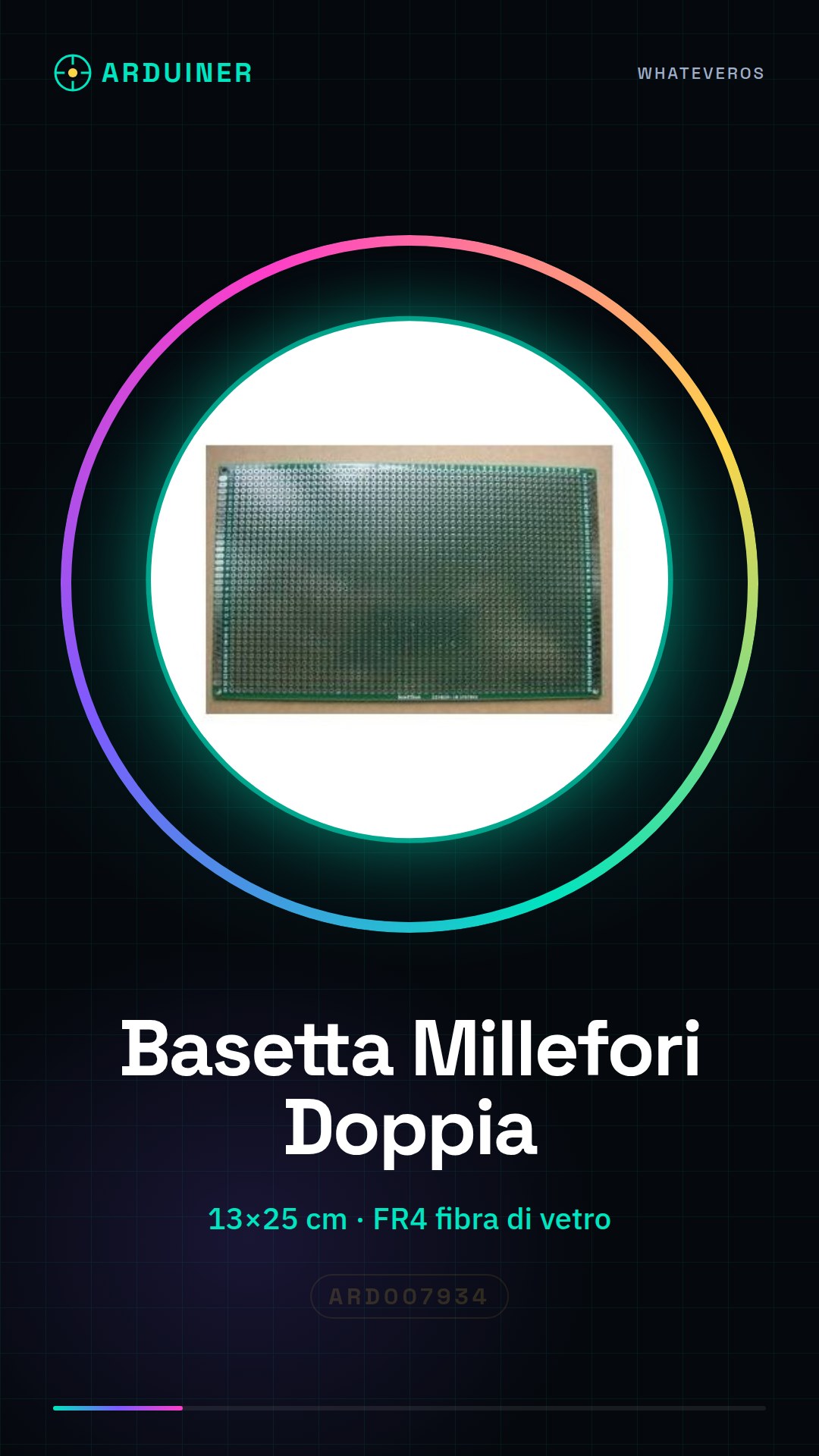
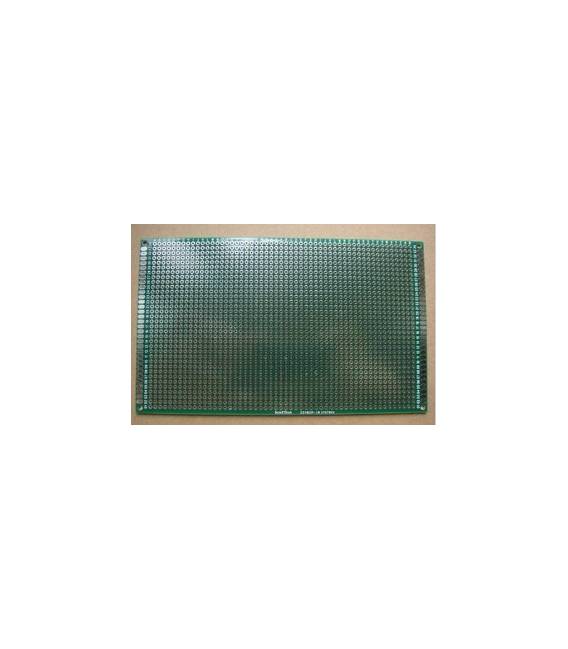
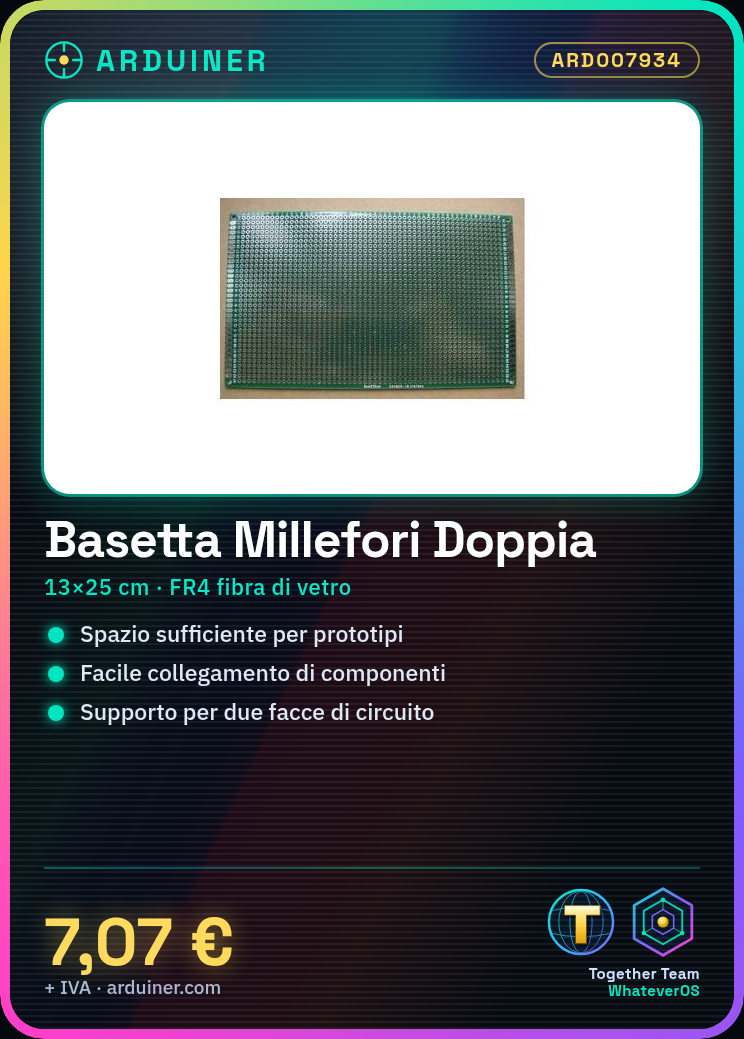
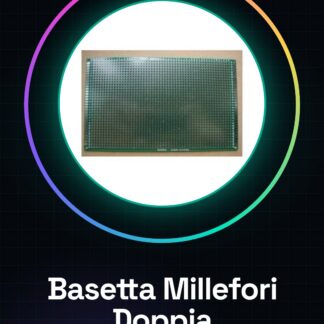
The double-sided FR4 breadboard is a crucial component for PCB prototyping and development. With a size of 13x25cm, it provides ample surface area for small-scale electronic experiments. Features: Size: 13 x 25cm, FR4 material. What it’s used for: Ideal for prototyping and PCB projects, the double-sided breadboard allows for quick connection of various components. It is useful for simple control interfaces with LEDs, buttons, and potentiometers, using Arduino or other microcontrollers. How to use the Double-Sided Breadboard: The double-sided breadboard is essential for PCB prototype development. It is ideal for hobbyists learning to create small-scale electronic circuits, allowing them to quickly connect various components. Components needed: Screws, soldering iron, component electronics (resistors, capacitors), Arduino or other microcontroller boards. Steps: Verify the product datasheet for the breadboard pinout. Place electronic components on the first side of the breadboard according to your project. Use clips to physically connect the components to the breadboard, ensuring no pin overlap. Solder each component gently, checking the stability and efficiency of the connections. Verify that all connections are correct and secure before testing the circuit. If needed, move to the second side of the breadboard to complete the project or connect additional components. Test the entire circuit using a multimeter to check for electrical continuity of the connections. Mini-project: Create a simple control interface with LEDs, buttons, and a potentiometer. Connect these components to the double-sided breadboard and use an Arduino to manage user input and control the LEDs. Common errors: Overlapping or uncertain connections that can cause short circuits. Insufficient or excessive soldering, which can compromise the stability of the connections. Incorrect placement of components on the breadboard, making it difficult to test the circuit.
Reviews
There are no reviews yet.