 EN
 IT Italiano
 ES Español
 FR Français
 DE Deutsch
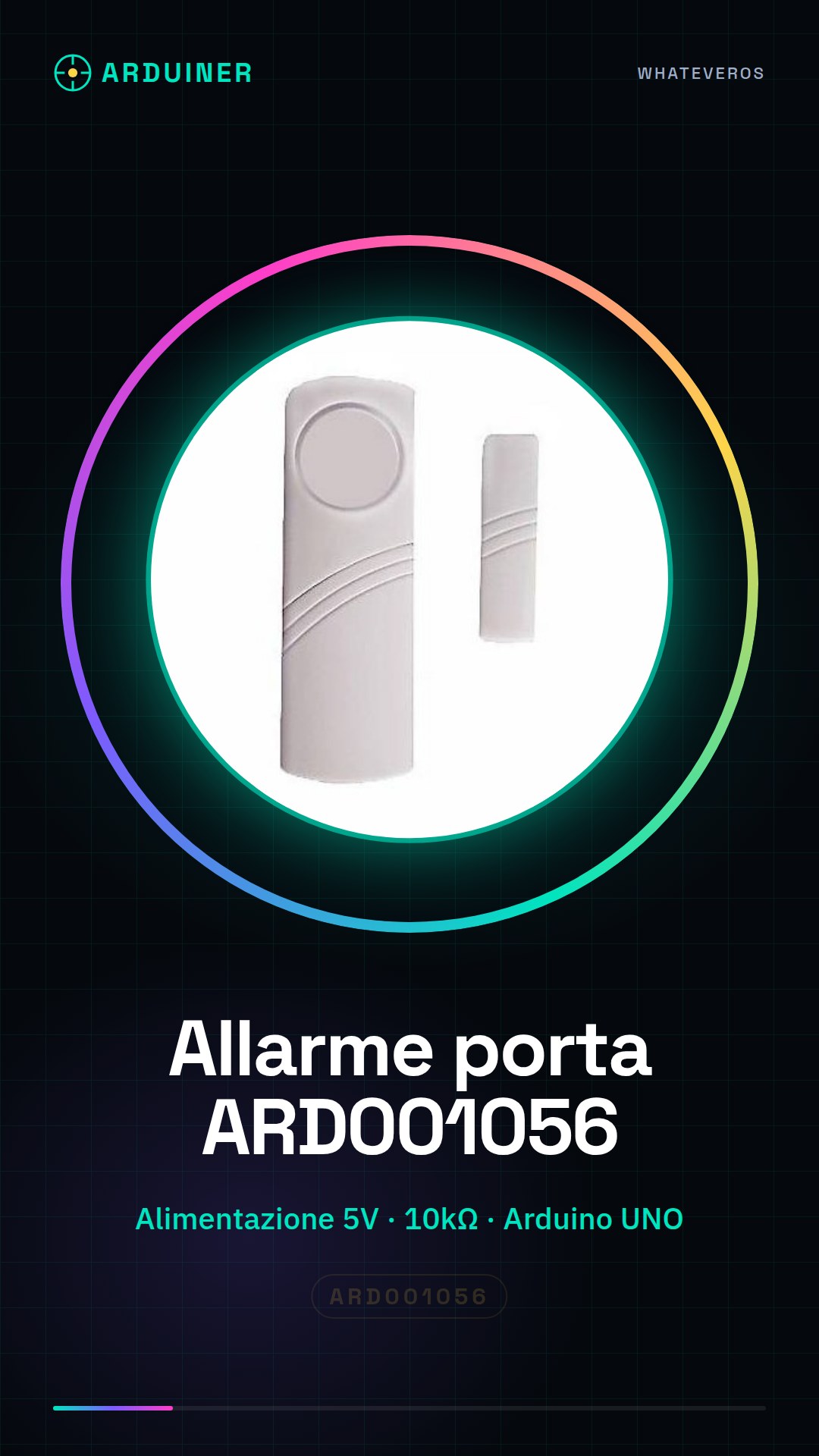
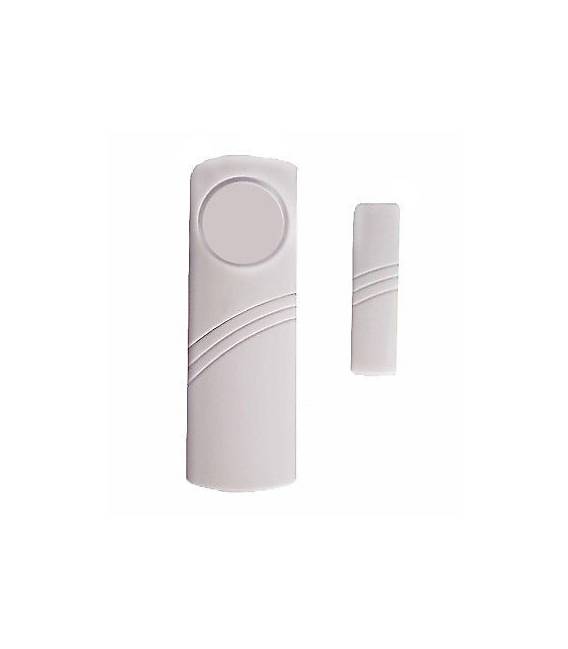
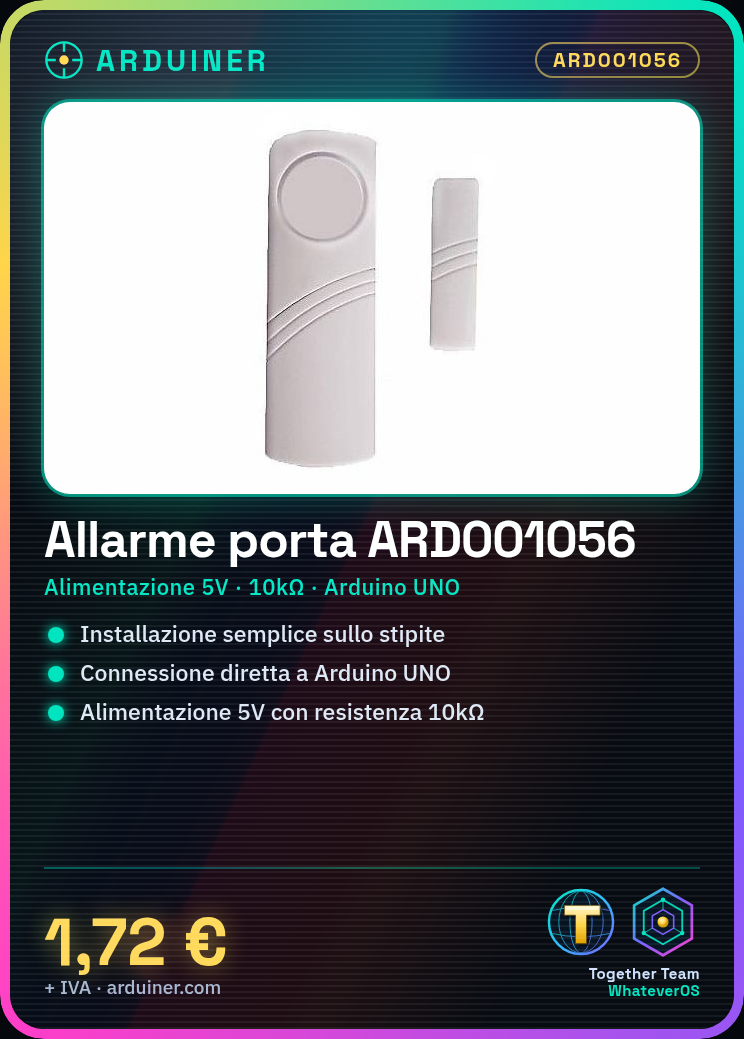
Description
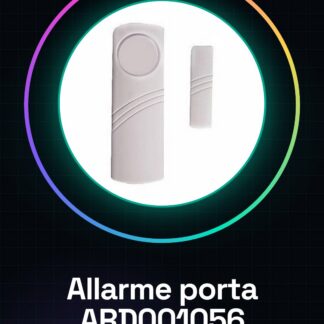
Door alarm, door alarm, home alarm and window alarm, window alarm, window alarm
Tutorial: How to use Door Alarm ARD001056
The door alarm ARD001056 is ideal for protecting your doors and windows. Useful for anyone who wants an affordable and easy-to-install alarm system.
What you need
- Door Alarm ARD001056
- Arduino UNO
- 10kΩ resistor
- Power cable (5V)
Steps
- 1. Install the door alarm on the door frame.
- 2. Connect to the alarm with an Arduino UNO.
- 3. Connect the 10kΩ resistor between VCC and GND on the alarm.
- 4. Connect the VOUT output port to the Arduino UNO.
- 5. Load the source code onto your Arduino.
- 6. Connect the alarm to power (5V).
- 7. Test the alarm to ensure it works correctly.
- 8. Configure the alarm for your specific needs.
Example code
```
#include <Arduino.h>

int allarmePin = 2;

void setup() {
  pinMode(allarmePin, INPUT);
}

void loop() {
  if (digitalRead(allarmePin) == HIGH) {
    Serial.println("Allarme attivato!");
  }
}
```
Mini project
Connect the door alarm to a motion detector and create a simple home alarm in 30 minutes.
Common mistakes
- Do not connect the alarm directly to the power supply without protection resistance.
- Forget to upload the source code to the Arduino.
- Configure the alarm incorrectly.
- Do not follow the installation instructions.
Recommended accessories
- Motion sensor
- Power cable (5V)
- Arduino UNO
- 10kΩ resistor
Frequently asked questions
How can I configure the door alarm?
Check the datasheet for specific settings.
Can I use this alarm with an Arduino Mega?
Yes, but make sure the pin used is compatible.
Do I need a specific power supply for the alarm?
The alarm requires a 5V power supply.
Reviews
There are no reviews yet.