 EN
 IT Italiano
 ES Español
 FR Français
 DE Deutsch
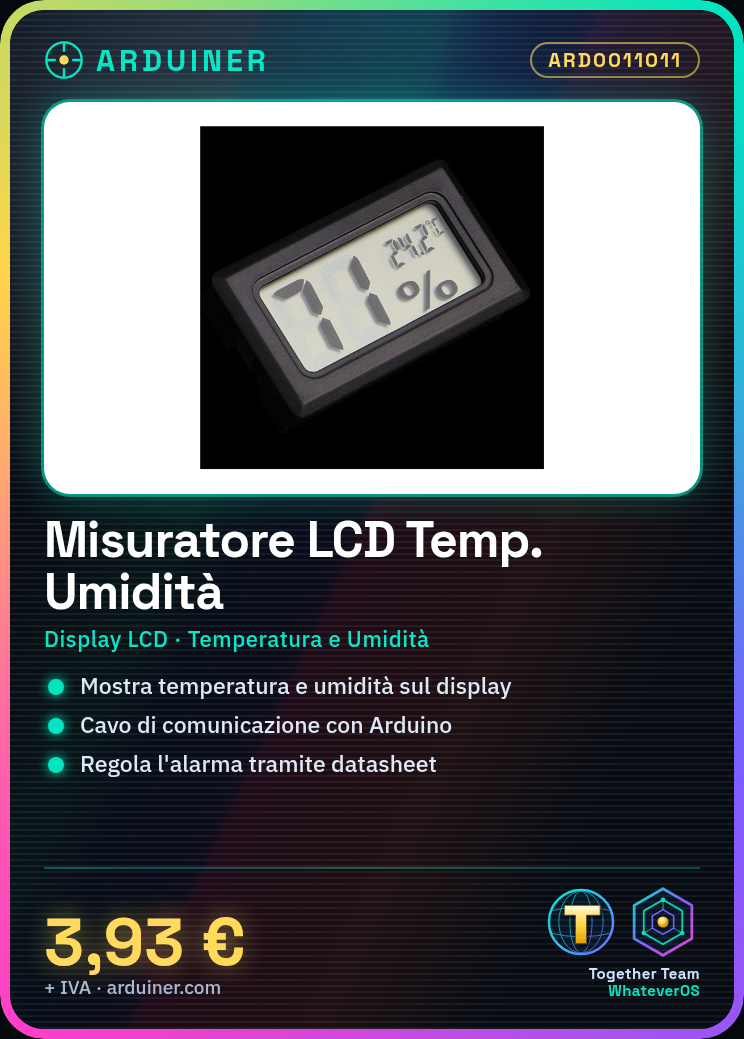
Description
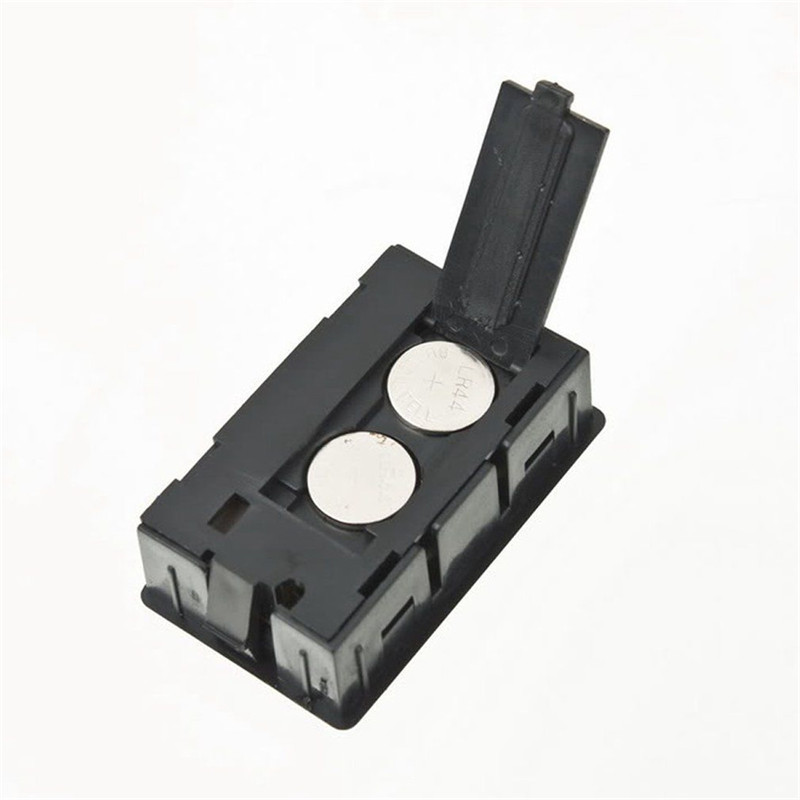
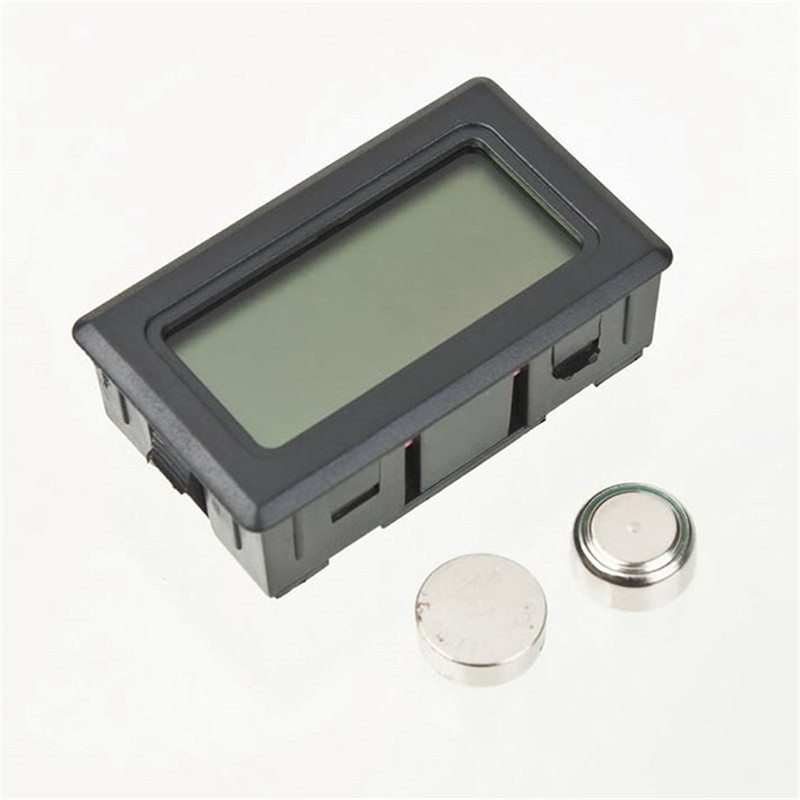
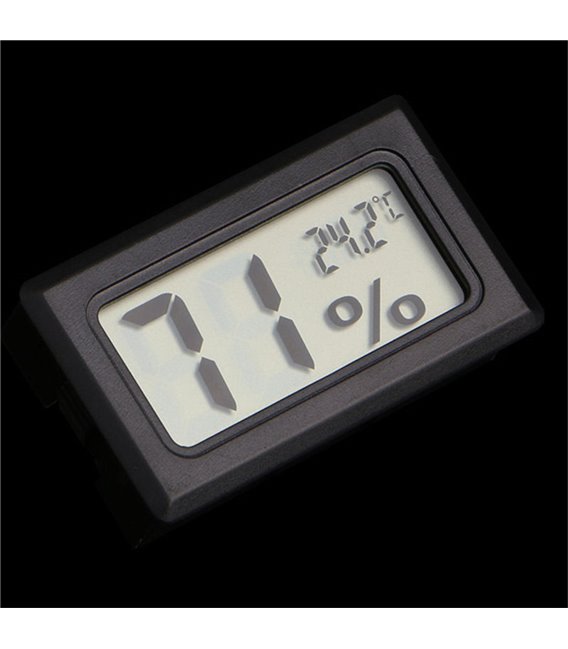
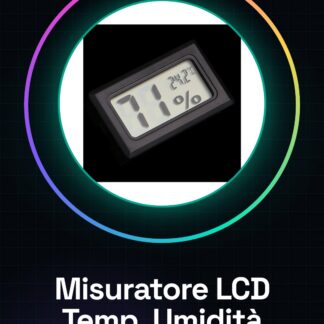
Digital LCD Temperature Humidity Meter Thermometer Hygrometer Vivarium Reptile
Tutorial: How to use the Digital LCD Temperature Humidity Meter
This device measures ambient temperature and humidity, ideal for vivariums and pets.
What you need
- Digital LCD Temperature Humidity Meter
- Arduino
- Power cable
- Communication cable
Steps
- 1. Check that the device is functioning.
- 2. Power the device with the power cable.
- 3. Connect the communication cable to the Arduino.
- 4. Load the code onto the Arduino.
- 5. Turn on the Arduino.
- 6. The display will show the temperature and humidity.
- 7. Check the datasheet for further settings.
- 8. Adjust the alarm if necessary.
Mini project
Build an environmental control system for a vivarium in 30 minutes.
Common mistakes
- Leave the device without power.
- Do not check the functionality before use.
- Connect the communication cable to the wrong pin.
- Omit updating the Arduino code.
Recommended accessories
- Arduino
- Power cable
- Communication cable
- Vivarium
Frequently asked questions
The display does not show the data?
Check the power supply and connection to Arduino.
How to set the alarm?
Check the datasheet for specific instructions.
The device does not work after a while.
Check the stability of the power supply and connection.
Reviews
There are no reviews yet.