 EN
 IT Italiano
 ES Español
 FR Français
 DE Deutsch
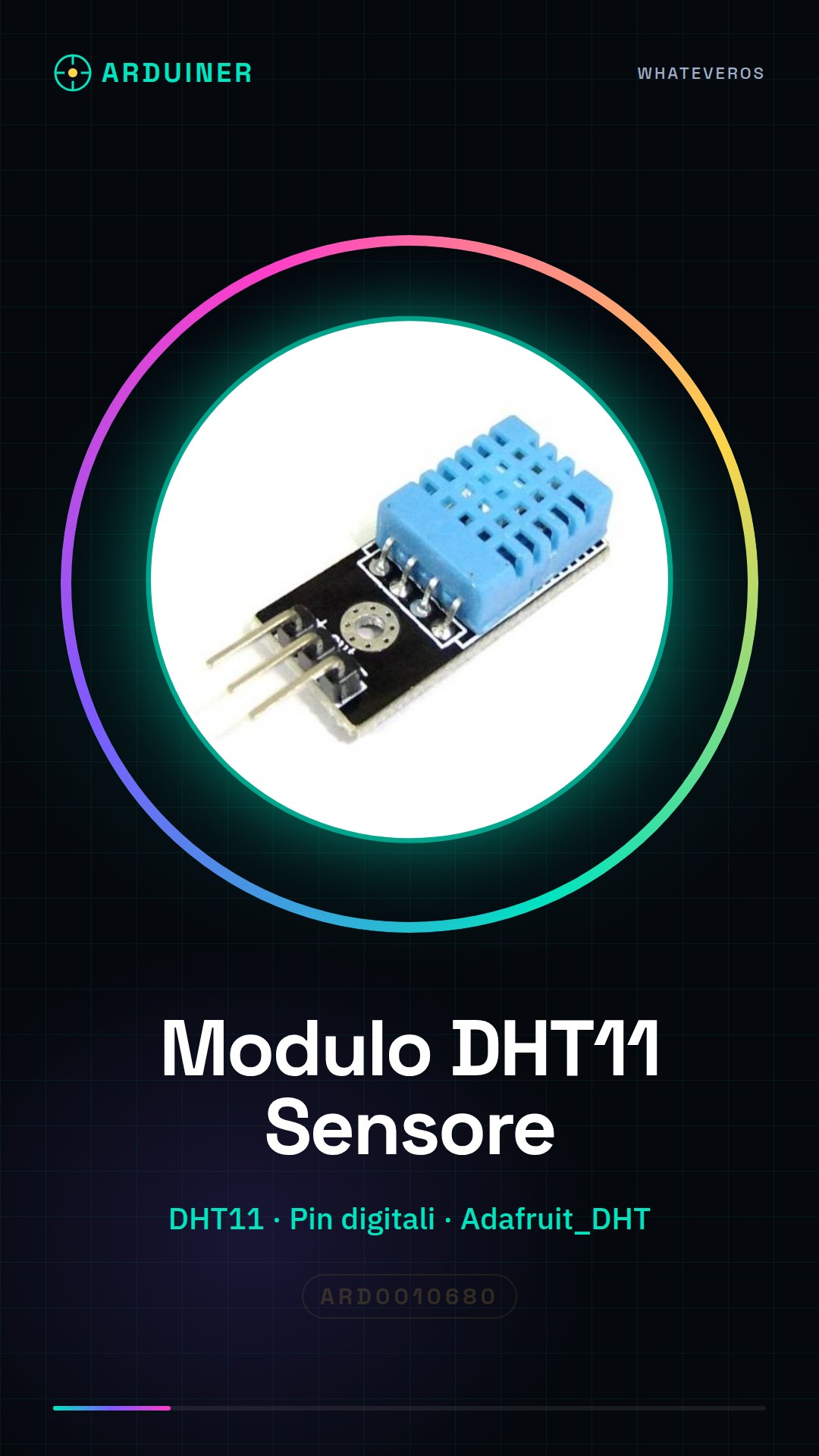
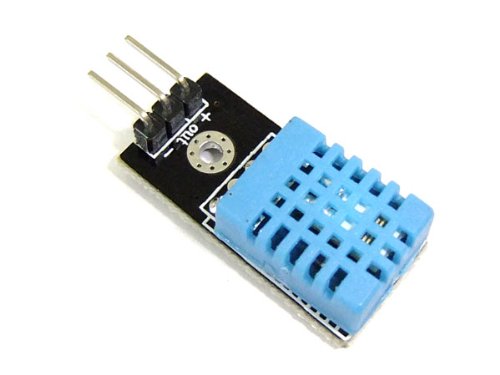
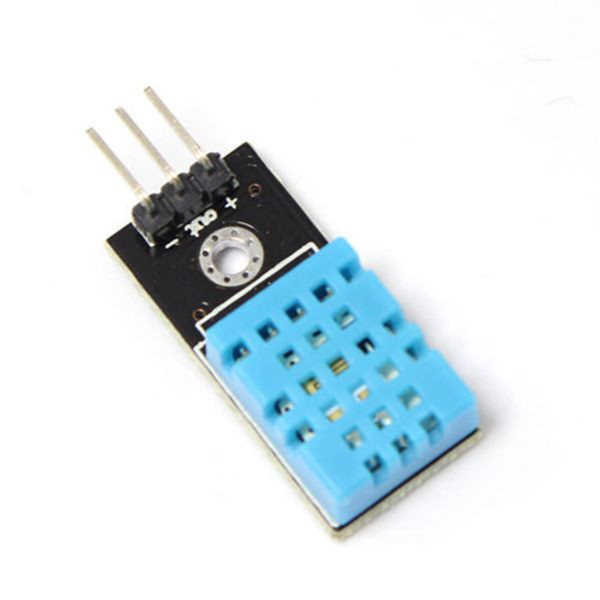
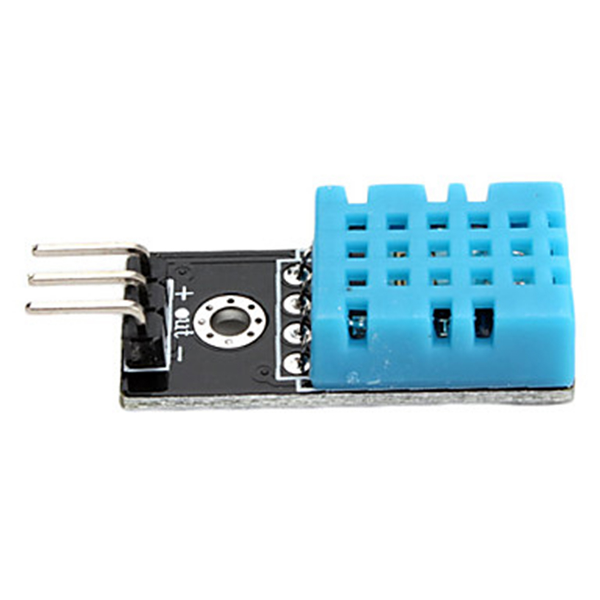
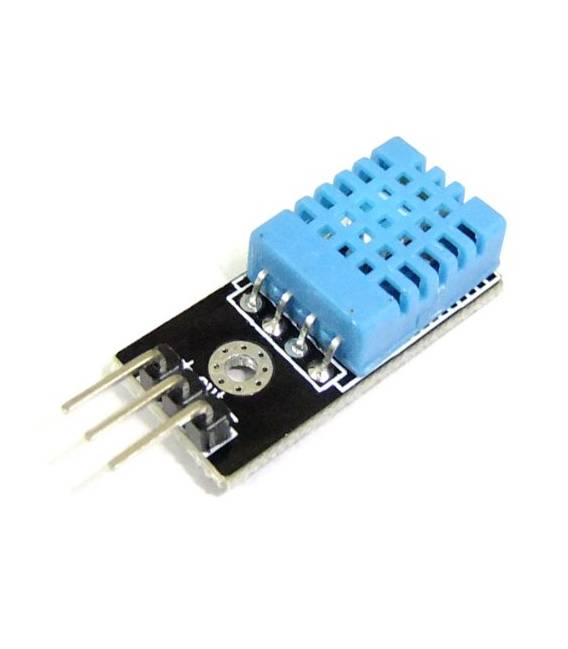
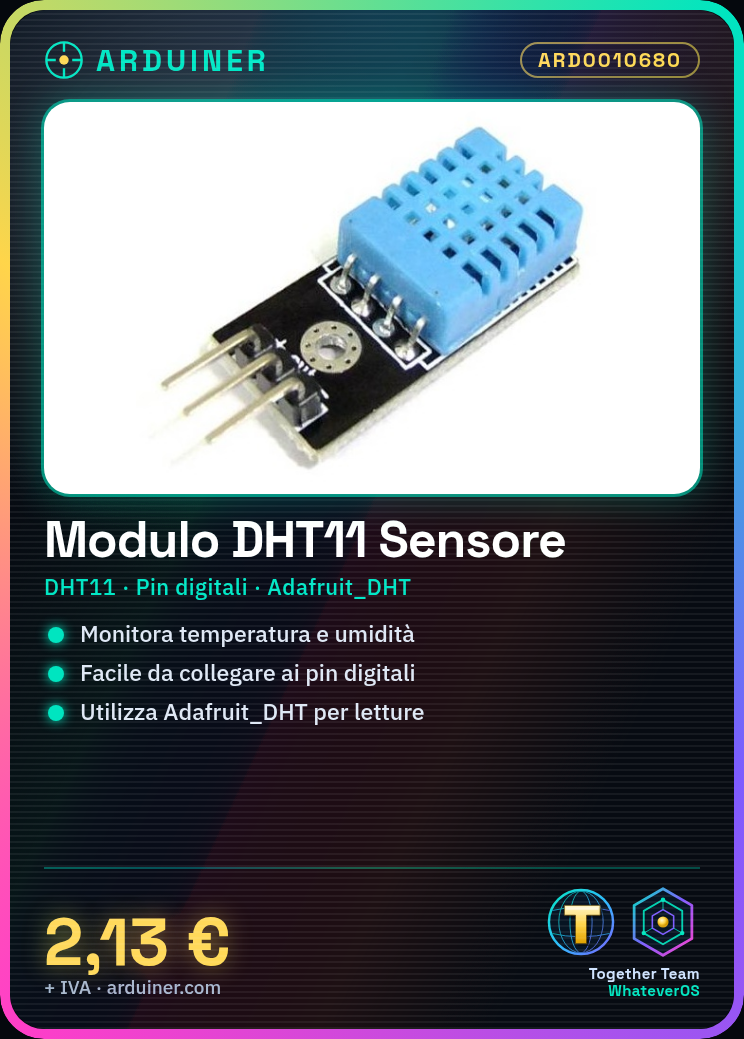
Description
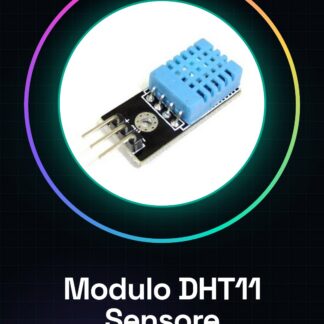
Tutorial: How to Use DHT11 Temperature and Humidity Sensor Module
The DHT11 module is a simple temperature and humidity sensor used to monitor environmental conditions. Ideal for hobby and school projects, it is easy to use with Arduino and other microcontrollers.
What you need
- Arduino or compatible microcontroller
- USB cable
- Arduino IDE software
Steps
- Connect the module DHT11 pins to the Arduino digital pins (check the datasheet for specific pins)
- Install the Adafruit_DHT library in the Arduino IDE
- Write the Arduino sketch to read the sensor values
- Upload the sketch to the microcontroller
- Open the Serial Monitor to view the data
Example code
const int DHTPIN = 2; // pin dove è collegato il DHT11
const int DHTTYPE = DHT11; // Tipo di sensore DHT
#include "DHT.h"
DHT dht(DHTPIN, DHTTYPE);
void setup() {
  Serial.begin(9600);
  dht.begin();
}
void loop() {
  float h = dht.readHumidity();
  float t = dht.readTemperature();
  Serial.print("Temperatura: ");
  Serial.println(t);
  Serial.print("Umidità: ");
  Serial.println(h);
  delay(2000);
}
Mini project
Create an alarm system for extreme temperature and humidity conditions. Set warning thresholds and use an LED to signal any issues.
Common mistakes
- Pin connection error
- Forgetting to install the Adafruit_DHT library
- Incorrect alarm thresholds
- Data reading issues due to extreme environmental conditions
Recommended accessories
- USB cable
- Arduino Uno
- LED and resistor
- Portable battery for Arduino
Frequently asked questions
Where can I find the Adafruit_DHT library?
You can find it in the library manager in the Arduino IDE.
What are the connection pins for the DHT11?
Check the sensor datasheet for specific details.
Reviews
There are no reviews yet.