 EN
 IT Italiano
 ES Español
 FR Français
 DE Deutsch
Description
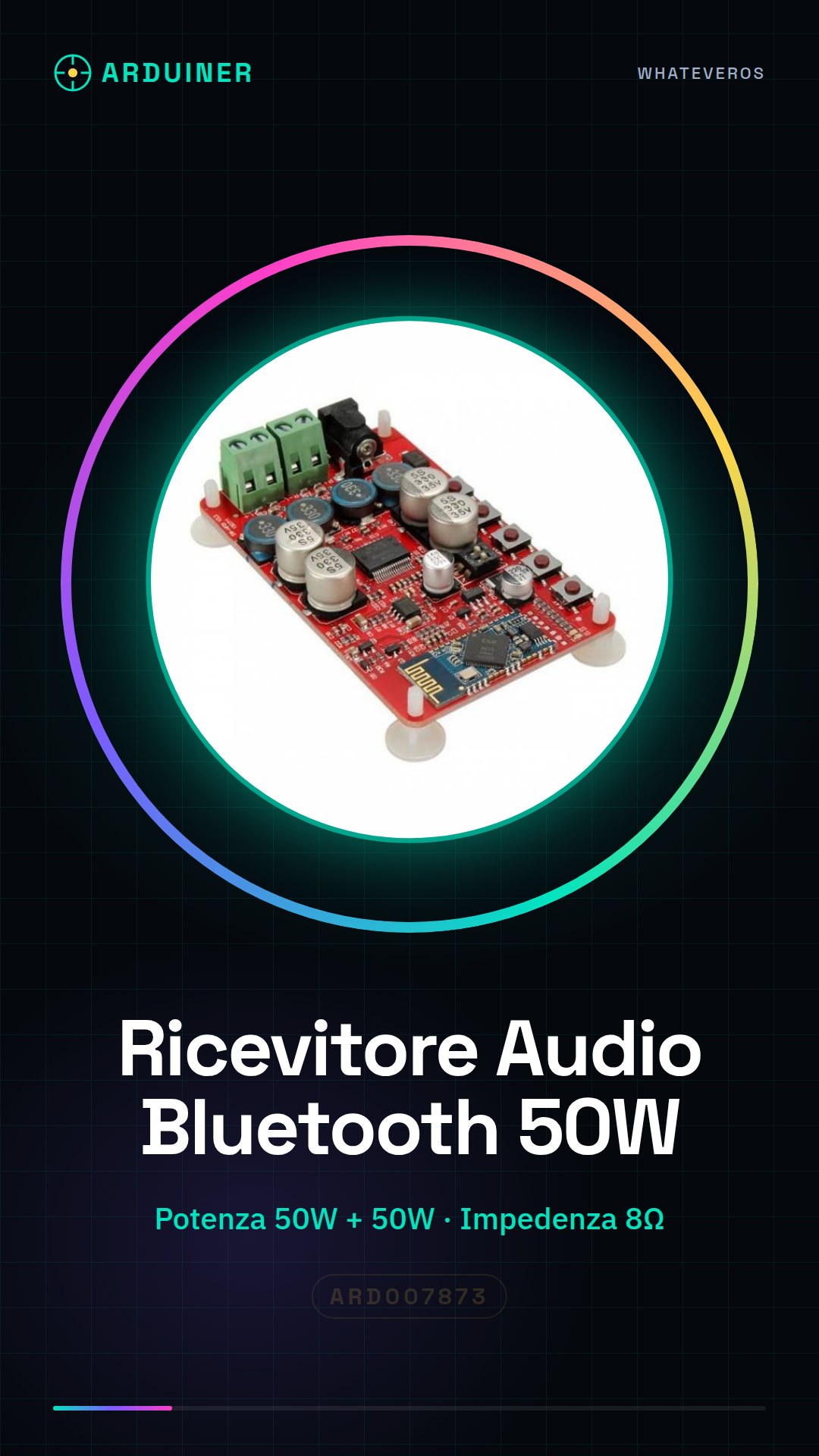
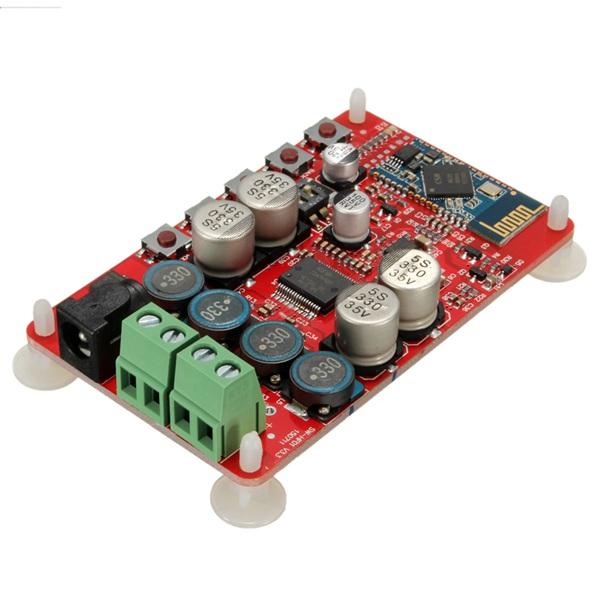
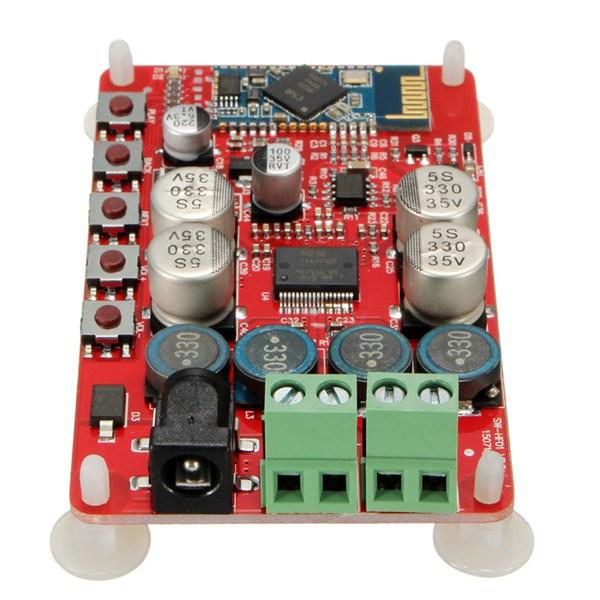
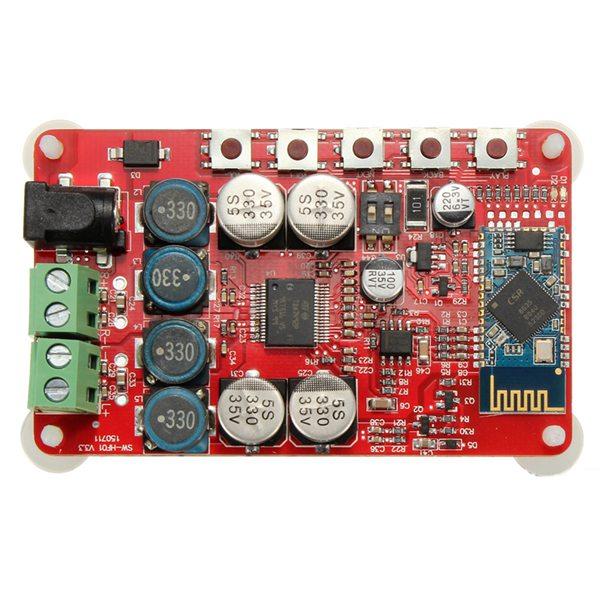
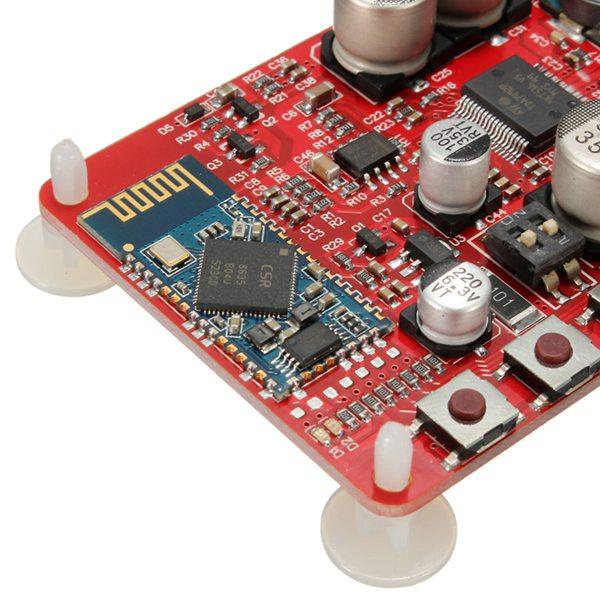
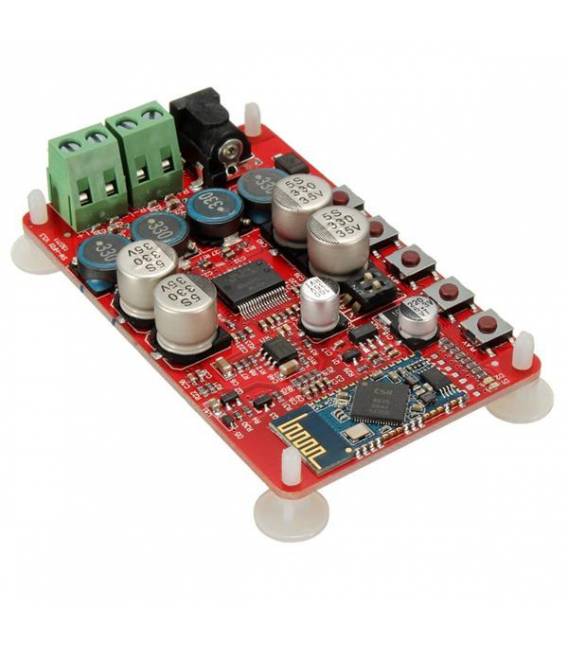
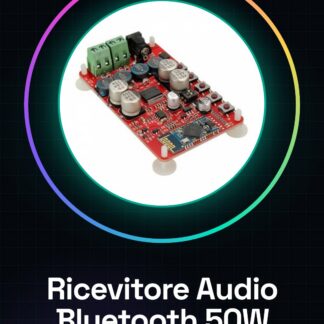
Bluetooth Audio Receiver CSR4.0 TDA7492P Amplifier 50W + 50W Audio Amplification Board
This paragraph automatically enters pairing mode after power-on, the device name displayed in search: SANWU Audio
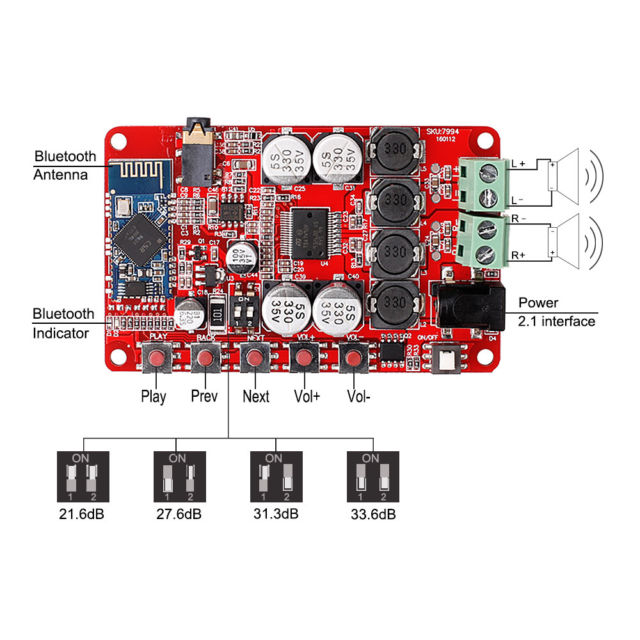
Power Supply: 2.1 DC Interface 8 ~ 25V
Audio Input: stereo input various versions of Bluetooth connectivity, using the CSR8635 Bluetooth chip, Bluetooth V4.0, high software compatibility
Output Impedance: 8 Ohm optimal (speakers of 4, 6, 8, 16 Ohm impedance can be driven)
Output Power: add the output pin pre-5532
DIP switches can be easily adjusted directly after the amplifier gain, better promote the damping of the large horn
Tutorial: How to use Bluetooth Audio Receiver CSR4.0 TDA7492P
This Bluetooth audio receiver is ideal for anyone who wants to transmit music from a mobile device to an external speaker system without necessarily using a cable. It is suitable for both beginners and experts.
What you need
- Arduino Uno or compatible
- PC with Arduino IDE software installed
- 12V power supply
- Connection cables
Steps
- Connect the module power supply to an external 12V power adapter.
- Connect the Bluetooth module to pin 0 and 1 of the Arduino for serial communication.
- Install the necessary libraries in the Arduino IDE software (BluetoothSerial).
- Write a simple sketch that establishes a connection with an audio device via Bluetooth.
- Configure the power supply for the TDA7492P amplifier module.
- Connect the amplifier output cables to the right and left channels of the speakers.
- Test the connection between the audio device and the Bluetooth receiver.
- Check that the audio is playing correctly through the speakers.
Example code
BluetoothSerial bt;

void setup() {
  bt.begin(9600);
}

void loop() {
  if (bt.available()) {
    int volume = bt.read();
    // Regolare il volume dell'amplificatore in base al valore ricevuto
  }
}
Mini project
Create an external audio system for your home or studio by connecting this module to a pair of speakers. Use Arduino to control the volume and other functions.
Common mistakes
- The Bluetooth device is not recognized.
- Insufficient power supply issues.
- Unstable connection between Arduino and the Bluetooth module.
- Speakers not responding correctly to the amplifier.
Recommended accessories
- Variable resistors to adjust the volume
- RCA audio cables for precise connection
- External antenna to improve Bluetooth connection
- Arduino Mega board for more advanced control
Frequently asked questions
How can I configure the amplification?
Check the TDA7492P datasheet for amplification settings.
Which libraries are needed?
BluetoothSerial and others as needed, check the Arduino documentation.
Reviews
There are no reviews yet.