 EN
 IT Italiano
 ES Español
 FR Français
 DE Deutsch
Description
What it is
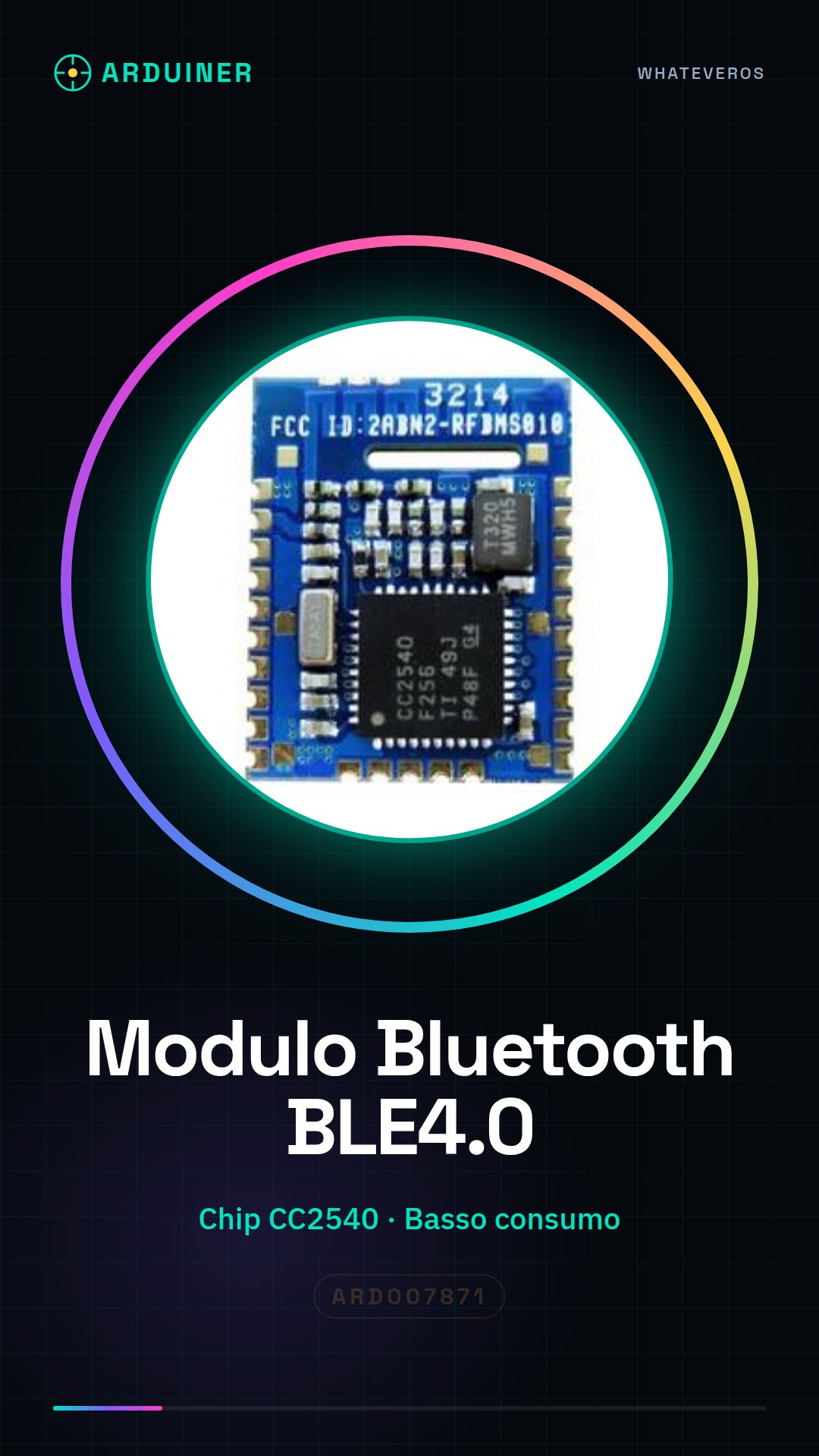
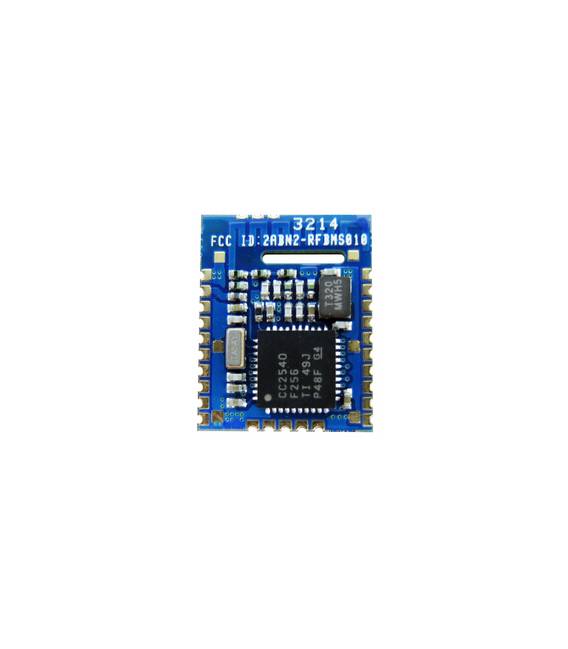
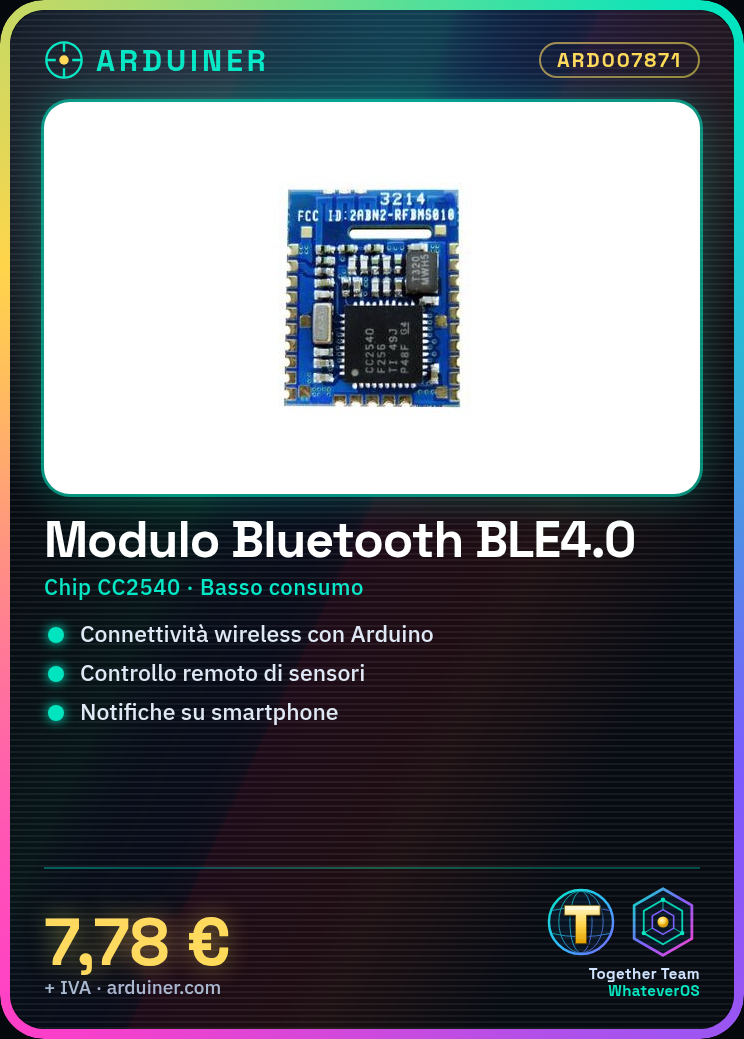
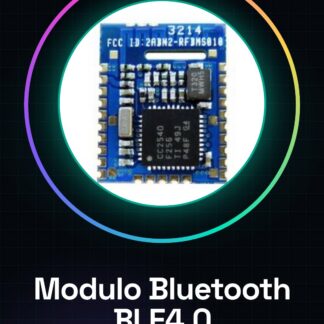
The RF-BM-S01 Bluetooth BLE4.0 module is a wireless communication device designed for compatibility with Arduino and other microcontrollers. This module uses the CC2540 chip, known for its low power consumption performance.
Features
- RF-BM-S01 Bluetooth BLE4.0 Module
- CC2540 Chip
- Low power consumption
What it is for
The module is ideal for remote control projects, sensor monitoring, and mobile application interactions. It can be used to create home alarm systems that send notifications to smartphones when intrusions are detected.
Tutorial: How to use RF-BM-S01 Bluetooth Ble4.0 Module
The RF-BM-S01 Bluetooth BLE4.0 module is a wireless communication device that allows Arduino devices and other microcontrollers to connect to other Bluetooth devices or smartphones to transfer data. This module is ideal for remote control projects, sensor monitoring, and mobile app interactions.
What you need
- Arduino Uno or compatible
- USB A-MicroB cable
- Arduino IDE software installed
Steps
- Connect the RF-BM-S01 module to the Arduino serial interface using GPIO cables.
- Open the Arduino IDE and load a sample sketch to test the Bluetooth connection.
- Verify that the device is detected by the computer or smartphone through the dedicated application.
- Configure the module settings through the software library installed in Arduino IDE.
Example code
// Includi la libreria per il modulo
#include <SoftwareSerial.h>

// Definisci i pin di connessione
#define RX 2
#define TX 3

SoftwareSerial BTserial(RX, TX);

void setup() {
  Serial.begin(9600);
  BTserial.begin(9600);
}

void loop() {
  if (BTserial.available())
    Serial.write(BTserial.read());
  if (Serial.available())
    BTserial.write(Serial.read());
}
Mini project
Create a home alarm system that sends notifications to smartphones when intrusions are detected.
Common mistakes
- Baud rate configuration error.
- Bluetooth connection not established, check GPIO connections.
- Insufficient power supply for the module.
- Missing library required to manage the module in Arduino IDE.
Recommended accessories
- ESP8266 Wi-Fi Module
- Contact and motion sensors
- 3D printer to create a protective container
Frequently asked questions
How can I configure the module’s operating mode?
Check the datasheet or use the provided software library to modify settings.
Does the module support real-time data transmission?
Yes, but check the maximum data transfer speed in the product specifications.
Reviews
There are no reviews yet.