 EN
 IT Italiano
 ES Español
 FR Français
 DE Deutsch
Description
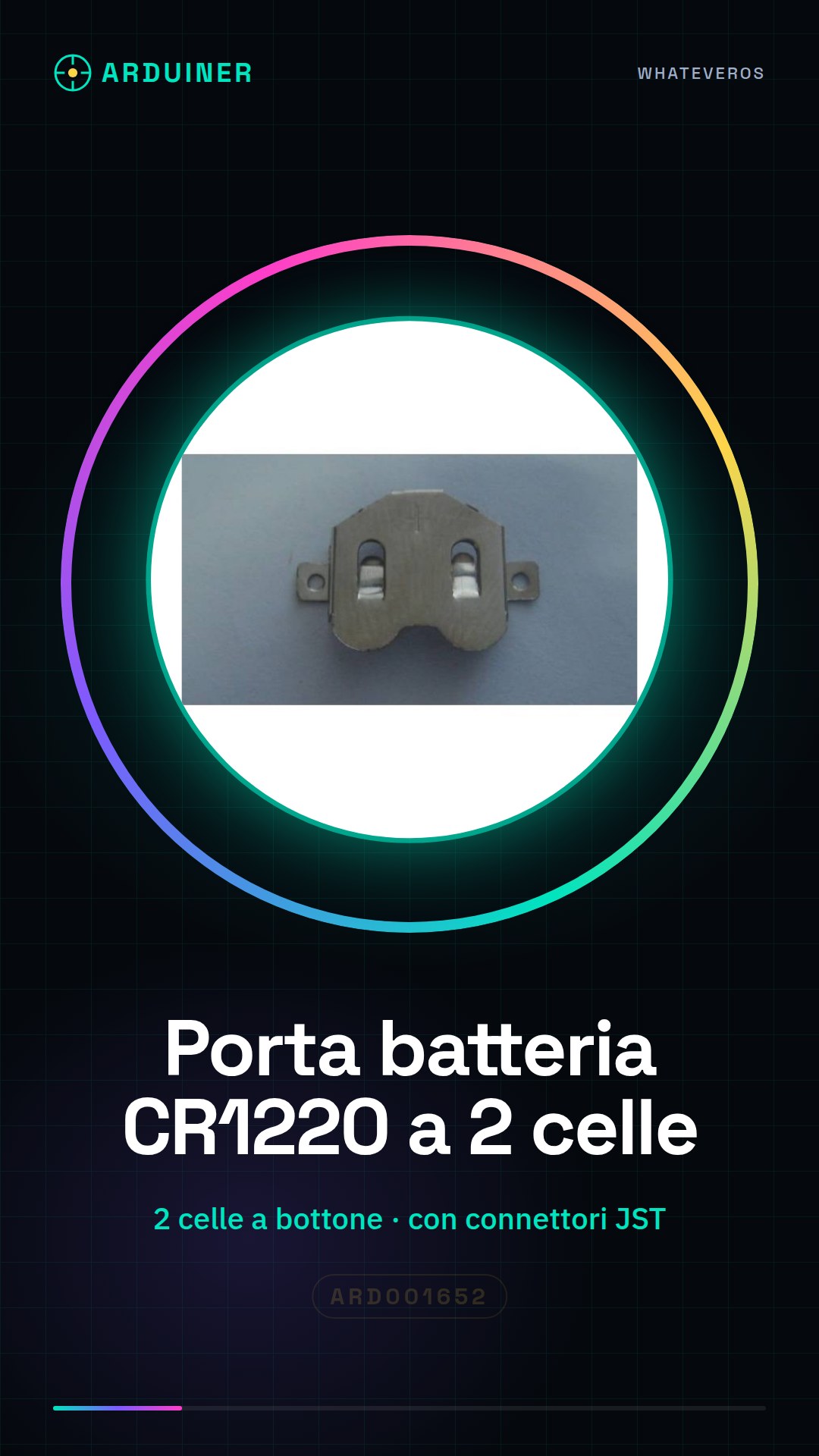
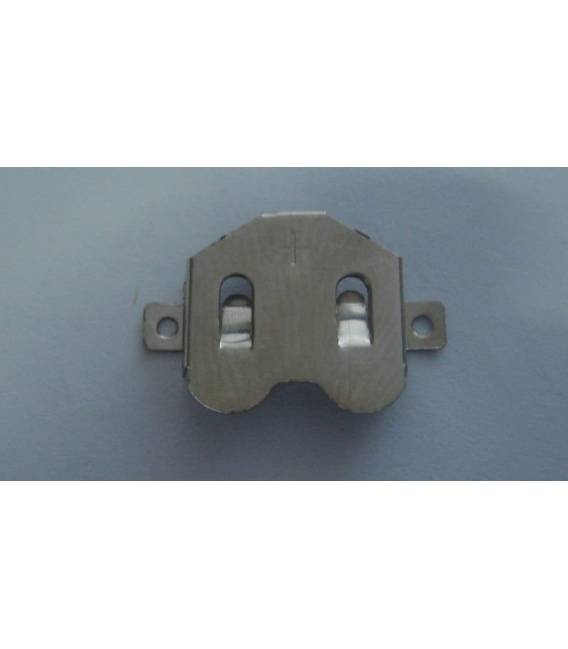
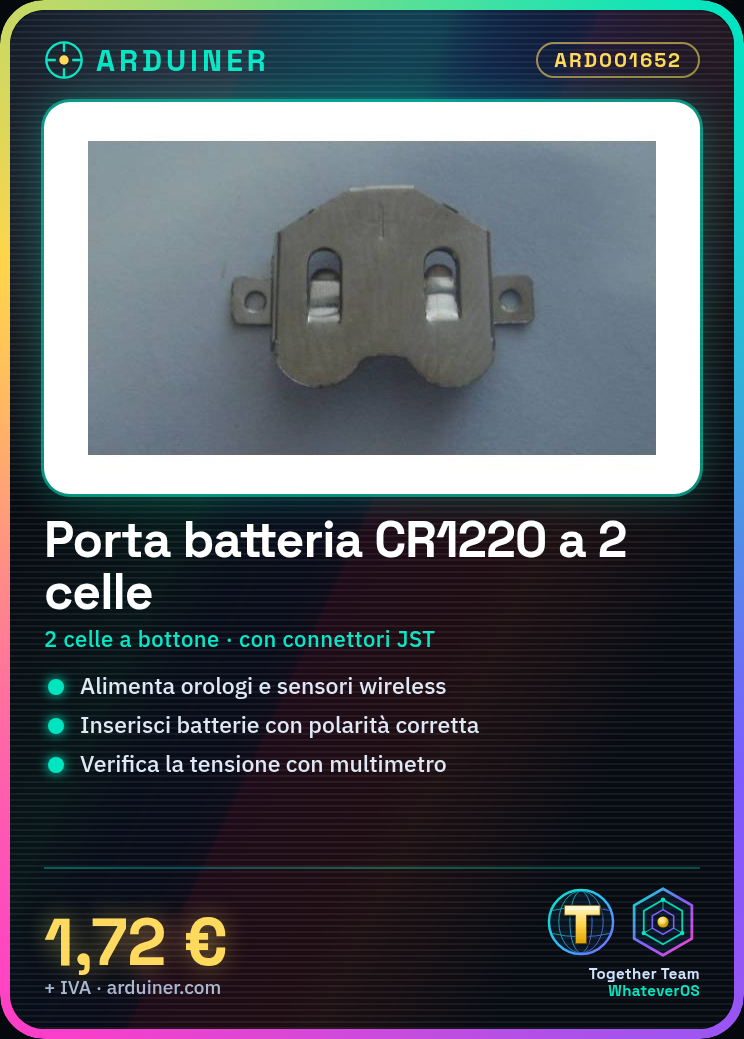
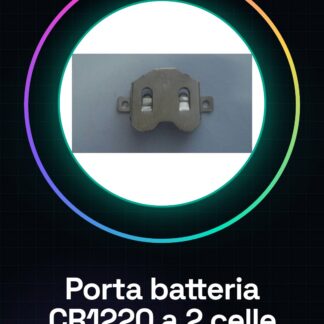
Coin Cell Battery Holder CR1220
We have datasheets available for all components, if not present in the product download sheet, send us a message through the contact us form and we will publish it as soon as possible on our website.
Tutorial: How to use CR1220 2 cell Battery Holder
The CR1220 2 cell battery holder is ideal for powering small electronic devices such as watches, wireless sensors or integrated circuits. This component is particularly useful for makers working on low-power projects.
What you need
- CR1220 2 cell Battery Holder
- CR1220 Batteries
- Arduino (optional)
- JST Connections
Steps
- Insert two CR1220 batteries into the battery holder, ensuring that the polarities are correct.
- Connect the JST connectors of the battery holder to the device to be powered or to a battery protection module (if necessary).
- Check the output voltage using a multimeter to ensure it is within the operational limits of your project.
- If your project includes an Arduino, connect the JST battery port connectors to the VCC and GND pins of the Arduino.
- Monitor the battery life during use to optimize device performance.
Mini project
Create a wireless temperature sensor powered by a CR1220 2-cell battery port. Connect the DHT11 module to a digital pin on the Arduino and use the DHT library to transmit data via radio.
Common mistakes
- Insert batteries with reversed polarity
- Omit checking the output voltage before use
- Do not monitor the battery life during device use
Recommended accessories
- DHT11 module
- 3D print for the project
- RFM69HW module for wireless transmissions
- Digital multimeter
Frequently asked questions
How can I check the output voltage?
Use a multimeter and connect it to the VCC and GND pins of the battery port.
What is the lifespan of the CR1220 batteries?
The duration varies based on usage, check the datasheet for specific information.
Reviews
There are no reviews yet.