 EN
 IT Italiano
 ES Español
 FR Français
 DE Deutsch
Description
What it is
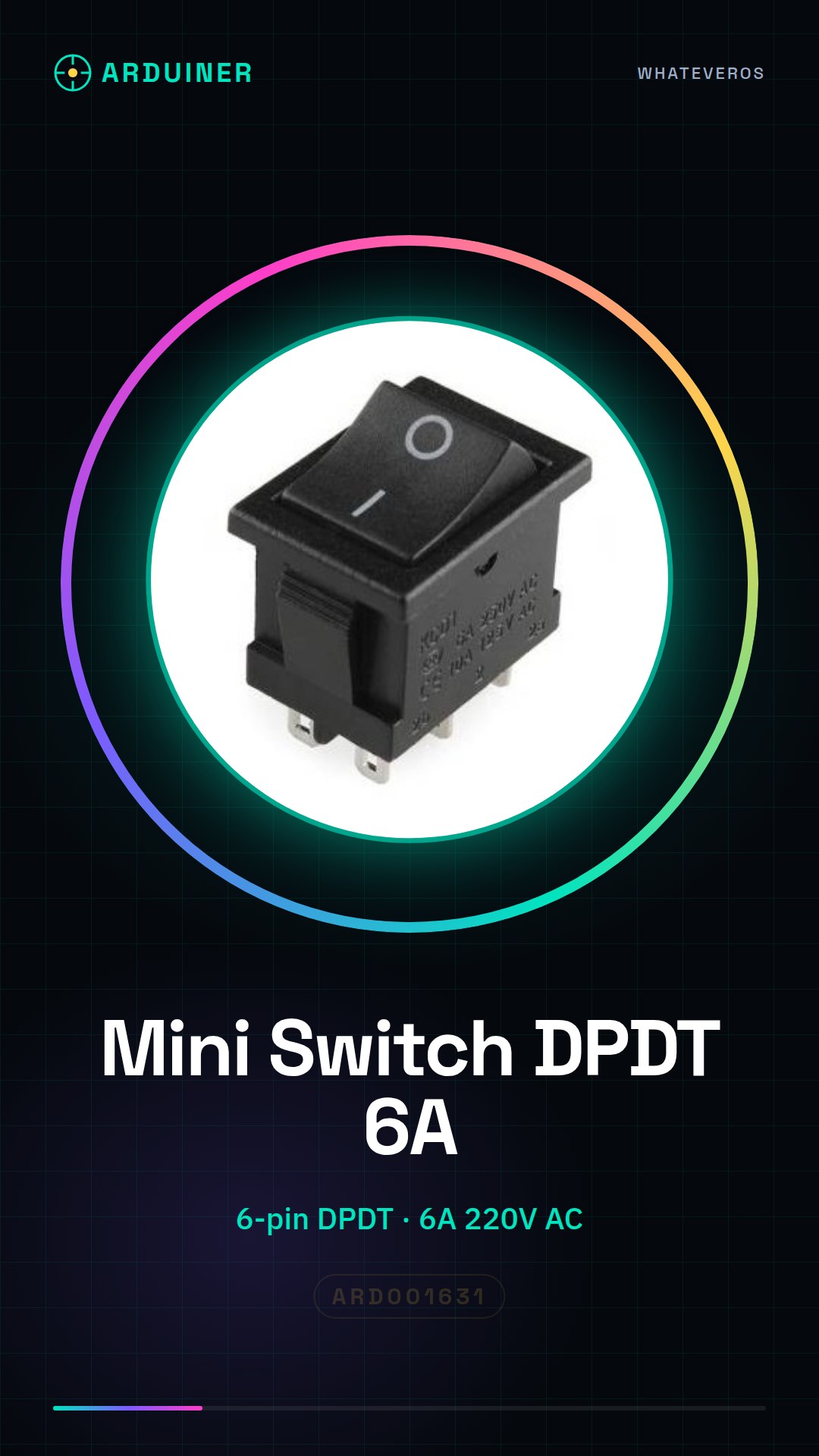
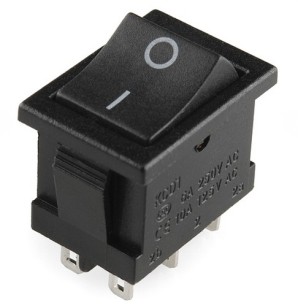
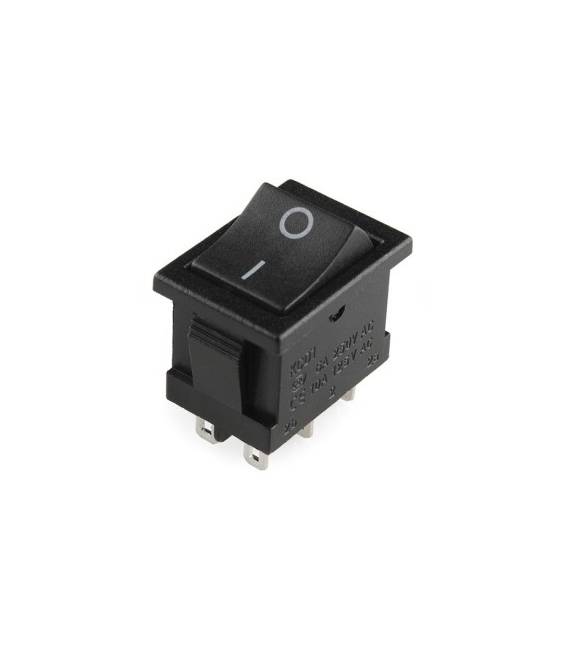
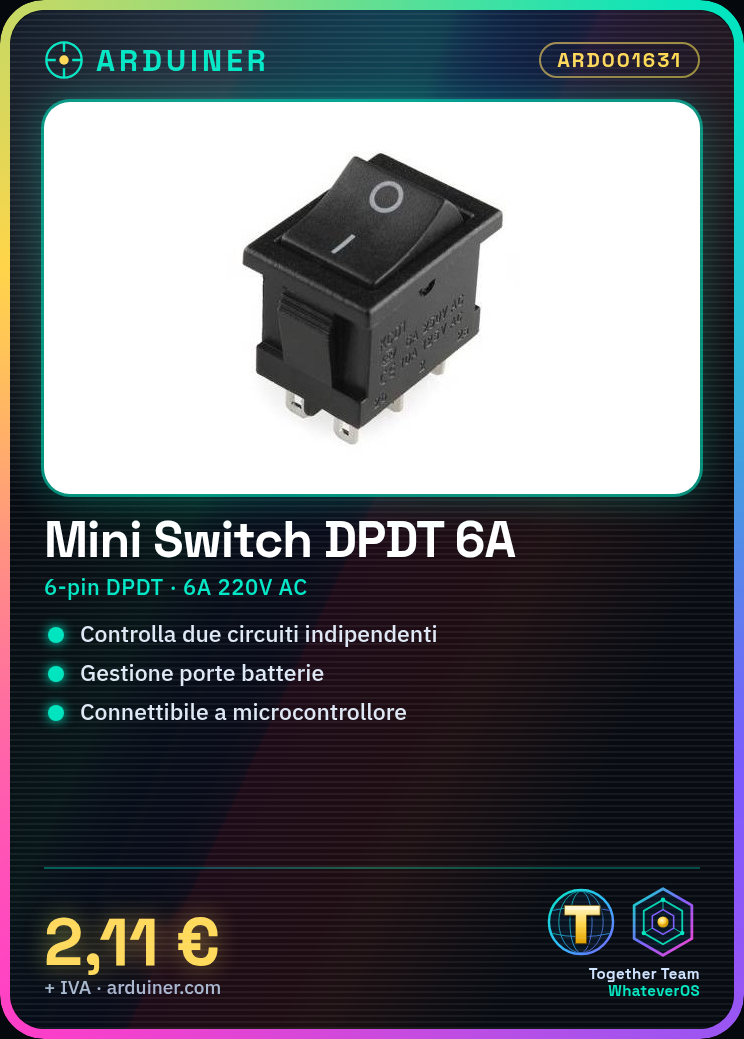
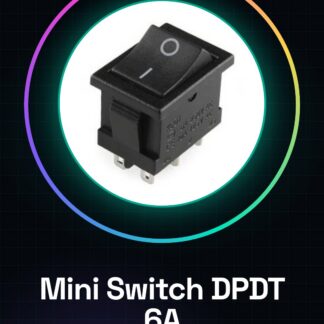
The T85 KCD1-B3 202 AC 6A 220V is a mini panel switch with six pins and DPDT (Double Pole Double Throw) configuration, ideal for electronic projects requiring the management of two independent circuits.
Features
- Type: Mini Panel Switch 6pin
- Configuration: DPDT (Double Pole Double Throw)
- True/False: 0/1
- Maximum Current: 6A
- Operating Voltage: AC 220V
What it is for
This switch is usable in electronic projects to control two independent circuits. It is particularly useful in applications such as powering devices or managing battery doors. You can connect it to an Arduino to automate the control of the switch’s state.
Tutorial: How to use T85 KCD1-B3
The T85 KCD1-B3 is a DPDT panel switch used to control two independent circuits. Useful for projects that require a double position switch.
What you need
- T85 KCD1-B3
- Arduino or microcontroller
- Connection wire
- Resistor (optional)
Steps
- 1. Check that the switch is compatible with the supply voltage (220V AC).
- 2. Prepare the connection wires for the 6 pins of the switch.
- 3. Connect the wires to the respective pins of the switch: 1-2, 3-4, 5-6.
- 4. Connect the microcontroller to a pin of the switch (e.g., pin 3).
- 5. Write the code to control the state of the switch.
- 6. Test the switch to ensure it works correctly.
- 7. Install the switch in a panel.
- 8. Verify the stability of the contact.
Example code
```
int switchPin = 3;
void setup() {
  pinMode(switchPin, INPUT);
}
void loop() {
  if (digitalRead(switchPin) == HIGH) {
    Serial.println("Switch ON");
  } else {
    Serial.println("Switch OFF");
  }
}
```
Mini project
Create a simple lighting circuit with two lights controlled by the T85 KCD1-B3. Connect two LEDs to the outputs of the switch and check the state with an Arduino.
Common mistakes
- Do not verify voltage compatibility before installation.
- Incorrectly connect the wires to the pins of the switch.
- Omit the verification of the switch contact.
- Do not use a resistor as pull-up or pull-down.
Recommended accessories
- Arduino UNO
- LED
- 1kΩ Resistor
- Mounting Board
Frequently asked questions
Does the switch work with voltages different from 220V AC?
Check the datasheet for supported supply voltages.
Is it necessary to connect a resistor?
No, but it can be useful as a pull-up or pull-down.
Can I use this switch with a 3.3V microcontroller?
Check the datasheet for voltage compatibility.
Does the switch work with currents higher than 6A?
Check the datasheet for maximum current.
Reviews
There are no reviews yet.