 EN
 IT Italiano
 ES Español
 FR Français
 DE Deutsch
Description
What it is
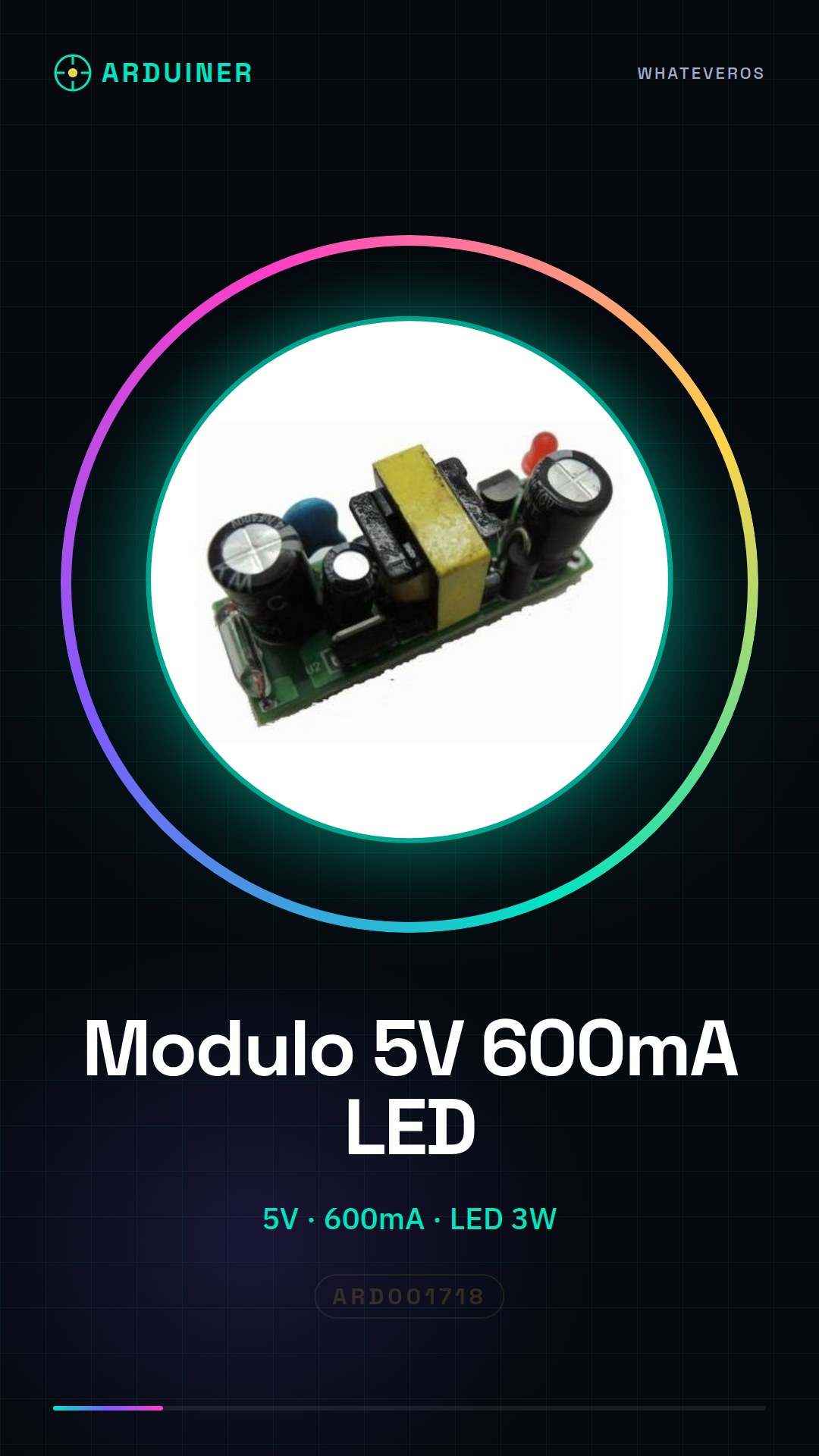
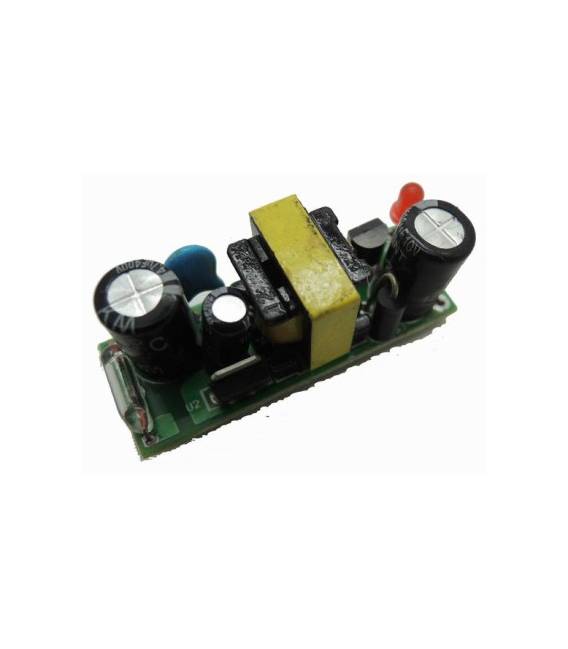
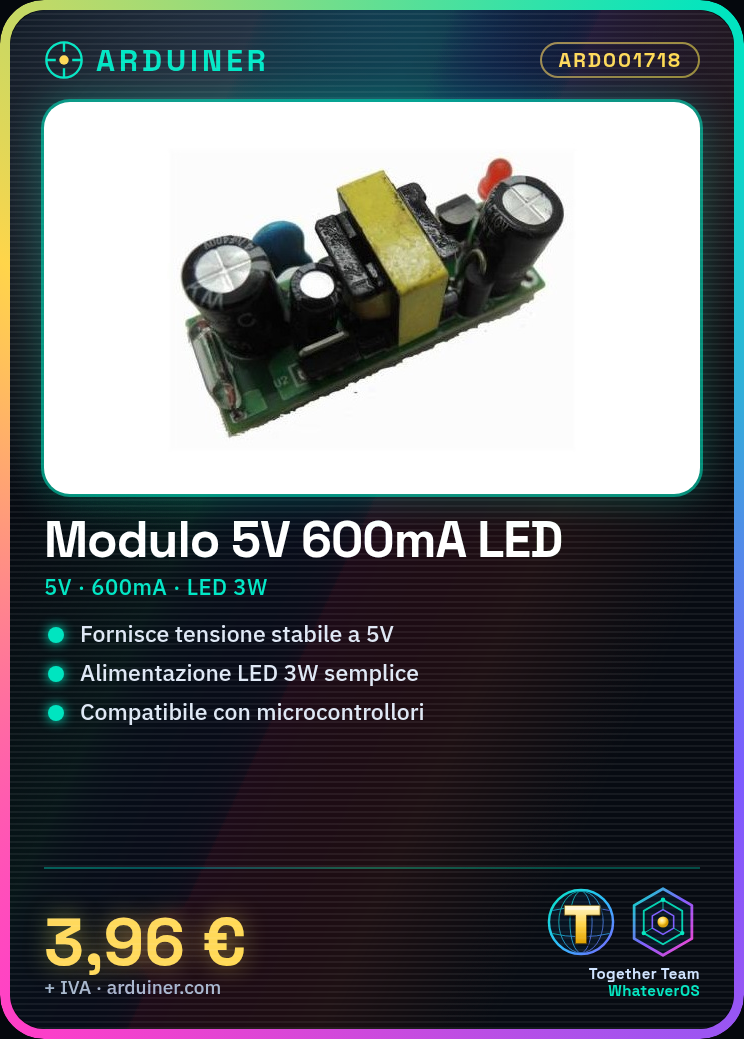
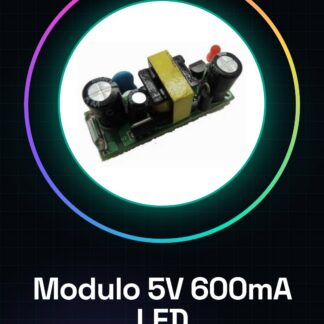
The 5V 600mA power supply module is an essential component for electronic projects requiring a stable voltage. Ideal for powering LEDs, Arduino microcontrollers, or other electronic components.
Features
- Output voltage: 5V
- Maximum current: 600mA
- Ideally designed to power 3W LEDs and other electronic components.
What it is for
Mainly serves to provide a constant 5V voltage with a maximum output current of 600mA. It is particularly useful in Arduino or other microcontroller projects where it is necessary to power devices such as 3W LEDs. It can be used to create controllable LED lamps through Arduino, by connecting the module to the circuit power supply and using a button to turn the light on and off.
Tutorial: How to use 5V 600mA Power Supply Module
The 5V 600mA power supply module is ideal for powering electronic projects that require a constant voltage. It is particularly useful for beginners who are starting to work with Arduino or other microcontrollers.
What you need
- Arduino Uno
- 3W LED
- USB A-microB cable
- Power connector
Steps
- Check the compatibility of the power supply module with your electronic project.
- Connect the power adapter to the USB cable using an appropriate power connector.
- Connect the power supply module to the Arduino using a microUSB plug or the VCC/GND pins.
- Verify the correct installation of the module by connecting it to a 3W LED to test the power supply.
- If necessary, add resistors between the power supply and the circuit to protect sensitive components.
- Try to upload a simple sketch to Arduino that turns the LED connected to the power supply on and off.
- Check the output current of the power supply module with a digital multimeter.
- Repeat the tests with other electronic devices to ensure the stability of the power supply.
Mini project
Design a 3W LED lamp controllable via Arduino. Connect the power supply module to the circuit, use a button to turn the light on and off.
Common mistakes
- Do not check the compatibility of the module with your devices first.
- Connect the module directly without additional protections.
- Ignore the verification of the output current.
- Use a 3W LED without the appropriate resistance.
Recommended accessories
- Variable resistors
- USB A-microB cable
- Digital multimeter
- 3W LED
Frequently asked questions
Can this power supply be used with other microcontrollers besides Arduino?
Yes, but check the voltage and current requirements of your device.
How can I protect my circuit from current surges?
Add resistors between the power supply and sensitive components to limit the current in case of overload.
Reviews
There are no reviews yet.