 EN
 IT Italiano
 ES Español
 FR Français
 DE Deutsch
Description
What it is
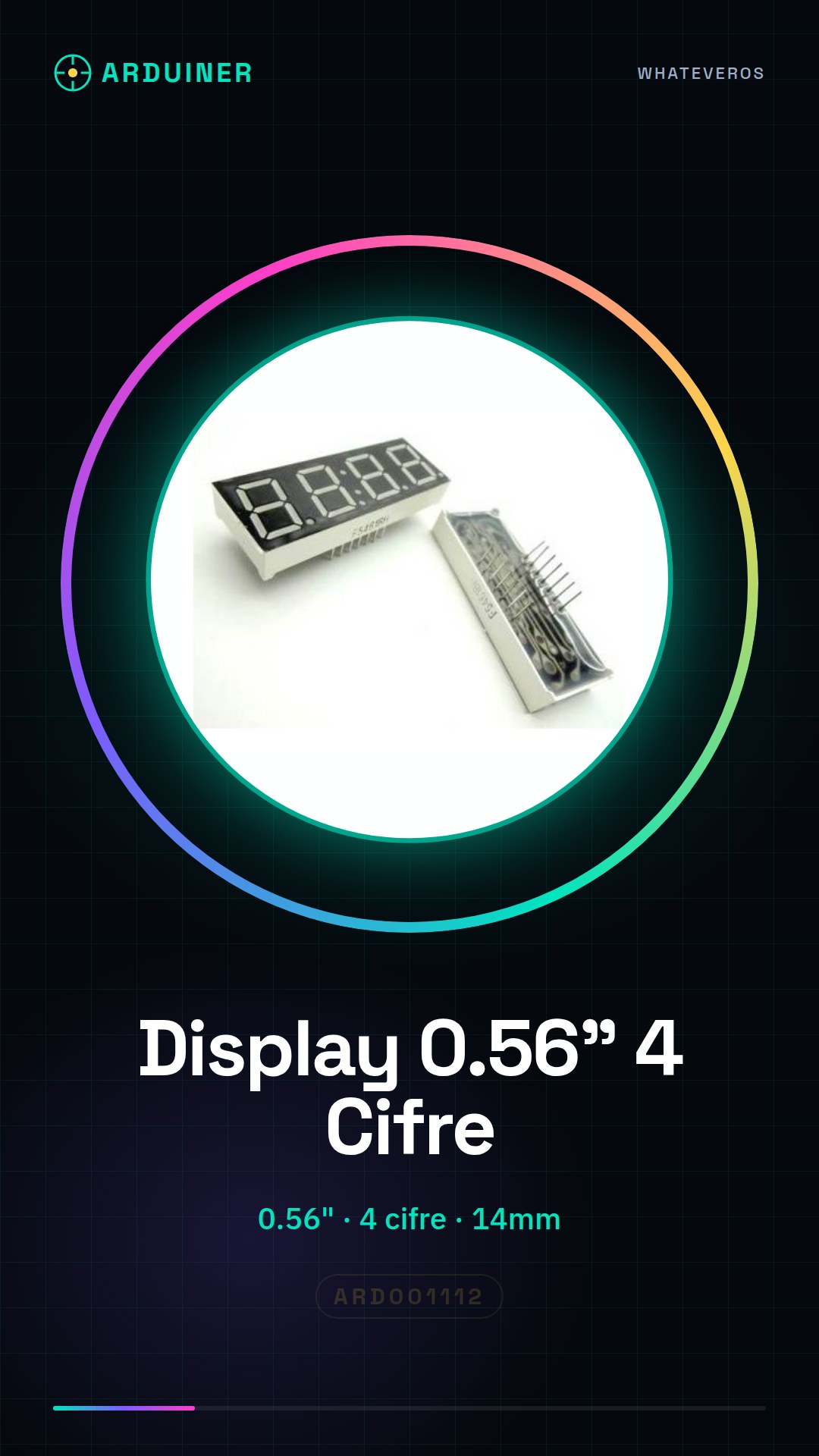
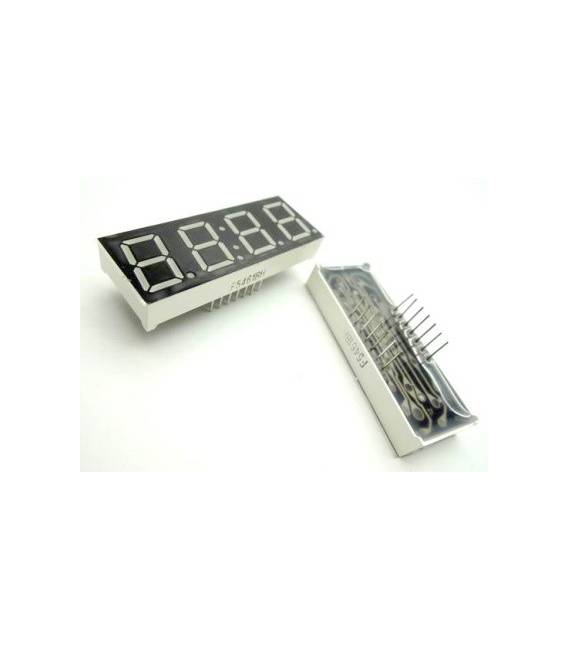
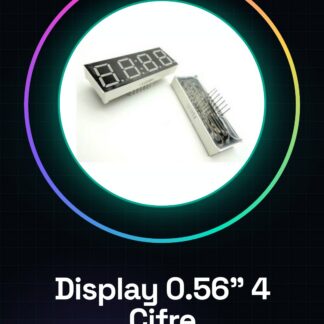
The Common Anode 0.56″ 4-Digit Display is an LED matrix component designed for use in various types of counters and timers, especially in Arduino projects.
Features
- Type: Common Anode 4-Digit Display
- Size: 0.56″ (14mm)
- Digits: 4
- Total Height: 50 mm
- Total Width: 19 mm
- Total Depth: 7.8 mm
What it is for
This display is ideally used to create time counters, timers, and to display numerical data in Arduino or ESP projects. It is perfect for both beginners and experienced makers.
Tutorial: How to Use Common Anode 0.56″ 4-Digit Display
This 7-segment digital display is perfect for creating counters or displaying numerical data in Arduino projects. Ideal for beginners and makers who want to add a visual element to their devices.
What you need
- Arduino Uno
- USB Type B Cable
- Test Connection (jumpers)
- Battery or External Power
Steps
- Connect the display to the Arduino microcontroller following the pinout table in the datasheet. Check the specifications in the datasheet.
- Install the LiquidCrystal library in Arduino IDE.
- Write a simple sketch to test the installation: example code available in the ‘Code’ section.
- Program the display to show numbers and characters. Use functions like print() and write(). Check the datasheet for segment combinations.
- Customize the sketch to fit your specific project.
Example code
/*
#include <LiquidCrystal.h>

LiquidCrystal lcd(12, 11, 5, 4, 3, 2);

void setup() {
  lcd.begin(16, 2);
  lcd.print("Benvenuto!");
}

void loop() {}
*/
Mini project
Create a timer that shows seconds and minutes. Connect the display to an Arduino timer to display the time progression.
Common mistakes
- Connect the pins incorrectly, always check the datasheet for correct connections.
- Do not load the necessary LiquidCrystal library.
- Use characters not supported by the display.
- Ignore the display’s polarity.
Recommended accessories
- Arduino Uno
- Test connection (jumpers)
- Batter or external power supply
- LiquidCrystal library
Frequently asked questions
How can I change the display brightness?
Check the datasheet to see if the display has a dedicated pin to adjust the brightness.
The display does not turn on, what should I do?
Check all connections and verify that the power supply is correct.
Reviews
There are no reviews yet.