 EN
 IT Italiano
 ES Español
 FR Français
 DE Deutsch
Description
What it is
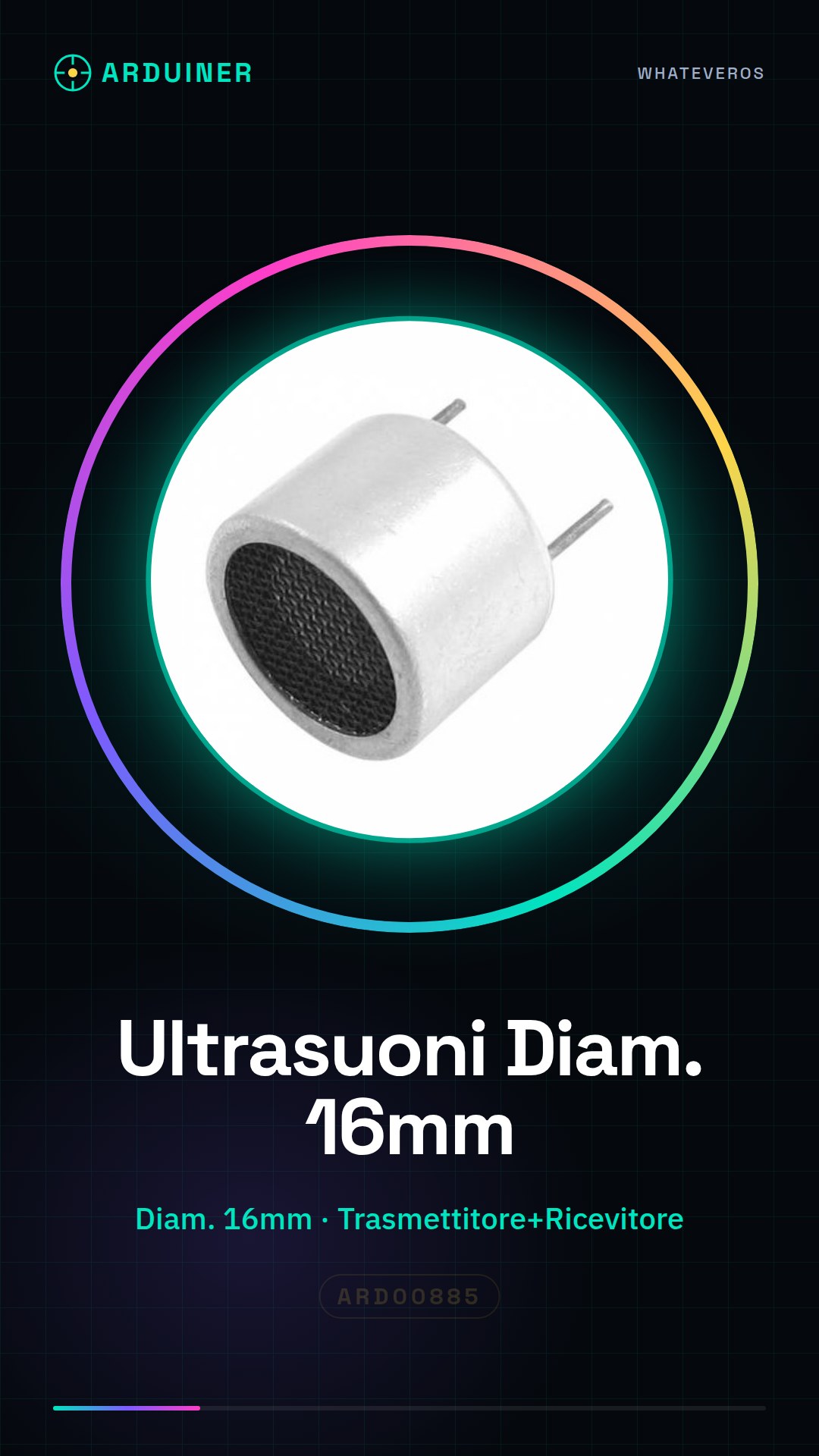
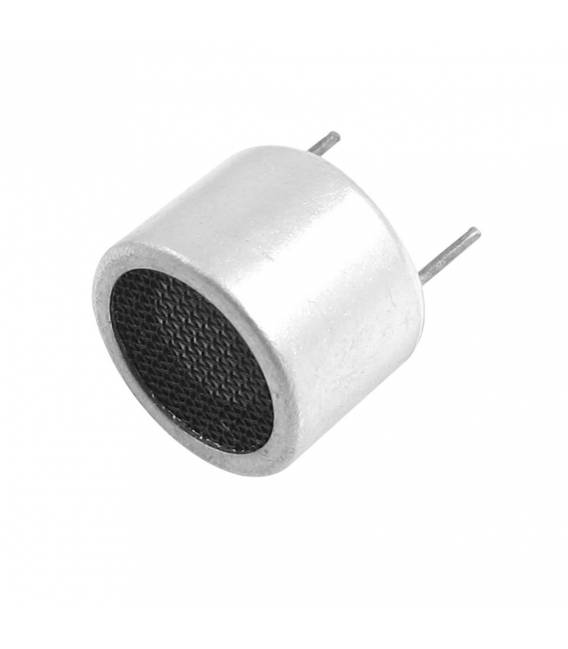
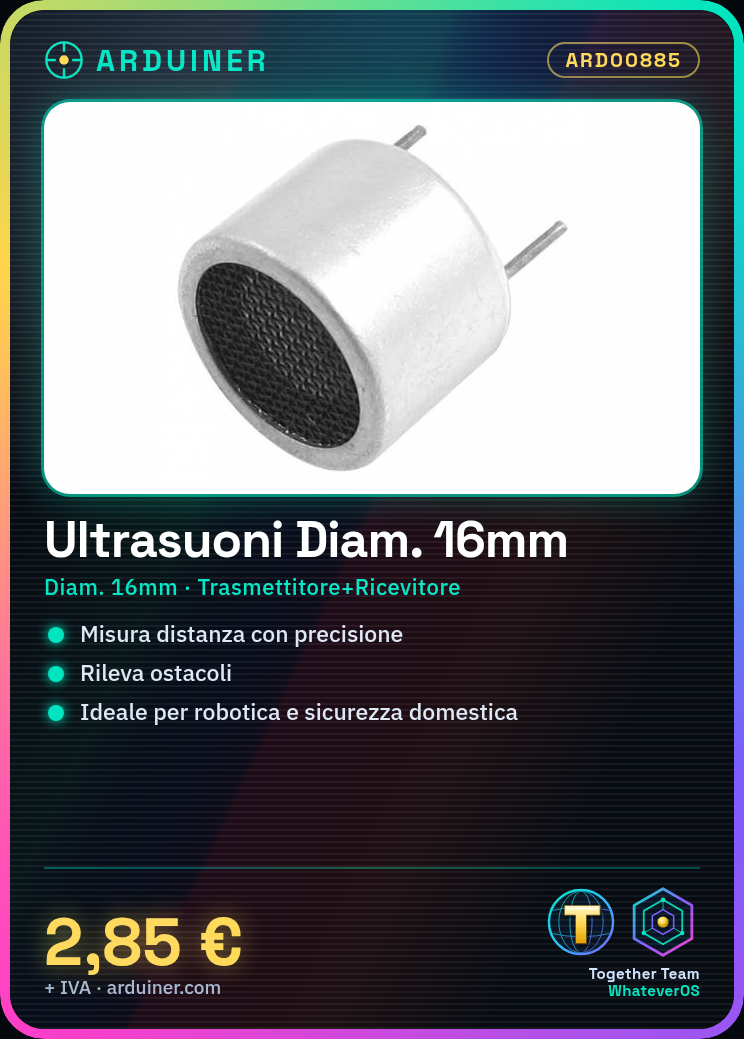
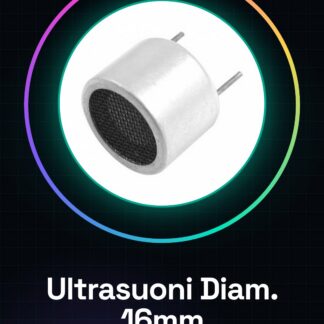
The Ultrasonic Transceiver Diameter 16mm is a multifunction sensor for Arduino that combines the functions of transmitter and receiver in a single unit. This device allows for precise distance measurement and obstacle detection.
Features
- Diameter: 16mm
- Function: Transmitter + Receiver
- Sensor for distance measurement and obstacle detection
What it is for
This sensor is ideal for robotics projects, home security systems, or autonomous robots. It can be used to create an alarm system that sends a notification when movement or an obstacle is detected.
Tutorial: How to use Ultrasonic Transceiver Diameter 16MM
This ultrasonic transceiver sensor is perfect for distance detection and obstacle detection projects. Ideal for beginner makers who want to create security systems or autonomous robots.
What you need
- Arduino Uno
- USB connection between Arduino and computer
- Arduino IDE software installed
Steps
- Connect the VCC, GND pins of the sensor to the Arduino power pins
- Connect the Trigger pin to a digital pin on the Arduino
- Connect the Echo pin to a digital pin on the Arduino
- Open Arduino IDE and create a new sketch
- Include the NewPing library (check the datasheet for connection details)
- Write the sketch following the instructions in the NewPing library
- Upload the code to the Arduino
- Check that the sensor is sending correct data
Example code
// Includi la libreria
#include <NewPing.h>
// Definisci i pin del sensore
const int trigPin = 9;
const int echoPin = 10;
const byte maxPings = 20;
// Crea un'istanza della libreria NewPing
NewPing sonar(trigPin, echoPin, maxPings);
void setup() {
  Serial.begin(9600);
}
void loop() {
  int distance = sonar.ping_cm();
  Serial.print("Distanza: ");
  Serial.println(distance);
}
Mini project
Create a home security system that sends a notification when motion or an obstacle is detected
Common mistakes
- Connect the sensor to the wrong pin on the Arduino
- Do not include the NewPing library
- Set a measurement interval that is too short
- Use a voltage that does not conform to the sensor specifications
Recommended accessories
- Arduino Uno R3
- NewPing Library for Arduino
- Male/Female Jumper Connections
- External power supply batteries for Arduino
Frequently asked questions
How can I increase the detection accuracy?
Add a moving average filter to your code
The sensor is not working, what should I do?
Check all connections and correct power supply
Reviews
There are no reviews yet.