 EN
 IT Italiano
 ES Español
 FR Français
 DE Deutsch
Description
What it is
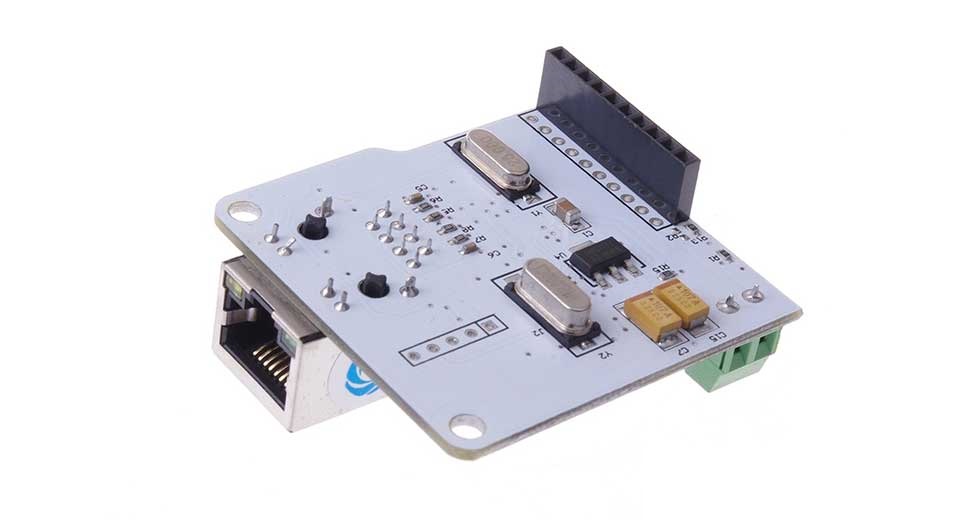
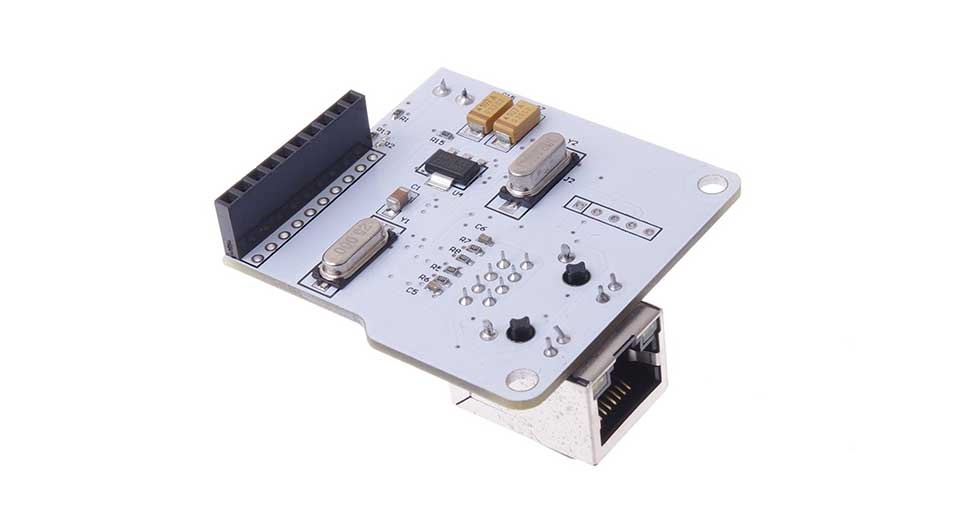
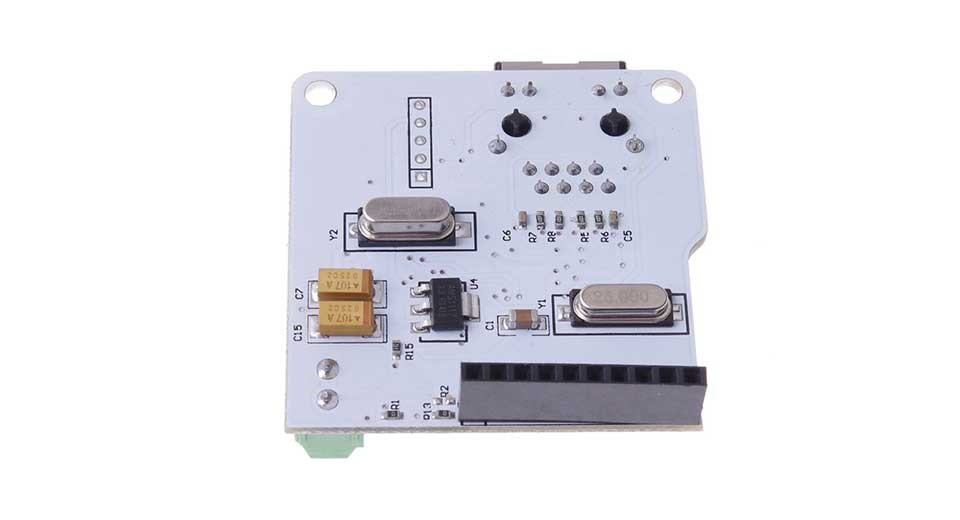
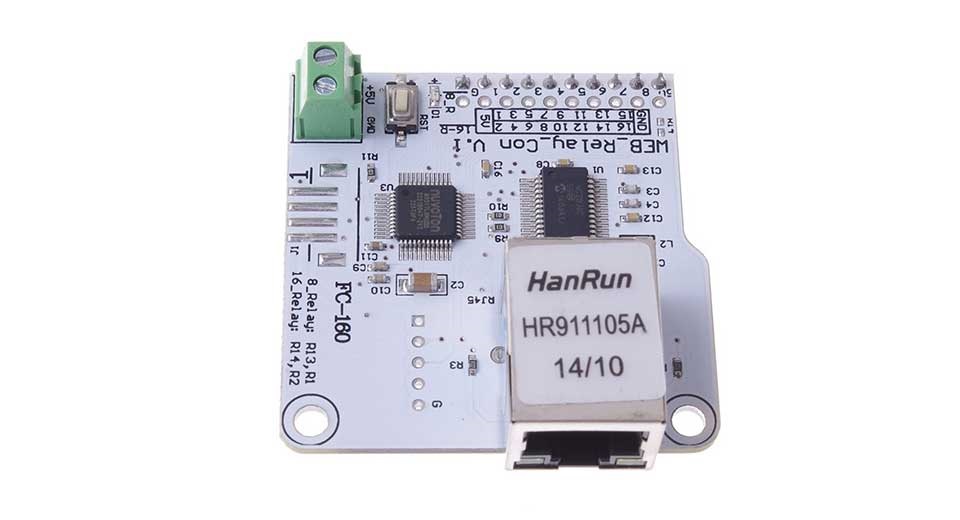
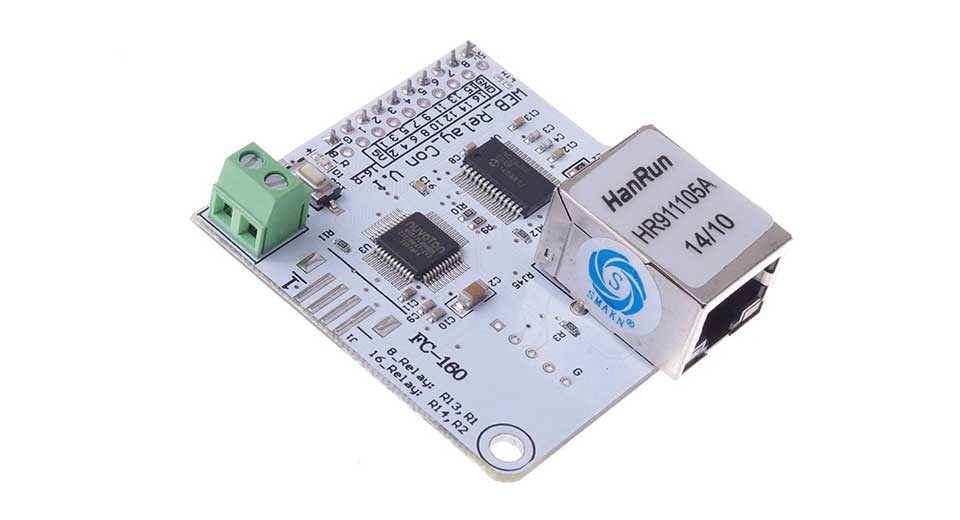
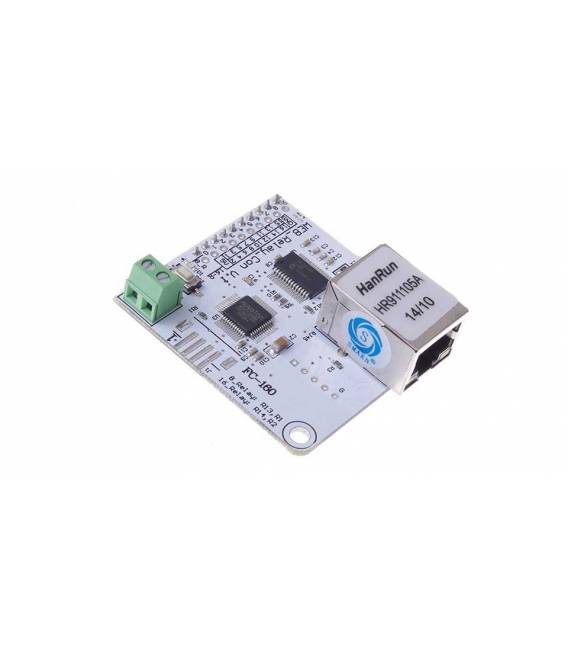
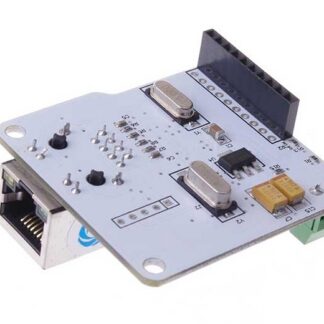
The ENC28J60 network controller module for the Smart Home Board is a component that allows remote management of relays through an Ethernet connection. This module enables the board to connect to local networks, making remote automation and control of smart home functions possible.
Features
- Enables remote management of relays through Ethernet connection
- Compatible with the Smart Home Board 8/16 bit
What it is for
Ideal for those who want to integrate remote control and automation features into smart home projects. It allows configuring a web server on Arduino for remote control of relays.
Tutorial: How to use the ENC28J60 Module
The ENC28J60 module allows you to connect your Smart Home Board 8/16 bit to Ethernet networks. Ideal for adding connectivity features to smart home projects.
What you need
- Smart Home Board 8/16 bit
- ENC28J60 Module
- RJ45 cable
- Arduino IDE
Steps
- 1. Download and install the Arduino IDE.
- 2. Connect the ENC28J60 module to the Smart Home Board.
- 3. Connect the module to a USB port.
- 4. Check the datasheet for the specifications of the RJ45 cable.
- 5. Connect the RJ45 cable to the ENC28J60 module.
- 6. Create a new sketch in Arduino IDE.
- 7. Write the minimum code to initialize the module (check the datasheet for the pins).
- 8. Upload the sketch to the module.
Example code
```cpp
#include <SPI.h>
#include <Ethernet.h>

byte mac[] = { 0xDE, 0xAD, 0xBE, 0xEF, 0xFE, 0xED };
Ethernet.begin(mac);
```
Mini project
Configure a simple web server on Arduino with the ENC28J60 module to control a remote relay.
Common mistakes
- Always check the RJ45 cable before connecting it.
- Ensure the module is properly initialized before uploading the sketch.
- Check the connection pins specified in the datasheet.
- Verify the correct configuration of the MAC address.
Recommended accessories
- Smart Home Board 8/16 bit
- RJ45 cable
- Arduino IDE
- PC or laptop for development
Frequently asked questions
How can I verify the correct initialization of the Module?
Check the Arduino console for any errors during connection.
Which pins of the ENC28J60 Module should I connect to the Smart Home Board?
Check the datasheet for specific connection pins.
Is the RJ45 cable necessary to function?
No, the cable is only necessary for Ethernet network connection.
Reviews
There are no reviews yet.