 EN
 IT Italiano
 ES Español
 FR Français
 DE Deutsch
Description
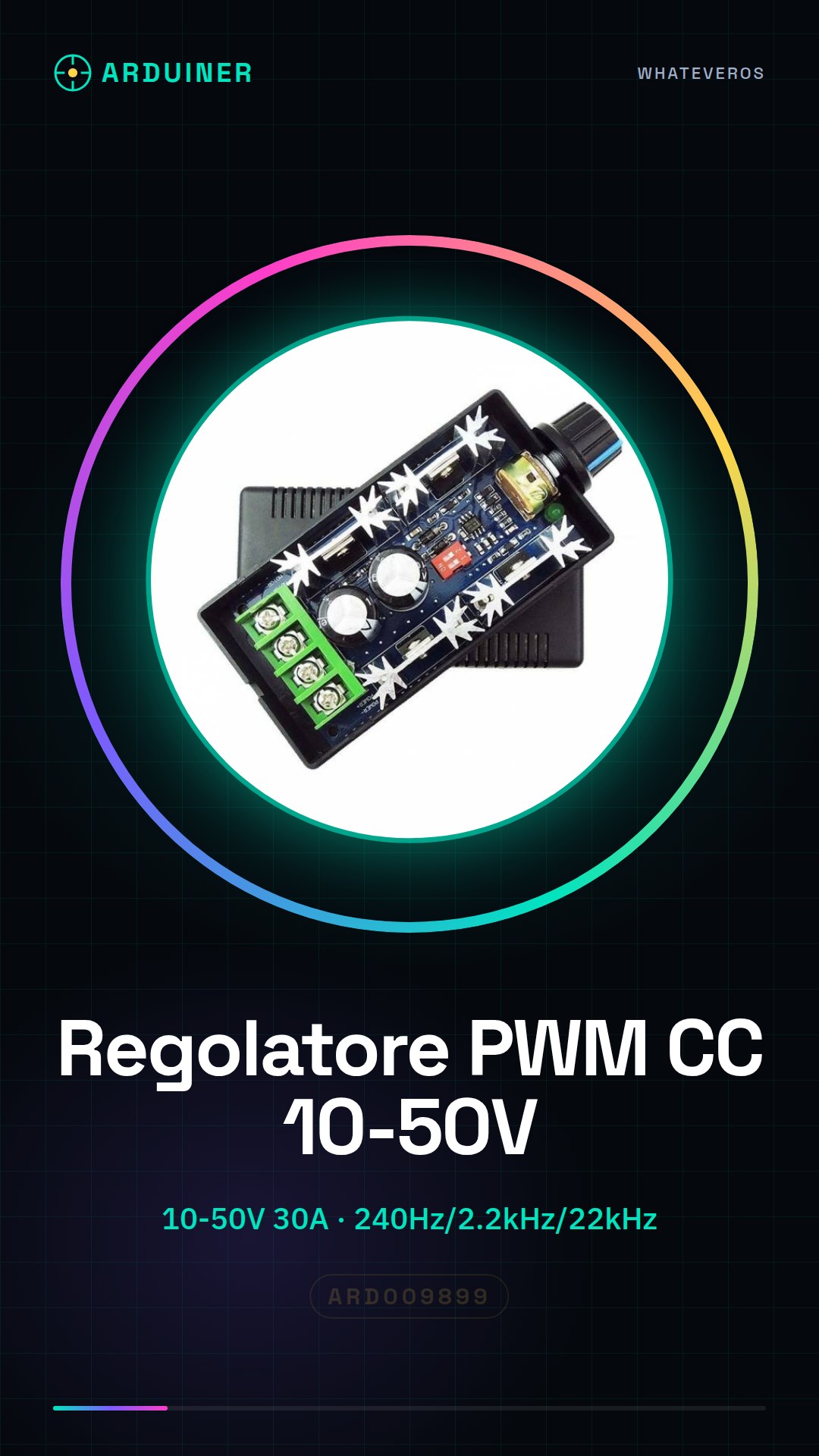
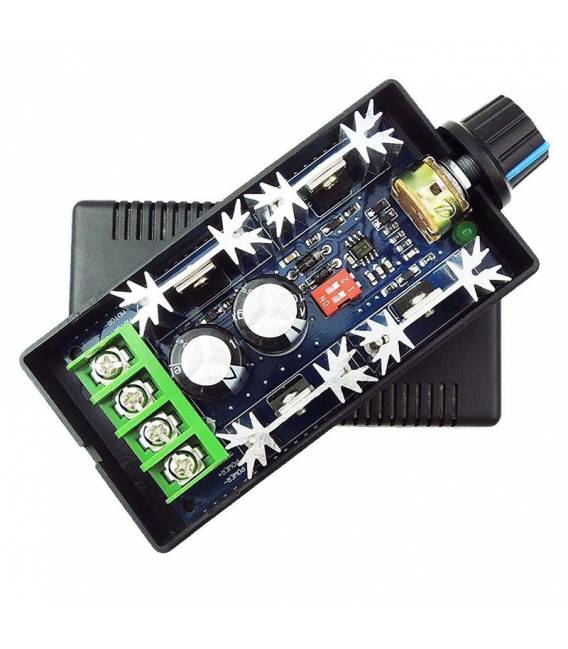
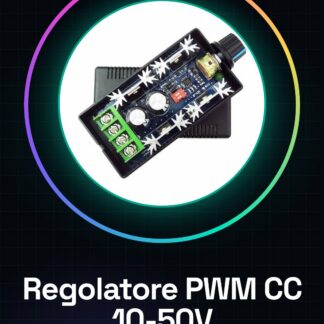
Controller CCM9N PWM DC 10V-50V 30A PWM DC Controller
Product Description
Features:
The CCM9N DC motor speed controller offers variable speed control for DC motors.
The adjustable speed range is 5% – 100%.
Three PWM frequencies can be selected: 240Hz, 2.2kHz, 22kHz;
Suitable for DC motor (or DC load) up to 30A, peak current 40A (max).
Operating temperature range is from -20 (-4) to 40 (104)
Potentiometer with switching function.
Instructions for use:
Before attempting to connect the controller, ensure that the power is off.
WARNING: DO NOT REVERSE POSITIVE AND NEGATIVE POWER SUPPLY. THIS WILL DAMAGE THE CONTROLLER.
TO CHANGE THE MOTOR DIRECTION, SWAP THE POSITIVE AND NEGATIVE WIRES OF THE MOTOR.
1. Connection wires refer to (photo NO.7).
(It is recommended to add an appropriately rated fuse in line with the positive power supply.)
2. Select the appropriate frequency
Tutorial: How to use CCM9N PWM DC Speed Controller
The CCM9N is a DC motor speed controller that allows controlling the electrical power supplied to motors ranging from 10V to 50V, with a maximum current of 30A. Ideal for projects requiring precise motor speed control such as robotics or home industrial systems.
What you need
- CCM9N PWM DC Speed Controller
- Arduino Uno/Nano
- Compatible DC Motors
- Connection Cable
Steps
- Connect the CCM9N to the DC motor following the product documentation.
- Connect the Arduino to the serial port to send PWM commands.
- Program the Arduino sketch that sends PWM values to the controller.
- Test the minimum and maximum motor speed with the CCM9N.
- Adjust any operational parameters such as response time or overcurrent protection.
Example code
void setup() {
  Serial.begin(9600);
}

void loop() {
  int speed = map(analogRead(A0), 0, 1023, 0, 255); // Regola la velocità del motore basata su un sensore di input analogico.
  Serial.write(speed);
}
Mini project
Build a robot model with motorized wheels controlled by this regulator. Use sensors for movement and speed control.
Common mistakes
- Do not check the motor voltage before installation.
- Ignore the current limits instructions on the datasheet.
- Use inadequate connectors that may cause short circuits.
- Omit the test of the motor’s minimum and maximum speed.
Recommended accessories
- Arduino Uno
- DC Motor 24V-50V
- Motion sensors
- Serial cables
Frequently asked questions
What is the operating voltage?
Check the product datasheet.
How much current can it handle?
Maximum 30A, check the datasheet for additional details.
Reviews
There are no reviews yet.