 EN
 IT Italiano
 ES Español
 FR Français
 DE Deutsch
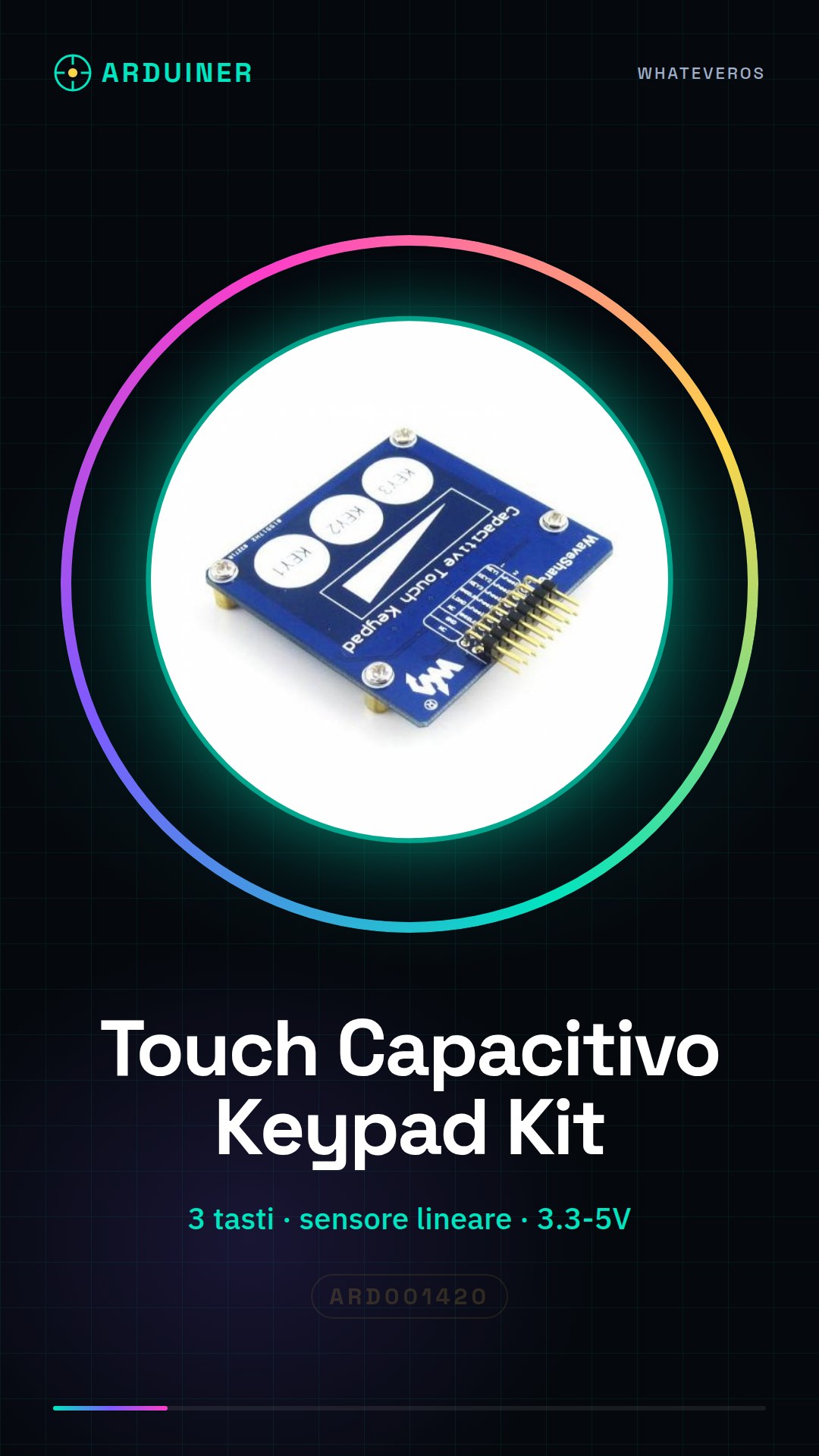
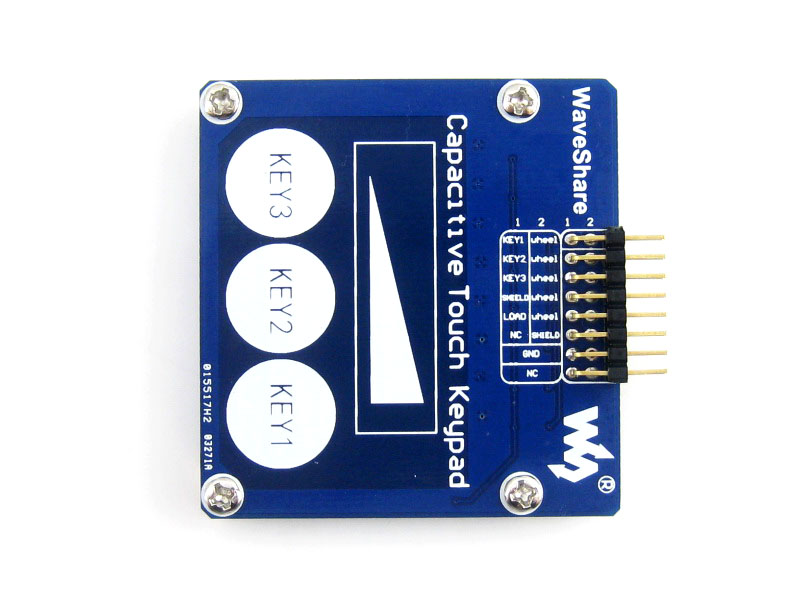
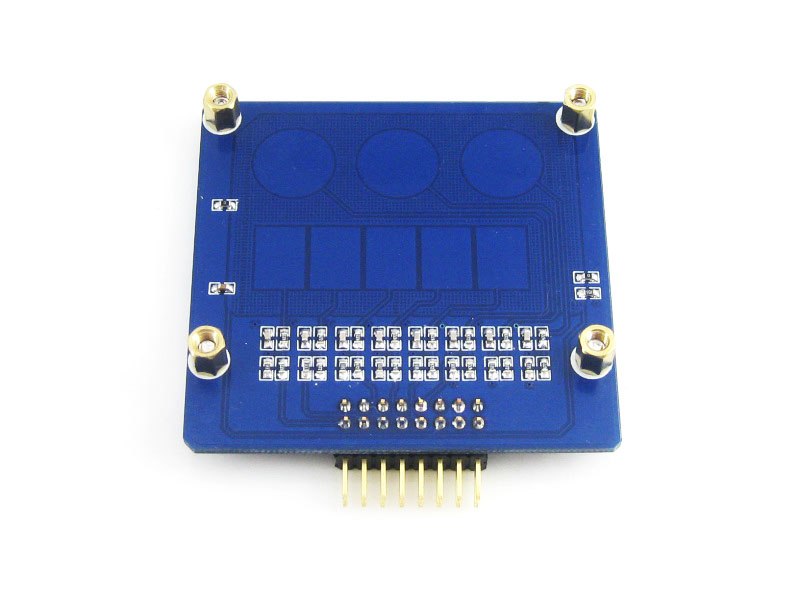
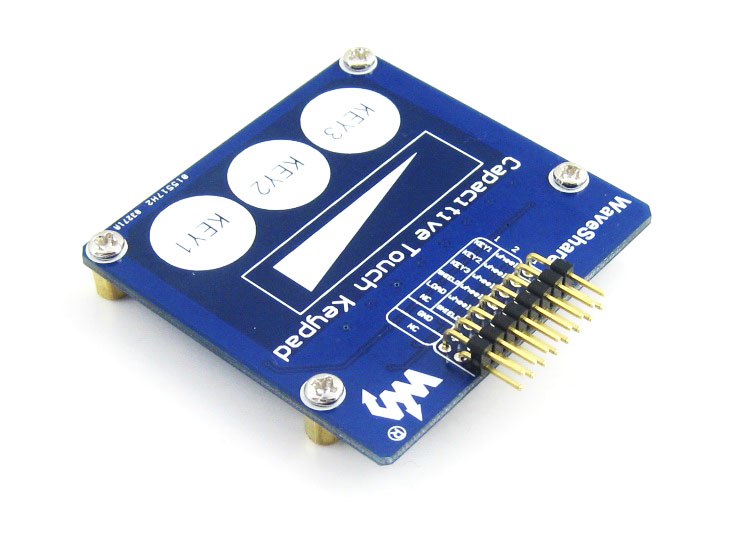
Description
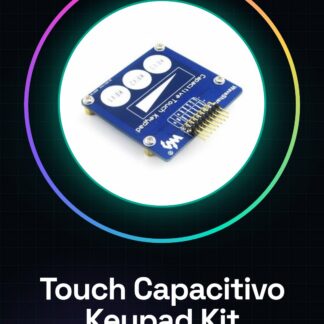
Tutorial: How to Use the Touch Capacitive Keypad Module Kit
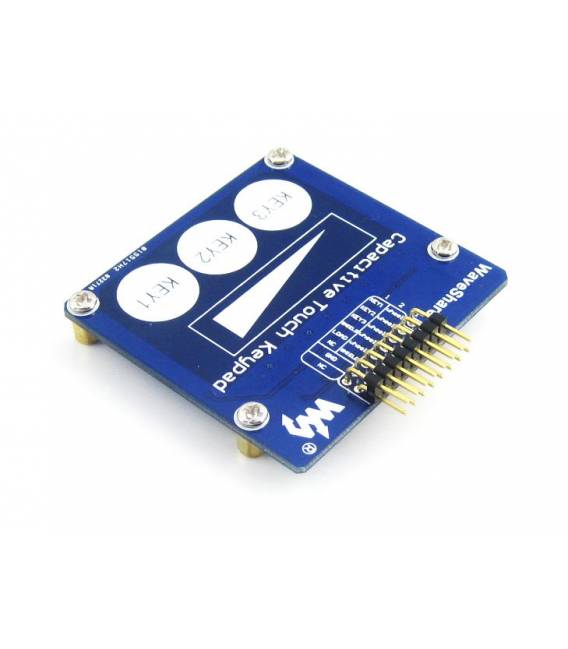
The Touch Capacitive Keypad Module Kit is a versatile device that allows interaction with Arduino through capacitive keys and a linear sensor. Ideal for user interaction projects, such as gesture controls or presence sensors. This kit is perfect for both beginners and intermediate makers looking to explore human-machine interfaces in an innovative way.
What you need
- Arduino Uno
- USB A-Micro B Cable
- AAA Batteries (for testing)
- 16×2 LCD or similar display
- Decoupling Capacitor
Steps
- Connect the module to the Arduino pin using jumper wires.
- Check the proper power supply of the module, generally from 3.3V to 5V.
- Install the necessary library to manage the touch keypad (see official GitHub repository).
- Write a simple sketch that reads the keys and displays them on an LCD screen.
- Test the user interface with your fingers, verifying that commands are detected correctly.
- Configure the linear sensor for continuous position reading.
- Add decoupling capacitors to the VCC and GND pins of the module to improve stability.
- Customize the sketch to integrate with other components or project features.
Example code
// Includi la libreria
#include <CapacitiveKeypad.h>

// Definizione dei pin
const int buttonPin = 2;

void setup() {
  Serial.begin(9600);
}

void loop() {
  if (digitalRead(buttonPin) == HIGH) {
    Serial.println("Tasto premuto");
  }
}
Mini project
Create a home control system that responds to capacitive gestures and the orientation of the linear sensor to adjust blinds or skylights.
Common mistakes
- Do not verify the proper powering of the module.
- Omit the use of decoupling capacitors, causing interference.
- Use an outdated or incompatible library with the module.
- Ignore the official documentation and datasheets for technical specifications.
Recommended accessories
- LCD 16×2
- Arduino Uno R3
- AAA Batteries
- Prototype Kit
Frequently asked questions
Which libraries should I install?
Install the CapacitiveKeypad library from GitHub or through the Arduino library manager.
How can I test the linear sensor?
Use a sketch that reads analog values and maps them to a visible scale.
Reviews
There are no reviews yet.