 EN
 IT Italiano
 ES Español
 FR Français
 DE Deutsch
Description
Tutorial: How to Use PT100 RTD Probe
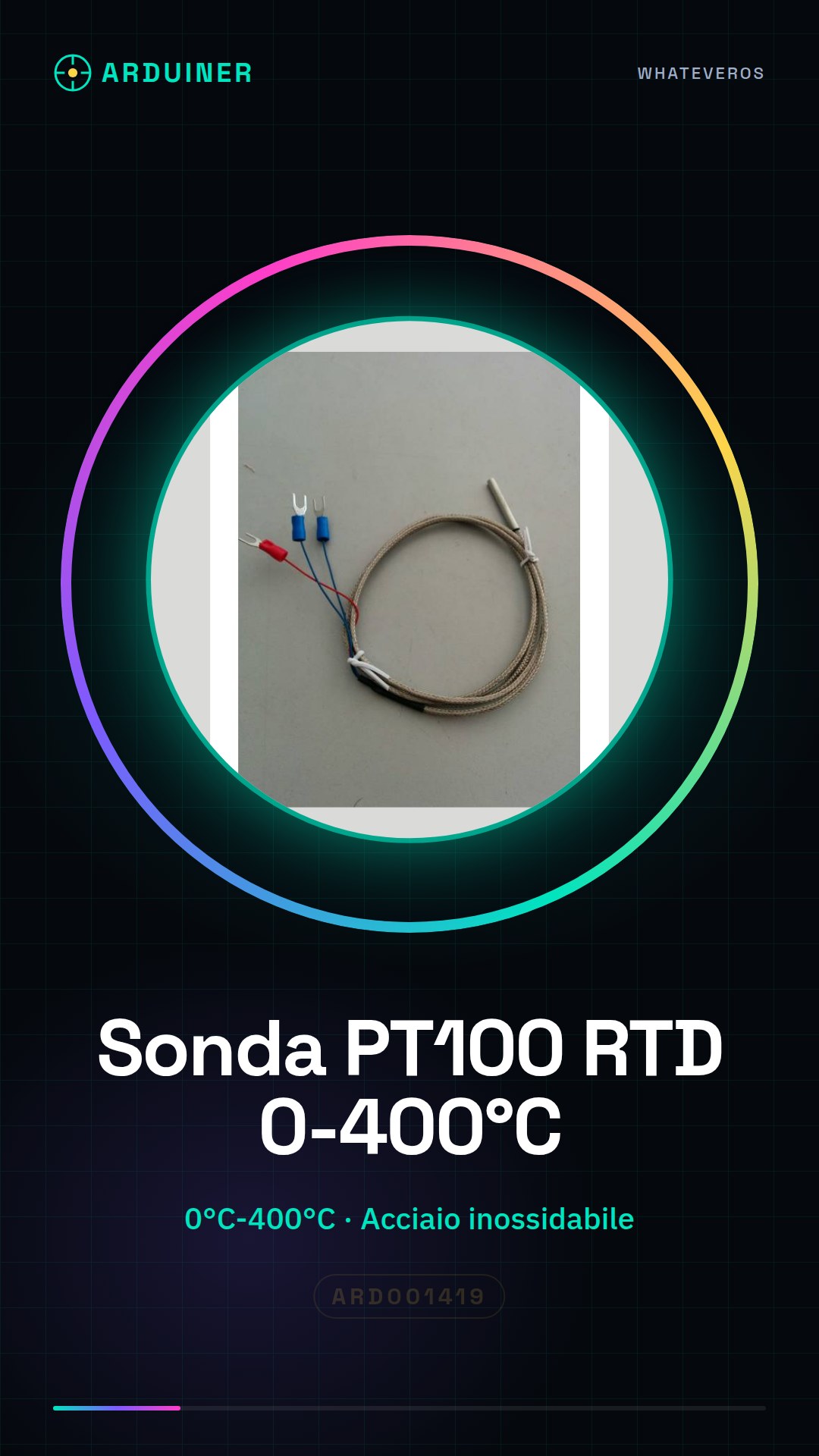
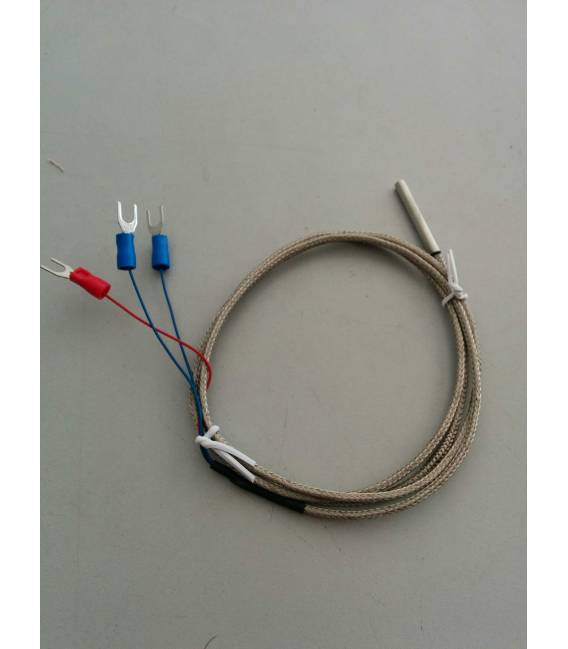
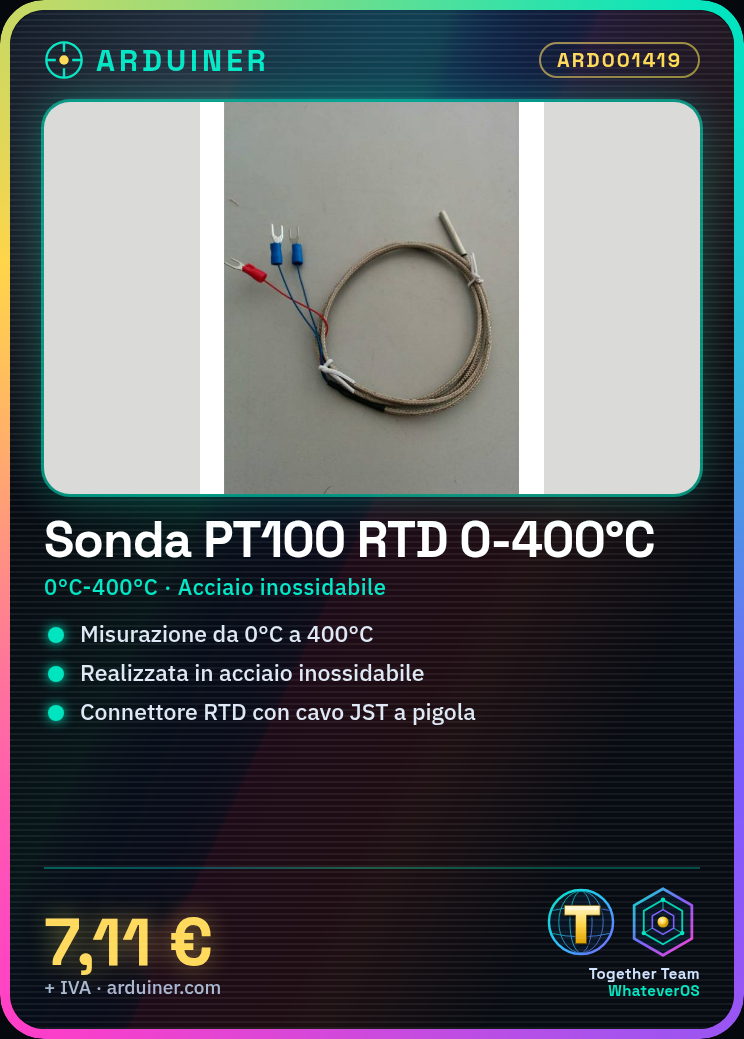
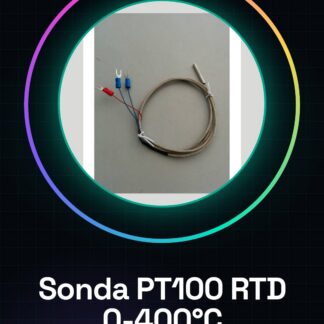
The PT100 probe is an accurate and robust temperature sensor ideal for precise measurements in various fields, such as HVAC or industrial control. This tutorial will guide you through the installation and use of the probe.
What you need
- Arduino Uno
- JST to Pigtail Lead
- RTD PT100 Connector
- Arduino IDE Software
Steps
- Connect the PT100 probe to the RTD connector using the JST lead
- Connect the RTD connector to pin A0 of the Arduino Uno (or another analog pin)
- Install the Adafruit_MCP9808 library in the Arduino IDE software
- Load the example sketch to read temperature data from the PT100 sensor
- Display the temperature values on the Arduino IDE serial monitor
- Verify the measurements with a contact or digital thermometer
- Modify the code to send data to your preferred IoT platform (e.g., Blynk, ThingSpeak)
- Optimize temperature reading based on project requirements
Example code
// Includi la libreria Adafruit_MCP9808
#include <Adafruit_MCP9808.h>
// Creare un'istanza del sensore PT100
Adafruit_MCP9808 tempSensor = Adafruit_MCP9808();
void setup() {
  Serial.begin(9600);
  if (!tempSensor.begin()) {
    Serial.println("Errore: Impossibile inizializzare il sensore PT100");
    while (1); // Blocca l'esecuzione
  }
}
void loop() {
  float temperature = tempSensor.readTempC();
  Serial.print("Temperatura:");
  Serial.println(temperature);
}
Mini project
Create a thermal alarm system that sends email or text notifications when the temperature exceeds a certain threshold
Common mistakes
- Error in installing the Adafruit_MCP9808 library
- Incorrect connection of the PT100 sensor to the Arduino Uno’s analog pin
- Lack of calibration of the sensor to obtain accurate readings
- Issues with data reading from the serial monitor
Recommended accessories
- 16×2 LCD Display to show real-time temperature values
- 5V Relay Module to control electrical devices based on temperature
- WiFi Module ESP8266 or similar to send temperature data online
- LiPo Battery with USB charger for mobile projects
Frequently asked questions
How can I calibrate the PT100 probe?
Check the sensor datasheet and use an accurate contact thermometer as a reference.
What is the temperature range of the PT100 probe?
The measurement range goes from 0°C to 400°C, but always check the datasheet for updated specifications.
Can I use the PT100 probe with other microcontrollers besides Arduino?
Yes, you can use it with any microcontroller that supports analog data acquisition and has a compatible library.
Reviews
There are no reviews yet.