 EN
 IT Italiano
 ES Español
 FR Français
 DE Deutsch
Description
What it is
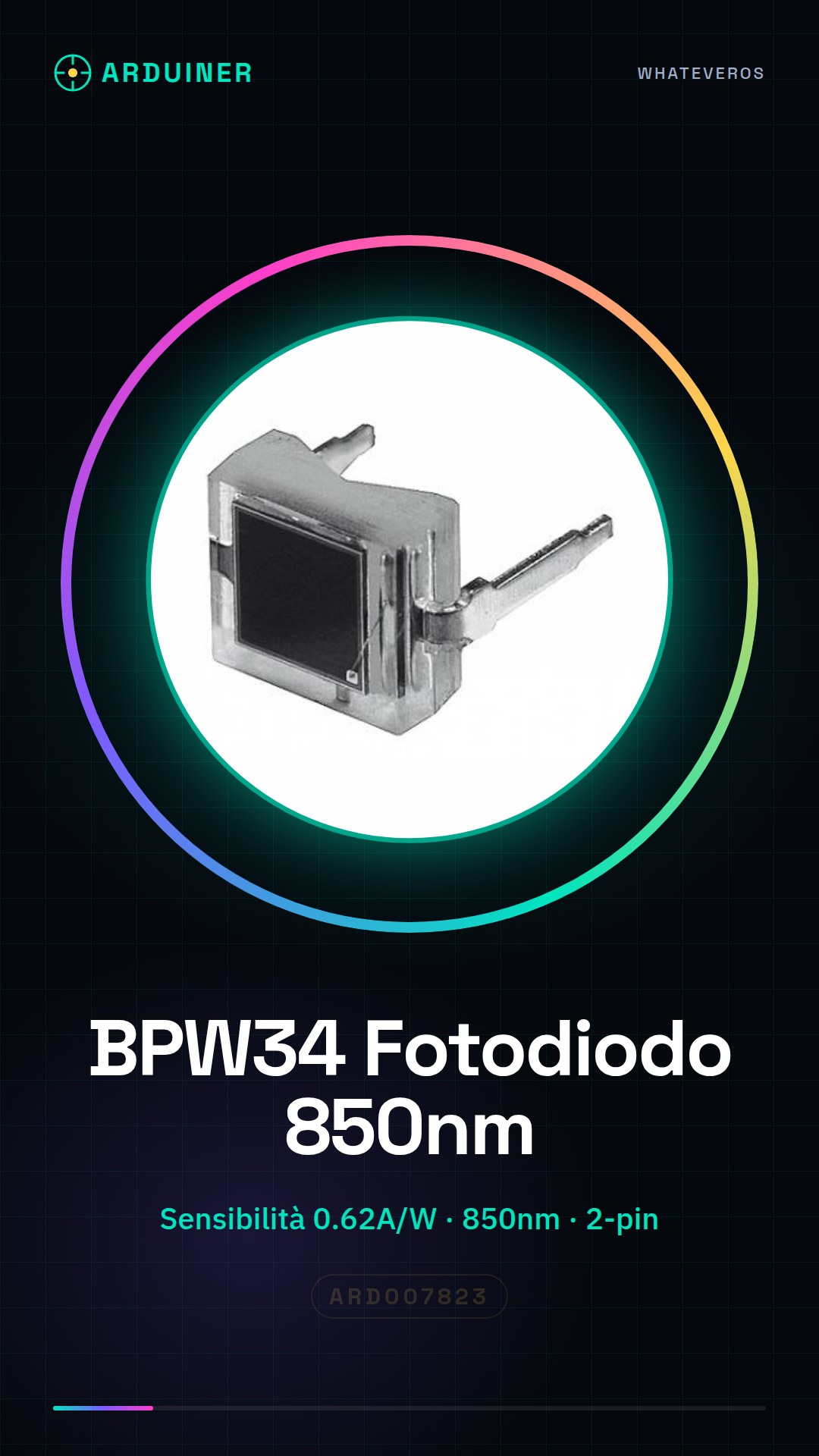
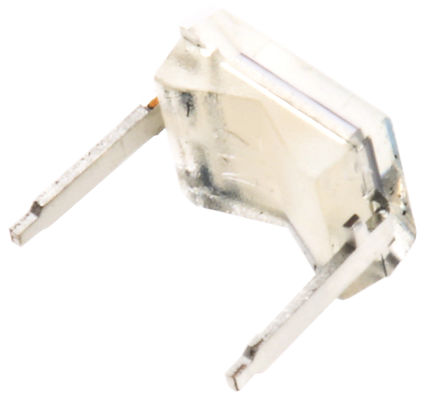
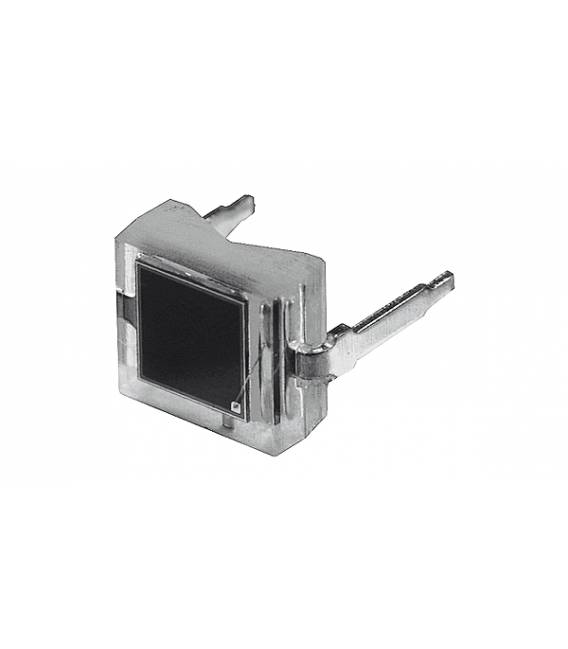
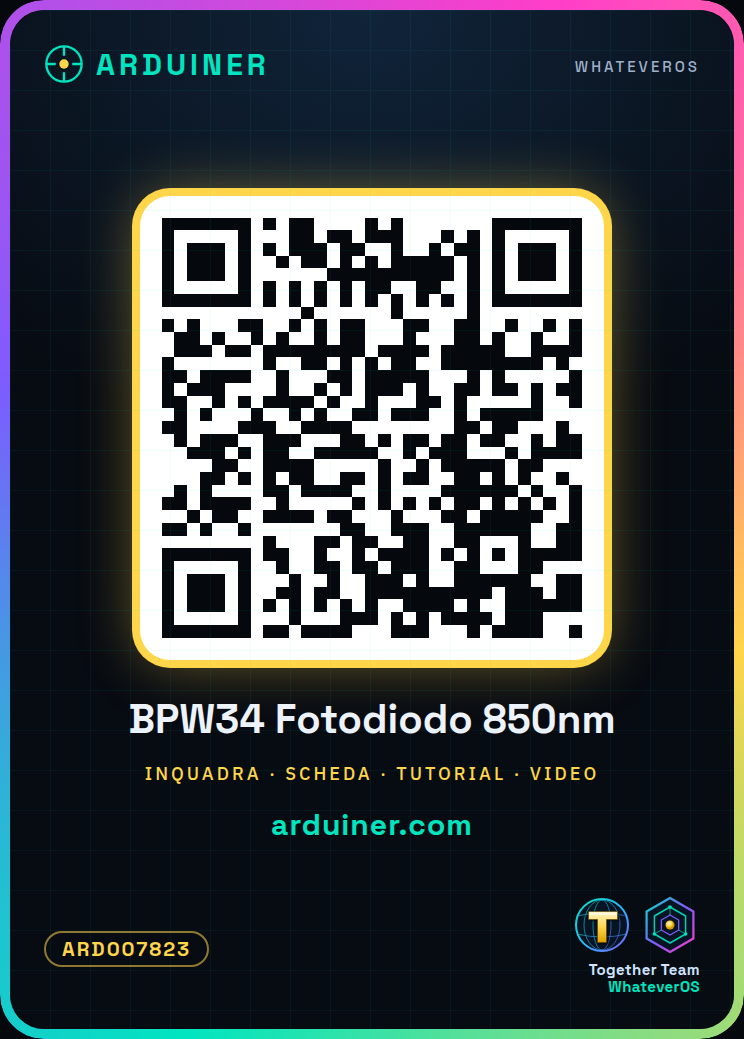
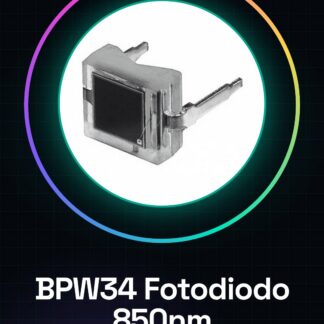
The BPW34 PIN Photodiode is an electronic component sensitive to infrared, designed for applications requiring light detection in the 850nm range. This device is particularly suitable for Arduino and drone projects where high infrared light sensitivity is required.
Features
- Sensitivity: 0.62 A/W
- Wavelength: 850 nm
- Best suited for beginner and intermediate maker projects
What it is for
The BPW34 can be used to create simple presence control systems, where an LED turns on or off based on received infrared light. It is compatible with Arduino and other microcontrollers like ESP.
Tutorial: How to use BPW34 PIN Photodiode Chip 850nm
The BPW34 is an infrared sensor ideal for infrared and presence control projects. Useful for beginners and intermediate makers.
What you need
- BPW34 Photodiode
- Arduino UNO
- Resistor (10kΩ)
- Test Lead
Steps
- 1. Download the Arduino driver if not installed.
- 2. Connect the photodiode to pin A0 of Arduino.
- 3. Connect the resistor between VCC and GND of Arduino.
- 4. Connect one end of the resistor to VCC of Arduino and the other to pin GND.
- 5. Connect one end of the photodiode to pin A0.
- 6. Download the following code.
- 7. Upload the code to Arduino.
- 8. Try positioning an infrared object in front of the photodiode and observe changes in the analog reading.
Example code
```
void setup() {}
void loop() {
  int sensorValue = analogRead(A0);
  Serial.println(sensorValue);
}
```
Mini project
Create a simple presence control system with an LED that turns on/off based on infrared light.
Common mistakes
- Do not connect the photodiode directly to VCC.
- Check the datasheet for correct power supply.
- Do not use a digital pin instead of A0.
- Do not forget the protection resistor.
Recommended accessories
- LED
- Resistor (220Ω)
- Test lead
Frequently asked questions
Does the BPW34 work with visible light?
No, it only works with infrared light.
What are the specifications of the BPW34?
Check the datasheet.
Can I use another Arduino pin?
Yes, but use A0 for analog reading.
Does the BPW34 work with Arduino Nano?
Yes, but make sure to use a compatible pin.
Reviews
There are no reviews yet.