 EN
 IT Italiano
 ES Español
 FR Français
 DE Deutsch
Description
What it is
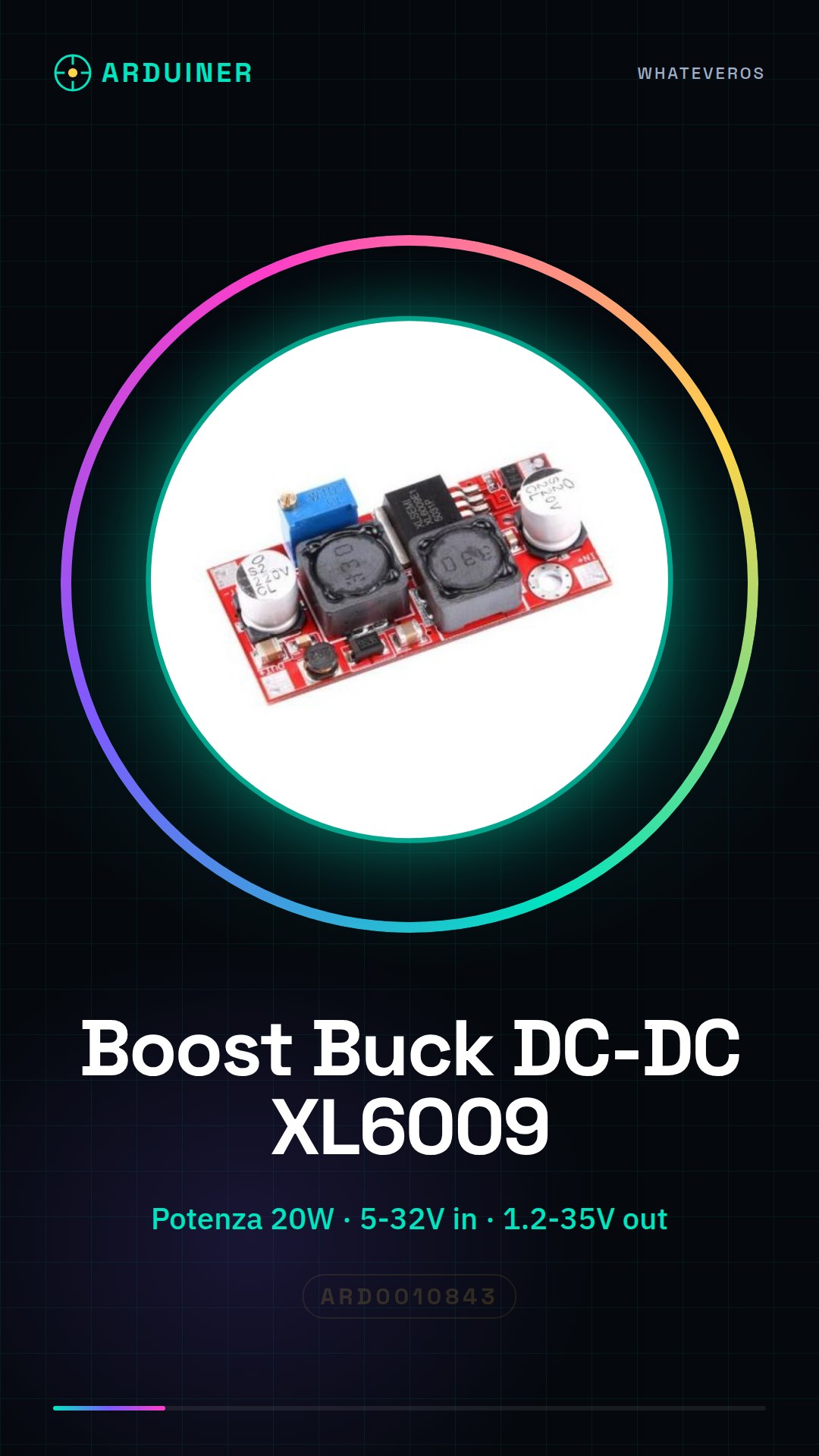
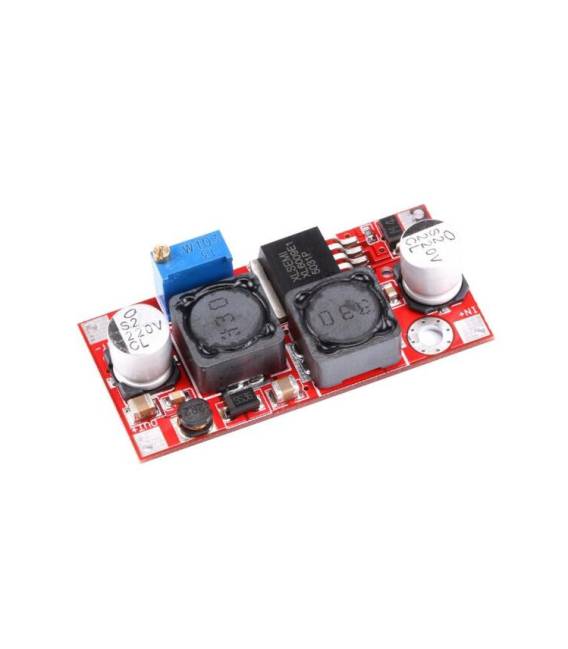
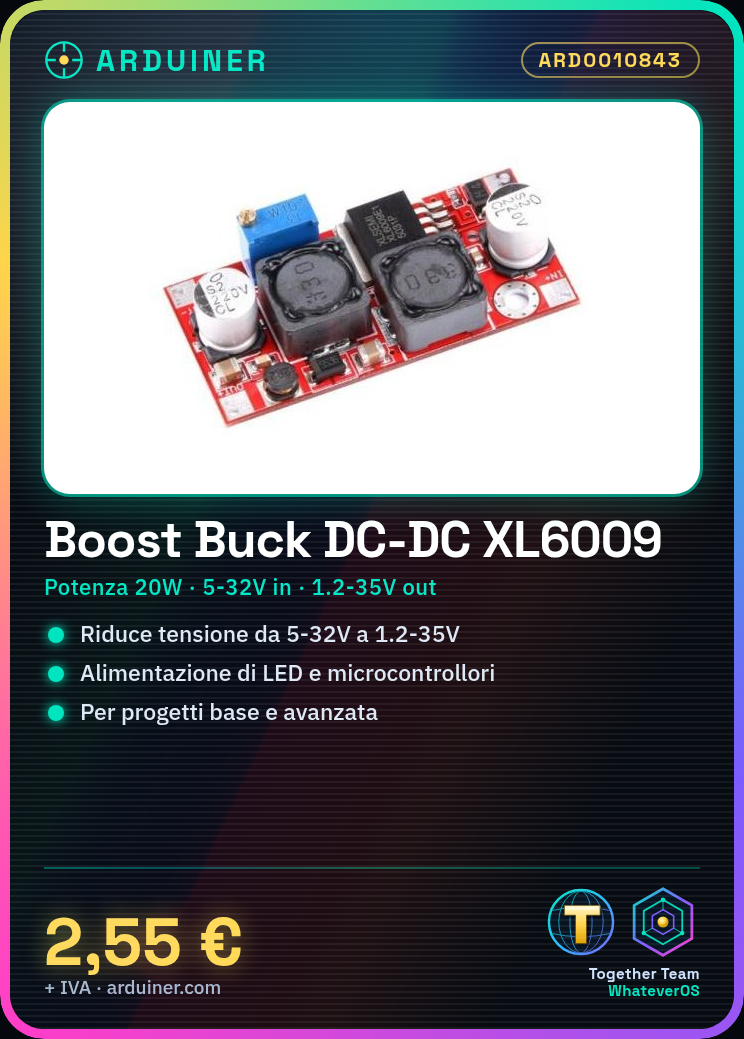
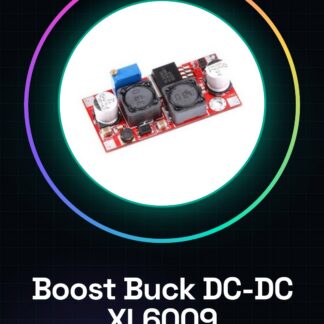
The Boost Buck DC-DC Converter XL6009 is a adjustable power supply module that allows the reduction of a DC (direct current) supply voltage. It is an essential component for powering electronic devices that require a lower voltage than the main supply.
Features
- Model: XL6009
- Maximum Power: 20W
- Input Voltage: 5-32V
- Adjustable Output Voltage: 1.2-35V
- Low Ripple
What it is for
This converter is ideal for powering low-voltage electronic devices such as LEDs, microcontrollers (like Arduino and ESP), and sensor modules when the power source is higher. It can be used in both basic and advanced electronics projects, allowing the output voltage to be adjusted to meet the specific requirements of the circuit.
Tutorial: How to use Boost Buck DC-DC Converter step-down adjustable XL6009
This DC-DC converter is ideal for powering low-voltage electronic devices with a higher voltage source. Useful for beginners and intermediates.
What you need
- Boost Buck DC-DC Step-Down Adjustable XL6009 Module
- DC Power Supply
- Electrical Load
- Connection Cable
Steps
- Check the specifications on the datasheet: required output voltage and maximum current.
- Connect the DC power supply to the VCC pin of the converter.
- Connect the electronic load to the OUT pin.
- Connect the ground of the DC power supply to the GND pin.
- Check the datasheet for the maximum allowed current.
- Check the datasheet for the desired output voltage.
- Check that the output voltage is stable with a multimeter.
- Verify that the converter is functioning correctly
Mini project
Build a small power supply circuit for an LED. Connect an LED to a resistor and then to the converter. Set the output voltage to 5V.
Common mistakes
- Connect the DC power supply to the GND pin.
- Impose an output voltage too high relative to the maximum current.
- Omit checking the output voltage with a multimeter.
- Fail to check the maximum current on the datasheet.
Recommended accessories
- Multimeter
- Resistor
- LED
- DC Power Supply
Frequently asked questions
How to set the output voltage?
Check the datasheet and use a capacitor to stabilize the voltage.
What are the acceptable input voltages?
5-32V.
What are the acceptable maximum currents?
Check the datasheet.
Can I use this converter to power a drone?
Check the specifications on the datasheet and the efficiency of the converter.
Reviews
There are no reviews yet.