 EN
 IT Italiano
 ES Español
 FR Français
 DE Deutsch
Description
What it is
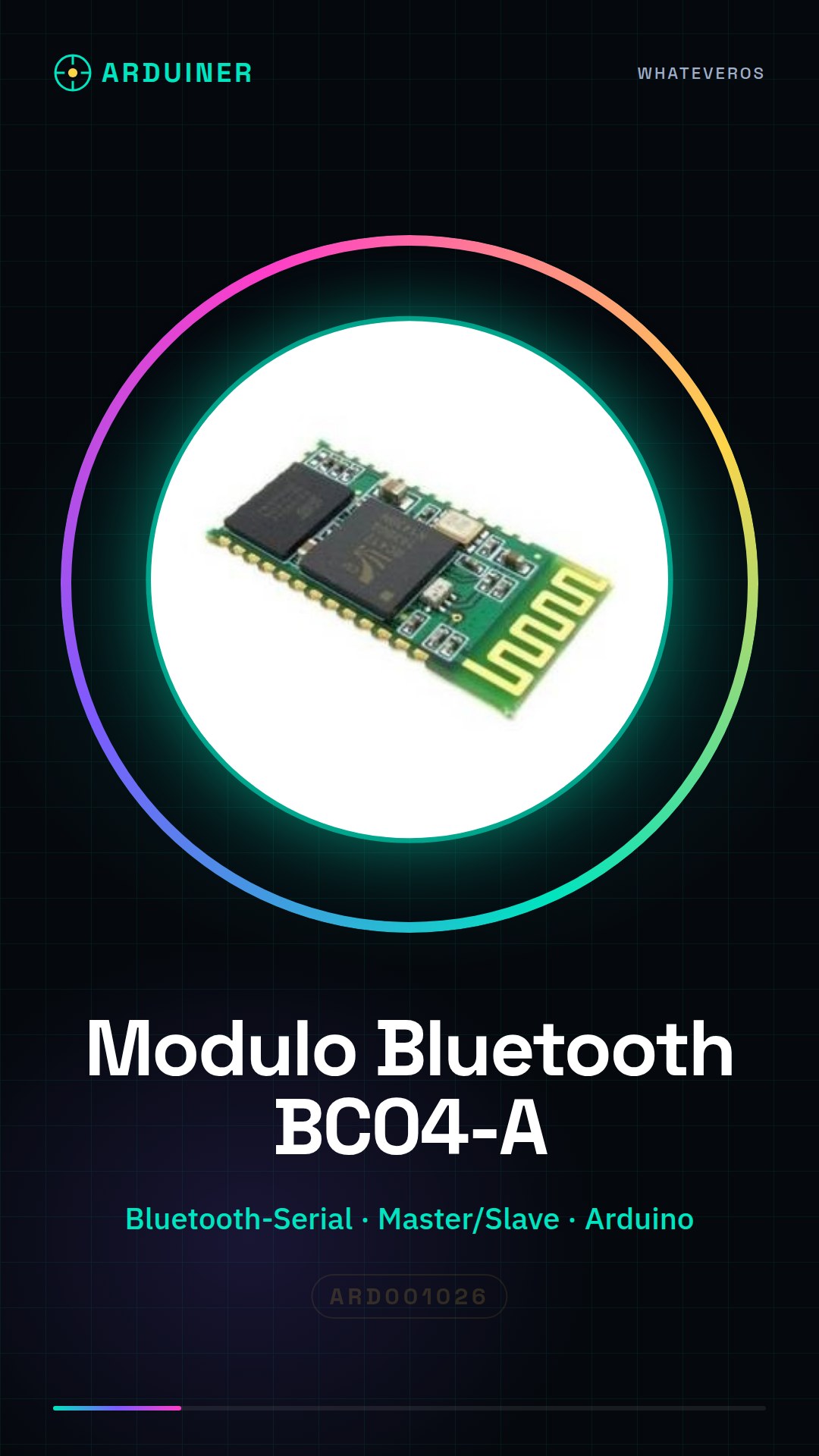
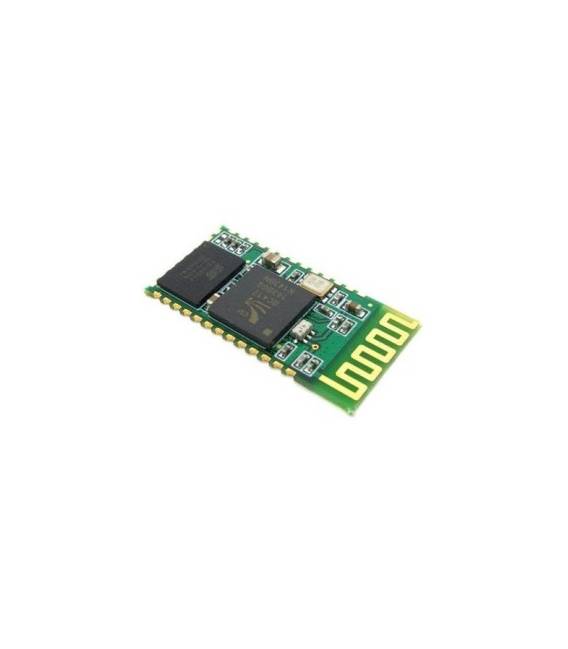
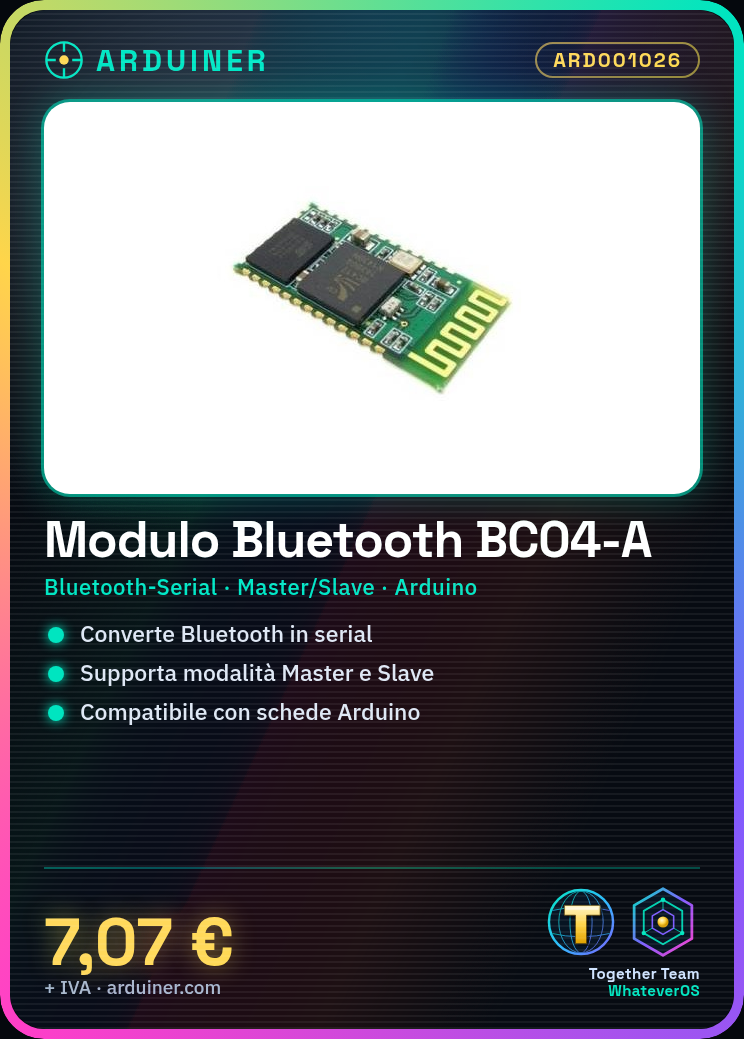
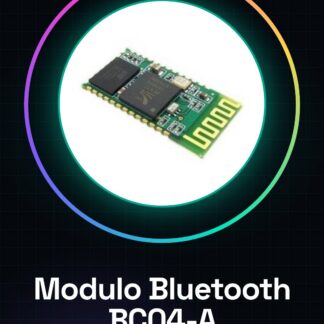
The BC04-A Bluetooth Module is a Serial to Bluetooth converter that allows connecting Bluetooth devices to electronic boards such as Arduino. It enables wireless communication in Master or Slave mode.
Features
- Bluetooth to Serial Conversion
- Master or Slave Mode
- Compatible with Arduino
- SKU: ARD001026
- Price: 7.07 €
What it is for
The BC04-A module is ideal for creating wireless connectivity projects with Arduino. It can be used to send and receive data between Arduino and other Bluetooth devices, such as smartphones, tablets, or computers. Examples of use include creating home alarm systems, remote sensors, or Bluetooth-controlled robots.
Tutorial: How to Use BC04-A Bluetooth Module
The BC04-A Bluetooth module is a versatile component that enables wireless communication between Arduino devices and other Bluetooth devices. Ideal for beginners and makers who want to explore wireless connectivity projects.
What you need
- Arduino Uno or compatible
- USB A-Micro B cable
- LiPo battery (optional)
- Connect to computer
Steps
- Connect the following pins of the BC04-A Bluetooth module to the Arduino: VCC to 3.3V, GND to GND, TX to RX and RX to TX of the Arduino.
- Insert the SoftwareSerial library in Arduino IDE (if not already installed).
- Upload the sketch that communicates with the Bluetooth module to your Arduino.
- Start the serial monitor in Arduino IDE to see the data sent and received by the module.
- Check the module settings such as baud rate and MAC address (if necessary).
- Connect to the Bluetooth module via a mobile app or another Bluetooth device.
- Send test commands from your Bluetooth device to verify connectivity.
- Explore additional features such as data transfer between Arduino and other devices.
Example code
// Includi la libreria SoftwareSerial
#include <SoftwareSerial.h>

// Definisci i pin per la comunicazione seriale con il modulo Bluetooth
#define RX_PIN 2
#define TX_PIN 3

SoftwareSerial bluetooth(RX_PIN, TX_PIN);

void setup() {
  Serial.begin(9600); // Inizializza la comunicazione seriale con l'IDE Arduino
  bluetooth.begin(verifica sul datasheet); // Imposta il baud rate del modulo Bluetooth
}

void loop() {
  if (bluetooth.available()) { // Controlla se ci sono dati disponibili dal modulo Bluetooth
    char c = bluetooth.read();
    Serial.write(c);
  }
  if (Serial.available()) {
    char c = Serial.read();
    bluetooth.write(c);
  }
}
Mini project
Create a home alarm system that sends Bluetooth notifications when triggered.
Common mistakes
- Incorrect baud rate setting
- Pin TX and RX not properly connected
- Insufficient power supply issues
- Difficulty configuring the mobile app
Recommended accessories
- Arduino Uno R3 (SKU: ARD001027)
- USB A-Micro B cable (SKU: ARD001056)
- LiPo 3.7V 1000mAh battery (SKU: ARD001089)
- Arduino prototyping kit (SKU: ARD001045)
Frequently asked questions
How can I configure the Bluetooth module?
Use a mobile app to establish a connection with the module and follow the instructions provided by the app.
The module does not respond, what should I do?
Check the connections between Arduino and the module. Also check the power supply voltage.
What baud rates does the module support?
Check the module datasheet to obtain precise information.
Reviews
There are no reviews yet.