 DE
 IT Italiano
 EN English
 ES Español
 FR Français
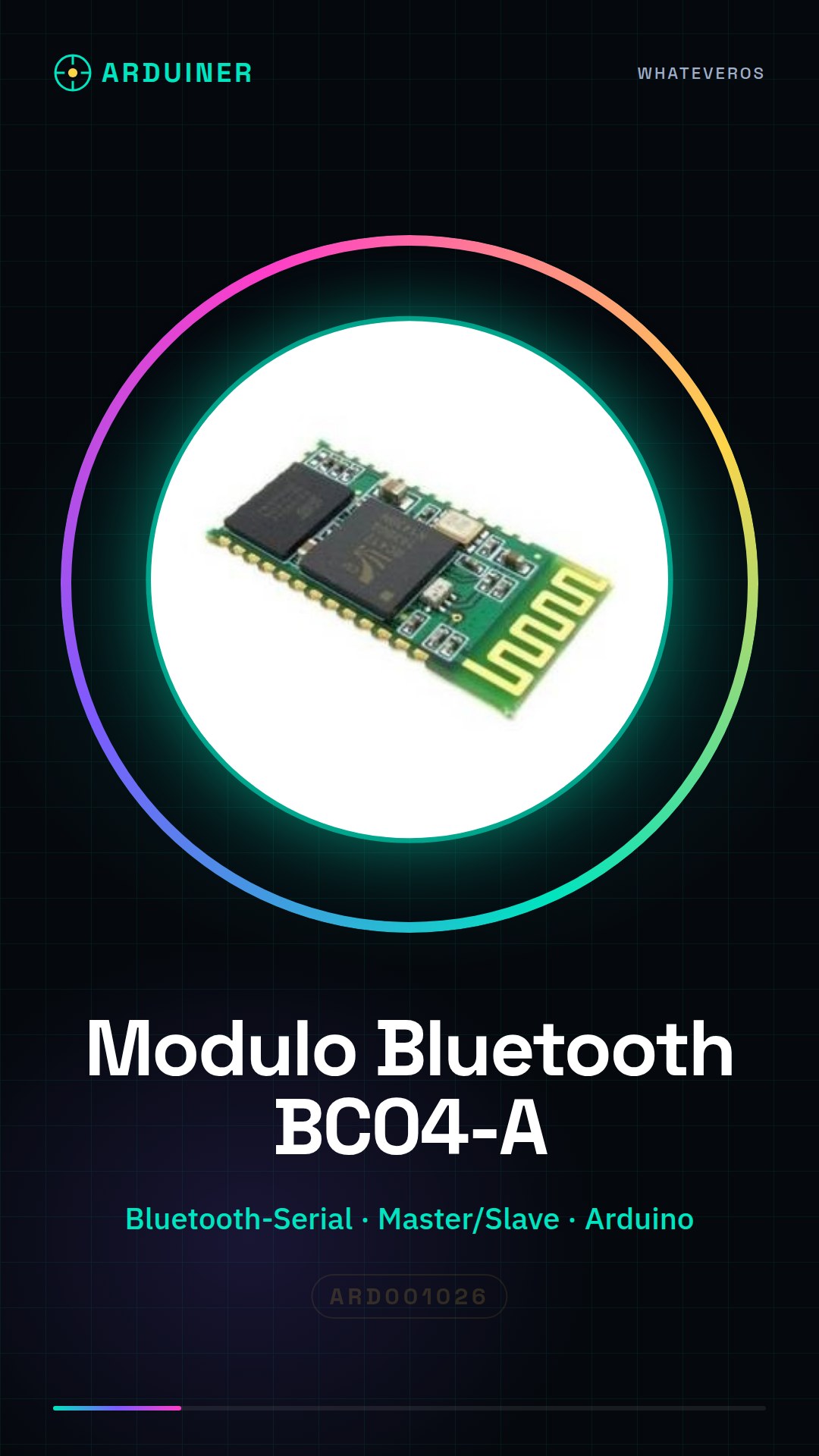
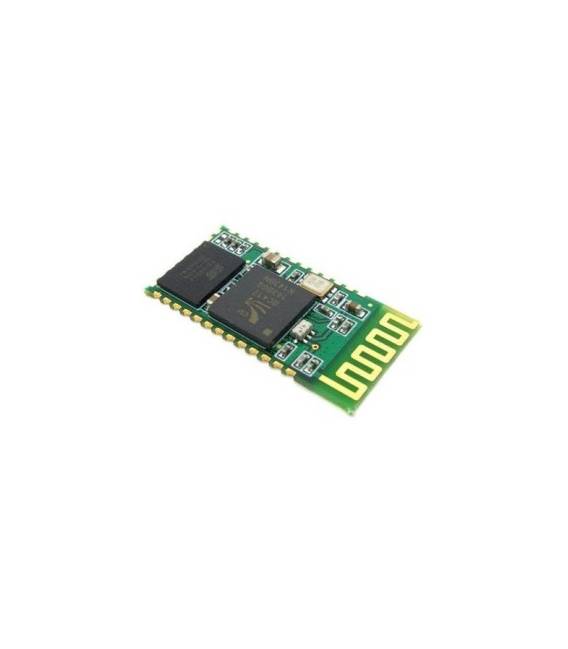
Beschreibung
Was ist das
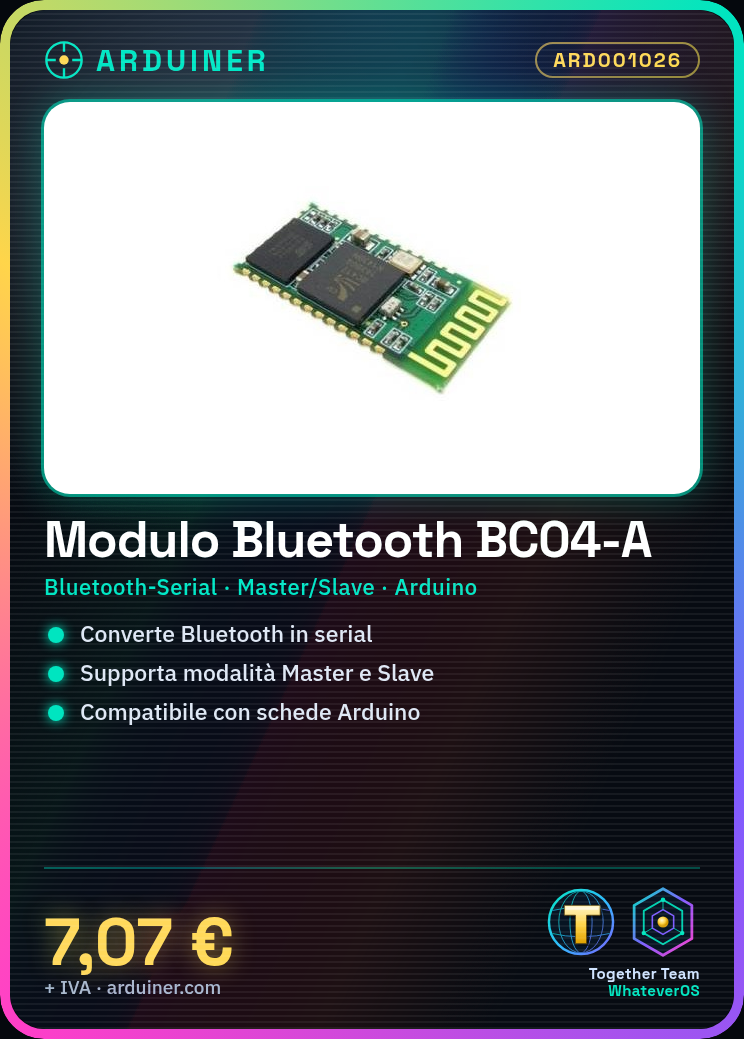
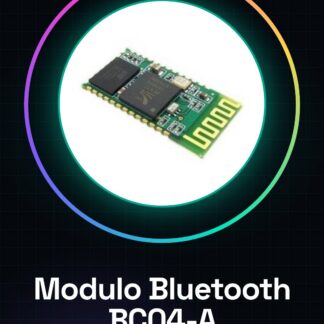
Der Bluetooth-Modul BC04-A Master Slave ist ein Bluetooth-zu-Seriell-Konverter, der es ermöglicht, Bluetooth-Geräte an elektronische Platine wie Arduino anzuschließen. Es ermöglicht eine drahtlose Kommunikation in Master- oder Slave-Modus.
Eigenschaften
- Bluetooth-zu-Seriell-Konvertierung
- Master- oder Slave-Modus
- Kompatibel mit Arduino
- SKU: ARD001026
- Preis: 7,07 €
Wofür es dient
Das BC04-A-Modul ist ideal für drahtlose Verbindungsprojekte mit Arduino. Es kann verwendet werden, um Daten zwischen Arduino und anderen Bluetooth-Geräten wie Smartphones, Tablets oder Computern zu senden und zu empfangen. Beispiele für Anwendungen umfassen die Erstellung von Hausalarmen, Fernsensoren oder Bluetooth-gesteuerten Robotern.
Tutorial: Wie man das Bluetooth-Modul BC04-A verwendet
Der BC04-A Bluetooth-Modul ist ein vielseitiges Komponententeil, das eine drahtlose Kommunikation zwischen Arduino-Geräten und anderen Bluetooth-Geräten ermöglicht. Ideal für Anfänger und Makers, die drahtlose Verbindungsprojekte erforschen möchten.
Was du brauchst
- Arduino Uno oder kompatibel
- USB-A-Mikro-B-Kabel
- LiPo-Batterie (optional)
- Verbindung zum Computer
Schritte
- Verbinde die folgenden Pins des BC04-A-Bluetooth-Moduls mit dem Arduino: VCC an 3.3V, GND an GND, TX an RX und RX an TX des Arduino.
- Füge die SoftwareSerial-Bibliothek in die Arduino IDE hinzu (falls noch nicht installiert).
- Lade das Sketch, das mit dem Bluetooth-Modul kommuniziert, auf dein Arduino.
- Starte den seriellen Monitor in der Arduino IDE, um die von und an das Modul gesendeten Daten anzuzeigen.
- Überprüfe die Einstellungen des Moduls wie Baudrate und MAC-Adresse (falls erforderlich).
- Verbinde dich per Bluetooth-App oder einem anderen Bluetooth-Gerät mit dem Modul.
- Send Test Commands from your Bluetooth Device to verify connectivity.
- Explore additional features such as data transfer between Arduino and other devices.
Beispielcode
// Includi la libreria SoftwareSerial
#include <SoftwareSerial.h>

// Definisci i pin per la comunicazione seriale con il modulo Bluetooth
#define RX_PIN 2
#define TX_PIN 3

SoftwareSerial bluetooth(RX_PIN, TX_PIN);

void setup() {
  Serial.begin(9600); // Inizializza la comunicazione seriale con l'IDE Arduino
  bluetooth.begin(verifica sul datasheet); // Imposta il baud rate del modulo Bluetooth
}

void loop() {
  if (bluetooth.available()) { // Controlla se ci sono dati disponibili dal modulo Bluetooth
    char c = bluetooth.read();
    Serial.write(c);
  }
  if (Serial.available()) {
    char c = Serial.read();
    bluetooth.write(c);
  }
}
Mini-Projekt
Create a home alarm system that sends Bluetooth notifications when triggered.
Häufige Fehler
- Incorrect baud rate setting
- Pin TX and RX not correctly connected
- Problems with insufficient power supply
- Difficulty configuring the mobile app
Empfohlenes Zubehör
- Arduino Uno R3 (SKU: ARD001027)
- USB A-Micro B Cable (SKU: ARD001056)
- LiPo Battery 3.7V 1000mAh (SKU: ARD001089)
- Arduino Prototype Kit (SKU: ARD001045)
Häufige Fragen
How can I configure the Bluetooth module?
Use a mobile app to establish a connection with the module and follow the instructions provided by the app.
The module does not respond, what should I do?
Check the connections between Arduino and the module. Also check the power supply voltage.
Which baud rates does the module support?
Überprüfe die Datenblätter des Moduls, um die genauen Informationen zu erhalten.
Rezensionen
Es gibt noch keine Rezensionen.