 EN
 IT Italiano
 ES Español
 FR Français
 DE Deutsch
Description
What it is
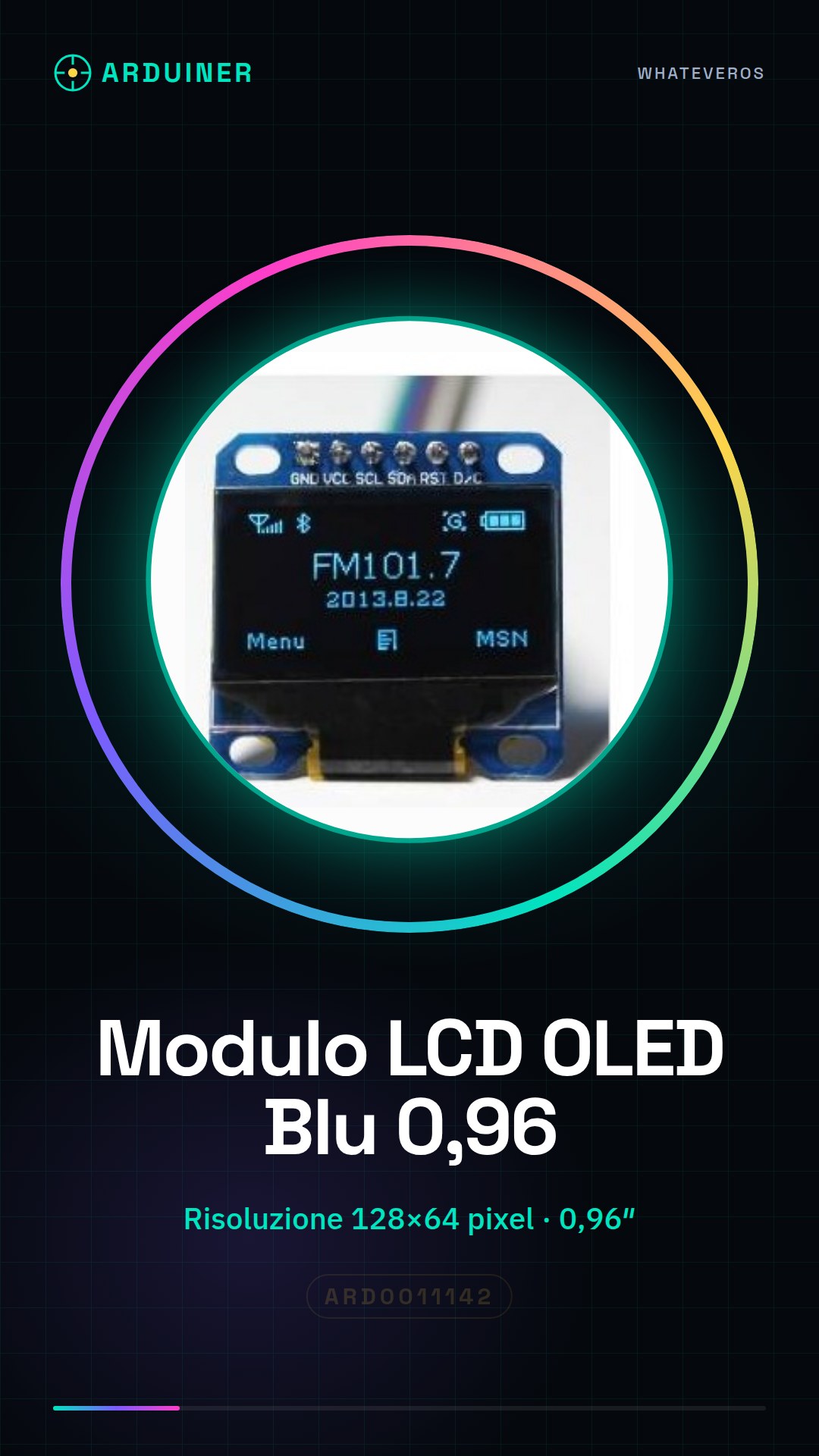
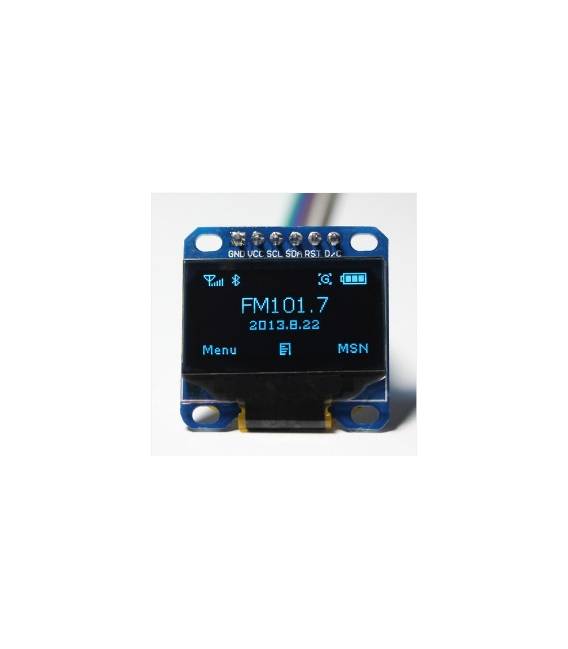
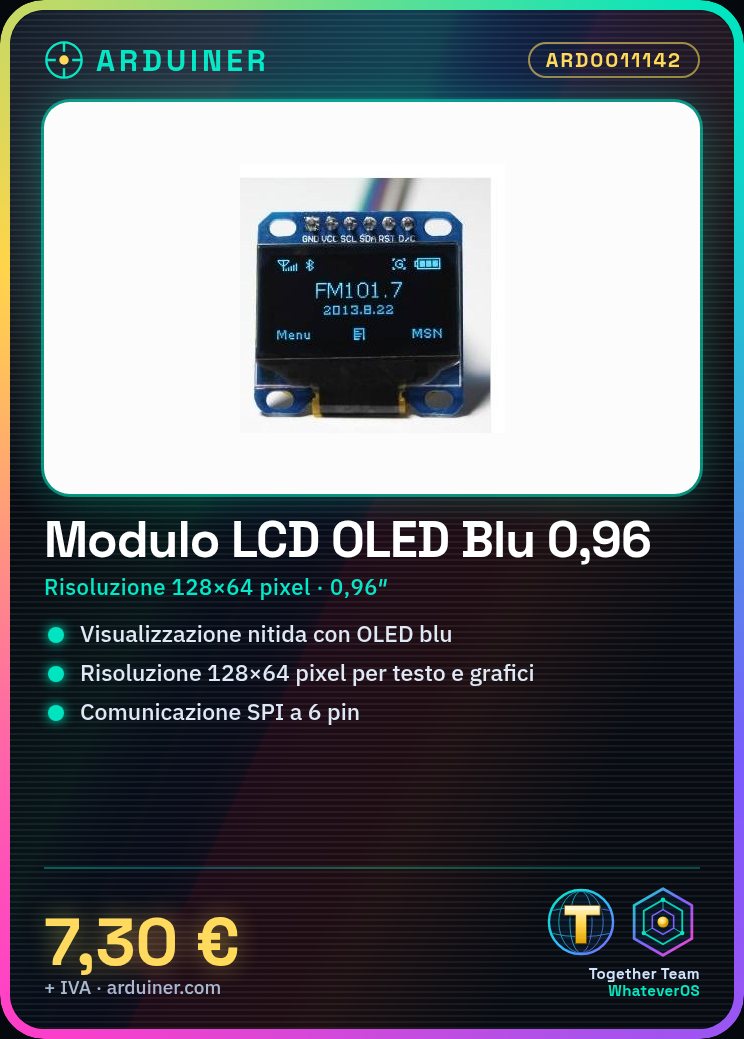
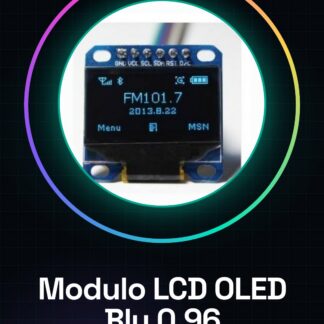
The 0.96″ blue OLED LCD module is a pixel matrix display that uses OLED technology for a crisp and vivid display. With a resolution of 128×64 pixels, it is ideal for displaying text, graphs, and small symbols in electronic projects.
Features
- Display size: 0.96 inches
- Resolution: 128×64 pixels
- Technology: OLED
- Color: Blue
- Communication: SPI
- Pins: 6
What it is for
This LCD module is perfect for displaying simple and clear information in electronic projects. It can be used to create timers, data displays, status indicators, and much more. Its SPI communication makes it compatible with a wide range of microcontrollers, including Arduino and ESP.
Tutorial: How to use the Blue OLED LCD Module 0.96″
This blue OLED LCD module 0.96″ is ideal for projects that require a simple and clear information display. Suitable for beginners and intermediate users.
What you need
- Arduino or compatible
- FPC cable (provided)
- 1 kΩ resistor (check datasheet)
Steps
- 1. Connect the LCD module to the Arduino via the FPC cable.
- 2. Connect the 1 kΩ resistor between VCC and GND on the LCD module.
- 3. Download and install the Adafruit_SSD1306 library on Arduino IDE.
- 4. Create a new sketch on Arduino IDE.
- 5. Include the Adafruit_SSD1306 library in the code.
- 6. Initialize the LCD module in the setup().
- 7. Display a simple text in the loop().
- 8. Check the connectivity and functionality of the module.
Example code
```
#include <Adafruit_SSD1306.h>

#define SCREEN_WIDTH 128 // lato orizzontale dello schermo
#define SCREEN_HEIGHT 64 // lato verticale dello schermo

Adafruit_SSD1306 display(SCREEN_WIDTH, SCREEN_HEIGHT, &Wire);

void setup() {
  display.begin(SSD1306_SWITCHCAPVCC, 0x3C);
  display.clearDisplay();
  display.display();
}

void loop() {
  display.drawBitmap(0, 0, bitmap, 128, 64, SSD1306_WHITE);
  display.display();
}
```
Mini project
Create a simple stopwatch that displays the time on the LCD module.
Common mistakes
- Forget to connect the 1 kΩ resistor.
- Use of an incompatible library.
- Incorrect connection between Arduino and LCD module.
- Omission of module initialization.
Recommended accessories
- Arduino Uno
- 1 kΩ resistor
- FPC cable
- Temperature sensors
Frequently asked questions
How can I check the connectivity of the module?
Verify that the module is properly connected and that the 1 kΩ resistor is installed.
Can I use this module with a microcontroller other than Arduino?
Yes, but make sure the microcontroller supports SPI communication.
What are the dimensions of the module?
The module measures 25,4 mm x 25,4 mm.



Reviews
There are no reviews yet.