 EN
 IT Italiano
 ES Español
 FR Français
 DE Deutsch
Description
What it is
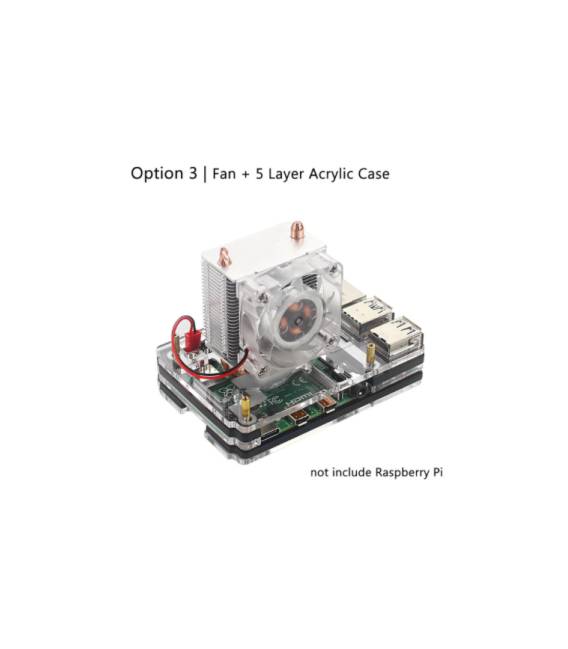
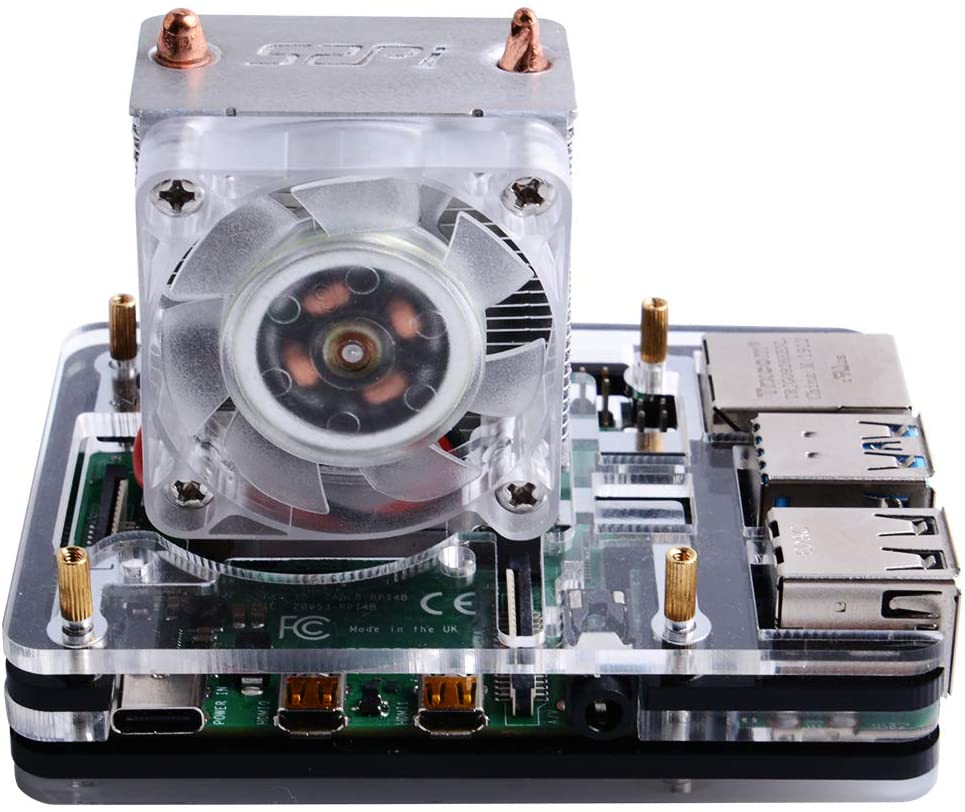
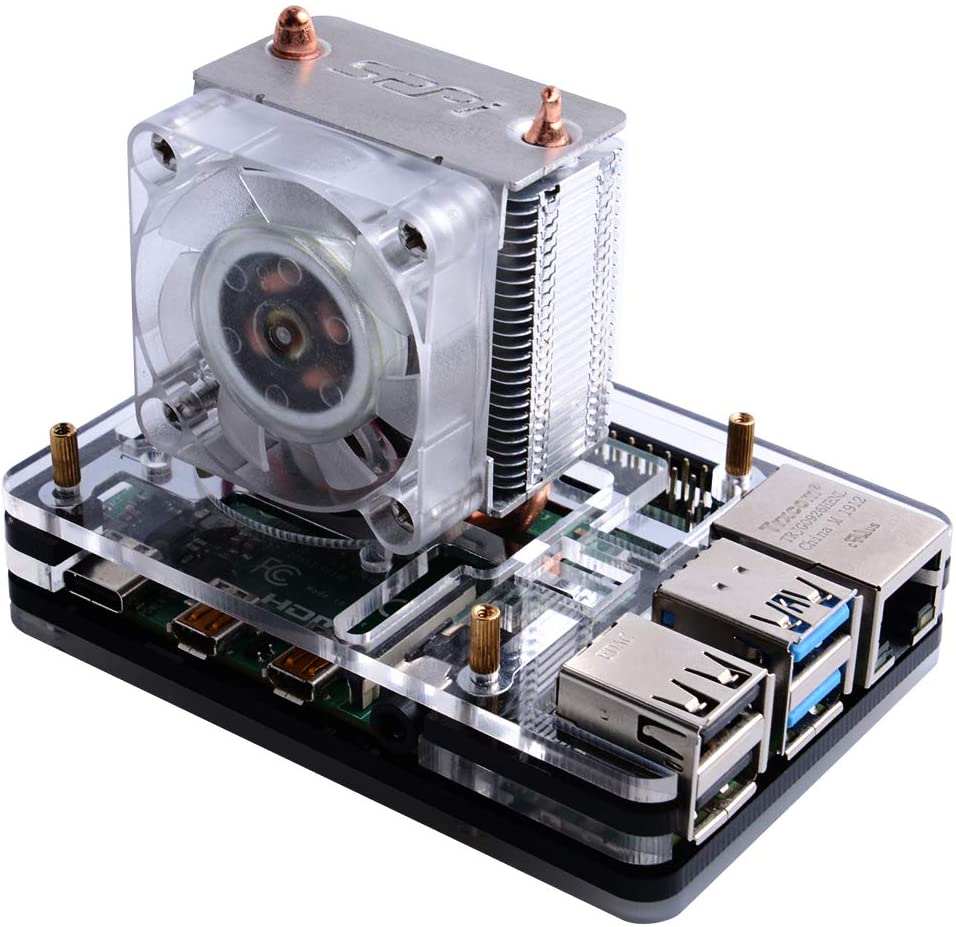
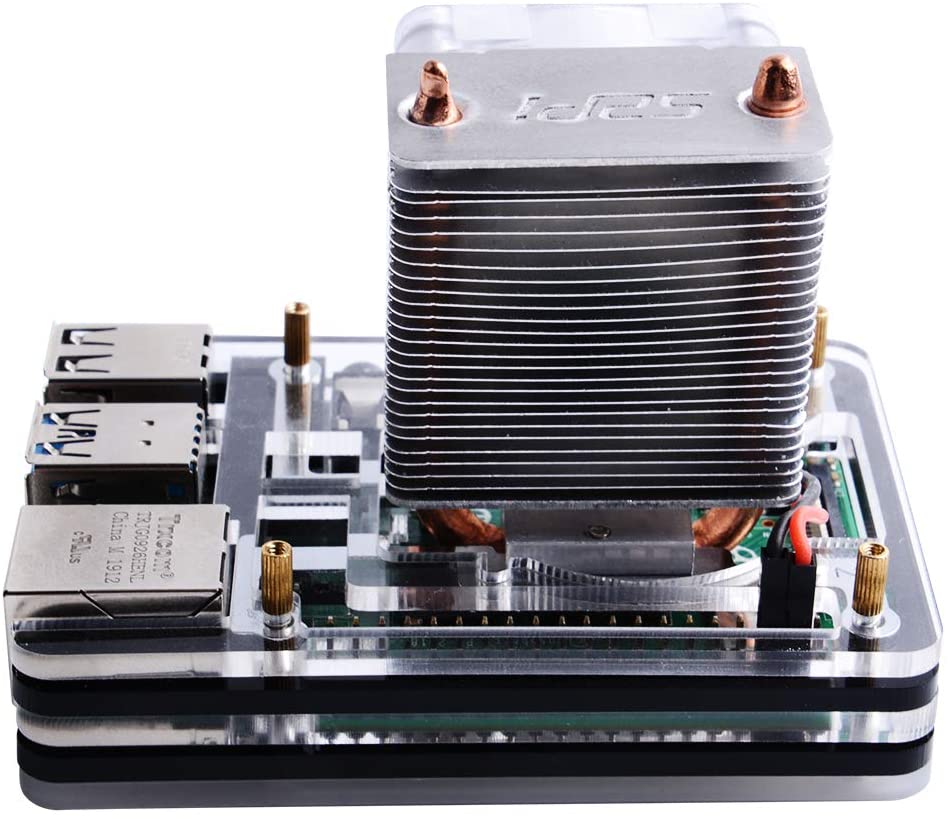
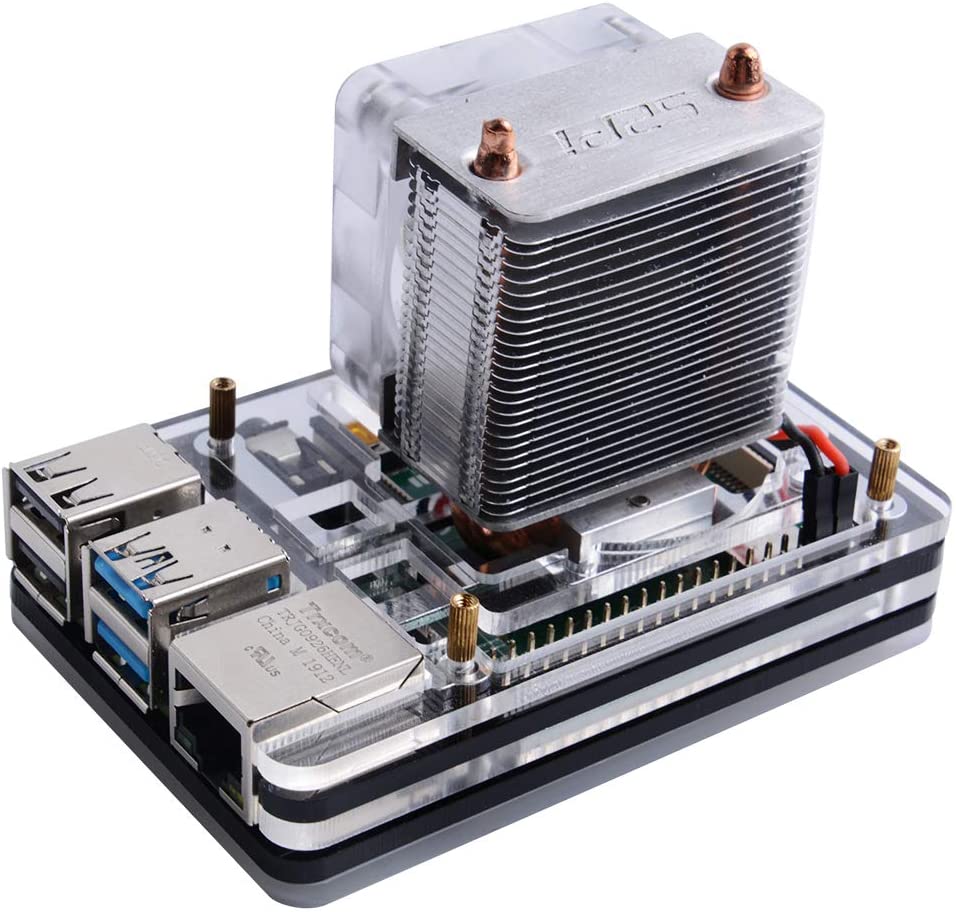
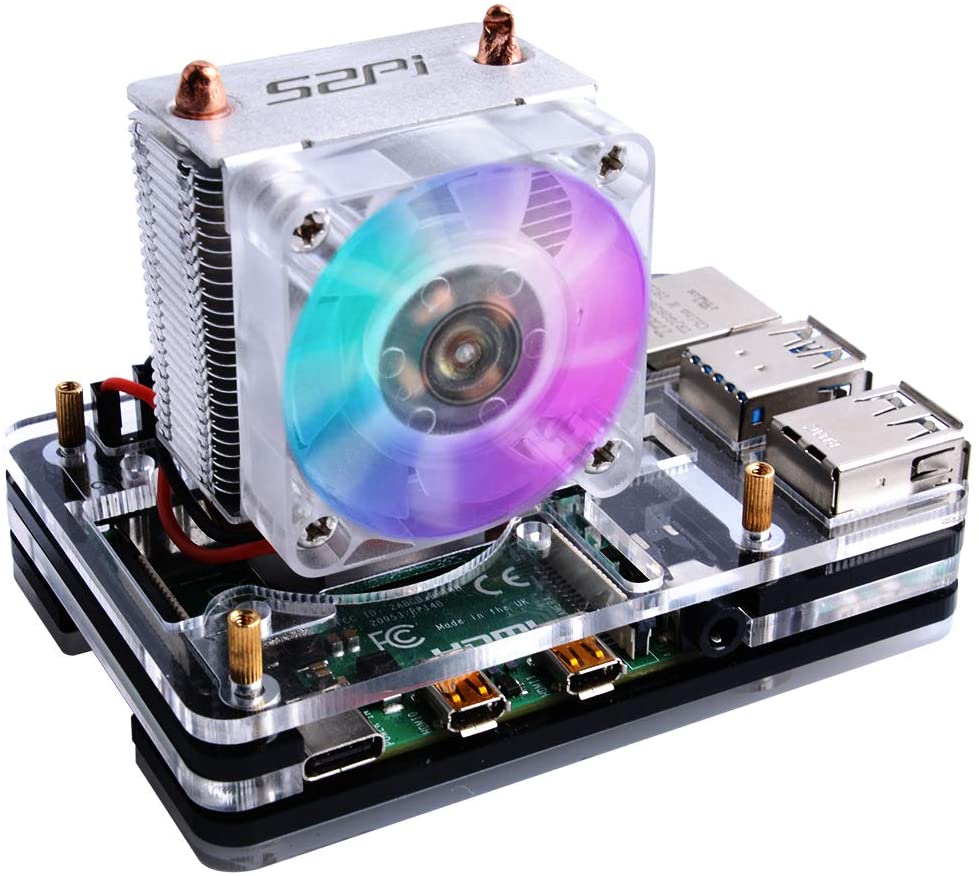
Acrylic 5-layer case for Raspberry Pi 4 with RGB Ice Tower CPU fan in 7 colors. Allows you to protect and personalize your Raspberry Pi 4 with an RGB design.
Features
- Material: acrylic
- Layers: 5
- CPU Fan: Ice Tower RGB
- LED Colors: 7
- Compatibility: Raspberry Pi 4
What it is for
The case protects the Raspberry Pi 4 from impacts and offers an active cooling system through the RGB fan. The fan can be customized with 7 different LED colors.
Tutorial: How to use 5-layer acrylic case with RGB Ice Tower CPU fan 7 colors
This protective and cooling case for the Raspberry Pi 4 offers an elegant and functional solution to improve your device’s heat management. Ideal for enthusiasts, makers, and developers who want to protect and keep their Raspberry Pi 4 cool.
What you need
- Raspberry Pi 4
- RGB Ice Tower Fan 7 colors
- Power connection for the fan
- Cutting and drilling tools (if necessary)
- Connection points for the Raspberry Pi 4 ports
Steps
- Install the Raspberry Pi 4 in the 5-layer acrylic case, ensuring that all ports and connectors are accessible.
- Connect the Ice Tower RGB 7 color fan to the Raspberry Pi 4 using an appropriate power connector.
- Check that all parts are securely positioned and that there are no excess parts that could interfere with the operation of the Raspberry Pi 4.
- If necessary, adjust the ports and connectors to ensure a perfect fit.
- Check the datasheet for RGB color configuration of the fan through software or script.
- Test the cooling system to ensure that the fan works correctly and that there are no hot spots on the Raspberry Pi 4.
- If necessary, fix any fit or functionality issues.
- Configure the Raspberry Pi 4 to access the RGB colors of the fan via script or software interface.
Example code
Per configurare i colori RGB della ventola, utilizza un script Python come segue:

```python
import RPi.GPIO as GPIO
# Configura i pin GPIO per controllare i colori RGB della ventola
# Verifica sul datasheet per i dettagli specifici
```

Non dimenticare di installare eventuali librerie necessarie per il controllo dei colori RGB.
Mini project
Create a small temperature monitoring project for the Raspberry Pi 4. Use the RGB fan to change color based on the device temperature, for example red for high temperatures and green for moderate temperatures.
Common mistakes
- Incorrect power connection for the fan.
- Ports and connectors not positioned correctly.
- RGB color configuration not performed correctly.
- Fit issues between the case and the Raspberry Pi 4.
Recommended accessories
- Raspberry Pi power connections
- Cutting and drilling tools
- RGB control script for Raspberry Pi
- GPIO libraries for Raspberry Pi
Frequently asked questions
Is the case compatible with the Raspberry Pi 3?
Check the datasheet for compatibility with the Raspberry Pi 3.
How can I control the RGB colors of the fan?
Use a Python script or a GPIO library to control the RGB colors.
Does the case include the Raspberry Pi 4?
No, the Raspberry Pi 4 must be purchased separately.



Reviews
There are no reviews yet.