 EN
 IT Italiano
 ES Español
 FR Français
 DE Deutsch
Description
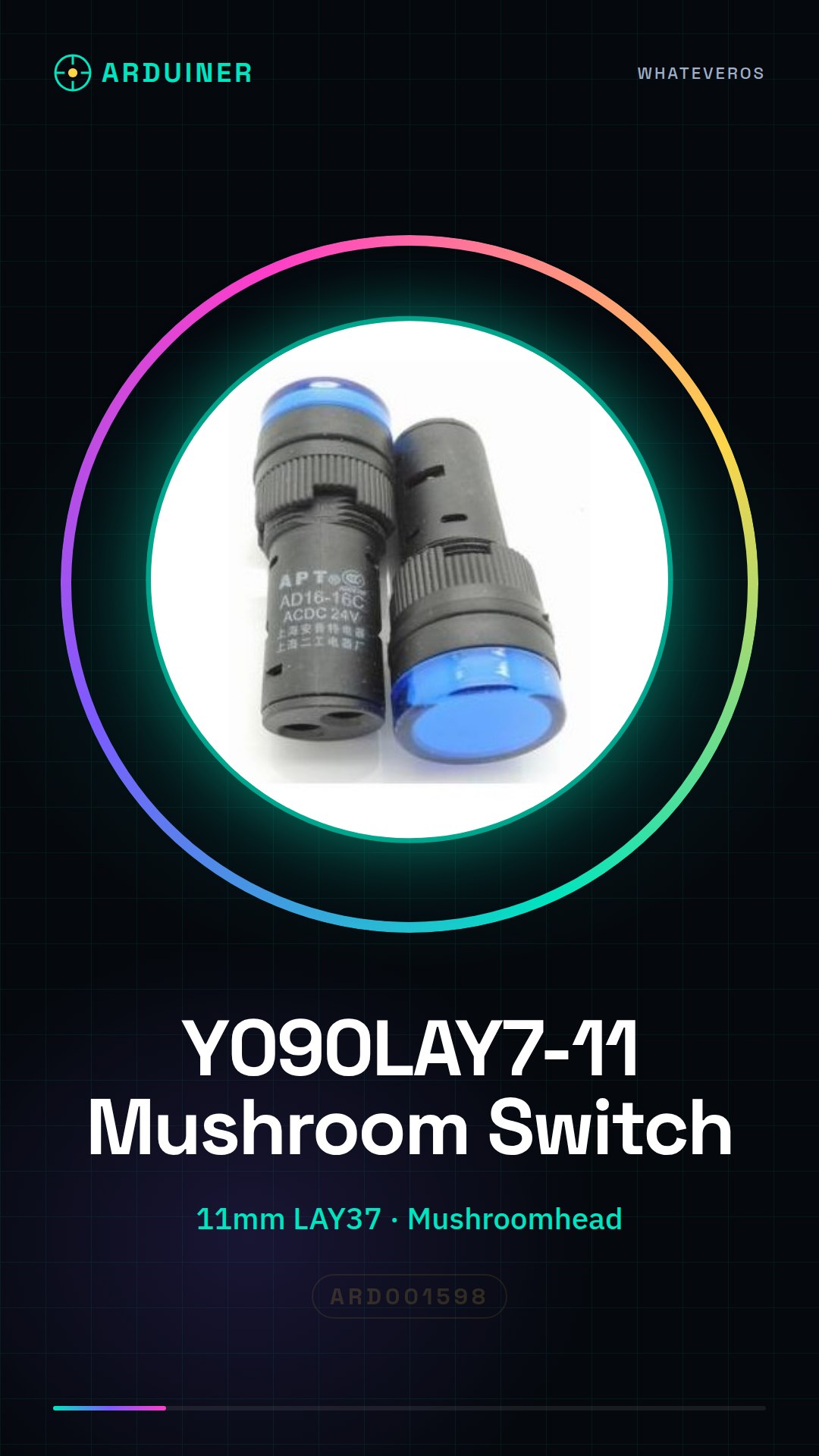
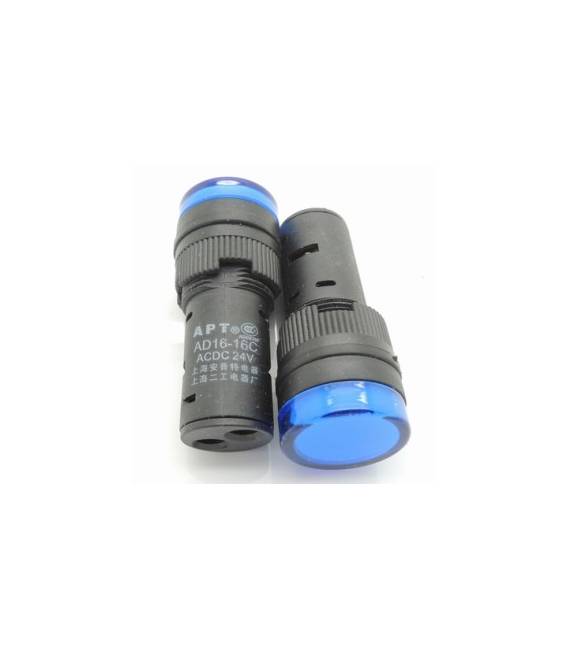
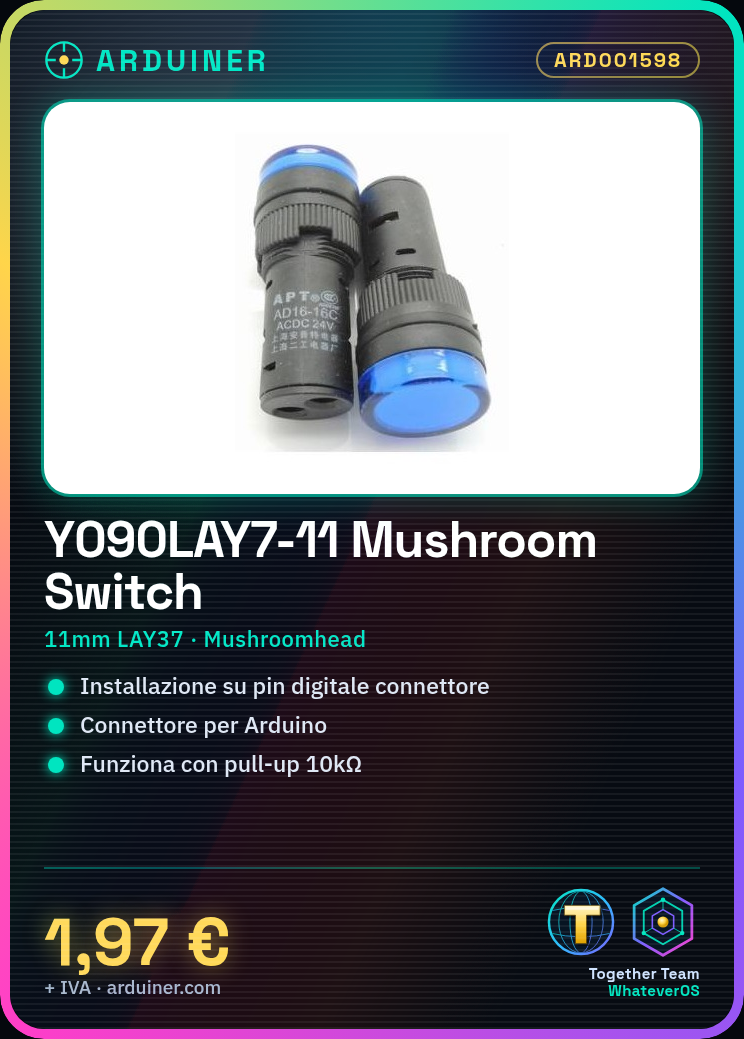
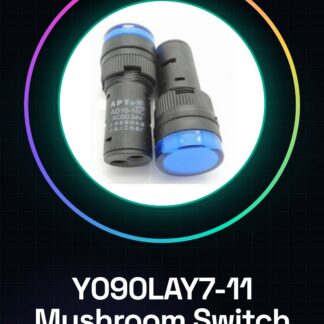
Blue 11MM LAY37 to 11 m (PBC) Y090LAY7-11 m to 11 m mushroomhead push button switch
We have datasheets available for all components, should it not be present in the product download sheet, send us a message via the contact us form and we will publish it as soon as possible on our website.
Tutorial: How to use the Y090LAY7-11 Push Button Switch
This mushroomhead push button is ideal for user interfaces in Arduino projects. It serves to create simple and interactive interfaces.
What you need
- Y090LAY7-11 Push Button Switch
- Arduino
- Pull-up Resistor (10kΩ)
- Arduino Connector
Steps
- 1. Connect the push button to an Arduino digital input pin using a connector.
- 2. Connect a pull-up resistor (10kΩ) between the input pin and VCC.
- 3. Connect the GND pin of the push button to GND of the Arduino.
- 4. Load the code below.
- 5. Test the push button with a sample program.
- 6. Adapt the code for your project.
- 7. Check the stability of the button.
- 8. Refer to the datasheet for further details
Example code
```cpp
int buttonPin = 2;
int buttonState = 0;

void setup() {
  pinMode(buttonPin, INPUT);
}

void loop() {
  buttonState = digitalRead(buttonPin);
  if (buttonState == HIGH) {
    Serial.println("Pulsante premuto");
  }
}
```
Mini project
Create a simple button counter using the Y090LAY7-11 button and an LCD display.
Common mistakes
- Fail to properly connect the pull-up resistor.
- Use a different digital input pin than specified.
- Omit the protection connector.
- Forget to upload the code.
Recommended accessories
- LCD Display
- Pressure Sensors
- Arduino UNO
- USB Cable
Frequently asked questions
How can I verify if the button is working?
Connect the button to a digital pin on the Arduino and upload a simple sketch that reads the state of the pin.
Which Arduino pins can I use?
Any digital pin on the Arduino can be used.
Can I use a different button?
Yes, but make sure it has the same characteristics and size.
Does the button work with batteries?
Check the datasheet for further details.
Reviews
There are no reviews yet.