 EN
 IT Italiano
 ES Español
 FR Français
 DE Deutsch
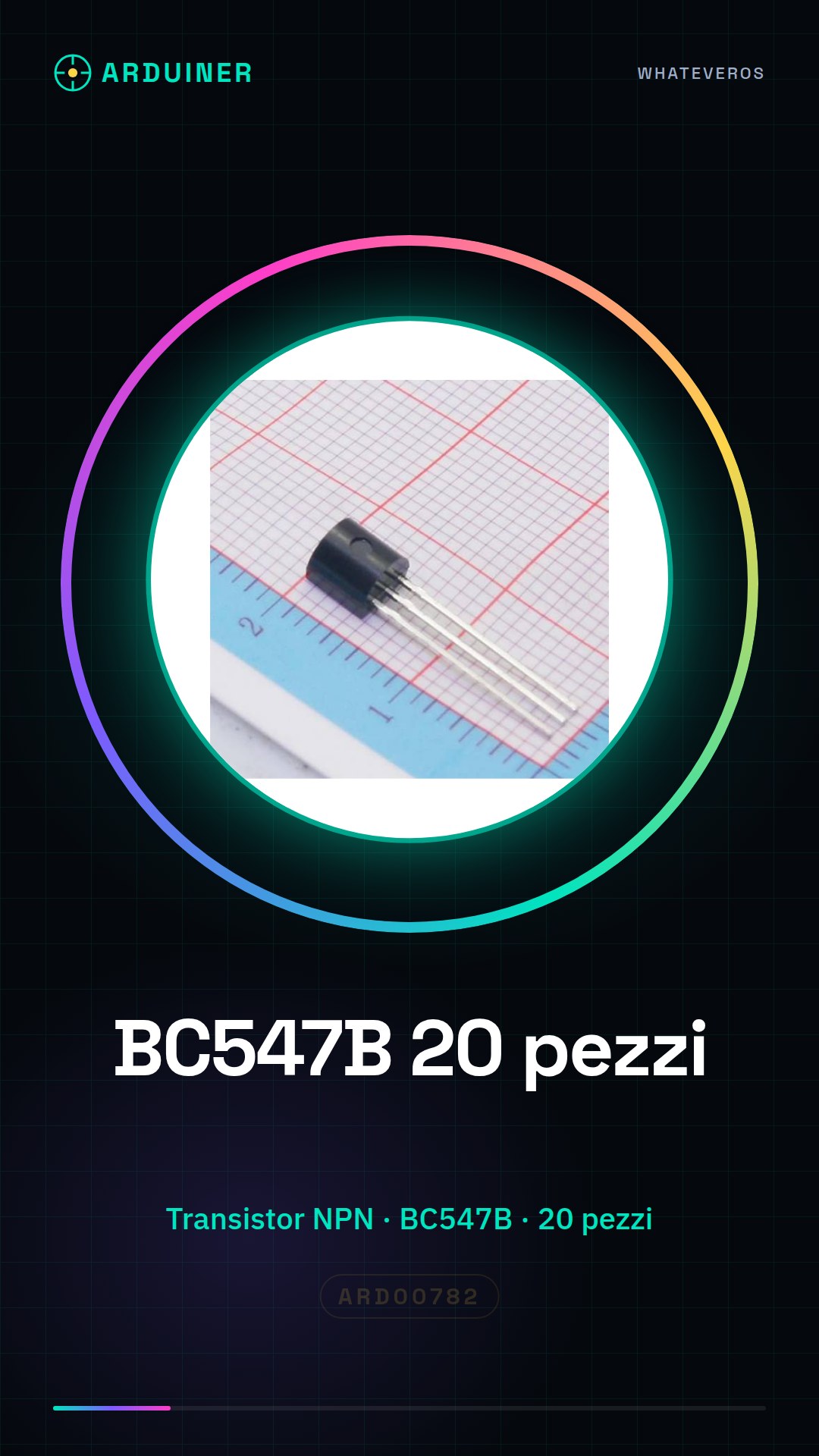
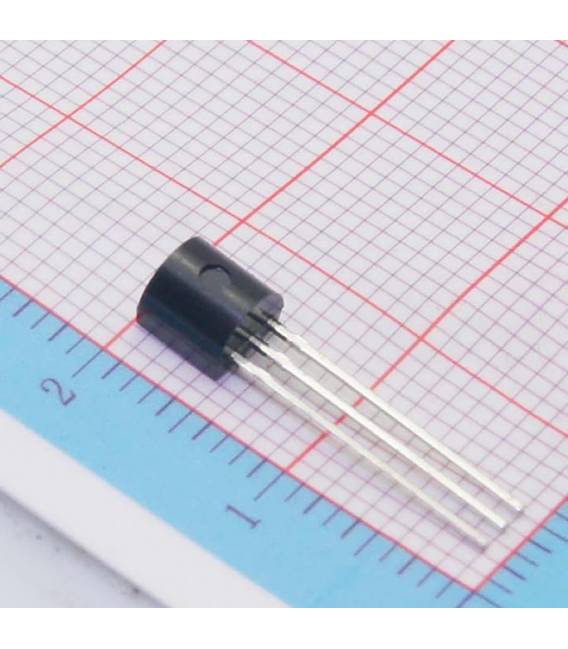
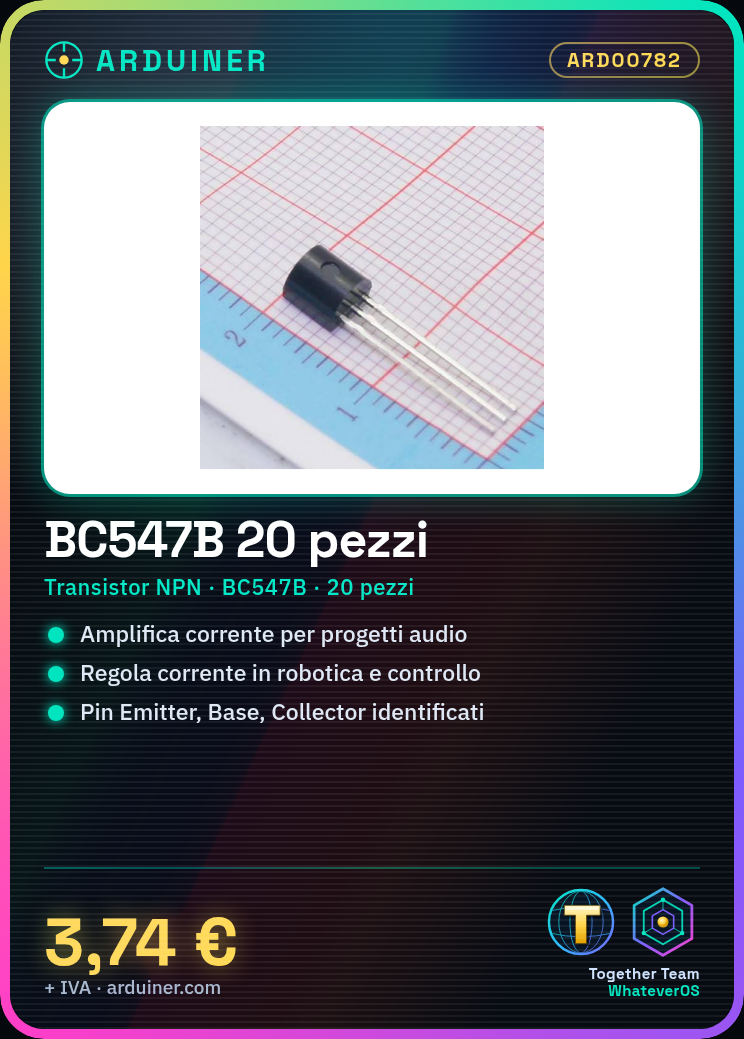

Description
High-quality electronic components for audio and electroacoustic projects
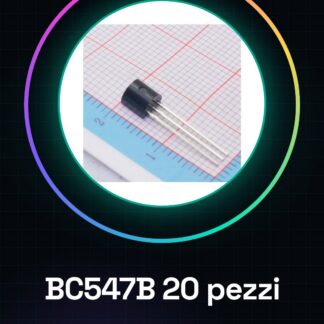
Tutorial: How to use BC547B IC
The BC547B IC is a widely used NPN transistor for amplification and current regulation. Ideal for Arduino, robotics, and control systems projects.
What you need
- Arduino Uno
- 3D Printing (for custom cases)
- Connectors
- Resistors
Steps
- Identify the pins of the BC547B transistor: Emitter (E), Base (B), and Collector (C).
- Connect the transistor to the circuit with connectors.
- Use Arduino to send a control signal to the base of the transistor.
- Check the correct function of amplification or current regulation.
- Test the circuit with different resistors and loads to understand its amplification capabilities.
Example code
void setup() {
  pinMode(2, OUTPUT);
}

void loop() {
  digitalWrite(2, HIGH); // Attiva il transistor collegato a questo pin
  delay(1000);
  digitalWrite(2, LOW); // Disattiva il transistor
}
Mini project
Create a lighting control system that turns a lamp on and off with Arduino using the BC547B to amplify the current.
Common mistakes
- Confuse the pins of the transistor
- Using the wrong resistors
- Not verifying the correct power supply
Recommended accessories
- Arduino Uno R3
- Variable resistors
- Connection for 3D printing
- Various LEDs
Frequently asked questions
Which pins of the BC547B should I connect to Arduino?
Connect the base (B) to the output pin of Arduino, the emitter (E) to ground, and the collector (C) to the circuit to be controlled.
How do I verify that the transistor is working correctly?
Use a multimeter to test the continuity between the pins of the transistor when sending control signals from Arduino.
Reviews
There are no reviews yet.