 EN
 IT Italiano
 ES Español
 FR Français
 DE Deutsch
Description
What it is
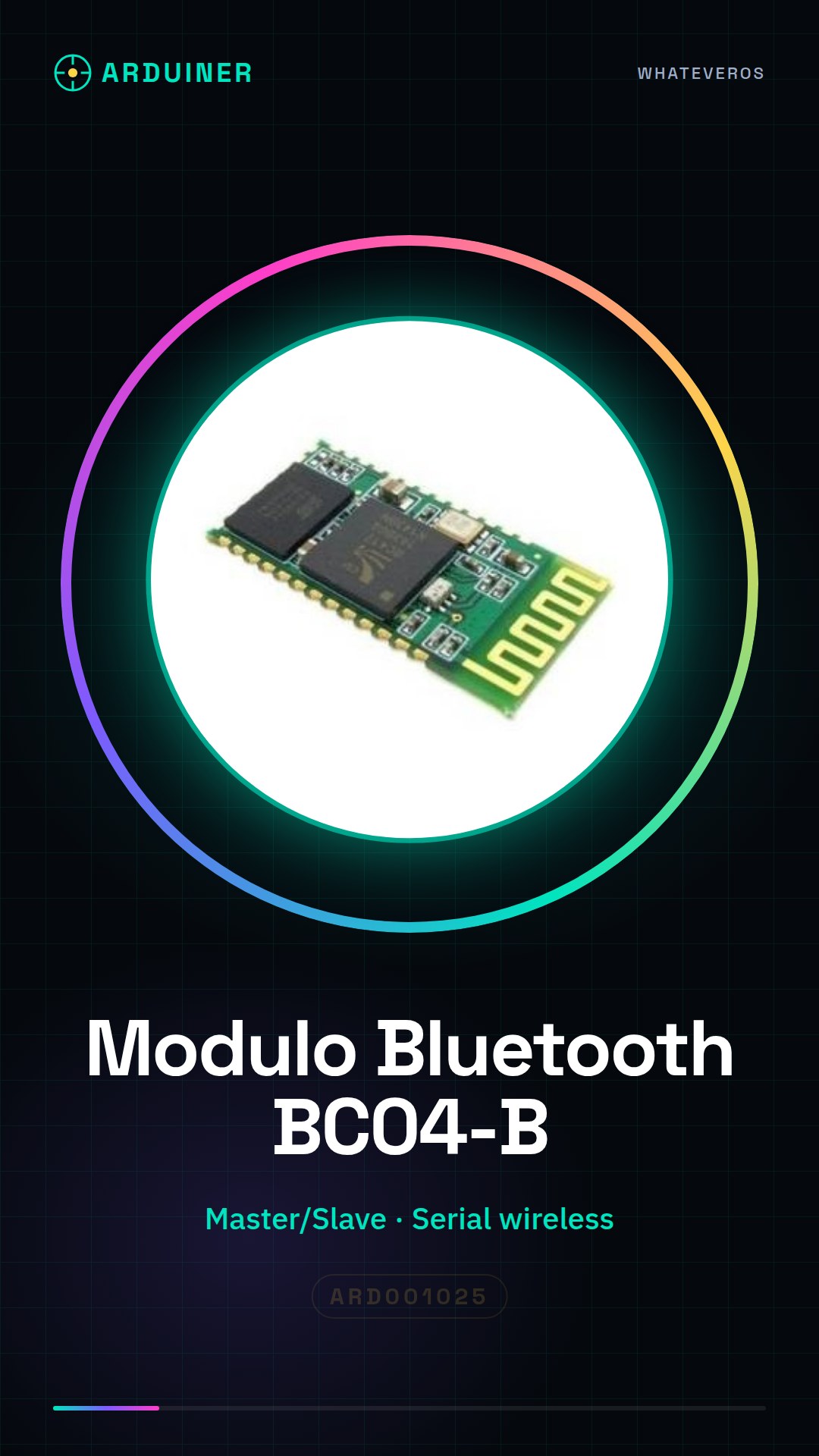
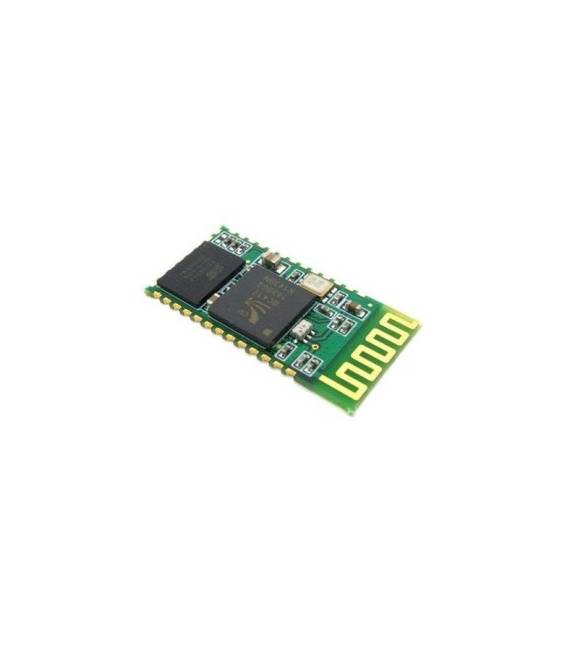
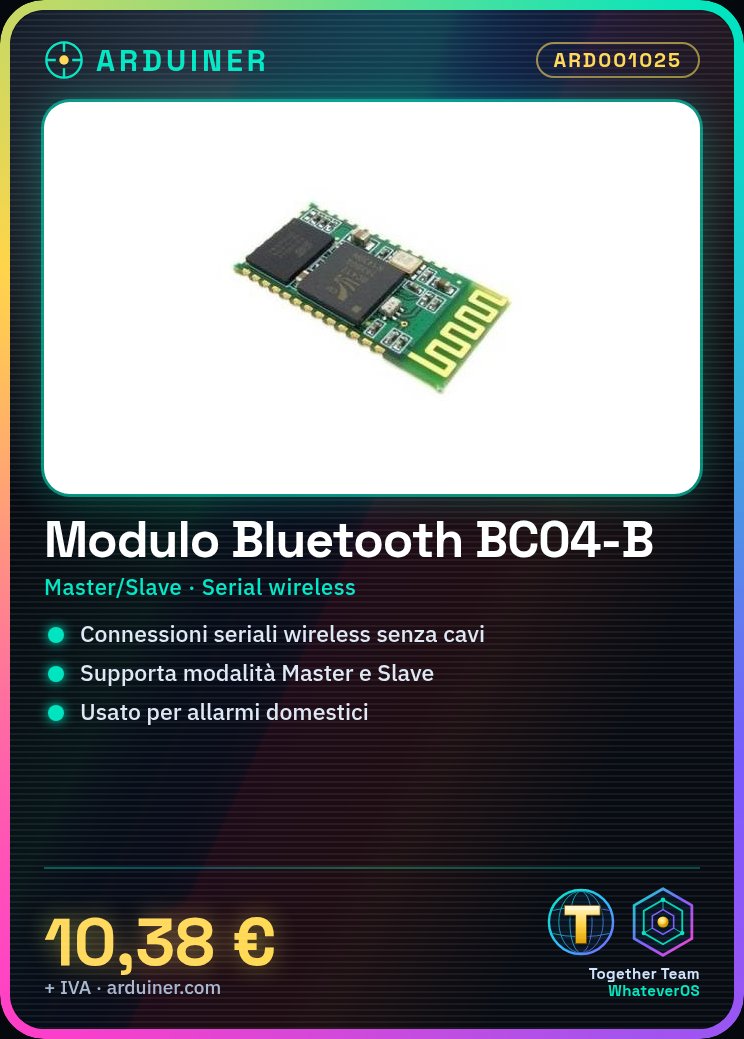
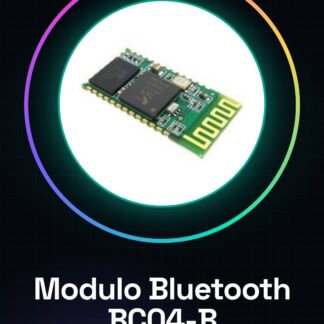
The BC04-B Bluetooth module from Arduiner is a wireless device used to establish serial connections between Arduino and other devices. It supports both Master and Slave modes, making it versatile for a variety of projects.
Features
- Supports Master/Slave mode
- Compatible with Arduino
What it is for
Ideal for beginners, the BC04-B module allows creating interactive projects without the use of cables. It can be used to implement home alarm systems that send notifications via Bluetooth or any other project that requires a wireless serial connection.
Tutorial: How to use BC04-B Bluetooth Module
The BC04-B Bluetooth module is a versatile device that allows establishing wireless connections between Arduino and other devices. Ideal for beginners, it helps create interactive projects without cables.
What you need
- Arduino Uno or compatible
- USB-A to B cable
- Arduino IDE software
Steps
- Connect the BC04-B module to the Arduino’s TX and RX pins, make sure to use pull-up resistors to avoid interference.
- Download the BC04-B module SDK from the official website or the hardware documentation provided.
- Open Arduino IDE and create a new sketch. Include the SoftwareSerial library following the instructions in the SDK.
- In the setup(), configure the TX and RX pins for the BC04-B module, then enable serial communication.
- In the loop(), send data to the BC04-B module using the Serial.write() or Serial.print() command.
- Make sure your computer’s Bluetooth device is in ‘scan’ mode and search for the device connected via BC04-B.
- Once the connection is established, try sending data from the BC04-B module to the Arduino and vice versa.
- Verify that the received commands are correctly interpreted by the Arduino.
Example code
// Includi la libreria SoftwareSerial
#include <SoftwareSerial.h>

// Definisci TX e RX del modulo BC04-B
const int rxPin = 10;
const int txPin = 11;
SoftwareSerial bluetooth(rxPin, txPin);

void setup() {
  Serial.begin(9600);
  bluetooth.begin(9600); // Verifica sul datasheet la velocità corretta
}

void loop() {
  if (bluetooth.available()) {
    char c = bluetooth.read();
    Serial.print(c);
  }
}
Mini project
Create a home security system that sends a Bluetooth notification when the door is opened.
Common mistakes
- The connection does not establish
- The module receives data but does not send it correctly
- Interference between TX and RX of the Arduino
Recommended accessories
- 10kΩ pull-up resistors
- External antenna for Bluetooth
- RTC module for time synchronization
- Wireless sensors compatible with BC04-B
Frequently asked questions
What is the maximum communication range?
Check the datasheet of the BC04-B module
Can I use the module in Master or Slave mode?
Yes, but check the specifications to set the mode correctly
How can I test if the module is working?
Send a message from Arduino and check that it is received by the Bluetooth device

Reviews
There are no reviews yet.