 EN
 IT Italiano
 ES Español
 FR Français
 DE Deutsch
Description
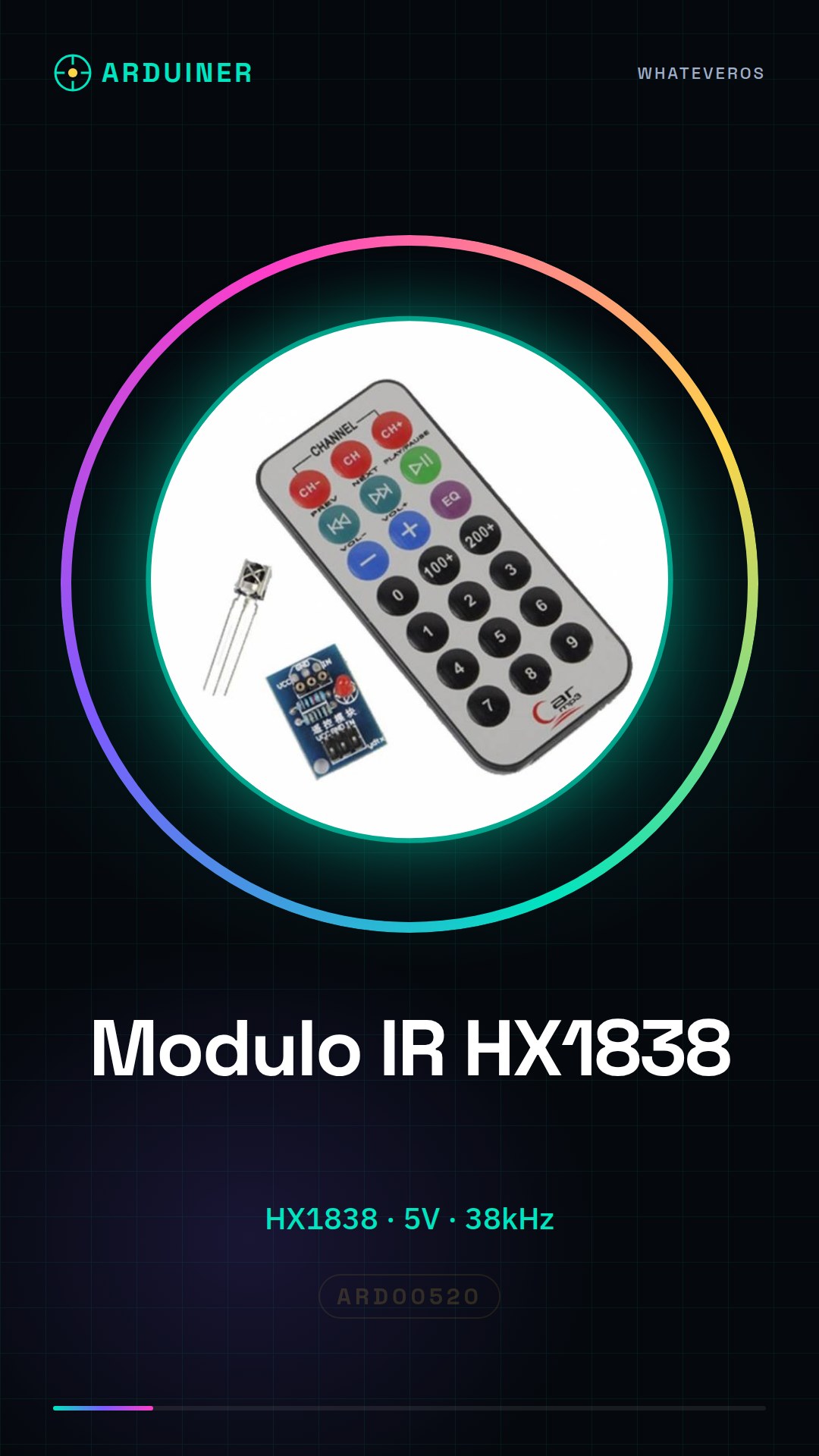
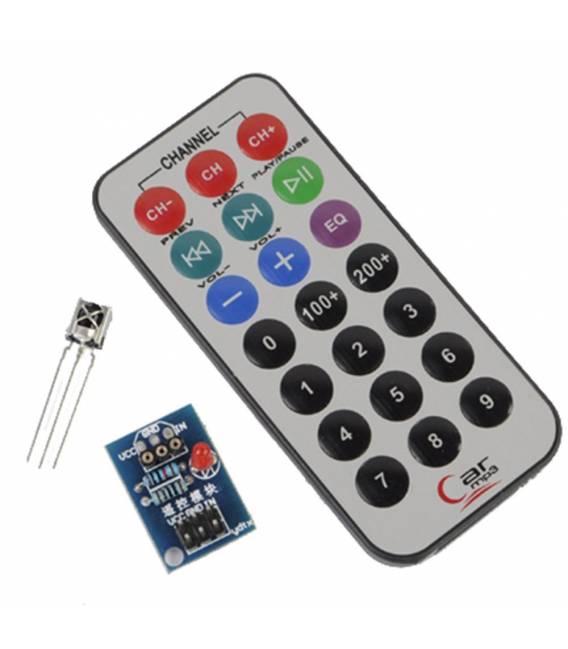
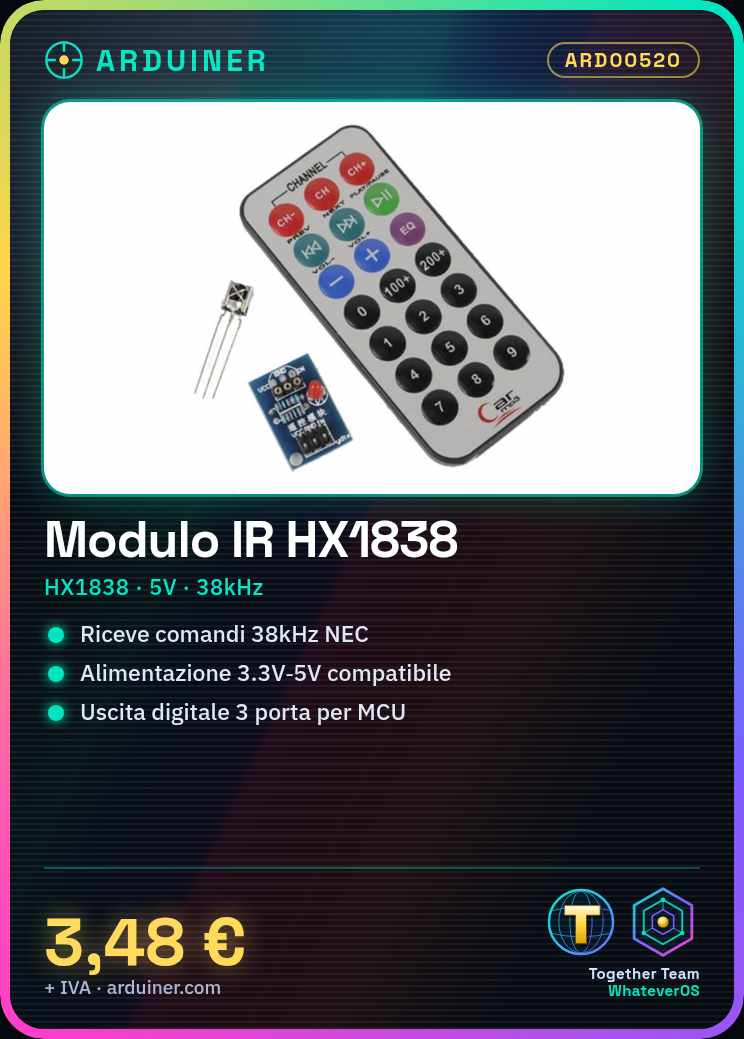
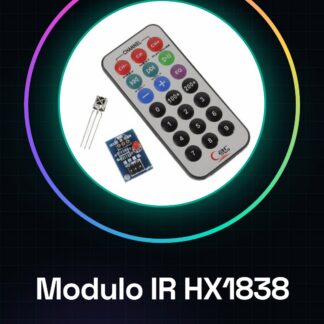
Infrared Remote Control Module IR + Receiver Head HX1838 NEC Protocol Arduino
Description:
1 detector with HX1838, high sensitivity
2 operating voltage 5 V
Output 3: digital output
Module interface description
1 VCC external 3.3V-5V voltage (can be directly connected with MCU 5V and 3.3V chip)
2 GND external GND
3 external microcontroller I/O ports, I/O port is designed with 10K pull-up resistance
Theoretical test range from 5-8 meters, but the surrounding environmental factors depend on the actual application and the intermediate barrier (e.g., diaphragm, glass, barrier or other materials), receiving the head using HX1838, with a power indicator, can receive the 38K frequency of all remote control data!
We have the technical specifications of all components available, should it not be present in the product download card, send us a message through the contact us form and we will publish it as soon as possible on our website.
Tutorial: How to Use IR HX1838 Module NEC Protocol
The IR HX1838 module is an essential component for anyone wanting to create devices that can be controlled via infrared remote control. This module supports the NEC protocol and integrates easily with Arduino.
What you need
- Arduino uno or compatible
- USB cable
- Infrared remote control
Steps
- Connect the IR HX1838 module to pin 2 of Arduino using a jumper wire.
- Open the Arduino IDE and upload the sketch to read IR commands.
- Verify correct communication by checking the instructions displayed in the serial monitor.
- Press the buttons on the remote control to see which codes are received by the module.
Example code
// Includi la libreria IRremote
#include <IRremote.h>

// Definisci il pin di input del modulo IR
const int RECV_PIN = 2;

void setup() {
 Serial.begin(9600);
}

void loop() {
 if (irrecv.decode(&results)) {
 Serial.println(results.value, HEX); // Mostra il codice del comando in formato esadecimale
 irrecv.resume();
 }
}
Mini project
Create a remote control system for a small robot or a lamp. Use the IR commands received from the HX1838 module to control the robot’s movement or turn the lamp on and off.
Common mistakes
- The pin used is incorrect.
- The IRremote library is not installed.
- The remote control buttons do not send codes.
- Power issues preventing the module from functioning.
Recommended accessories
- Universal infrared remote control
- Small robot for projects
- Controllable LED lamp
- IRremote library for Arduino
Frequently asked questions
How can I install the IRremote library?
Download the library .zip file from GitHub and use the ‘Add Library’ option in the Arduino IDE.
What other protocols does the HX1838 module support?
Check the datasheet for detailed information on supported protocols.
Reviews
There are no reviews yet.