 EN
 IT Italiano
 ES Español
 FR Français
 DE Deutsch
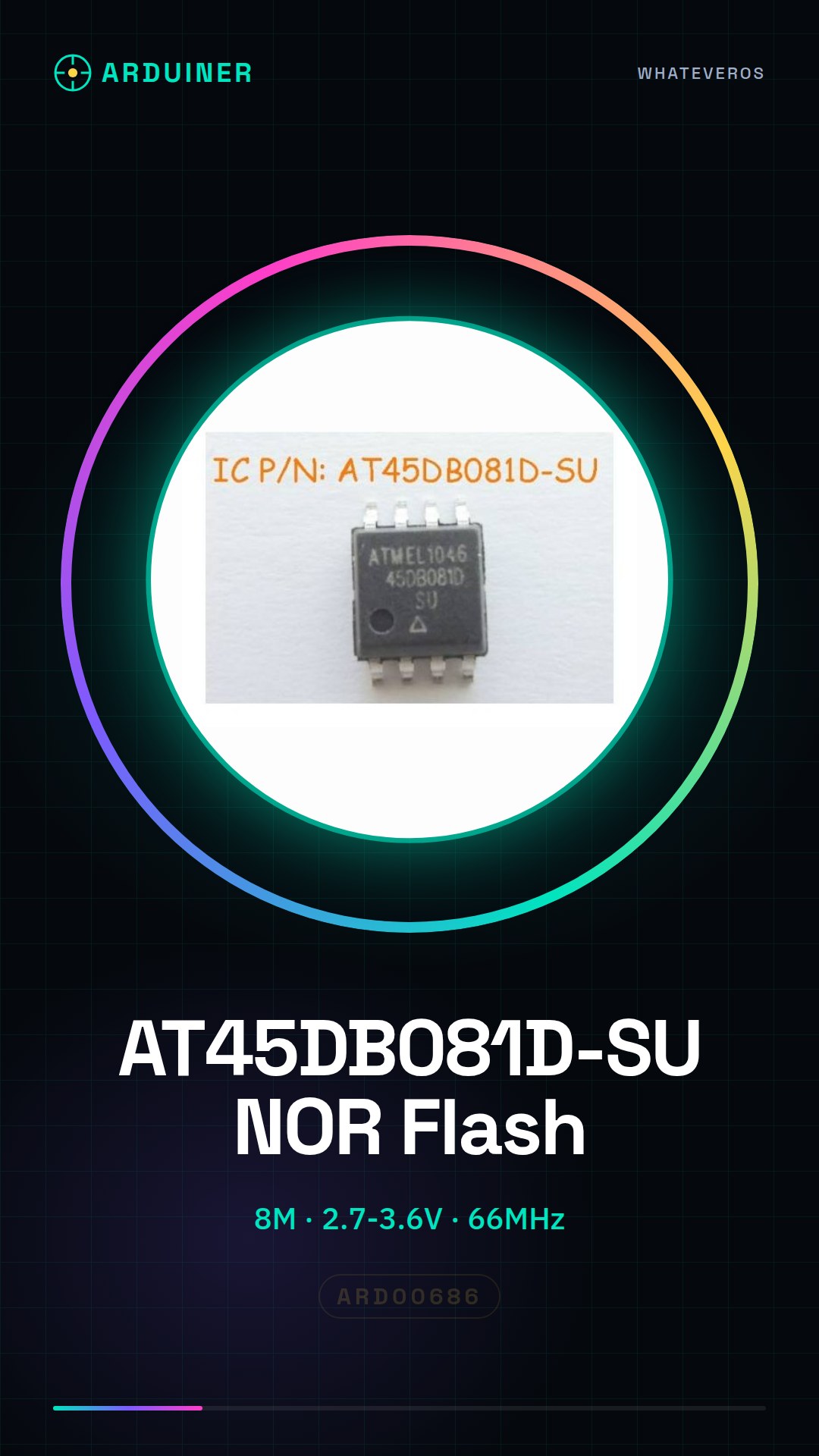
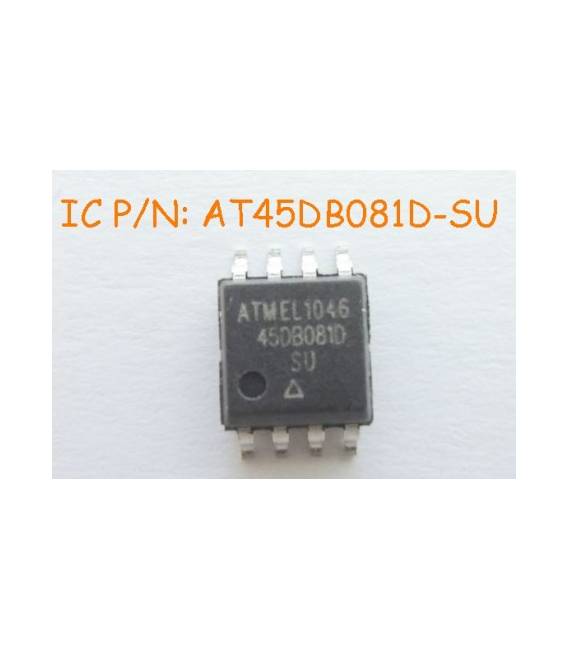
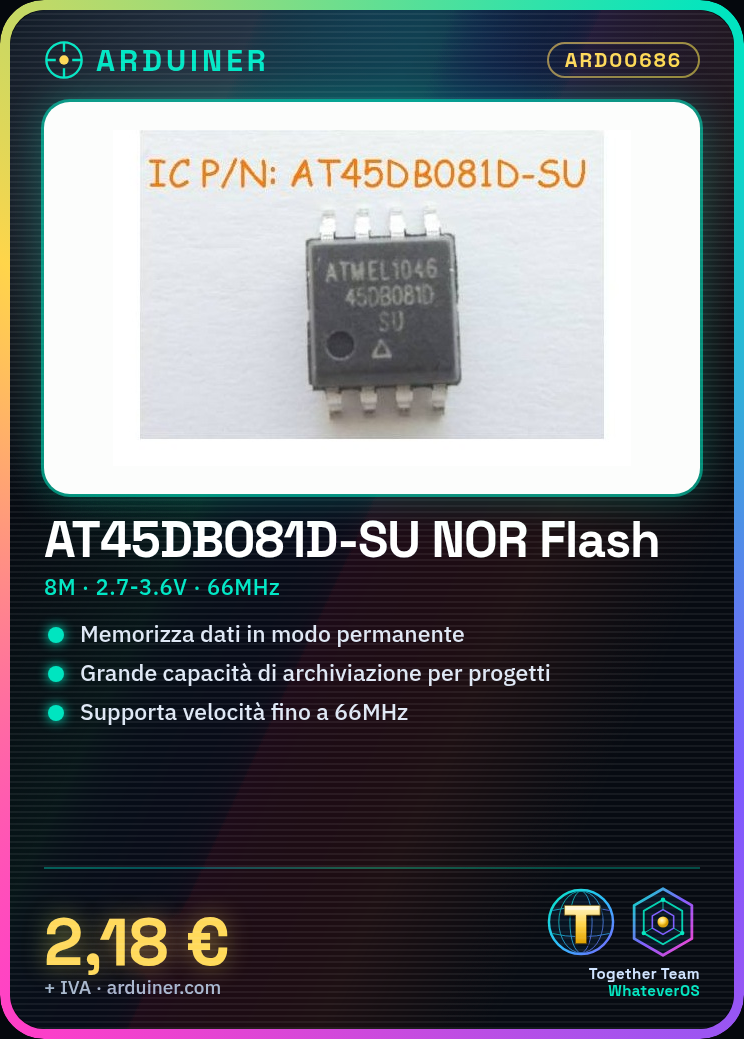
Description
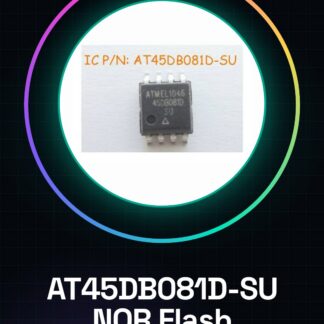
Tutorial: How to Use AT45DB081D-SU NOR Flash
The AT45DB081D-SU is a high-capacity flash memory chip that allows for the permanent storage of large amounts of data. It is ideal for Arduino or Raspberry Pi projects where you need robust storage capacity.
What you need
- Arduino Uno
- USB Type B Cable
- Pin Header
Steps
- Connect the AT45DB081D-SU to the pin header.
- Connect the pin header to the Arduino Uno.
- Install the SPI and AT45DB libraries in the Arduino IDE (check the datasheet for the correct versions).
- Upload the example sketch provided by the library to Arduino.
- Verify communication between the AT45DB081D-SU and the microcontroller (a confirmation message should appear).
- Modify the sketch to write custom data to the flash memory.
- Read the data from the flash memory to verify correct writing.
- Test data access through a software interface or monitoring application.
Example code
// Includi le librerie necessarie
#include <SPI.h>
#include <AT45DB_hardware_spi.h>

// Definisci il pin CS per la memoria flash AT45DB081D-SU
#define FLASH_CS_PIN 10

void setup() {
  // Inizializza la comunicazione SPI
  SPI.begin();
  // Inizializza l'AT45DB081D-SU
  AT45DB.begin(FLASH_CS_PIN);
}

void loop() {
  // Esegui operazioni di lettura e scrittura qui
}
Mini project
Create a data logging system that stores values read from environmental sensors (temperature, humidity) every hour.
Common mistakes
- Chip connection error
- Libraries not compatible with the Arduino IDE version
- Writing data too large for the memory flash buffer
- Synchronization issues between the Arduino and the memory flash
Recommended accessories
- USB Type B cable
- Pin header
- Environmental sensors (DS18B20, DHT22)
- USB power supply
Frequently asked questions
How can I access the stored data?
Use the AT45DB library to read specific memory blocks.
What is the maximum speed supported by the memory flash?
Check the product datasheet for the actual speed.
Reviews
There are no reviews yet.