 EN
 IT Italiano
 ES Español
 FR Français
 DE Deutsch
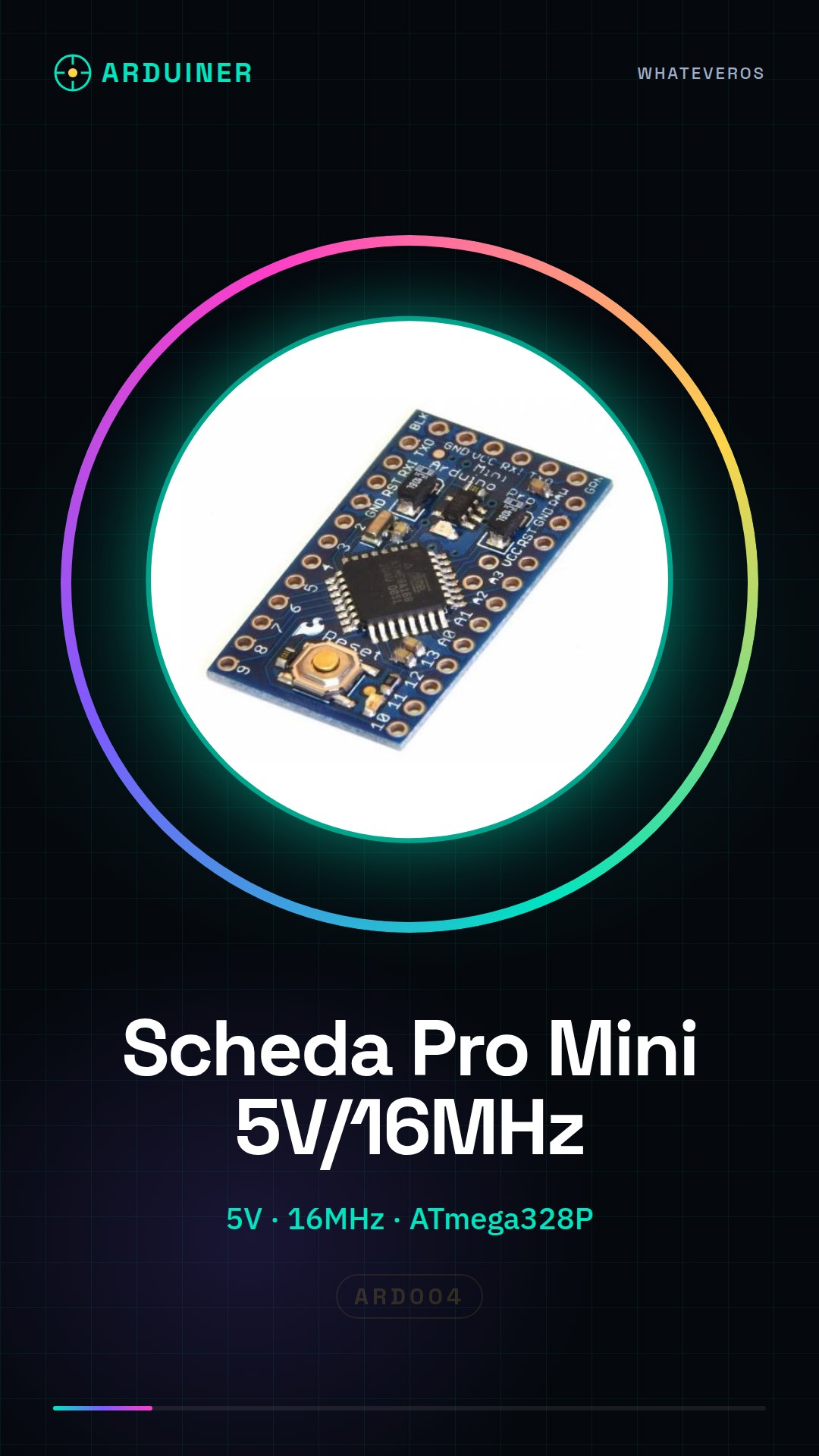
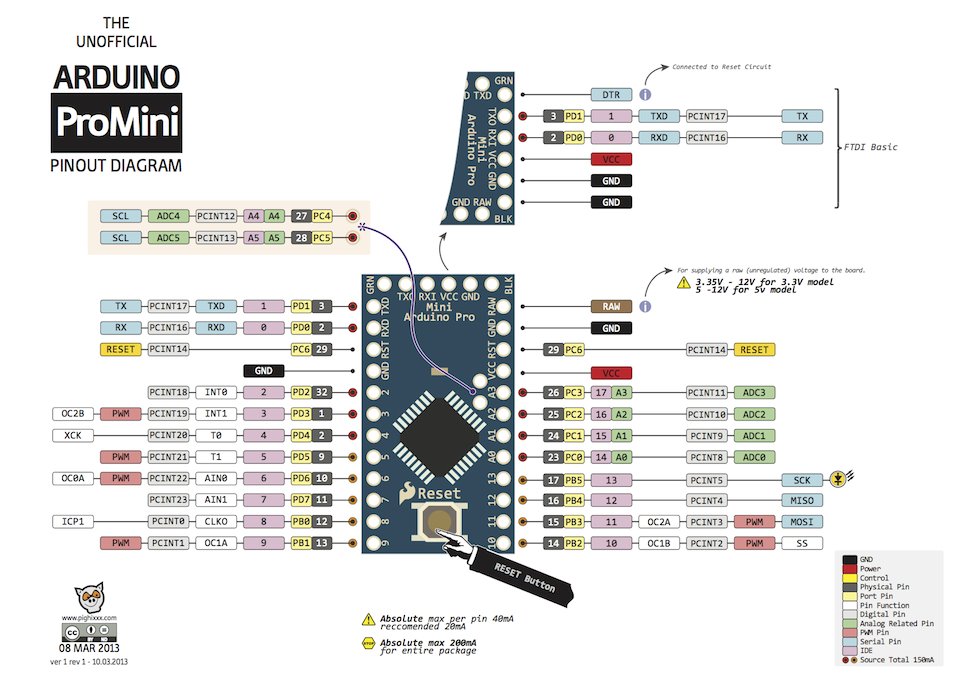
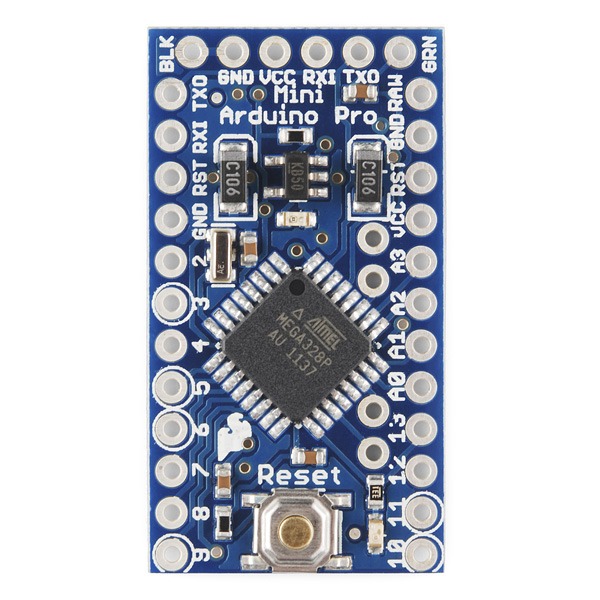
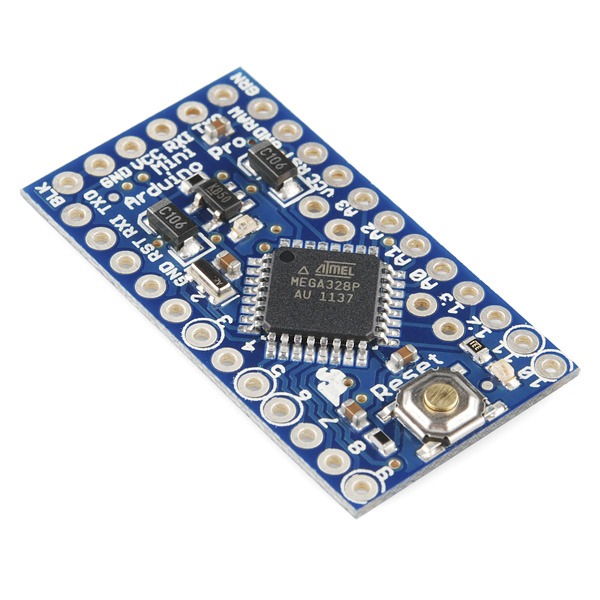
Description
What it is
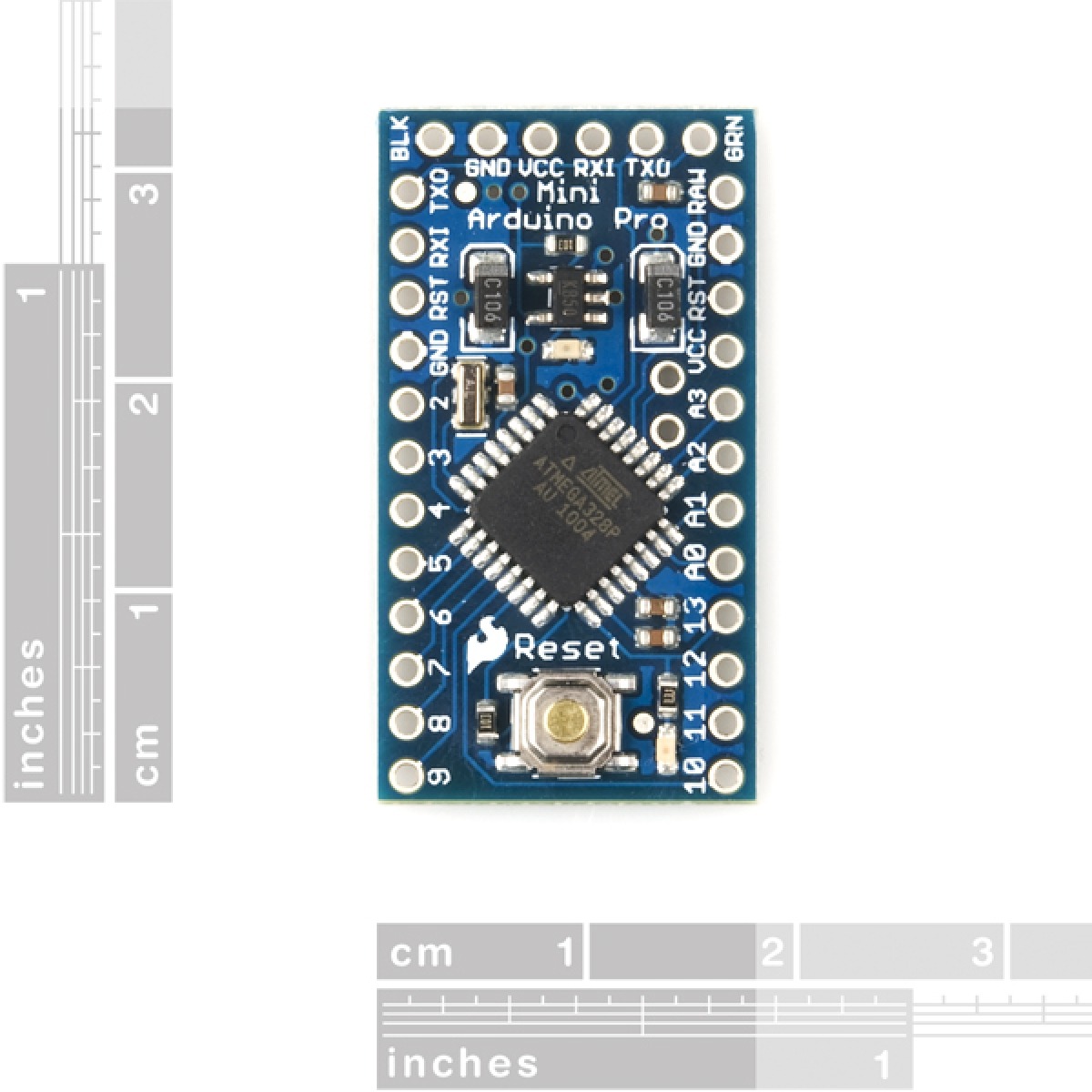
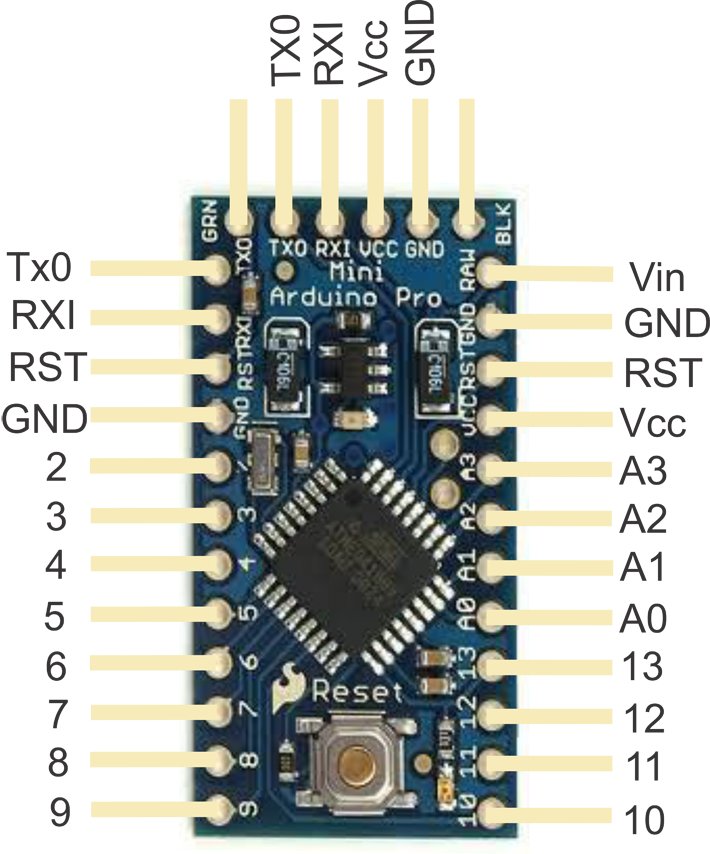
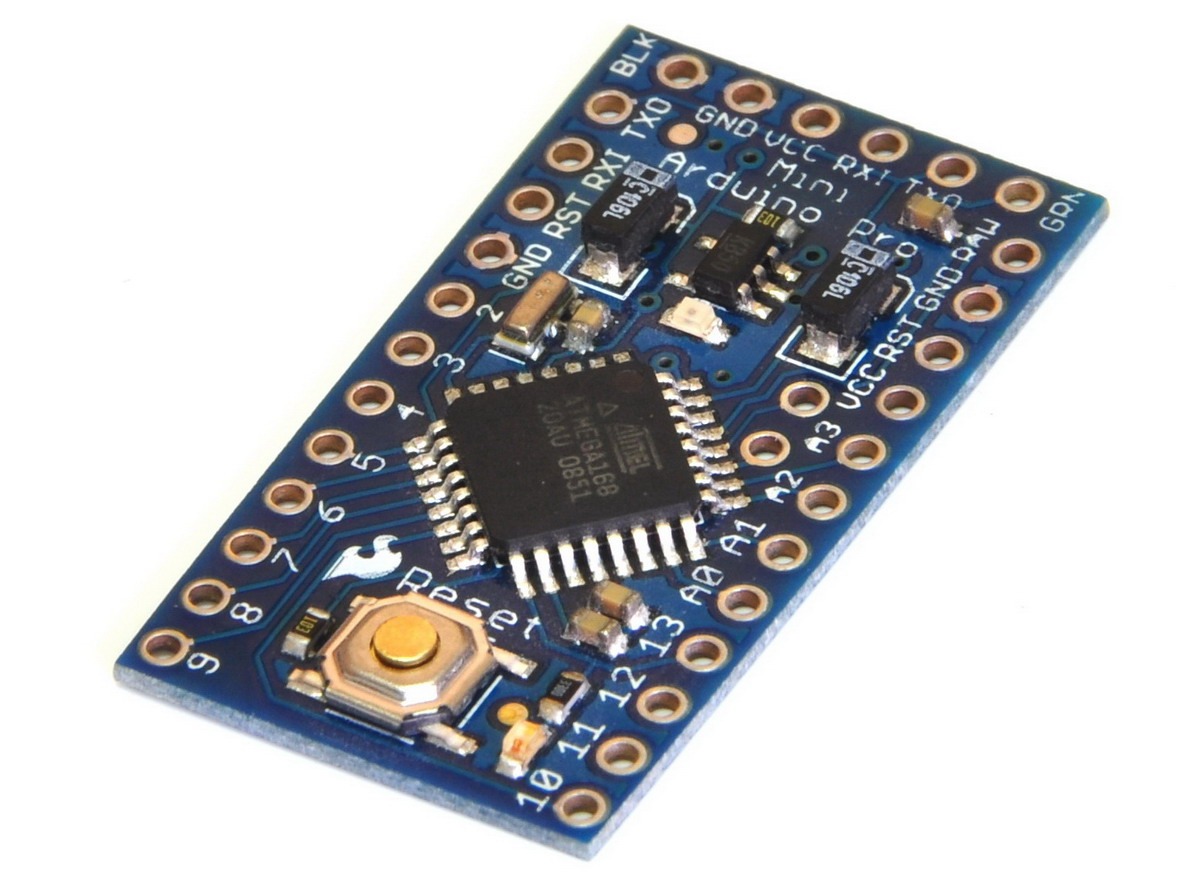
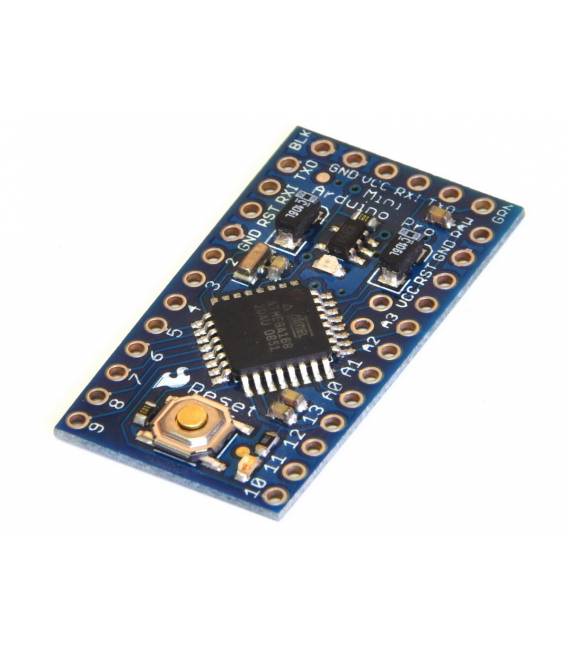
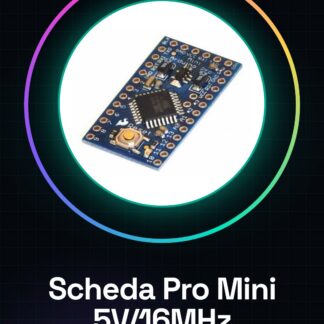
The Pro Mini 5V/16MHz board is an Arduino-compatible board that uses the ATmega328P microcontroller. This small but powerful device is ideal for portable and compact electronic projects.
Features
- Vcc: 5V
- Clock Frequency: 16MHz
- Microcontroller: ATmega328P
What it is for
The Pro Mini board is suitable for projects that require a microcontroller without the need to connect it to a computer. It is usable by both beginners and experts and can be integrated into various devices, such as luminous clocks or any other device that requires a small Arduino-compatible board.
Tutorial: How to use Pro Mini 5V / 16MHz ATMEGA328P Board
The Pro Mini board is a small but powerful version of the Arduino board, ideal for electronic projects that require a microcontroller without the need to connect it to a computer. It is suitable for both beginners and experts.
What you need
- Pro Mini Board 5V / 16MHz ATMEGA328P
- USB Mini-B or TTL Cable for Loading
- Power Supply (if needed)
- Basic Connections (LED, resistor, sensor)
Steps
- Connect the Pro Mini board to the computer via USB Mini-B or TTL cable
- Install the bootloader and upload a sketch to the microcontroller using Arduino IDE
- Check that the power supply is correct (5V)
- Connect the GPIO pins to the sensor and actuator network
- Test the loaded sketch to check the functionality of the project
Example code
void setup() {
  pinMode(LED_BUILTIN, OUTPUT);
}

void loop() {
  digitalWrite(LED_BUILTIN, HIGH);
  delay(1000);
  digitalWrite(LED_BUILTIN, LOW);
  delay(1000);
}
Mini project
Create a simple luminous clock that turns on and off an LED at regular intervals. Use the Pro Mini board to manage the clock.
Common mistakes
- Make sure the correct bootloader is loaded onto the board
- Check that the pins are correctly connected to the sensors and actuators
- Verify that the supply voltage is adequate (5V)
Recommended accessories
- USB Mini-B Cable
- 5V Power Supply
- Set of Various LEDs
- GPIO Connectors for Prototyping
Frequently asked questions
How do you upload a sketch to the Pro Mini board?
Use a TTL cable or connect the board to a serial port and use Arduino IDE to upload the sketch.
Which pins of the Pro Mini board are used for power?
The VCC and GND pins are used to provide power to the board (5V).
Reviews
There are no reviews yet.