 EN
 IT Italiano
 ES Español
 FR Français
 DE Deutsch
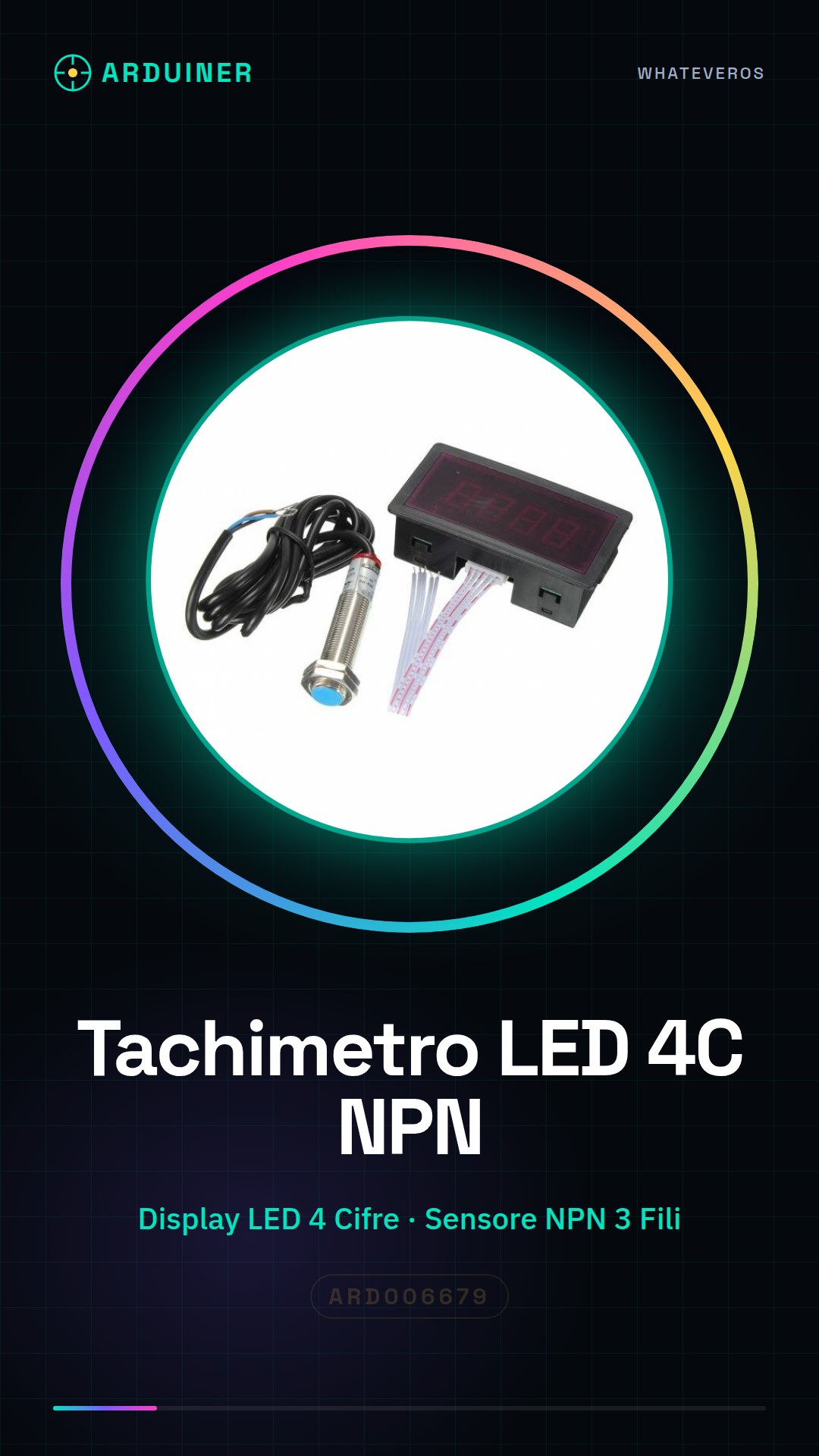
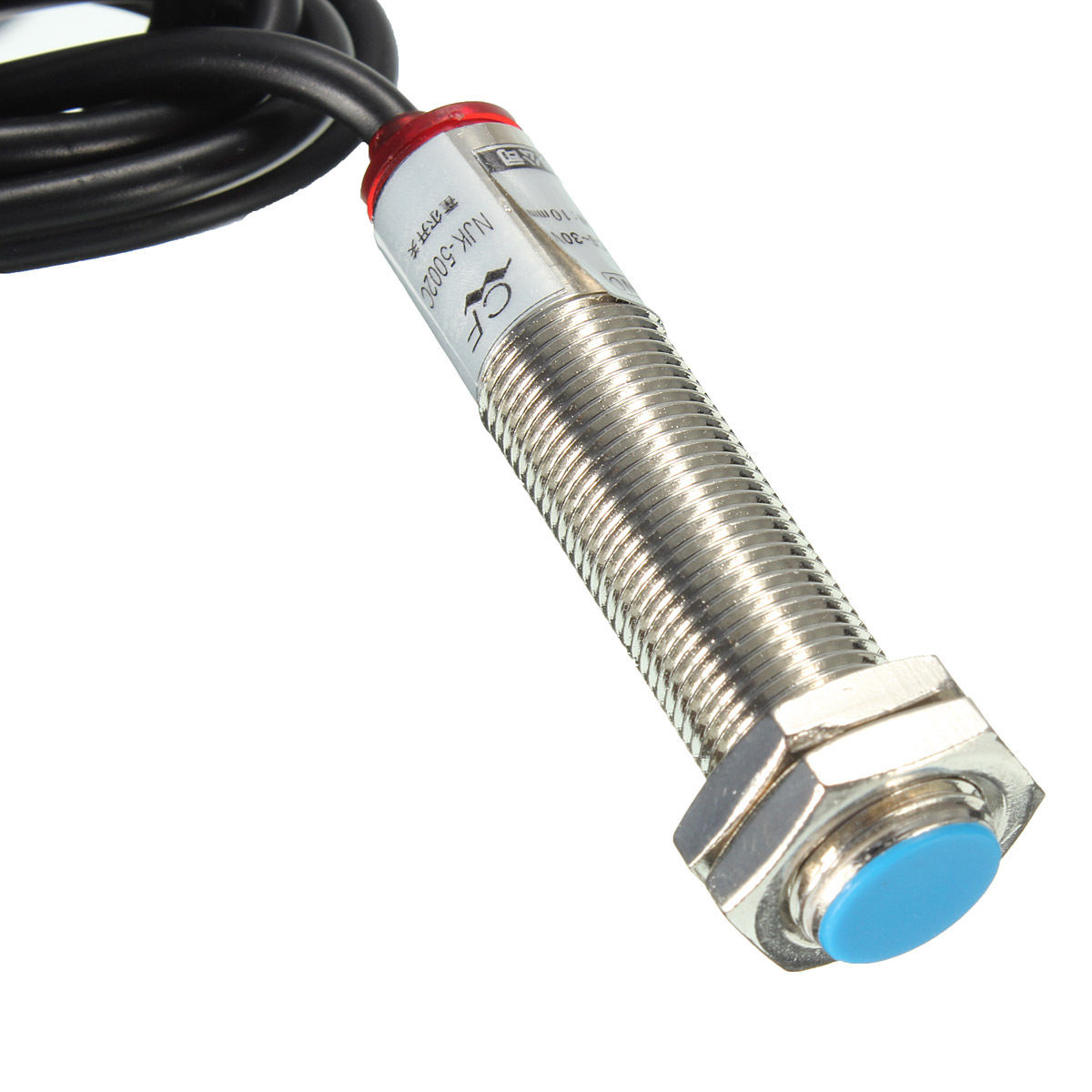
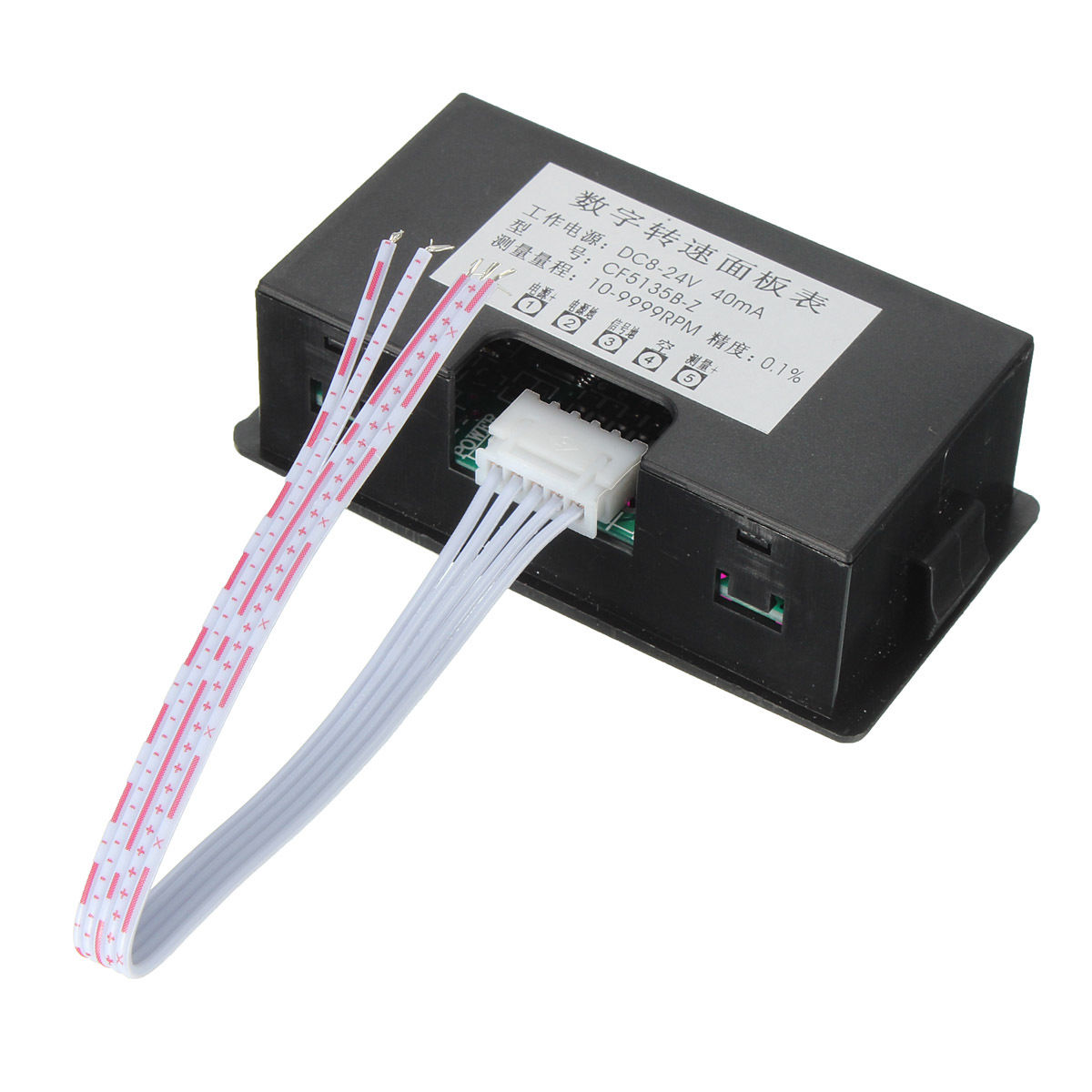
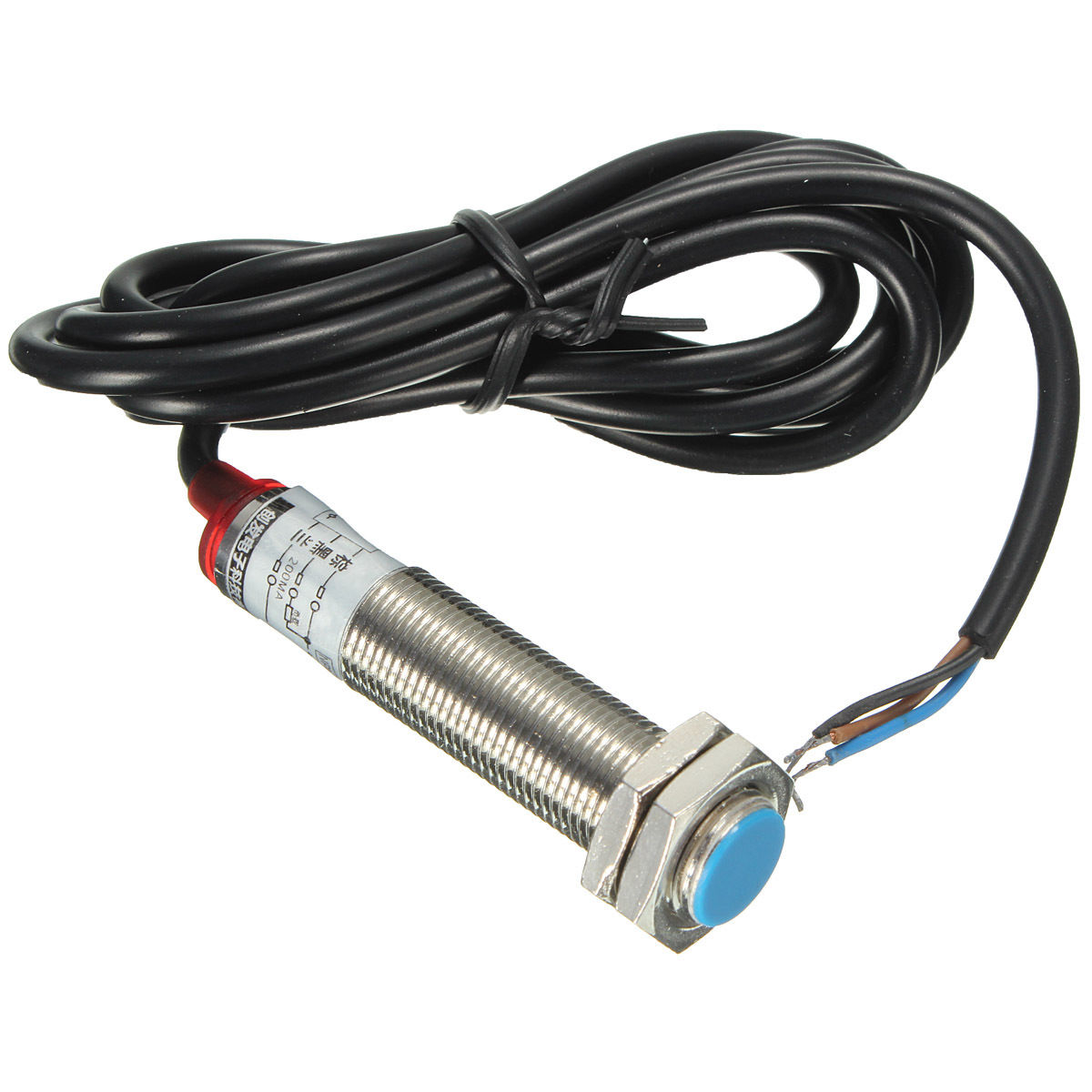
Description
What it is
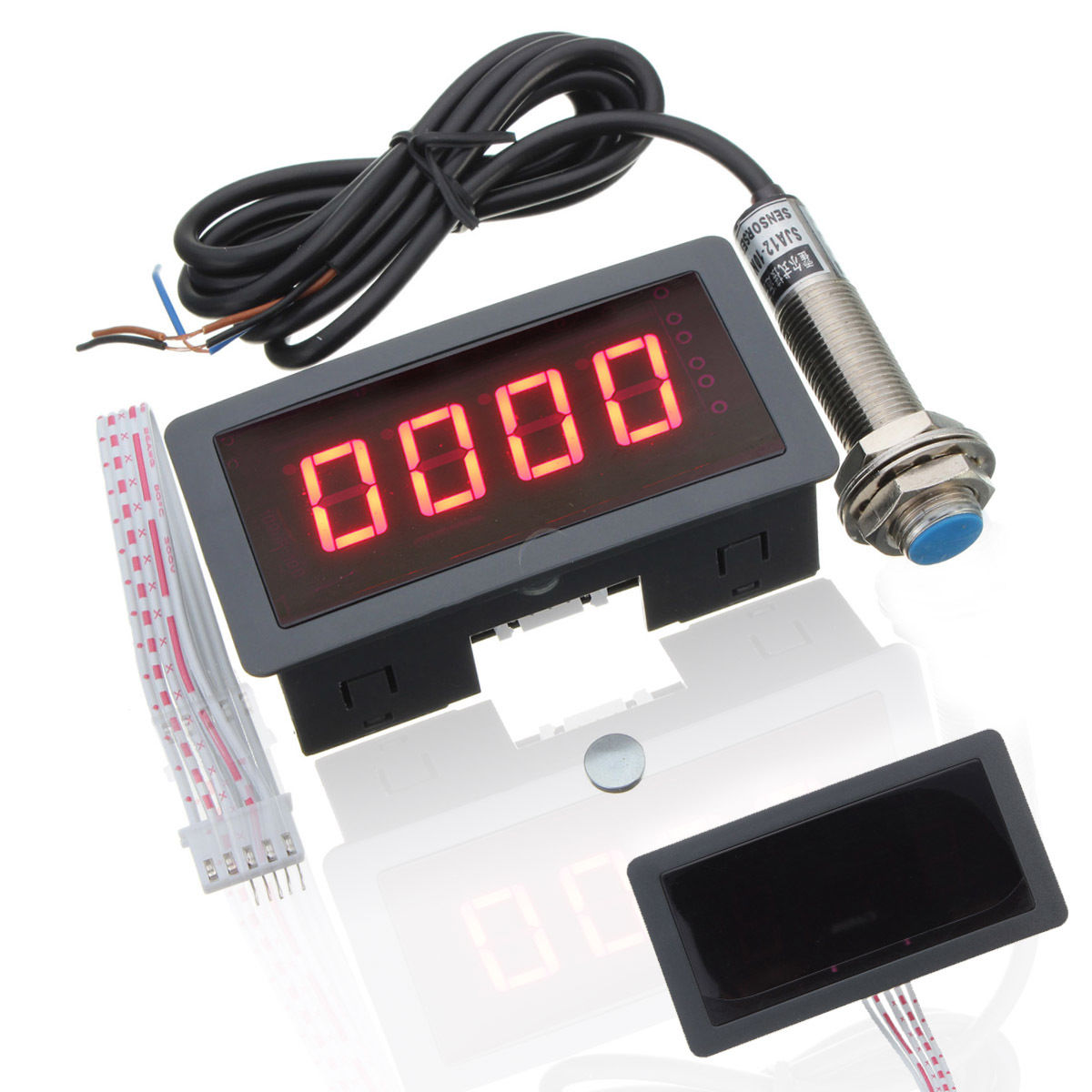
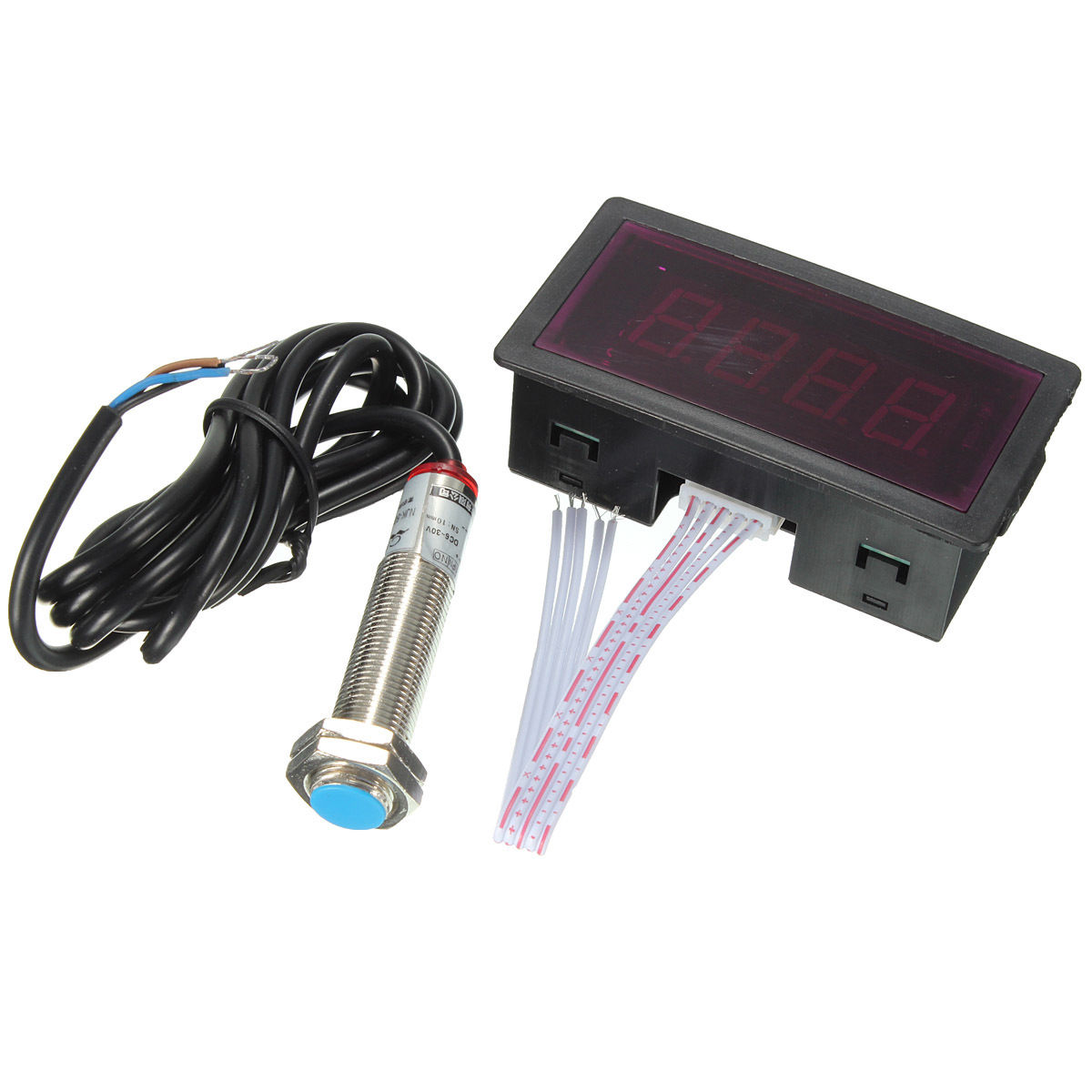
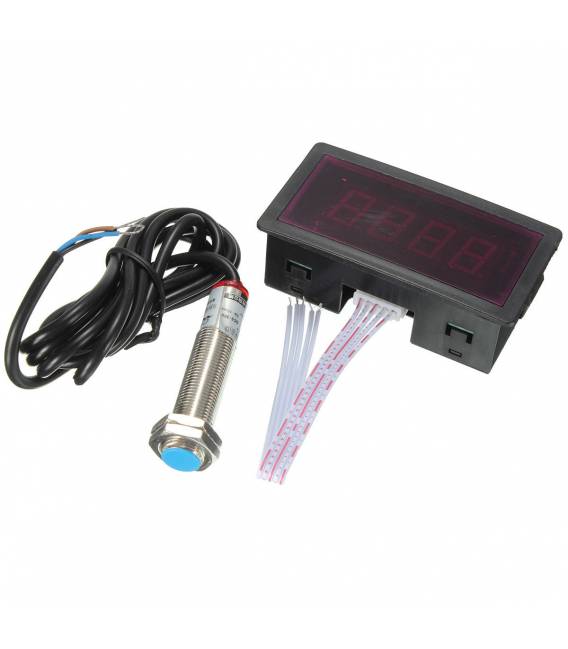
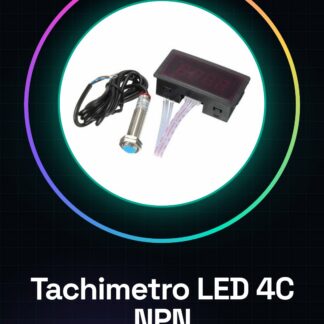
The 4-Digit LED Digital Tachometer with 3-Wire NPN Proximity Sensor is an electronic device that allows measuring the rotational speed of objects such as motors, wheels, or other mechanical components. It includes a 4-digit LED display for speed visualization and a 3-wire NPN proximity sensor for detecting obstacles or the presence of objects.
Features
- 4-Digit LED Display
- 3-Wire NPN Proximity Sensor
- SKU: ARD006679
- Price: 11.29 €
What it is for
This tachometer is ideal for automation, robotics, and speed control projects. It can be used to monitor the speed of a motor, propeller, or wheel. The proximity sensor can be used to detect obstacles or the presence of objects, allowing for the implementation of safety or self-navigation features.
Tutorial: How to Use 4-Digit LED Digital Tachometer with Proximity Sensor
The four-digit LED tachometer with proximity sensor is a useful device for measuring the rotational speed of objects such as motors, motors, or wheels. It is ideal for beginner and intermediate makers who want to add measurement features to their creations.
What you need
- Arduino Uno
- USB cable to connect the Arduino to the computer
- Motors or wheel to test
Steps
- Connect the proximity sensor to the Arduino’s digital pins (check the datasheet).
- Connect the four-digit LEDs so that they are controlled by the Arduino.
- Download and install the Arduino IDE if it is not already present on your computer.
- Open a new sketch in the Arduino IDE and connect it to the Arduino via USB.
- Insert the example code provided to initialize the pins of the sensor and LEDs.
- Compile and upload the sketch to the Arduino.
- Start communication between the sensor and the Arduino to obtain data on rotational speed.
- Display the measurements on the 4-digit display.
Example code
const int sensorPin = 2; // Verifica sul datasheet
const int digitPins[4] = {3, 4, 5, 6};
void setup() {
  pinMode(sensorPin, INPUT);
  for (int i = 0; i < 4; i++) {
    pinMode(digitPins[i], OUTPUT);
  }
}

void loop() {
  int sensorValue = digitalRead(sensorPin);
  // Codice per visualizzare il valore sul display LED a 4 cifre.
}
Mini project
Create a rotational speed monitoring system with this tachometer and Arduino. Connect the sensor to a wheel or motor and view the speed in real-time.
Common mistakes
- Connecting the sensor to the wrong pins
- Not properly compiling the sketch
- Insufficient power supply for the LEDs
Recommended accessories
- 12V Stepper Motors
- 3S LiPo Battery
- Alphanumeric LCD Display
- Infrared Sensors
Frequently asked questions
Does the sensor work in bright light conditions?
Check the datasheet for the sensor’s lighting specifications.
Can I connect multiple 4-digit LEDs?
Yes, but you will need to manage the pins and logic separately for each display.
Reviews
There are no reviews yet.