 EN
 IT Italiano
 ES Español
 FR Français
 DE Deutsch
Description
What it is
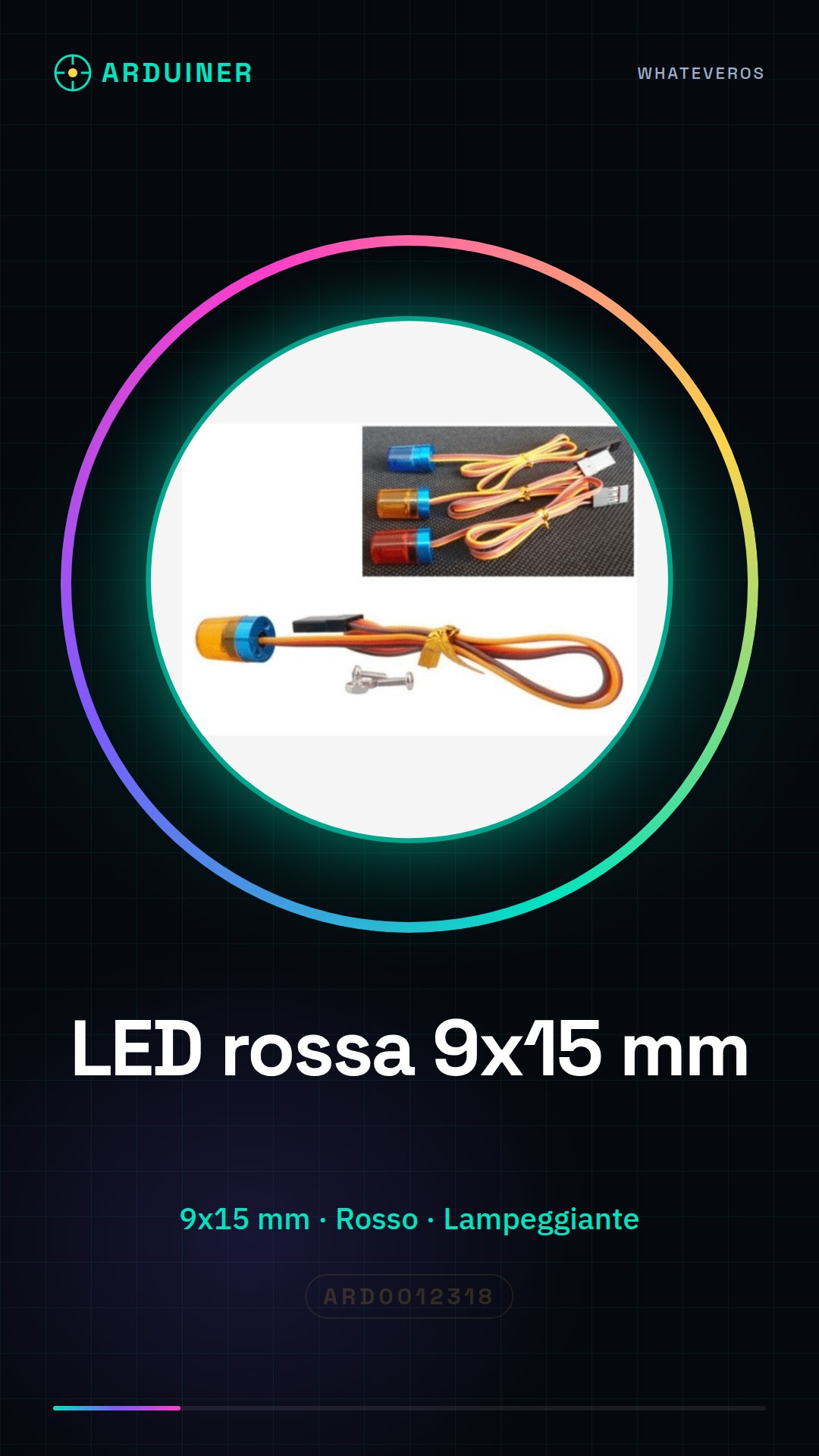
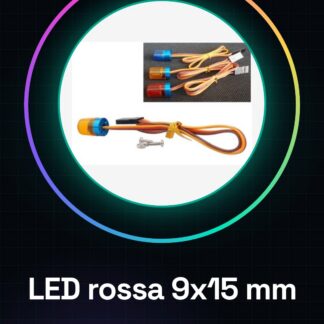
Red LED 9 * 15 mm with blinking, flashing, and rotating functions.
Features
- Dimensions: 9 x 15 mm
- Color: Red
- Functions: Brightness, flashing, rotation
- SKU: ARD0012318
- Price: 7.99 €
What it is for
This red LED is ideal for illuminating Arduino projects, creating status indicators, or visual effects such as flashing and color rotation. It can be used to create simple flashing alarms by connecting it to a motion detector.
Tutorial: How to use Red LED Light 9 * 15 mm
This red LED 9 * 15 mm is ideal for illuminating Arduino projects, creating status indicators, or visual effects such as flashing and color rotation. It is perfect for beginners and makers who want to add a touch of light to their projects.
What you need
- Arduino Uno
- USB cable
- Voltage regulator
- Appropriate resistor
- Soldering pins
- Soldering tweezers
Steps
- Connect the LED to the Arduino output pin using a resistor to limit the current.
- Solder the LED wires to the circuit if necessary.
- Write the Arduino sketch to control the blinking of the LED.
- Check the LED functionality with the Arduino software.
- Modify the sketch to implement color rotation or brightness effects.
- Test different blinking times and light intensities.
- Design a small chassis to protect the LED and connections.
- Implement the LED in a larger project such as an alarm or status display.
Example code
void setup() {
  pinMode(13, OUTPUT);
}

void loop() {
  digitalWrite(13, HIGH);
  delay(1000);
  digitalWrite(13, LOW);
  delay(1000);
}
Mini project
Create a simple flashing alarm with the red LED. Connect the LED to a motion detector and make the LED blink when the detector is triggered.
Common mistakes
- Use a resistor that is too large or too small.
- Do not check the polarity of the LED during connection.
- Do not add overcurrent protection.
- Do not test the project before integrating it into a larger system.
Recommended accessories
- Variable resistors
- PIR motion sensor
- Electronic protection module
- Protective chassis for LED
Frequently asked questions
What is the operating voltage of the LED?
Check the datasheet.
How can I control the brightness of the LED?
Use PWM (Pulse Width Modulation) in your Arduino sketch.
Can I connect the LED directly to a battery?
No, use a voltage regulator to protect the LED.
Reviews
There are no reviews yet.