 EN
 IT Italiano
 ES Español
 FR Français
 DE Deutsch
Description
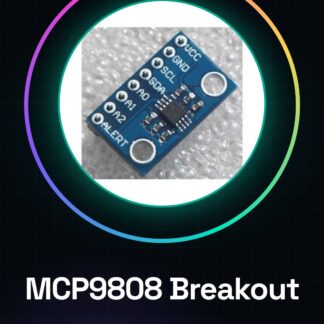
Tutorial: How to Use MCP9808 Breakout
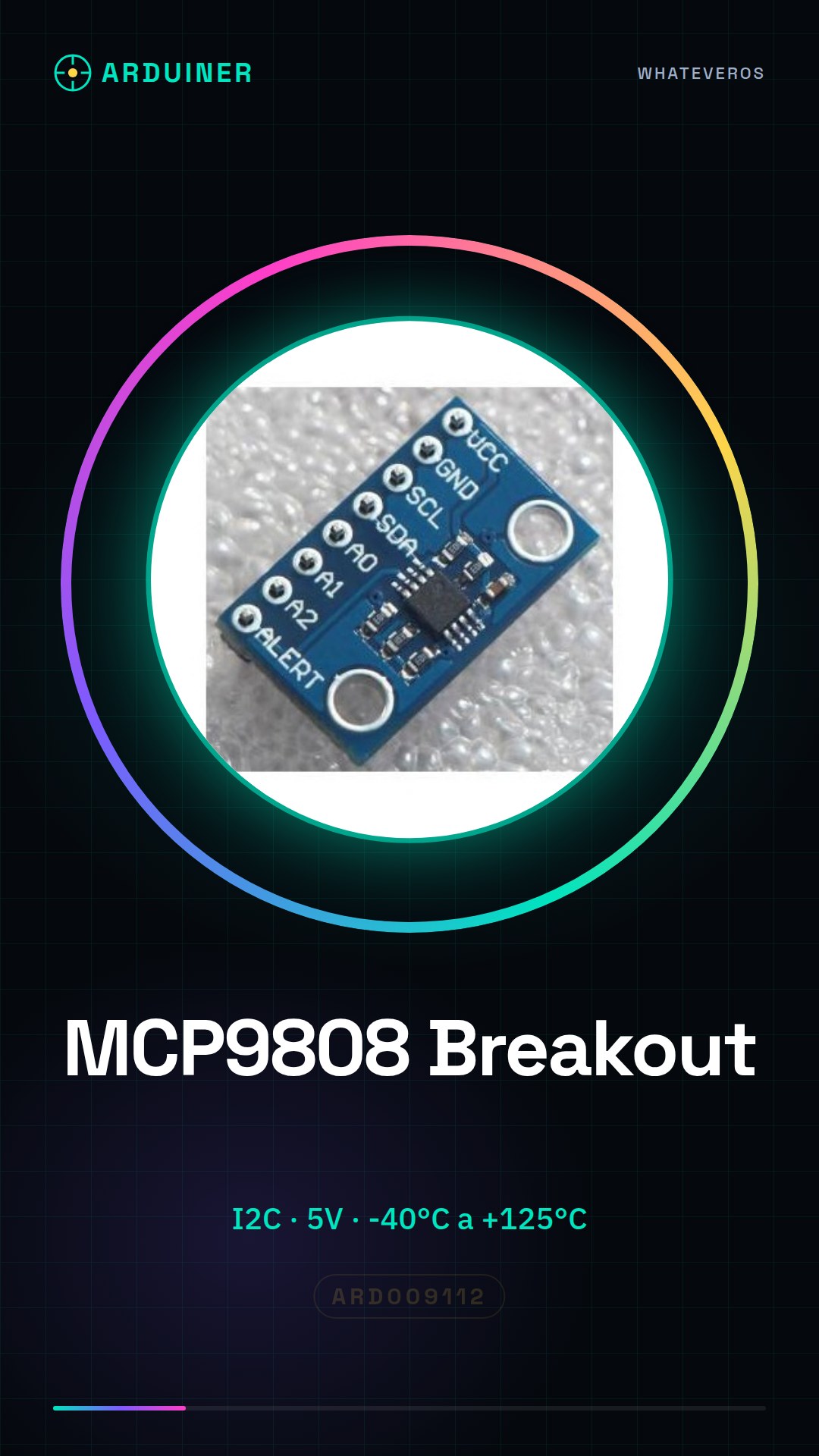
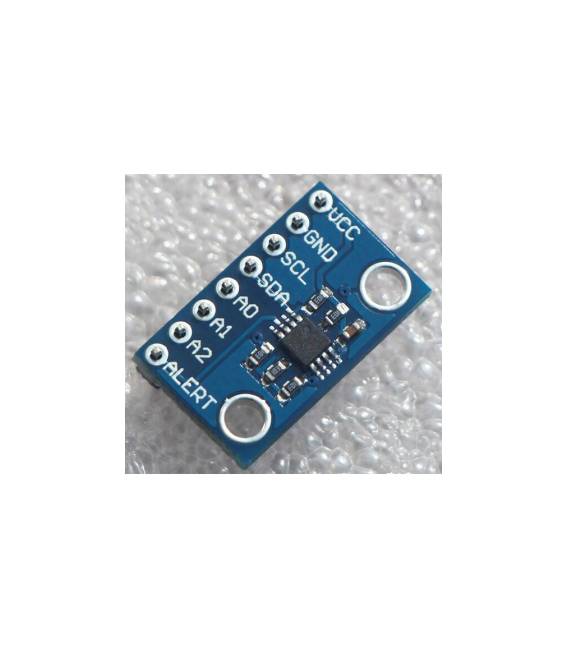
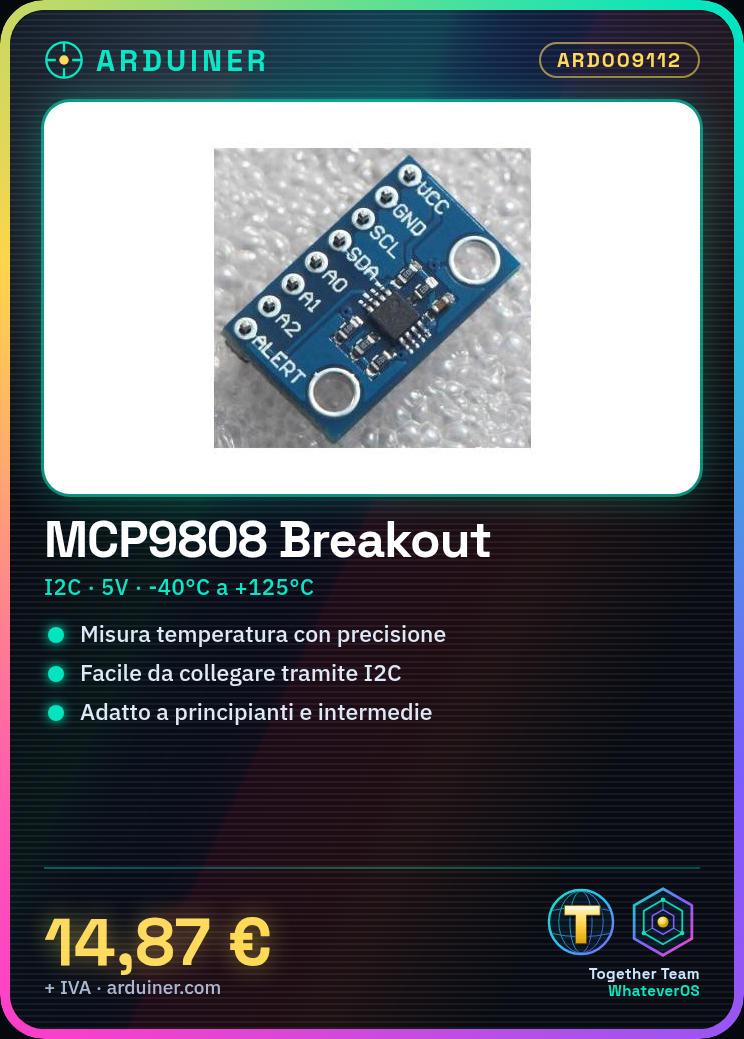
The MCP9808 temperature sensor is ideal for measuring precise temperatures in electronics projects. Suitable for beginners and intermediates, it allows for easy environmental monitoring.
What you need
- Arduino
- I2C Cable
- Pull-up Resistor
- Multimeter
Steps
- 1. Installation: Download the latest MCP9808 library for Arduino.
- 2. Connection: Connect VCC to 5V, GND to GND, SDA to SDA and SCL to SCL of the Arduino. Add a pull-up resistor between SDA and SCL.
- 3. Configuration: Set the detection mode and resolution of the sensor.
- 4. Code: Load the example code to read the temperature.
- 5. Test: Use a multimeter to verify correct operation.
- 6. Debug: Check if the temperature is displayed correctly.
- 7. Calibration: Check the datasheet for any adjustments.
- 8. Usage: Integrate the sensor into a weather monitoring project.
Example code
```cpp
#include <Wire.h>
#include <Adafruit_MCP9808.h>

Adafruit_MCP9808 temp = Adafruit_MCP9808();

void setup() {
  Wire.begin();
  if (!temp.begin()) {
    Serial.println("Failed to find MCP9808 sensor!");
    while (1);
  }
}

void loop() {
  float tempC = temp.readTempC();
  Serial.print("Temperature: ");
  Serial.print(tempC);
  Serial.println(" C");
}
```
Mini project
Create a temperature alert device. Connect the sensor to an LCD display and write the code to display the temperature and alert when it exceeds a certain value.
Common mistakes
- Forget to configure the sensor resolution.
- Incorrectly connect the SDA and SCL pins.
- Omit the pull-up resistor.
- Do not verify I2C connectivity.
Recommended accessories
- 16×2 LCD Display
- Arduino UNO
- USB Cable
- Multimeter
Frequently asked questions
What are the sensor resolution values?
Check the datasheet. The resolution can vary from 0.0625°C to 0.5°C.
Can I use this sensor with microcontrollers other than Arduino?
Yes, the sensor supports any microcontroller with an I2C interface.
Does the sensor have a range of operation?
Check the datasheet. The sensor operates from -40°C to +125°C.
How can I calibrate the sensor?
Check the datasheet for specific calibration steps.
Reviews
There are no reviews yet.