 EN
 IT Italiano
 ES Español
 FR Français
 DE Deutsch
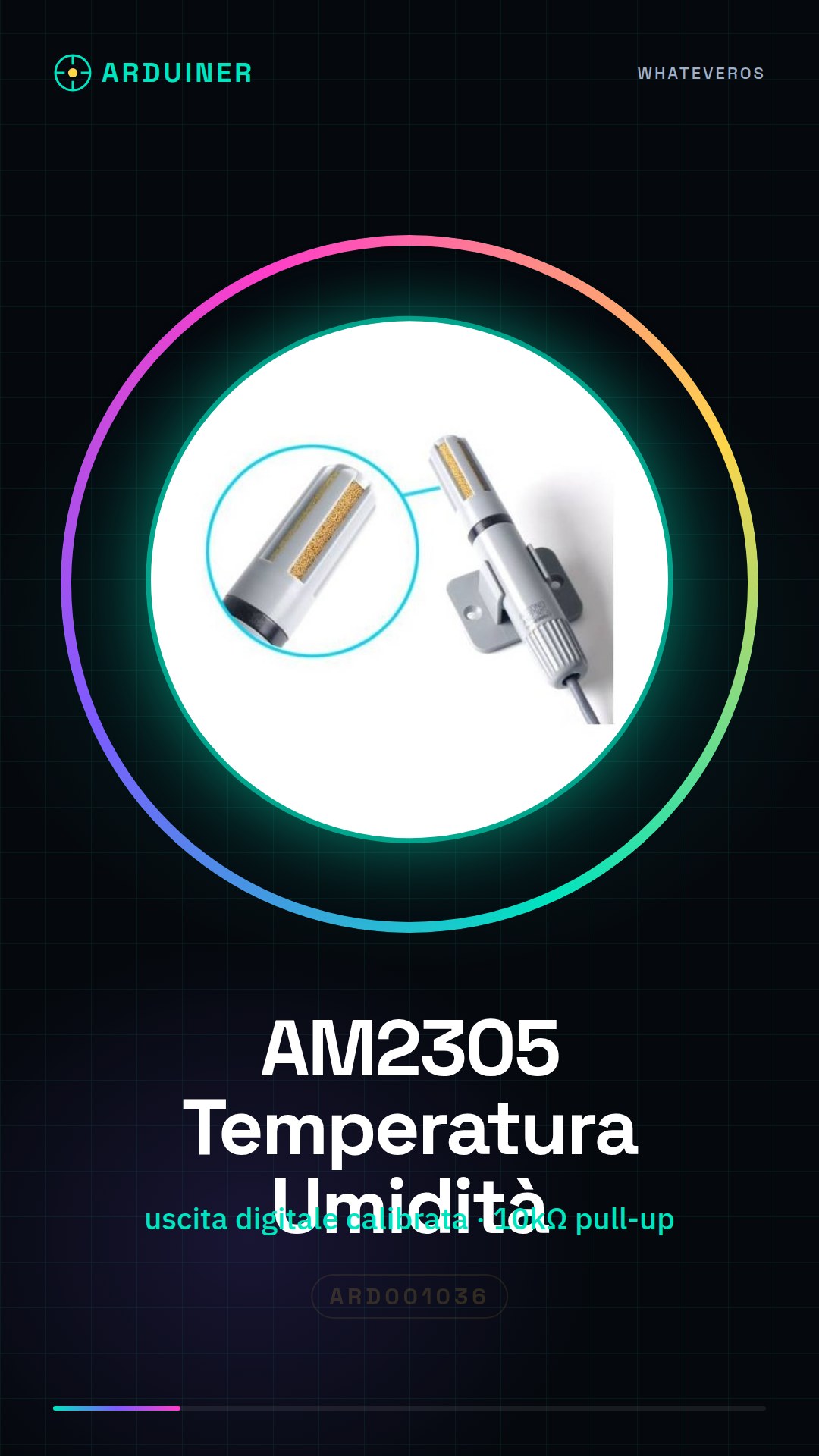
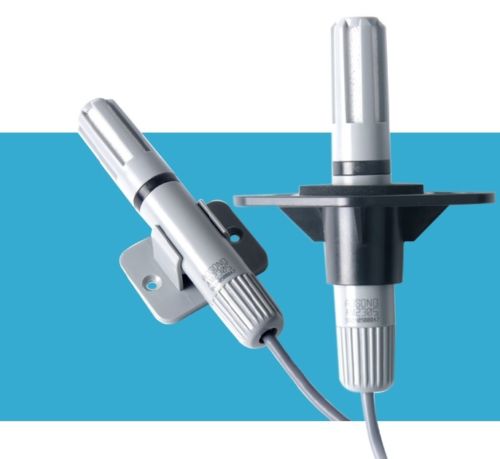
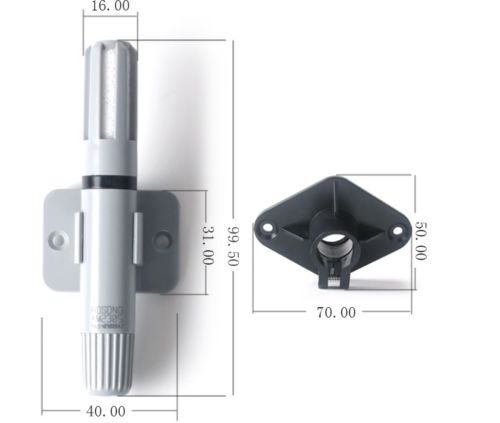
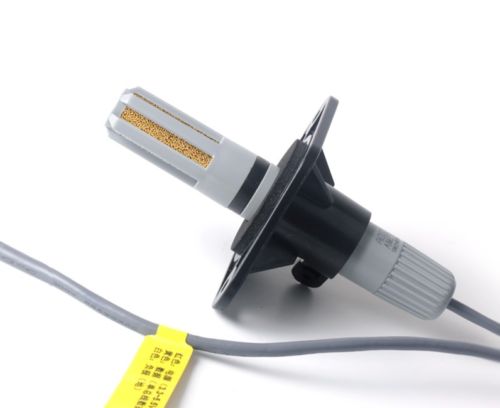
Description
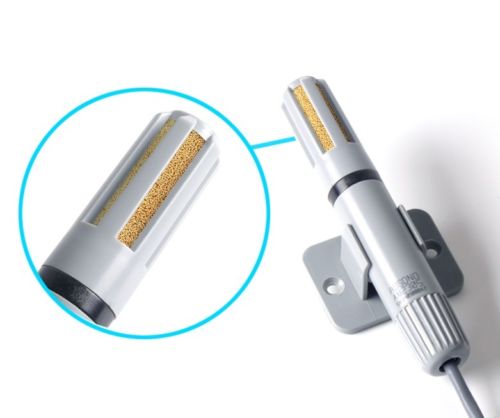
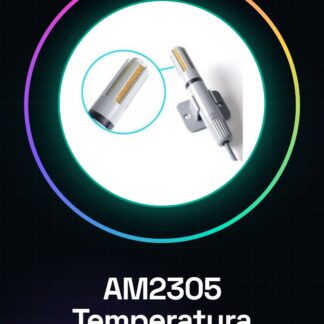
The AM2305 digital temperature and humidity sensor provides a calibrated digital signal output from the combined temperature and humidity sensor
Tutorial: How to use AM2305
The AM2305 sensor measures temperature and humidity with high precision, ideal for environmental monitoring projects.
What you need
- AM2305
- Arduino
- Power cable
- Pull-up resistor (10kΩ)
Steps
- 1. Connect the VCC pin of the AM2305 to the 5V of Arduino.
- 2. Connect the GND pin of the AM2305 to the GND of Arduino.
- 3. Connect the DQ pin of the AM2305 to the D2 pin of Arduino (you can use another pin if you prefer).
- 4. Connect the ALE pin (no connection) to the VCC pin.
- 5. Connect the AD0 pin (no connection) to the VCC pin.
- 6. Connect the SO pin (no connection) to the VCC pin.
- 7. Connect a pull-up resistor (10kΩ) between the DQ pin and VCC.
- 8. Load the provided Arduino code.
Example code
```cpp
#include <Wire.h>
#include <AM2305.h>

AM2305 AM2305;

void setup() {
  Serial.begin(9600);
  AM2305.begin();
}

void loop() {
  float temp = AM2305.readTemperature();
  float hum = AM2305.readHumidity();
  Serial.print("Temperatura: ");
  Serial.print(temp);
  Serial.print("°C, Umidità: ");
  Serial.print(hum);
  Serial.println("%");
  delay(2000);
}
```
Mini project
Build a temperature and humidity monitor for your room. Connect the AM2305 to an Arduino and display the data on an LCD or on a computer.
Common mistakes
- Forget to connect the pull-up resistor.
- Connect the VCC and GND incorrectly.
- Use the wrong pin for data communication.
- Fail to initialize the AM2305 library.
Recommended accessories
- Display LCD
- Arduino UNO
- Arduino power supply cable
- Text display
Frequently asked questions
Can you use this sensor with a microcontroller other than Arduino?
Yes, the AM2305 sensor supports I2C microcontrollers, so you can use it with any microcontroller that supports I2C.
Does the sensor work well in extreme temperature conditions?
Check the datasheet for operating temperature values.
Does the sensor consume a lot of energy?
Energy consumption is minimal, but check the datasheet for details.
Reviews
There are no reviews yet.