 EN
 IT Italiano
 ES Español
 FR Français
 DE Deutsch
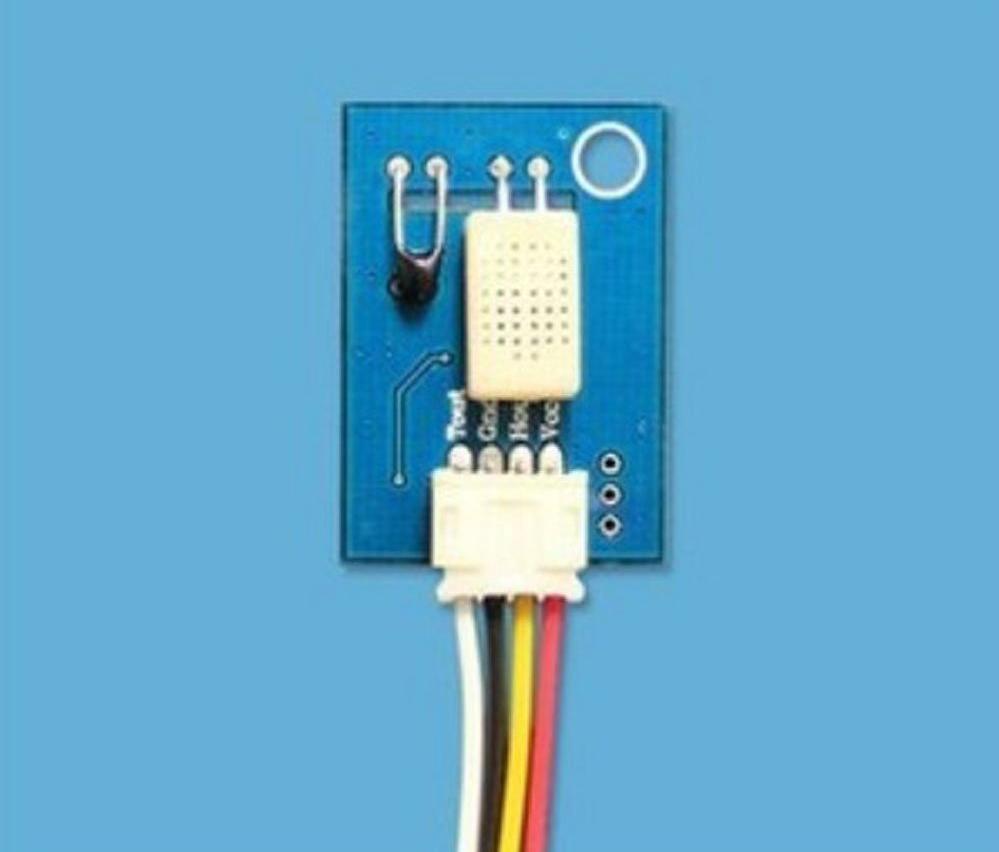
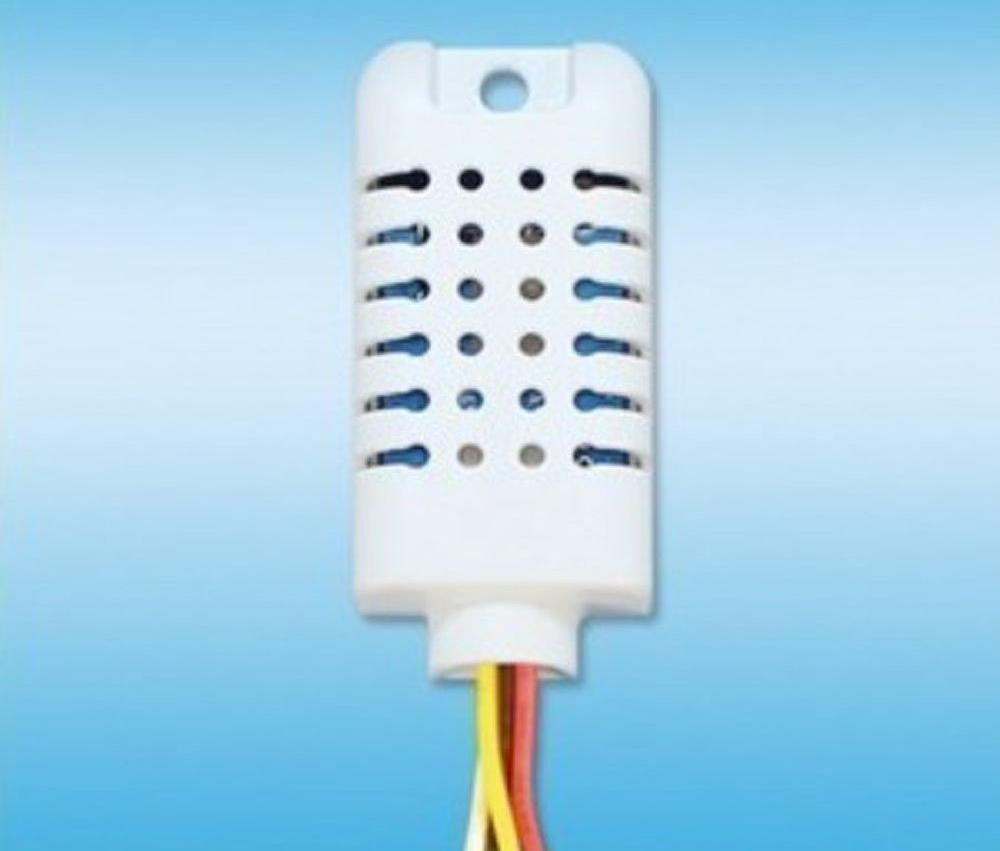
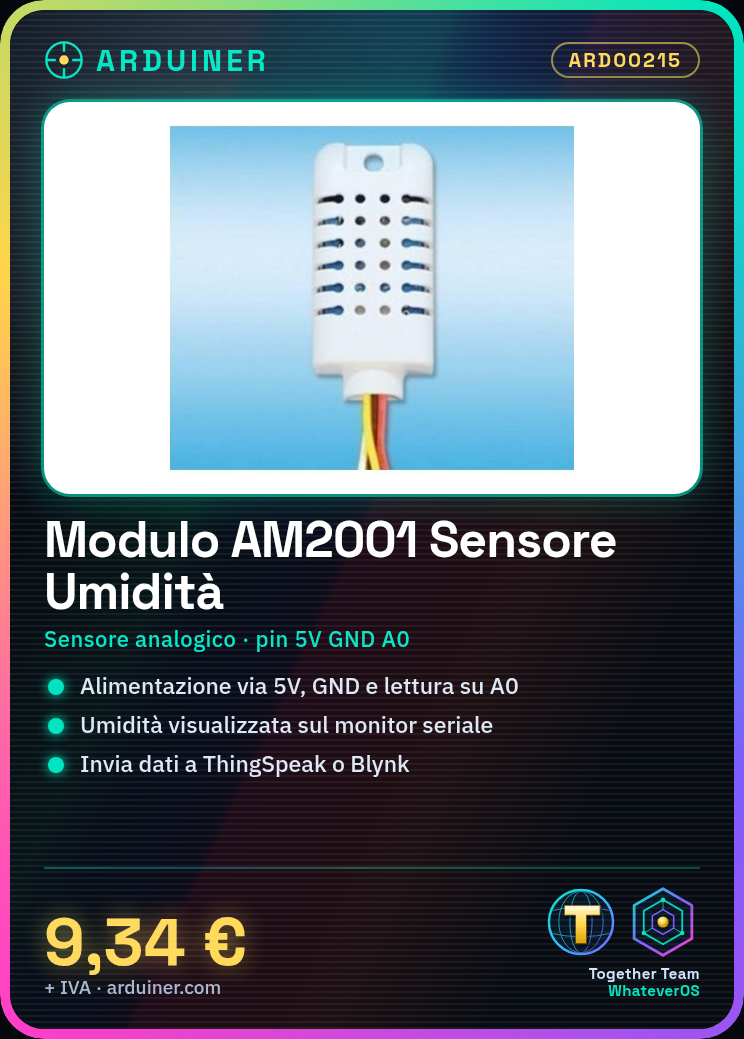
Description
Tutorial: How to Use AM2001 Analog Humidity Sensor Module
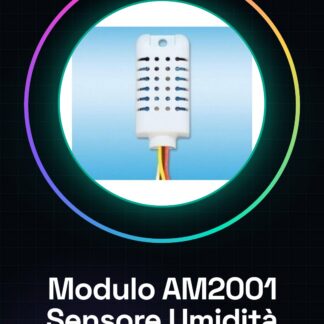
The AM2001 module is an analog humidity sensor ideal for environmental monitoring projects such as automatic irrigation systems or atmospheric condition controls. This tutorial will guide you through the installation and configuration of the sensor.
What you need
- Arduino Uno
- USB Type B Cable
- Connection to PC
Steps
- Connect the AM2001 module to the 5V, GND, and A0 pins of the Arduino.
- Download and install the Adafruit_DHT library if it is not already present in your Arduino environment.
- Open a new sketch in Arduino IDE and paste the script provided below.
- Compile and upload the code to the connected Arduino.
- Start serial communication in Arduino IDE to view the humidity data received from the sensor.
- Check that the humidity values update regularly on the serial monitor.
- If necessary, adapt the code to send data to an online platform such as ThingSpeak or Blynk.
- Configure any actions based on the detected humidity levels (e.g., activation of an irrigation system).
Example code
/*
 * Codice base per il sensore AM2001
 */
#include <Adafruit_DHT.h>
#define DHTPIN A0     // Pin in cui è collegato il sensore
#define DHTTYPE DHT11   // Tipo di sensore (DHT11)
Adafruit_DHT dht(DHTPIN, DHTTYPE);
void setup() {
  Serial.begin(9600);
  dht.begin();
}
void loop() {
  float humidity = dht.readHumidity();
  if (isnan(humidity)) {
    Serial.println("Errore nella lettura dell'umidità!");
  }
  else {
    Serial.print("Umidità: ");
    Serial.println(humidity);
  }
  delay(2000); // Attende 2 secondi prima di rilevare nuovamente
}
Mini project
Create a soil monitoring system for your garden. Connect the AM2001 sensor to your Arduino and send the humidity data to an online platform such as ThingSpeak in real-time.
Common mistakes
- Check that the power supply voltage is correct.
- Check the pin connections to ensure that the sensor is properly connected to the Arduino.
- Make sure the required library is installed and configured in your Arduino environment.
- Check the datasheet to see if the humidity values are consistent with real-world environmental conditions.
Recommended accessories
- USB Type B cable
- Wi-Fi connection for Arduino Uno
- 16×2 LCD Display
- Relay Module
Frequently asked questions
What is the precision of the AM2001 sensor?
Check the datasheet.
Can it be used outdoors?
Yes, but make sure to protect it from extreme conditions such as rain or direct sunlight.
Reviews
There are no reviews yet.