 EN
 IT Italiano
 ES Español
 FR Français
 DE Deutsch
Description
What it is
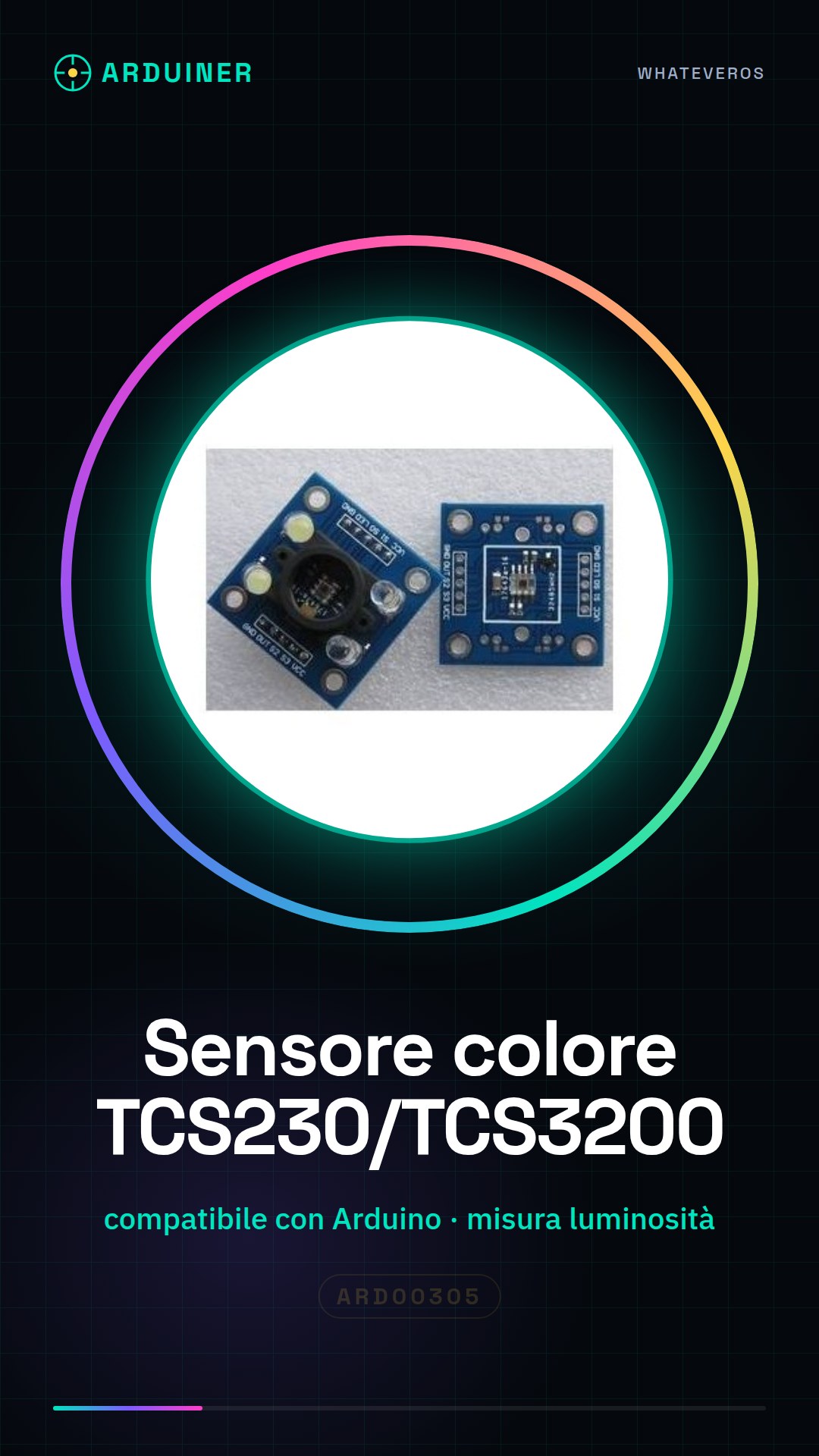
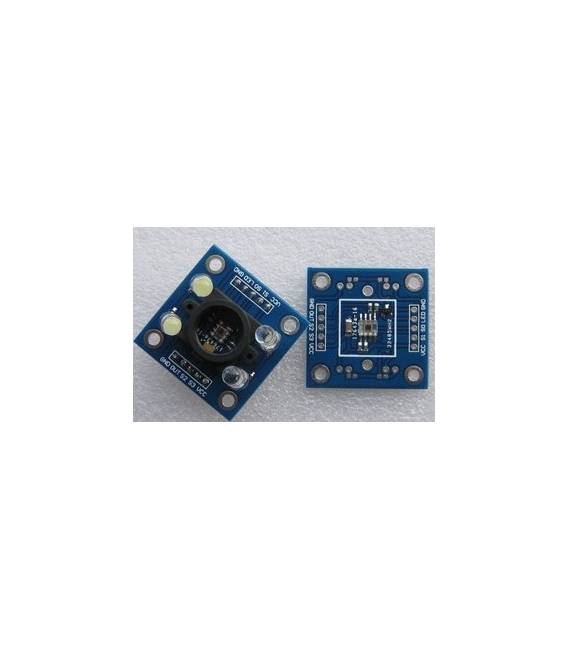
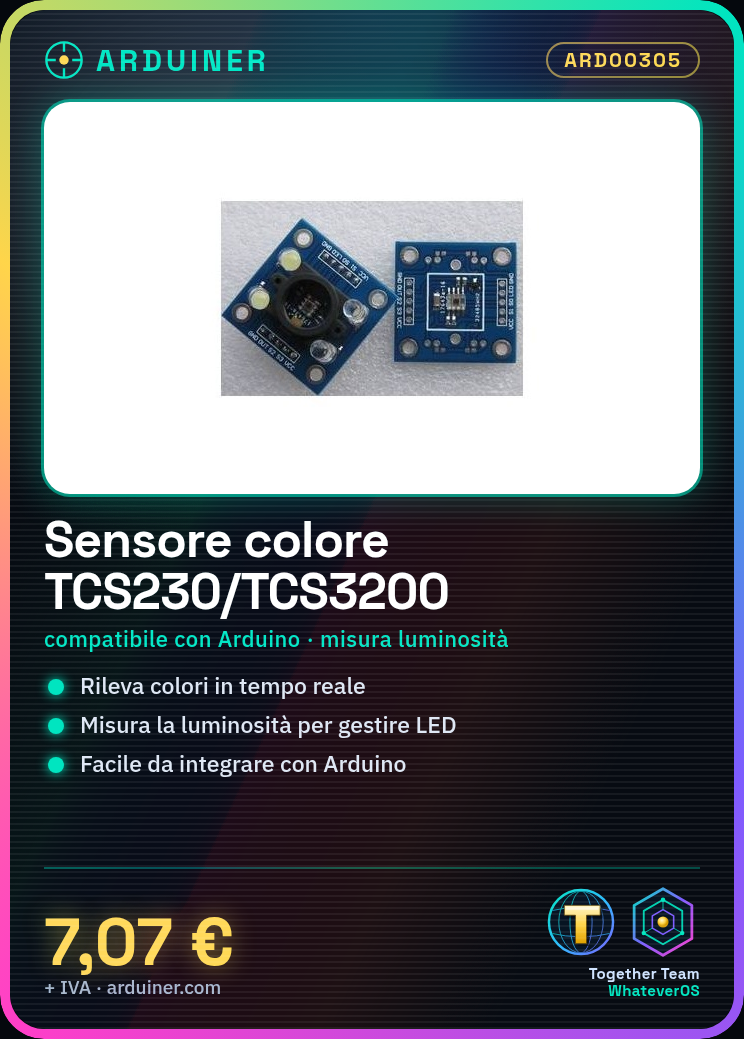
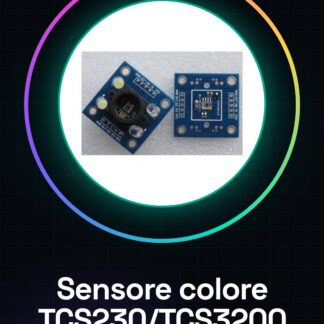
The TCS230/TCS3200 color recognition module is a sensor for Arduino that allows measuring the ambient light and color. This device is ideal for projects that require color identification or light measurement.
Features
- Compatible with Arduino
- Measures light and colors around the sensor
What it is for
Color recognition modules TCS230/TCS3200 are used in projects that require color detection, for example, to create a light alarm that turns on an LED when the light level drops below a certain level. The sensor is compatible with Arduino and can be easily integrated into various types of projects.
Tutorial: How to use the TCS230 TCS3200 Sensor
This sensor measures the light and colors around it, ideal for color recognition or light measurement projects.
What you need
- Arduino UNO or compatible
- Jumper cable
- 10kΩ resistor
Steps
- 1. Connect the sensor to the Arduino: VCC to 5V, GND to GND, SDA to A4, SCL to A5, and the Vee pin to GND through a 10kΩ resistor.
- 2. Install the TCS3200 library in your Arduino IDE.
- 3. Write the code to initialize the sensor: `TCS3200 tcs;`
- 4. Configure the sensor to measure light intensity: `tcs.setIntegrationTime(TCS3200_INTEGRATIONTIME_402MS);`
- 5. Read the RGB and light intensity values: `int r, g, b, lux = tcs.getLux();`
- 6. Display the values on Serial Monitor: `Serial.println(lux);`
- 7. Add a delay to observe changes: `delay(1000);`
- 8. Repeat steps 5-7 to monitor real-time changes.
Example code
void loop() { tcs.getRGB(&r, &g, &b); tcs.getLux(&lux); Serial.print("Luminosità: "); Serial.println(lux); delay(1000); }Mini project
Create a light alarm that turns on an LED when the light level drops below a certain level.
Common mistakes
- Incorrectly connect the sensor pins.
- Omit the necessary library.
- Incorrectly configure the integration time.
- Do not use a resistor for the Vee pin.
Recommended accessories
- LED
- LED resistor
- 220Ω resistor
- 5V power supply block
Frequently asked questions
How can I calibrate the sensor?
Check the datasheet to see if the sensor supports calibration.
Why are the RGB values different from the expected ones?
Verify the correct configuration and connection of the sensor.
Does the sensor work with Arduino Nano?
Yes, the sensor is compatible with Arduino Nano.
Can I use this sensor for color recognition?
Yes, but consider using a specific library for color recognition.
Reviews
There are no reviews yet.