 EN
 IT Italiano
 ES Español
 FR Français
 DE Deutsch
Description
What it is
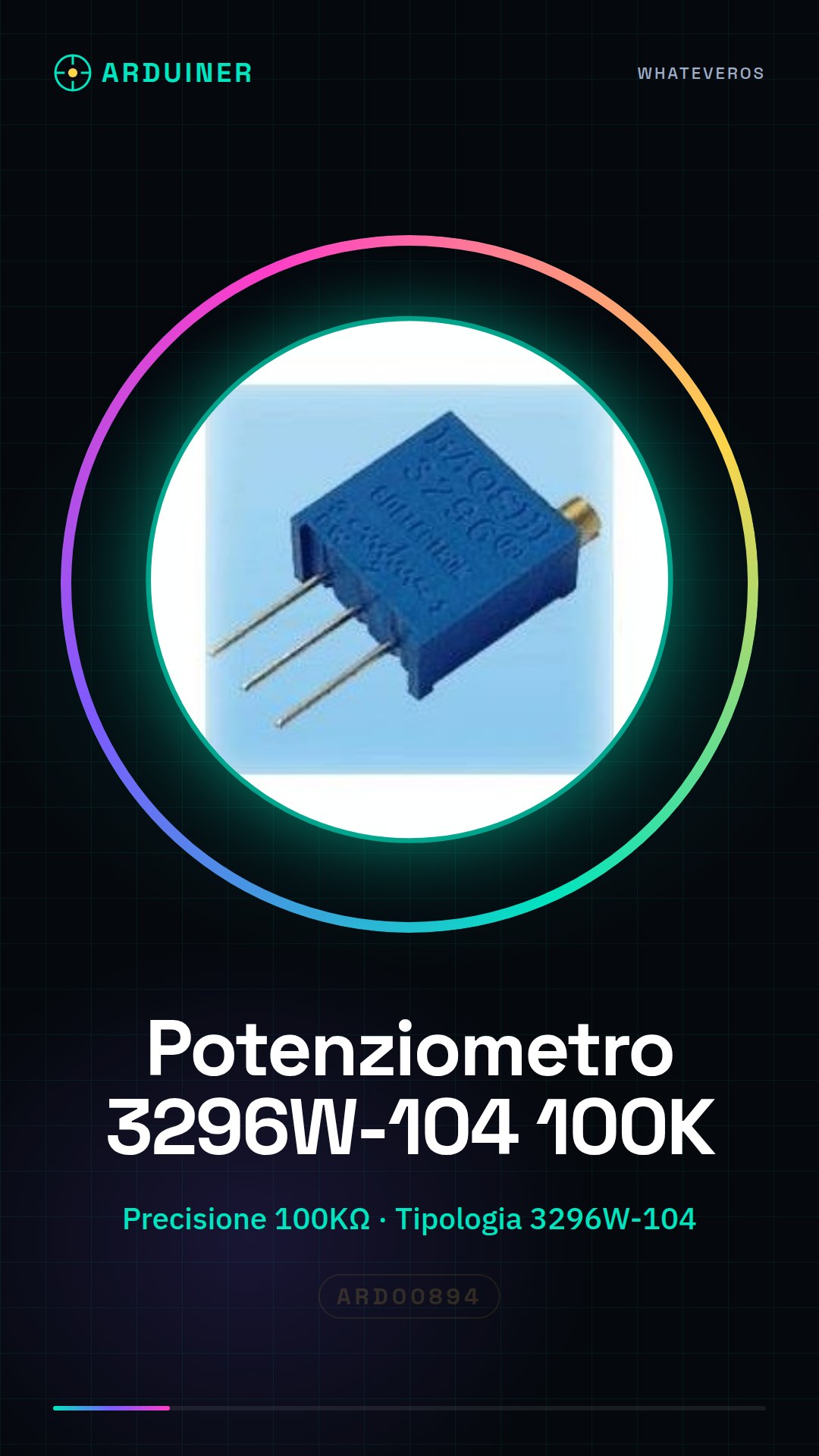
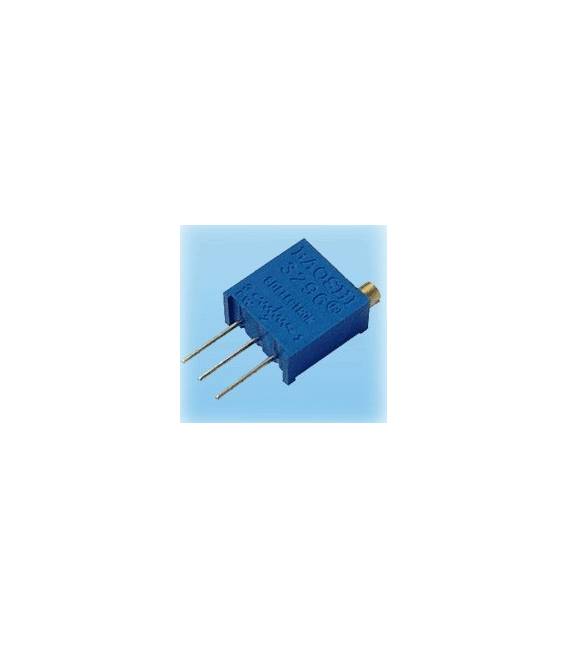
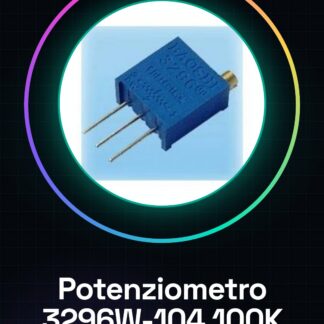
The 3296W-104 (100K) potentiometers are high-precision electronic components used to adjust the resistive value in analog circuits. This type of potentiometer is particularly suitable for Arduino projects and other electronic circuits that require a high degree of accuracy.
Features
- Type: 3296W-104 (100K)
- High Precision
- Total Resistance: check the datasheet
What it is for
The 3296W-104 potentiometers can be used to create a dimmer for an LED lamp, adjust the intensity of an electronic signal through an NPN transistor, or in any other project that requires current modulation. They are compatible with Arduino and other microcontrollers.
Tutorial: How to use 100KΩ Precision Potentiometer
The 3296W-104 (100K) potentiometer is a high-precision electronic component ideal for adjusting the resistive value in analog circuits. It is particularly useful for beginner makers who want to control the functions of their project with greater accuracy.
What you need
- Arduino Uno
- Head connections
Steps
- Connect the central output of the potentiometer to an analog pin on the Arduino (for example A0).
- Connect the two ends of the potentiometer to the positive and negative power supply voltages.
- Open the Arduino IDE software and load a sketch that reads from the analog pin connected to the potentiometer.
- Check the readings on the serial monitor of the IDE to ensure that the output changes when the potentiometer knob is adjusted.
Example code
int val = 0;
void setup() {
Serial.begin(9600);
}

void loop() {
val = analogRead(A0); // Legge il valore dal pin A0
Serial.println(val); // Invia il valore al monitor seriale
}
Mini project
Create an LED lamp dimmer using this potentiometer. Connect the resistor to an NPN transistor and adjust the light intensity with the potentiometer knob.
Common mistakes
- Connect the middle pin to a digital pin instead of an analog pin.
- Fail to connect the two ends of the potentiometer correctly to positive and negative voltage.
- Overload the Arduino output pin with too much current from the resistor.
- Fail to check the readings on the serial monitor to verify the circuit’s operation.
Recommended accessories
- Arduino Uno
- LED
- 220Ω Resistor
- NPN Transistor
Frequently asked questions
How can I use this potentiometer with a sensor?
You can connect the potentiometer between the sensor and the Arduino to adjust the sensor’s sensitivity.
What is the difference between this potentiometer and a standard one?
This potentiometer offers higher precision compared to standard models, making its readings more accurate.
Reviews
There are no reviews yet.