 EN
 IT Italiano
 ES Español
 FR Français
 DE Deutsch
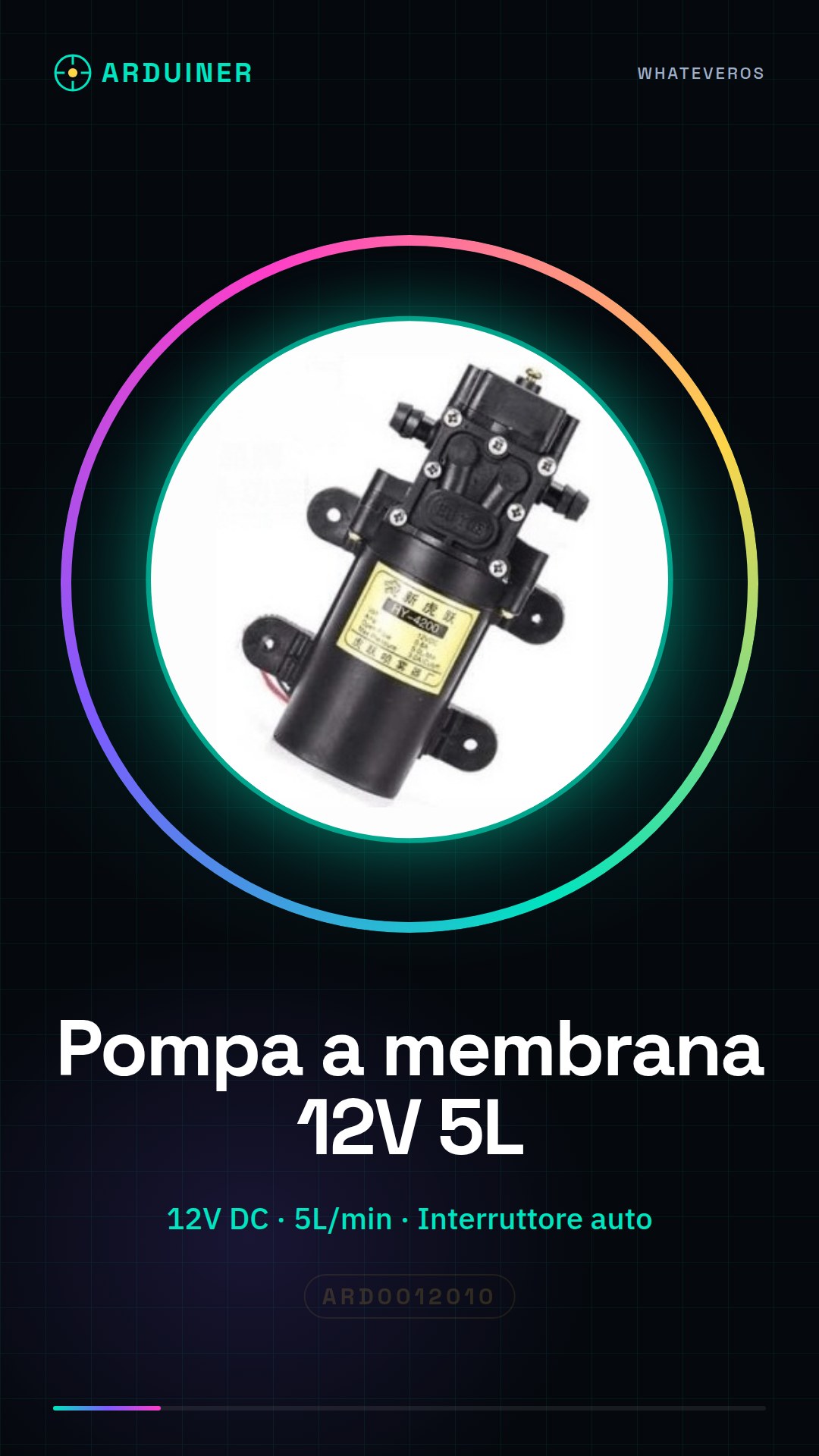
Description
What it is
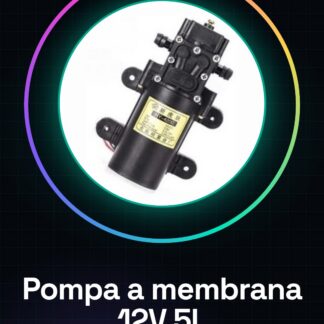
The DC 12V high-pressure pump is a device used for the transfer of water or liquids in electronic projects. With a pumping capacity of 5 liters per minute, this pump offers reliable performance thanks to the built-in automatic switch.
Features
- Power Supply: DC 12V
- Pumping Capacity: 5 liters per minute
- Automatic switch for efficient operation
What it is for
This pump is ideal for projects such as domestic hydraulic systems, fountains, and automatic irrigation. It is particularly useful for beginner makers due to its ease of use. You can use it to create an automatic irrigation system for potted plants or integrate it with Arduino to control pumping based on sensors.
Tutorial: How to Use the DC 12V Membrane Pump
This high-pressure pump is ideal for projects requiring water or liquid transfer, such as domestic hydraulic systems, fountains, or automatic irrigation. It is particularly useful for beginner makers due to its ease of use and automatic switch.
What you need
- Arduino Uno
- USB A-Micro B Cable
- Protection Resistor (check datasheet)
- Power Supply Connectors
Steps
- Connect the pump’s positive connector to the Arduino’s 5V pin and the negative to GND.
- Check the operating voltage on the product’s board (12V) and connect the appropriate power adapter to the pump.
- If necessary, add a resistor between Arduino and pump to protect the circuit from overloads (check datasheet).
- Connect a button or switch to pin 2 of the Arduino to manually control the pump.
- Configure the pump’s automatic switch according to the product instructions.
- Test the system with clean water, ensuring there are no whistles or liquid leaks.
Example code
void setup() {
  pinMode(2, OUTPUT);
}

void loop() {
  digitalWrite(2, HIGH); // Attiva la pompa
  delay(5000);           // Aspetta 5 secondi
  digitalWrite(2, LOW);  // Disattiva la pompa
}
Mini project
Create an automatic irrigation system for potted plants. Use the internal timer of the pump and connect a humidity sensor to pin A0 of the Arduino to activate irrigation only when necessary.
Common mistakes
- Do not check the operating voltage before connection.
- Omit the prototype between Arduino and pump, causing circuit damage.
- Use a switch that does not conform to the pump’s specifications.
Recommended accessories
- Variable resistors
- Humidity sensors
- Digital timers
- Rechargeable batteries
Frequently asked questions
How can I control the pump with a sensor?
Connect the sensor to pin A0 of the Arduino and use the digitalWrite commands to activate/deactivate the pump based on the sensor values.
What are the dimensions of the pump?
Check the datasheet.
Reviews
There are no reviews yet.