 EN
 IT Italiano
 ES Español
 FR Français
 DE Deutsch
Description
What it is
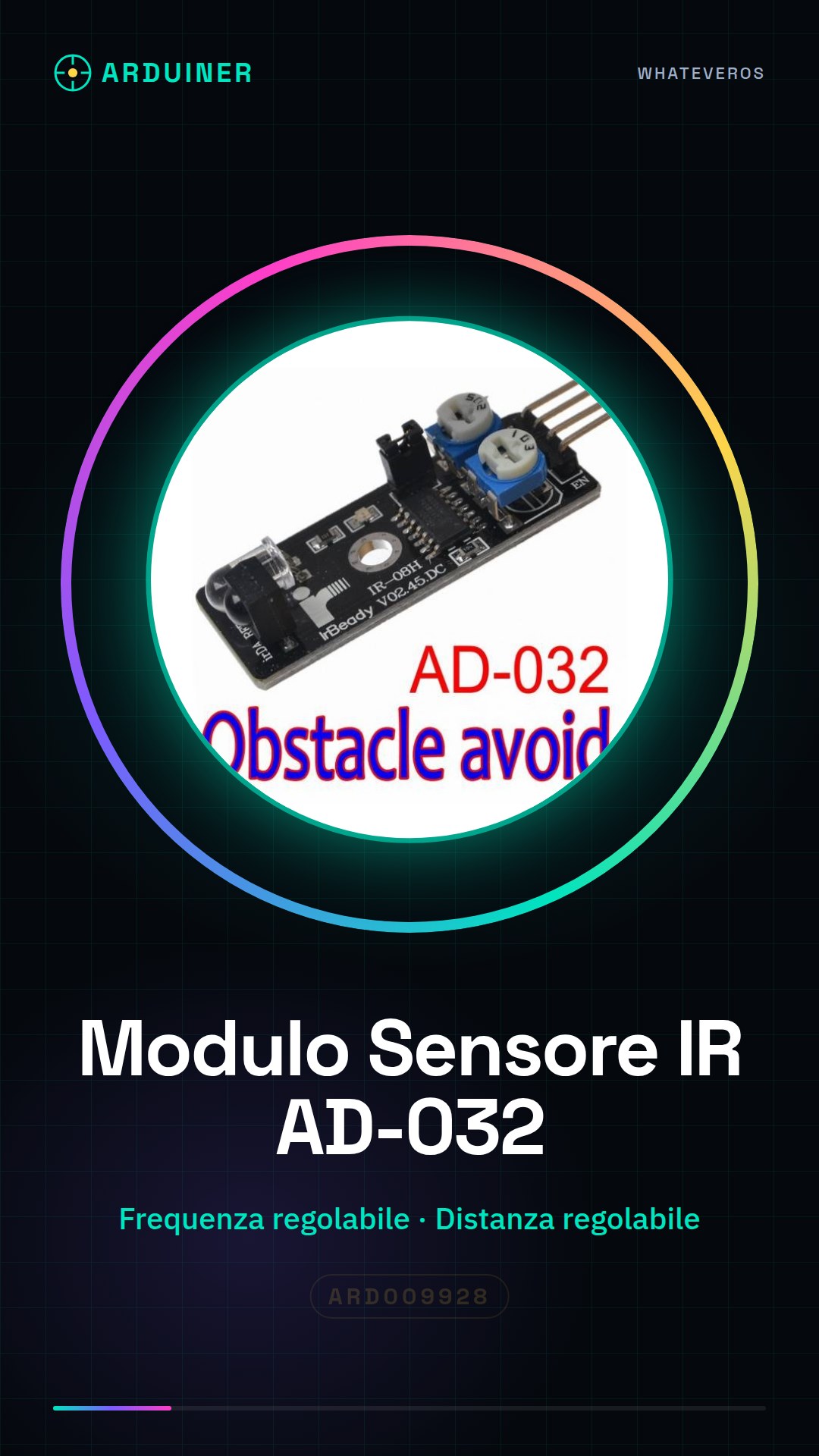
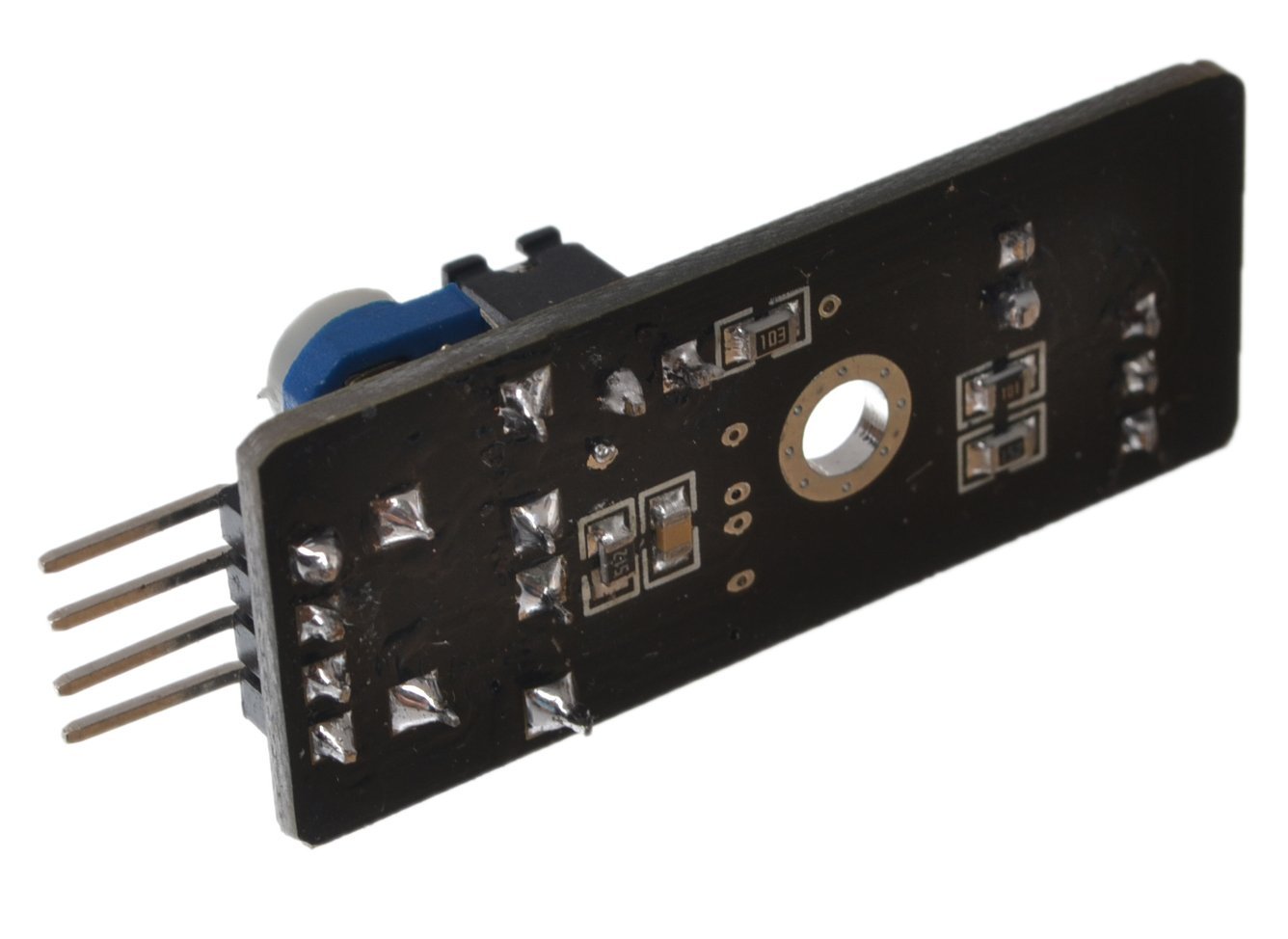
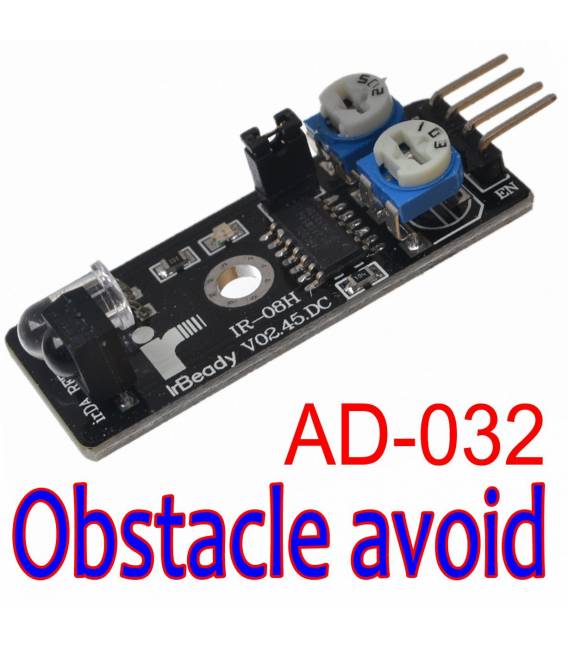
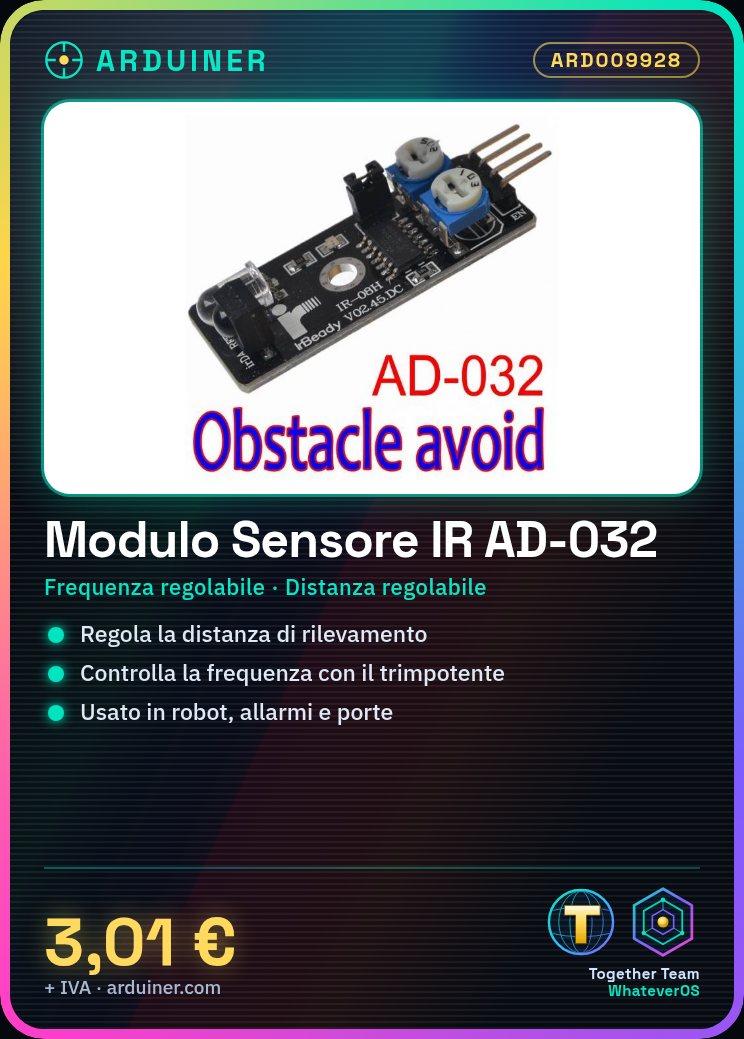
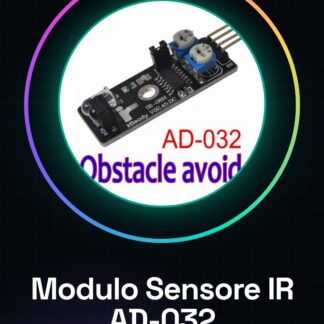
The AD-032 IR sensor module is an electronic component designed to detect the presence of obstacles through infrared waves. It is a simple component to use and ideal for robotics projects, home automation, and other projects that require the ability to detect nearby objects.
Features
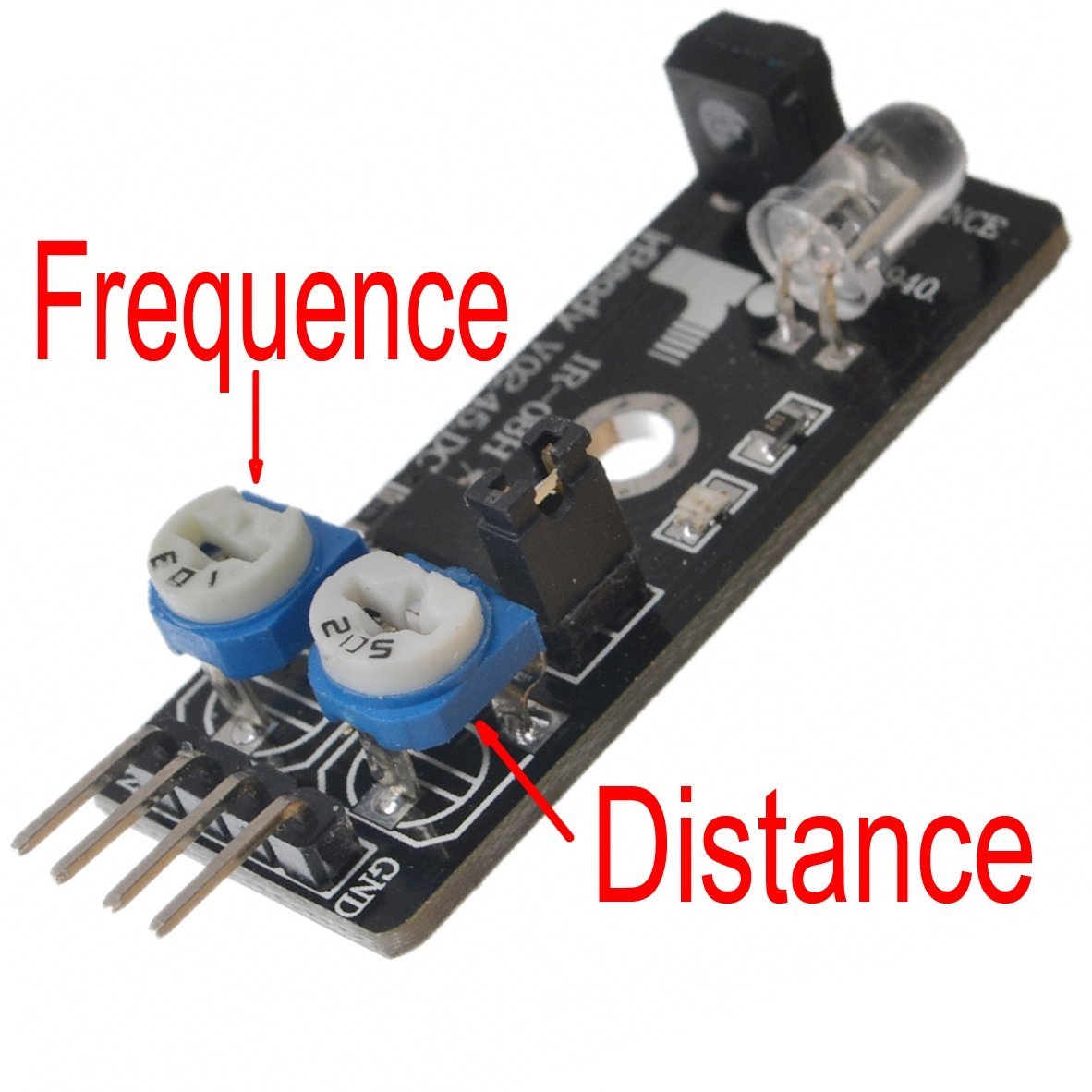
- Adjustable frequency
- Adjustable detection distance
- Compatible with Arduino
What it is for
The AD-032 IR sensor module is perfect for creating robots that avoid obstacles, intrusion detection systems, automatic door presence sensors, and many other projects. The frequency and distance adjustment allows the sensor to be adapted to the specific needs of the project.
Tutorial: How to use AD-032 IR Sensor Module
The AD-032 IR sensor is ideal for projects that require obstacle detection. Useful for beginners and intermediate makers.
What you need
- Arduino or compatible
- Power cable
- 10kΩ resistor
Steps
- 1. Connect the module to the Arduino using the following pins: VCC to 5V, GND to GND, OUT to a digital pin.
- 2. Attach the 10kΩ resistor between the VCC pin and the OUT pin.
- 3. Upload the following sketch to the Arduino.
- 4. Adjust the detection range by tuning the potentiometer on the module.
- 5. Test the sensor by placing an object in front of the module.
- 6. Check the datasheet for the detection frequency.
- 7. Adjust the detection frequency with the potentiometer.
- 8. Connect the signal to your project.
Example code
```cpp
#include <Arduino.h>

int sensorPin = 2;
int sensorValue = 0;

void setup() {
  Serial.begin(9600);
  pinMode(sensorPin, INPUT);
}

void loop() {
  sensorValue = digitalRead(sensorPin);
  Serial.println(sensorValue);
  delay(100);
}
```
Mini project
Build a simple robot that stops when it encounters an obstacle.
Common mistakes
- Incorrectly adjust the potentiometer.
- Connect the VCC to 3.3V instead of 5V.
- Omit the 10kΩ resistor.
- Fail to check the detection frequency.
Recommended accessories
- Arduino Uno
- Potentiometer
- 10kΩ resistor
- Power cable
Frequently asked questions
The detector does not detect obstacles?
Check the correct connection and the adjustment of the trimpot.
How can I increase the detection range?
Adjust the trimpot to increase the detection range.
The detector does not work with a compatible Arduino?
Check the sensor specifications and your Arduino compatibility.
Reviews
There are no reviews yet.