 EN
 IT Italiano
 ES Español
 FR Français
 DE Deutsch
Description
What it is
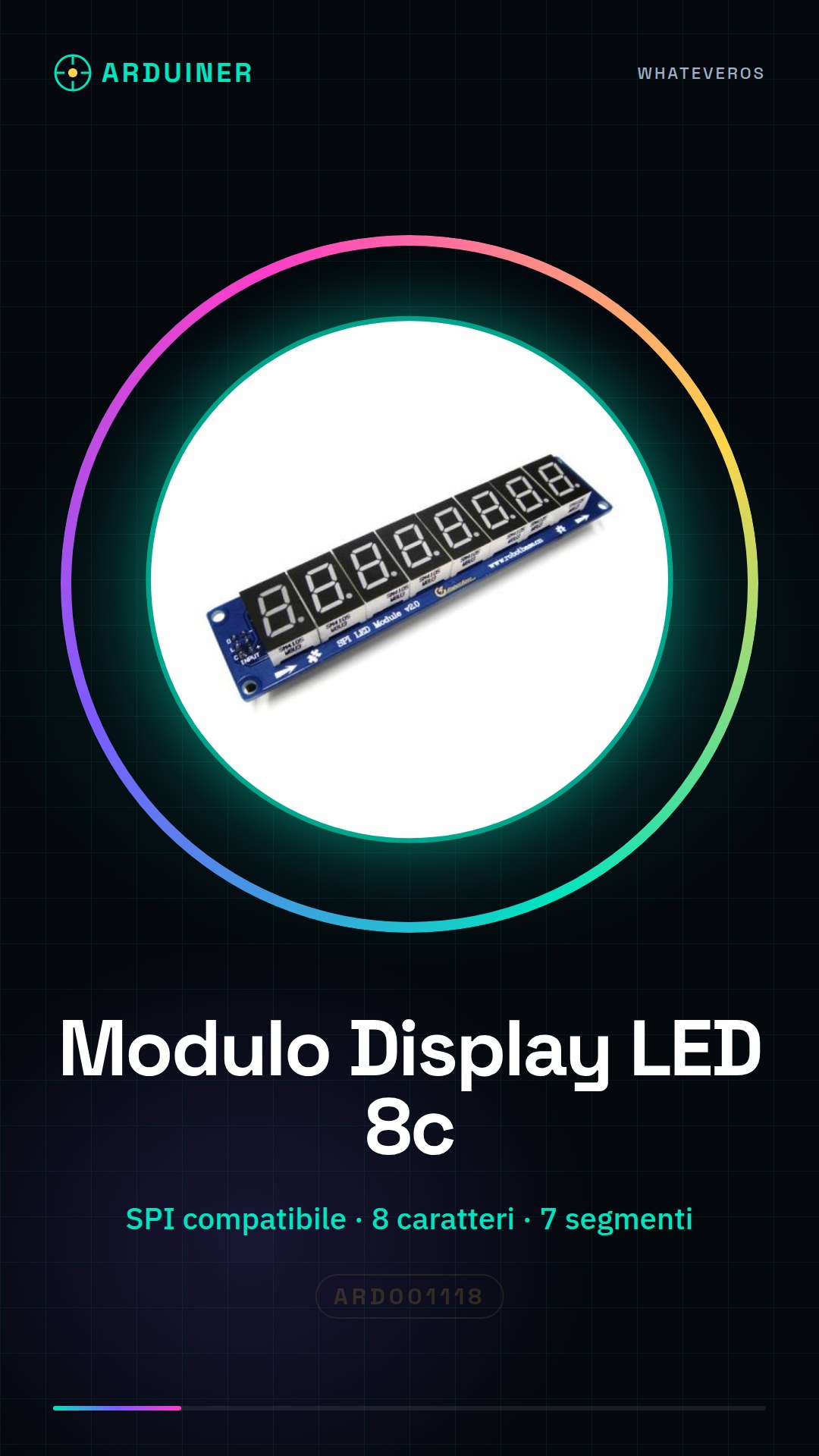
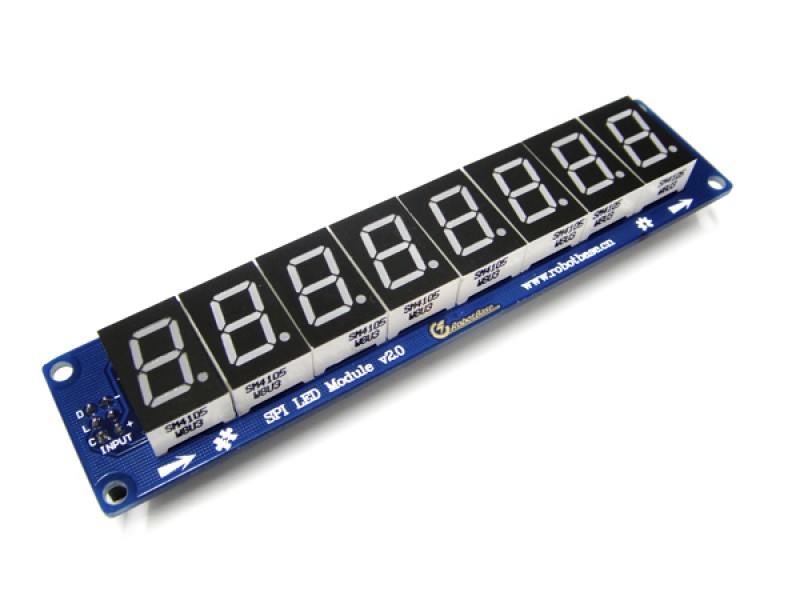
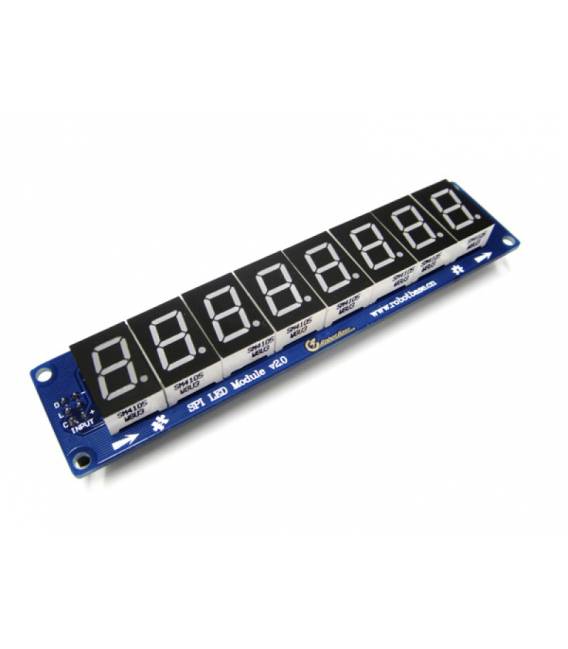
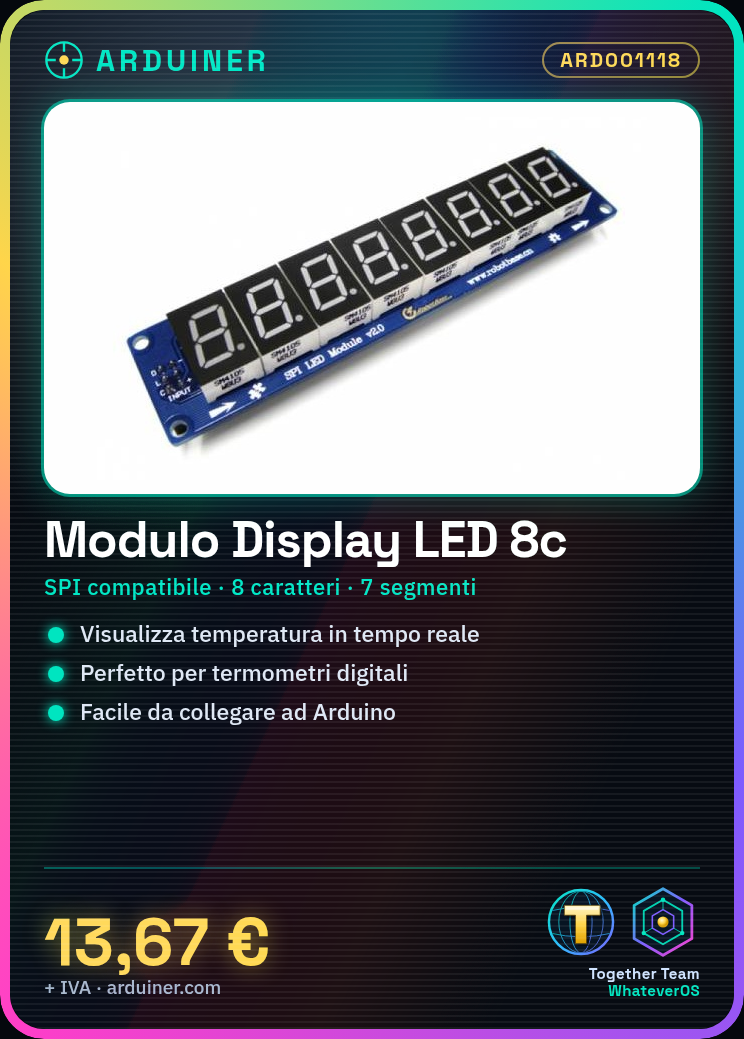
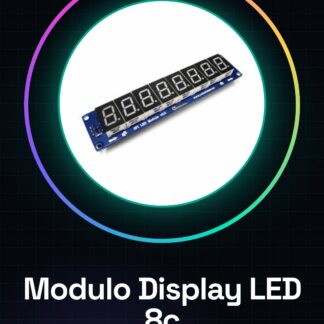
The SPI LED module for 8-character digital display is an electronic component compatible with Arduino. This module allows for real-time display of information such as temperatures, counts, or timers.
Features
- SPI LED Module Compatible with Arduino
- 8-Character Digital Display
- 7-Segment LED
What it is for
Ideal for both beginners and experts, this module is perfect for projects such as digital thermometers or any other device that requires clear and real-time display. Its compatibility with Arduino makes its use simple and effective.
Tutorial: How to Use 8-Character SPI Display Module
The 7-segment LED display module is perfect for displaying key information such as temperatures, counts, or timers. Ideal for both beginners and more experienced makers.
What you need
- Arduino Uno
- USB Cable
- M/F Jumpers
Steps
- Connect the module to the Arduino microcontroller using the jumpers.
- Install the SPI and Wire library (if necessary) through the Arduino IDE.
- Load the example sketch provided by the library or create a new one.
- Check the datasheet to correctly set the pin CS of the module.
- Type a simple message in the code and upload it to the Arduino.
- Check that the characters are displayed correctly on the display.
- Modify the sketch to add features such as counting or timer.
- Check the datasheet to further optimize the module configuration.
Example code
void setup() {
  SPI.begin();
}

void loop() {
  display.showNumberDec(1234);
}
Mini project
Create a digital thermometer that displays the ambient temperature in real time.
Common mistakes
- Connect the module to the microcontroller without checking the correct pins on the datasheet.
- Omit installing the necessary libraries before uploading the sketch.
- Do not update the code to adapt it to the specific needs of the project.
- Ignore the technical documentation for advanced configurations.
Recommended accessories
- Arduino Uno
- Temperature Sensor LM35
- M/F Jumpers Various Colors
- Batteries and Battery Charger
Frequently asked questions
What is the operating voltage of the display?
Check the datasheet.
How to add more modules to the project?
Change the CS pin for each module added and manage the new devices in the Arduino code.
Reviews
There are no reviews yet.