 EN
 IT Italiano
 ES Español
 FR Français
 DE Deutsch
Description
What it is
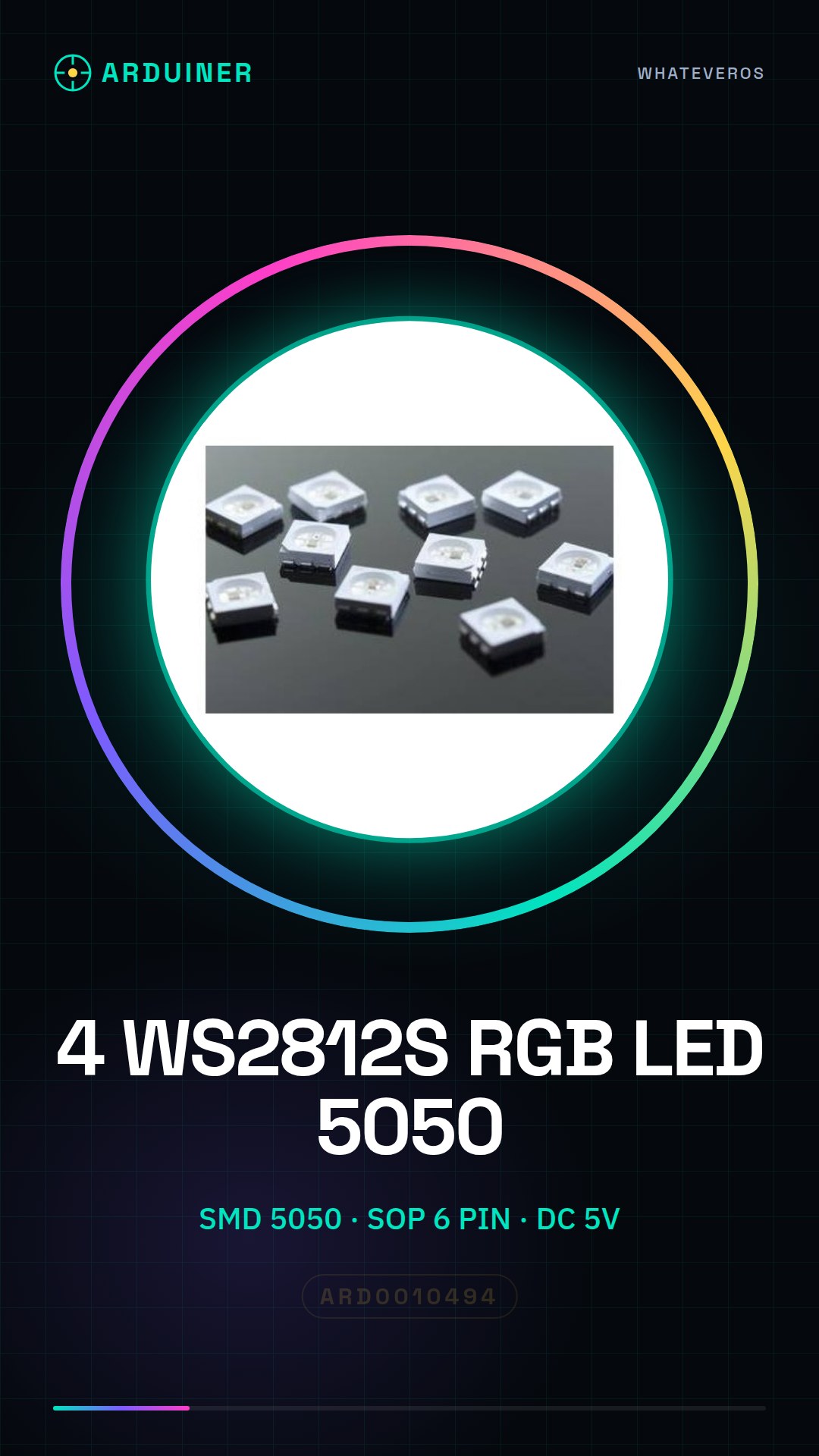
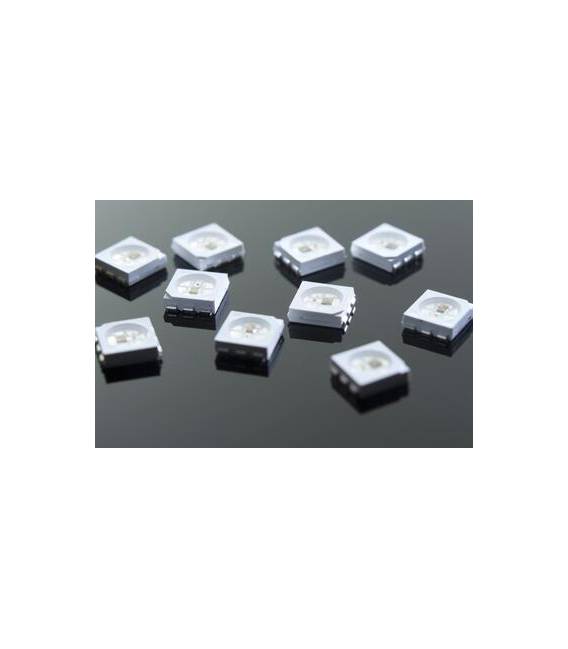
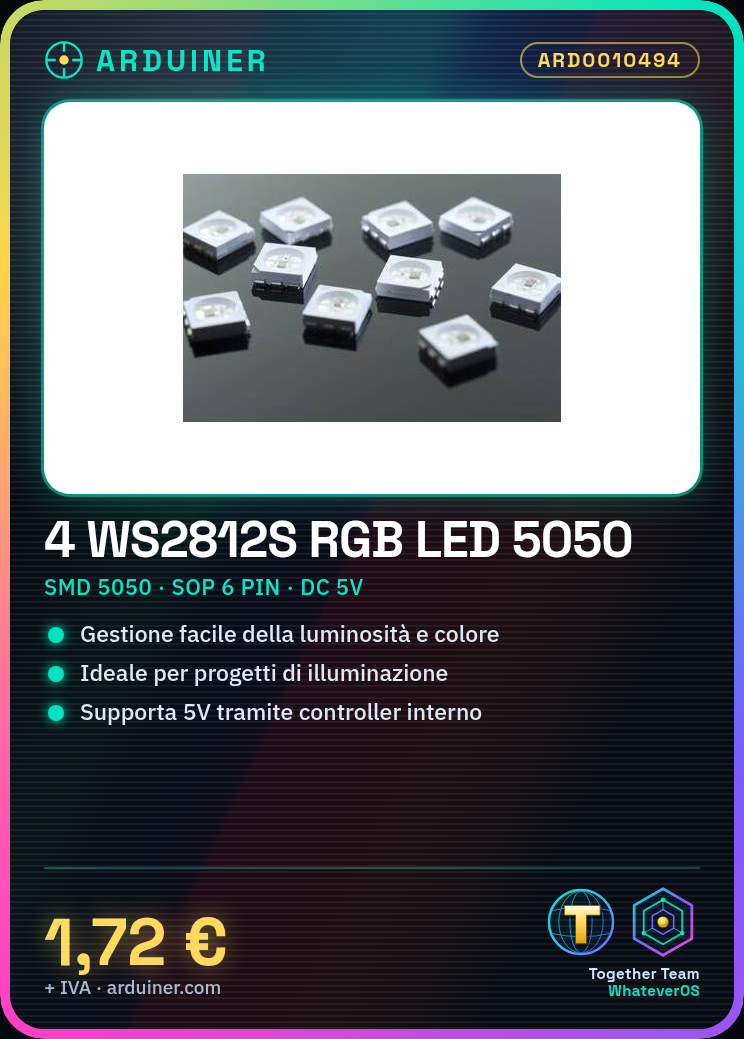
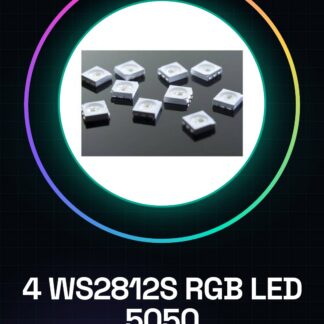
The WS2812S RGB SMD 5050 SOP 6 PIN are electronic components that integrate a single RGB pixel with an internal controller, allowing for easy management of brightness and color.
Features
- LED Type: WS2812S RGB SMD 5050 SOP 6 PIN
- Variant: with integrated controller DC 5V
- Package contains: 4 pieces
What it is for
These LEDs are ideal for lighting and color display projects, suitable for both beginners and intermediates. Typical uses include creating illuminated frames or custom LED strips with dynamic visual effects.
Tutorial: How to use 4 Pieces WS2812S RGB SMD 5050
These RGB SMD LEDs are ideal for lighting and color display projects. Suitable for beginners and intermediates.
What you need
- 4 Pieces WS2812S RGB SMD 5050
- Connection Wires
- Arduino
- Arduino IDE Software
Steps
- 1. Installation: Apply a little thermal paste on the LED pins.
- 2. Connection: Connect the Arduino with 5V, GND and Data In pins.
- 3. Configure: Use the provided code.
- 4. Load: Load the code onto the Arduino.
- 5. Test: Power on the Arduino to see the colors.
- 6. Customize: Change the colors in the code.
- 7. Final Installation: Apply the LEDs to a surface.
- 8. Connectivity: Connect the LEDs to a 5V power supply.
Example code
```void loop() { for (int i = 0; i < 4; i++) { strip.setPixelColor(i, strip.Color(random(255), random(255), random(255))); } strip.show(); delay(200); }```Mini project
Create a colorful LED frame that changes colors randomly.
Common mistakes
- Do not connect the LEDs to a voltage other than 5V.
- Check the datasheet if you do not have a power supply.
- Do not use excessively long wires for connections.
- Check the datasheet if you have issues with serial control.
Recommended accessories
- 5V power supply
- Thermal adhesive
- Connection wires
- Aluminum strips for support
Frequently asked questions
How can I control multiple LED strips?
Connect the Data In of each strip to a different pin on the Arduino.
Does the code work with an input voltage different from 5V?
Check the datasheet for the correct operating voltage.
Can I use these LEDs with a Raspberry Pi?
Check the datasheet for compatibility with the Raspberry Pi.
How can I keep the LEDs clean?
Apply a little thermal paste regularly to keep the LEDs clean and functioning.
Reviews
There are no reviews yet.