 EN
 IT Italiano
 ES Español
 FR Français
 DE Deutsch
Description
What it is
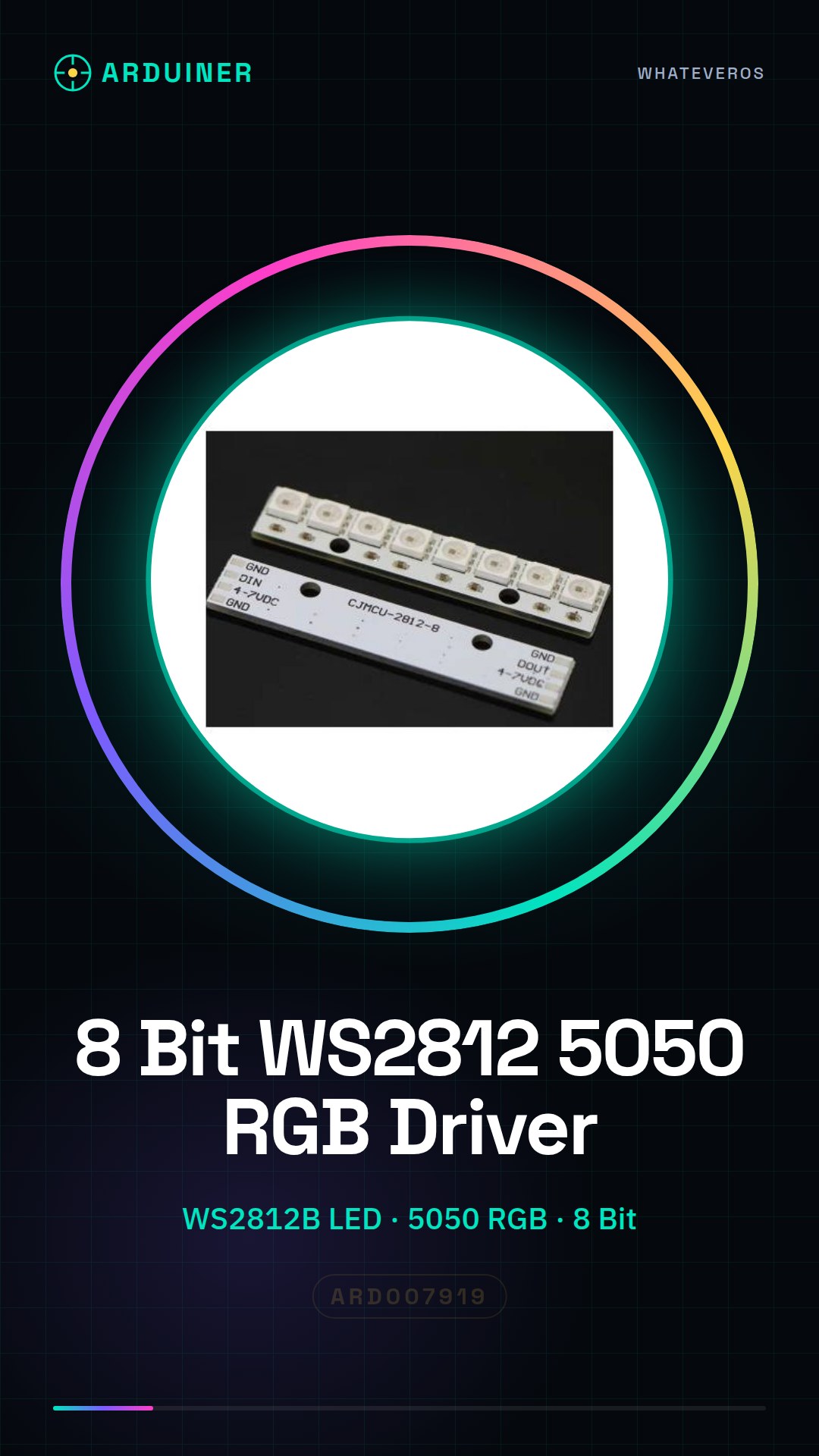
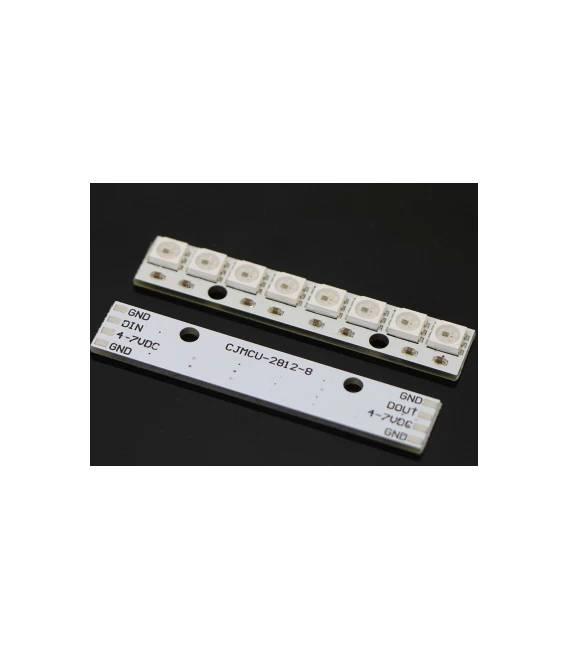
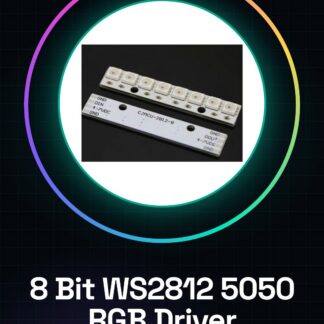
The 8 Bit WS2812 5050 RGB LED Driver Development Board is a dedicated board for controlling WS2812B RGB LEDs, commonly used in electronic projects requiring sophisticated lighting effects.
Features
- Development board for controlling WS2812 5050 RGB LEDs
- Ideally suited for Arduino and ESP projects
What it is for
This board is perfect for creating lighting effects in your projects, such as colorful desk or room lighting. It can be integrated into custom home lighting systems.
Tutorial: How to use 8 Bit WS2812 5050 RGB LED Driver Development Board
This board allows you to effectively control 5050 RGB LEDs. Ideal for home lighting and ambient projects.
What you need
- Arduino or compatible
- USB cable
- 5050 LED
- 220 Ohm resistor
Steps
- 1. Connect the board to your Arduino via the connector.
- 2. Connect pins D1 and D2 to the digital pins of your Arduino.
- 3. Connect a 5050 LED to pin D2 and a 220 Ohm resistor.
- 4. Connect the resistor to the 5V power and GND.
- 5. Upload the following code to your Arduino.
- 6. Check the code and modify the colors as you prefer.
- 7. Try connecting additional 5050 LEDs.
- 8. Refer to the datasheet for further details.
Example code
```
#include <Adafruit_NeoPixel.h>

#define PIN 2
#define NUM_LEDS 1

Adafruit_NeoPixel strip = Adafruit_NeoPixel(NUM_LEDS, PIN, NEO_GRB + NEO_KHZ800);

void setup() {
  strip.begin();
  strip.show(); // Initialize all pixels to 'off'
}

void loop() {
  strip.setPixelColor(0, strip.Color(255, 0, 0)); // Set pixel #0 to red
  strip.show(); // Update strip to match.
}
```
Mini project
Create a colorful lighting for your desk or room.
Common mistakes
- Do not connect the pins correctly.
- Omit adding the resistor.
- Use a different digital pin than D2.
- Forget to upload the code.
Recommended accessories
- Arduino UNO
- LED 5050
- 220 Ohm resistor
- USB cable
Frequently asked questions
Which pins on my Arduino should I use?
You can use any digital pin, but D2 is the most common.
Can I connect more than one 5050 LED?
Yes, but check the datasheet for the maximum current.
What colors can I set?
You can set any RGB color.
Reviews
There are no reviews yet.