 EN
 IT Italiano
 ES Español
 FR Français
 DE Deutsch
Description
What it is
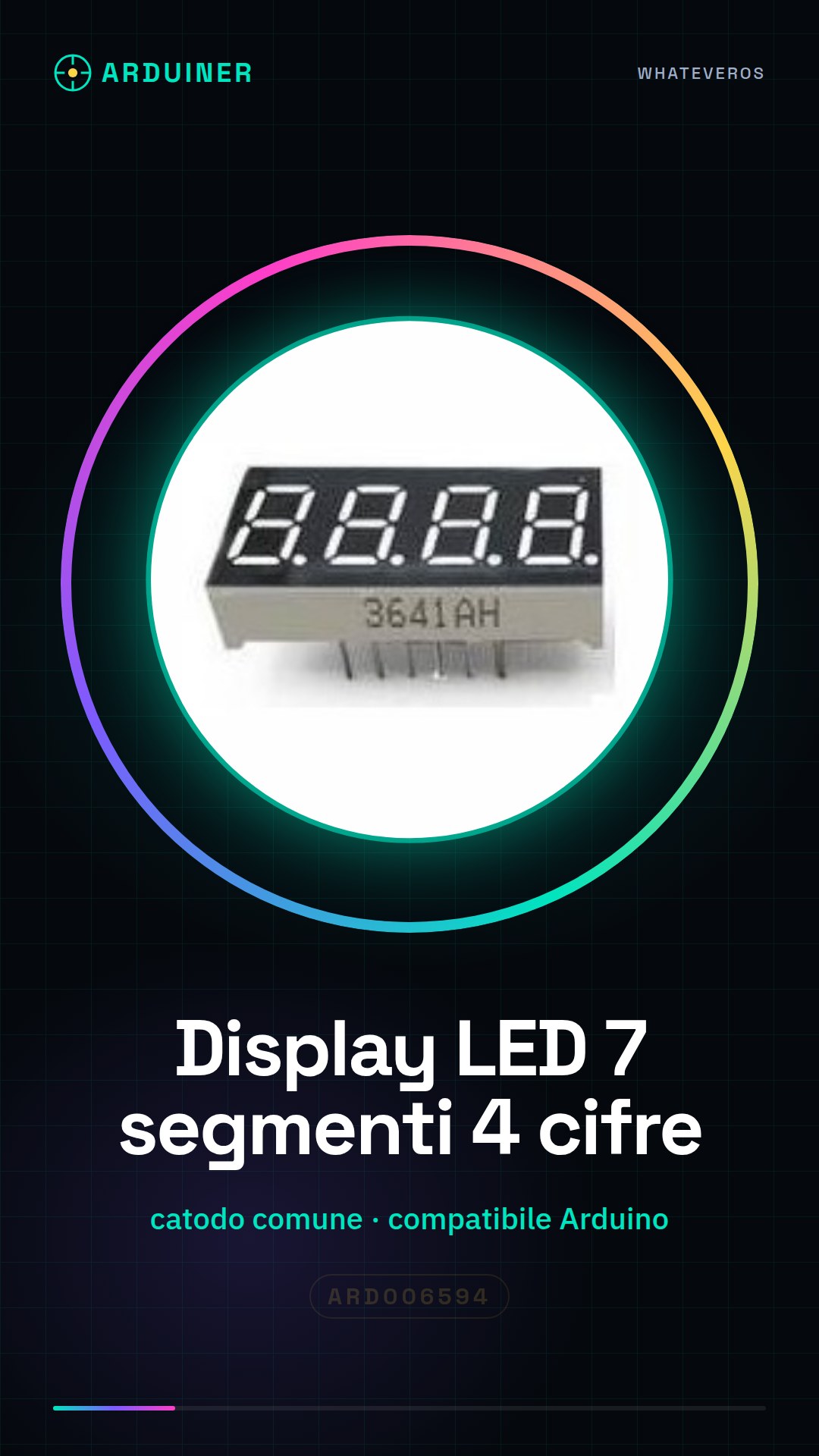
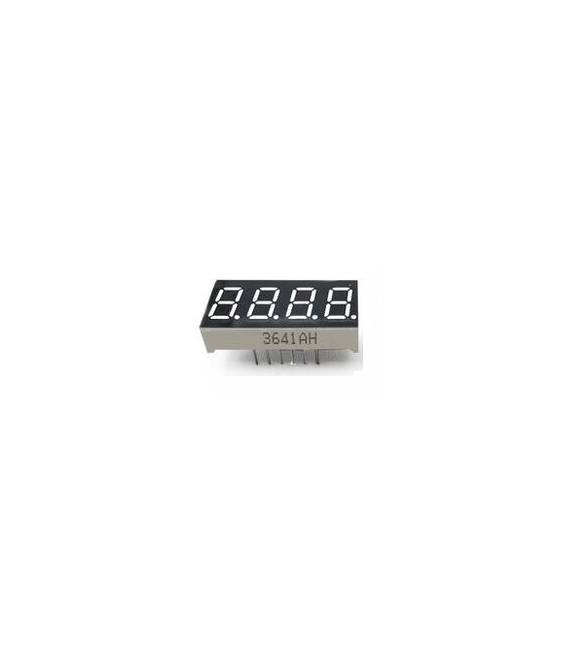
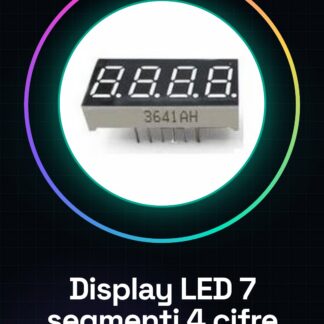
The 7-segment LED display with 4 digits, common cathode is an electronic component compatible with Arduino. This display allows for the visualization of numbers and simple characters on lighting and counter projects.
Features
- 7-segment LED display with 4 digits
- Common cathode
- Compatible with Arduino
What it is for
7-segment LED displays are ideal for beginners who want to create counters or timers. You can use it to display the time and minutes in real-time.
Tutorial: How to use 7-segment LED display 4 digits Common Cathode
The 7-segment LED display 4 digits is ideal for displaying numbers and simple characters on Arduino projects. It is perfect for beginners who want to create counters or timers.
What you need
- Arduino Uno
- USB Type B cable
- Breadboard
- Current limiting resistors
Steps
- Connect the display to the breadboard. Check the pin layout on the product datasheet.
- Connect the common cathodes to ground using a wire.
- Add current-limiting resistors between the segment lines and the Arduino.
- Write an Arduino sketch to control the display. Check the datasheet for signal mapping.
- Upload the sketch to the Arduino using the USB cable.
- Verify that the numbers are displayed correctly on the display.
- Modify the sketch to show other characters or digits.
- Test additional functions such as alternating numbers and characters.
Example code
// Esempio di codice
void setup() {
  pinMode(2, OUTPUT);
}

void loop() {
  digitalWrite(2, HIGH);
  delay(1000);
  digitalWrite(2, LOW);
  delay(1000);
}
Mini project
Create a counter that displays the current hour and minute in real-time.
Common mistakes
- Incorrect connection of the common cathodes
- Lack of current-limiting resistors
- Incorrect LED settings in the Arduino sketch
- Incorrect pin placement on the breadboard
Recommended accessories
- Arduino Uno
- Breadboard
- 330 Ohm resistors
- USB Type B cable
Frequently asked questions
How can I change the displayed number?
Modify the values of the variables in your Arduino sketch.
Which resistor should I use?
Use a 330 Ohm resistor to limit the current to the LEDs.
Can I connect it directly to the Arduino without resistors?
No, it could damage the LEDs or the Arduino. Always use the resistors.

Reviews
There are no reviews yet.