 EN
 IT Italiano
 ES Español
 FR Français
 DE Deutsch
Description
What it is
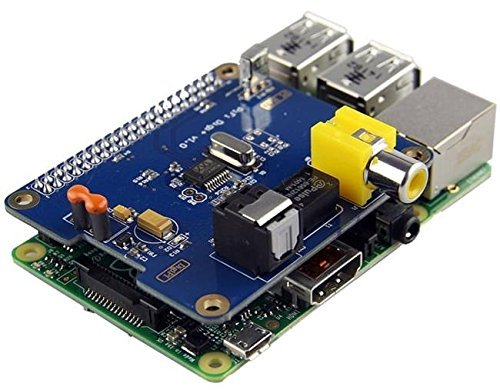
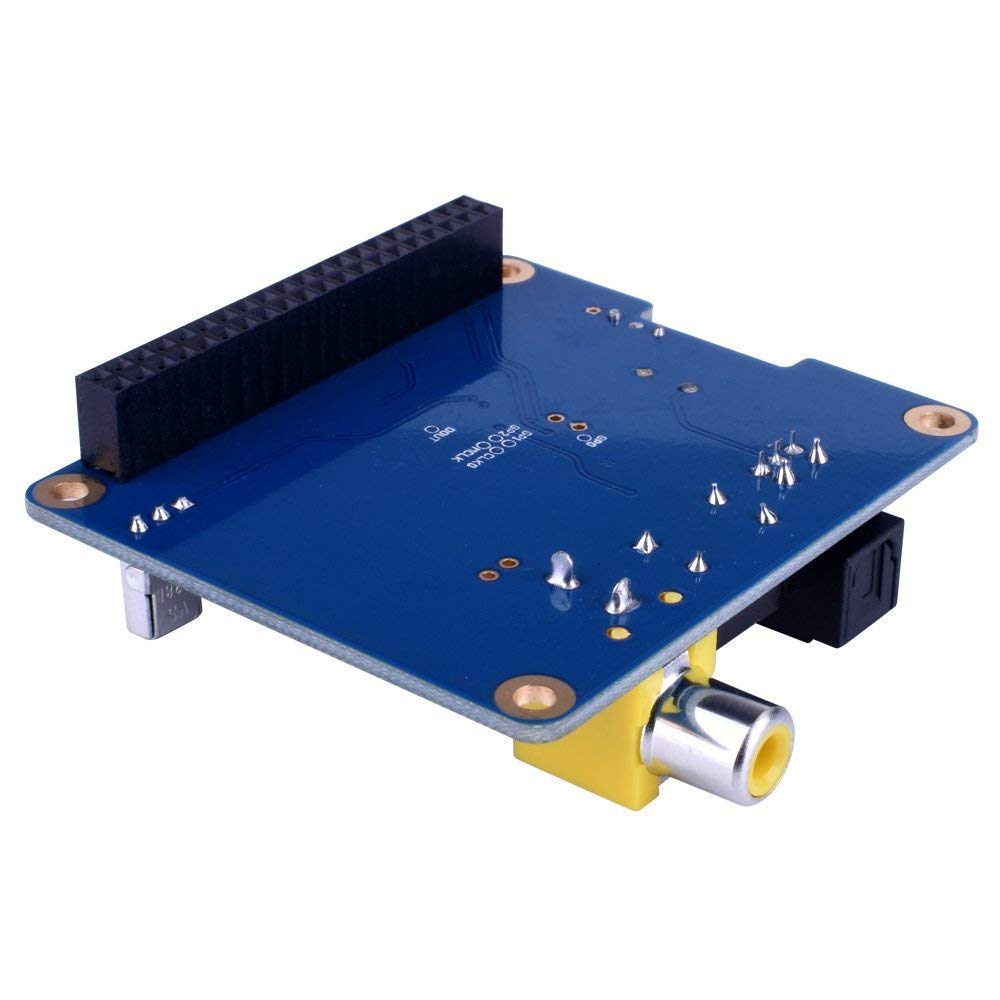
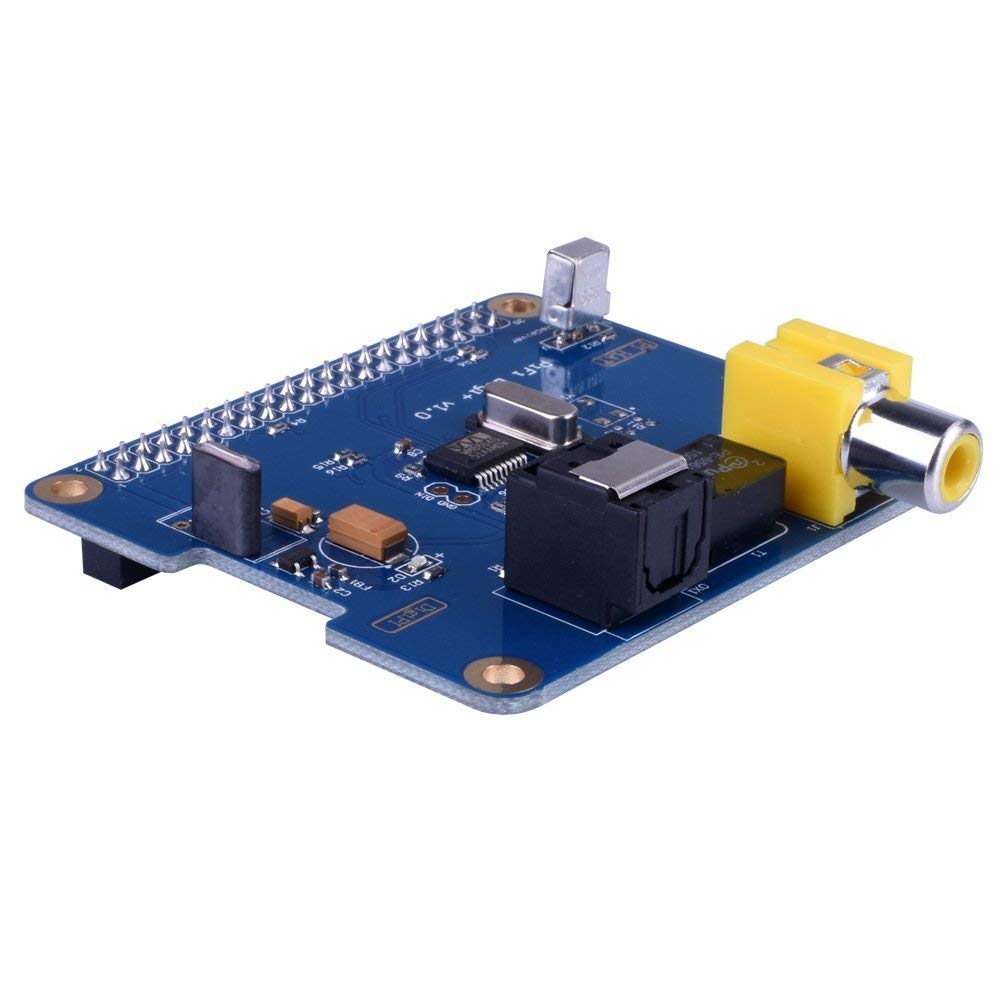
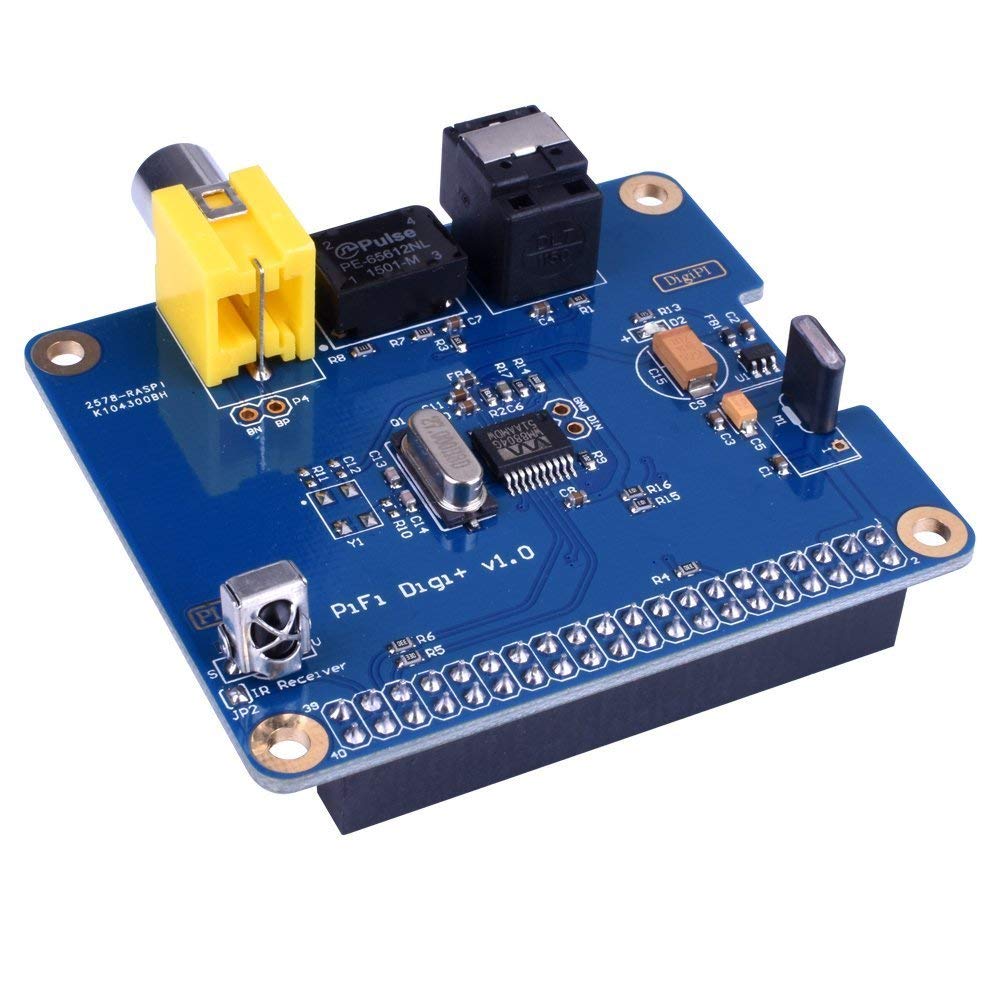
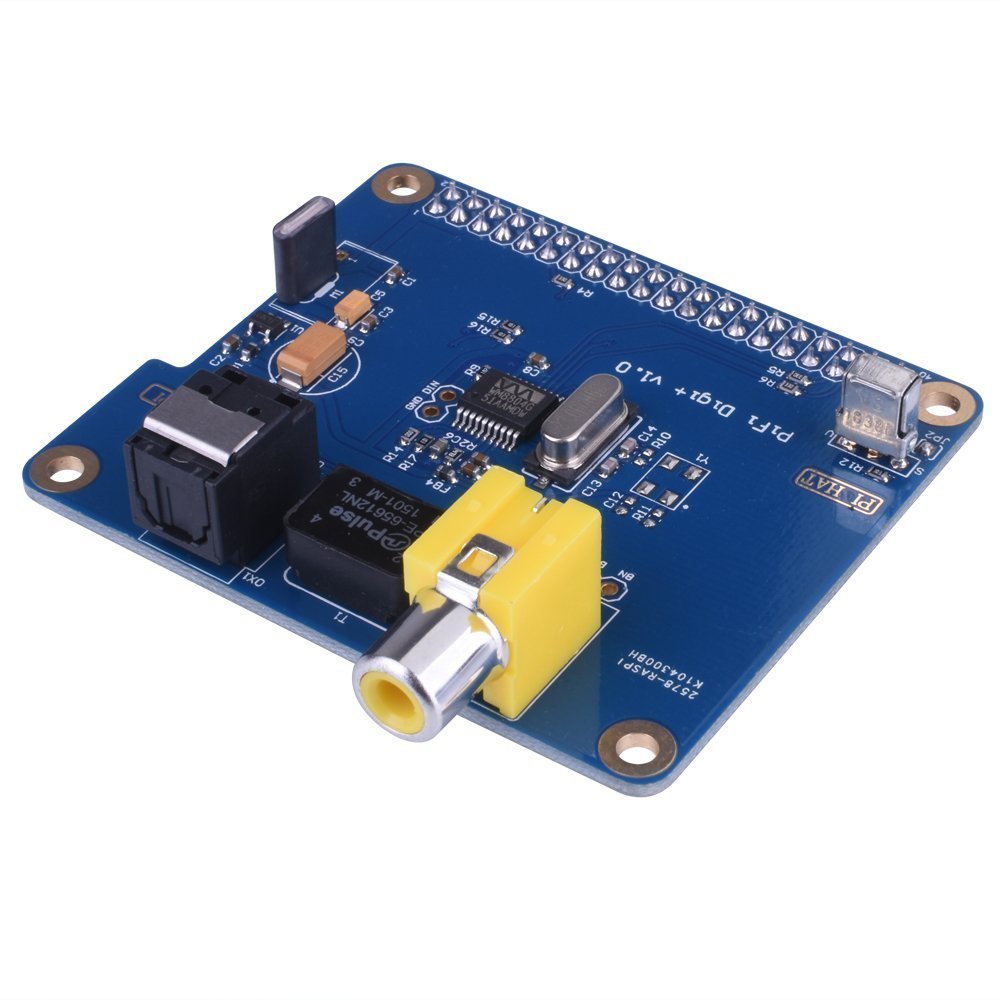
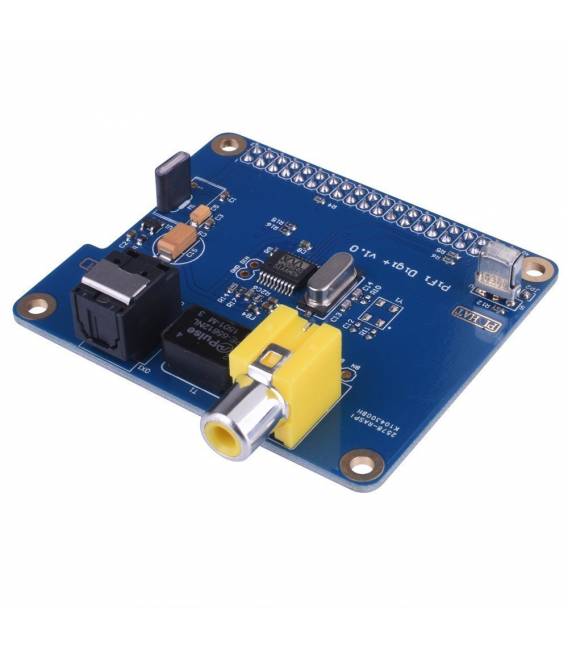
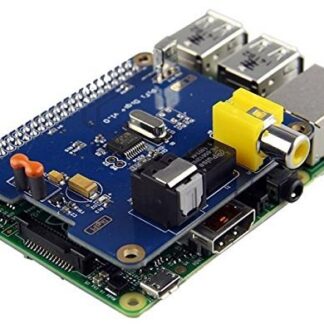
The PiFi Digi+ Pi HAT is a device for Raspberry Pi that adds I2S and SPDIF support, improving the sound quality of projects. This board is specifically designed to be used with Raspberry PI 3 B and 3B+ models.
Features
- PiFi Digi+ Audio Board for Raspberry Pi 3 B, 3B+
- I2S Support
- SPDIF Support
What it is for
Ideal for improving sound quality in projects such as MP3 file-based audio players. Compatibility with Raspberry Pi 3 B and 3B+ makes this board a useful option for developers and makers looking to integrate advanced audio features into their devices.
Tutorial: How to Use PiFi Digi+
The PiFi Digi+ is a HAT for Raspberry Pi 3 and 3B+ that adds digital audio functionality. Ideal for audio projects and makers.
What you need
- Raspberry Pi 3 or 3B+
- I2S cable
- 5V Power Supply
- Speakers or Headset
Steps
- 1. Install Raspberry Pi OS.
- 2. Connect the PiFi Digi+ to the Raspberry Pi.
- 3. Check the datasheet for the correct pin positions.
- 4. Connect the I2S cable to the PiFi Digi+ pins.
- 5. Connect the speakers or headset to the audio jack.
- 6. Power the PiFi Digi+ with a 5V adapter.
- 7. Start the Raspberry Pi.
- 8. Install the I2S audio drivers.
Mini project
Create a simple Raspberry Pi audio player with an MP3 file.
Common mistakes
- Connect the I2S cable backwards.
- Omit power supply.
- Ignore the audio drivers.
- Do not verify the correct pin positions.
Recommended accessories
- Speakers
- Headset
- 5V Adapter
- MP3 Audio File
Frequently asked questions
How to install I2S audio drivers?
Install the drivers via the raspi-config PPA repository.
Why doesn’t the audio work?
Check the correct connection and drivers.
Can I use this HAT with Raspberry Pi 4?
Check compatibility on the datasheet.
Reviews
There are no reviews yet.