 EN
 IT Italiano
 ES Español
 FR Français
 DE Deutsch
Description
What it is
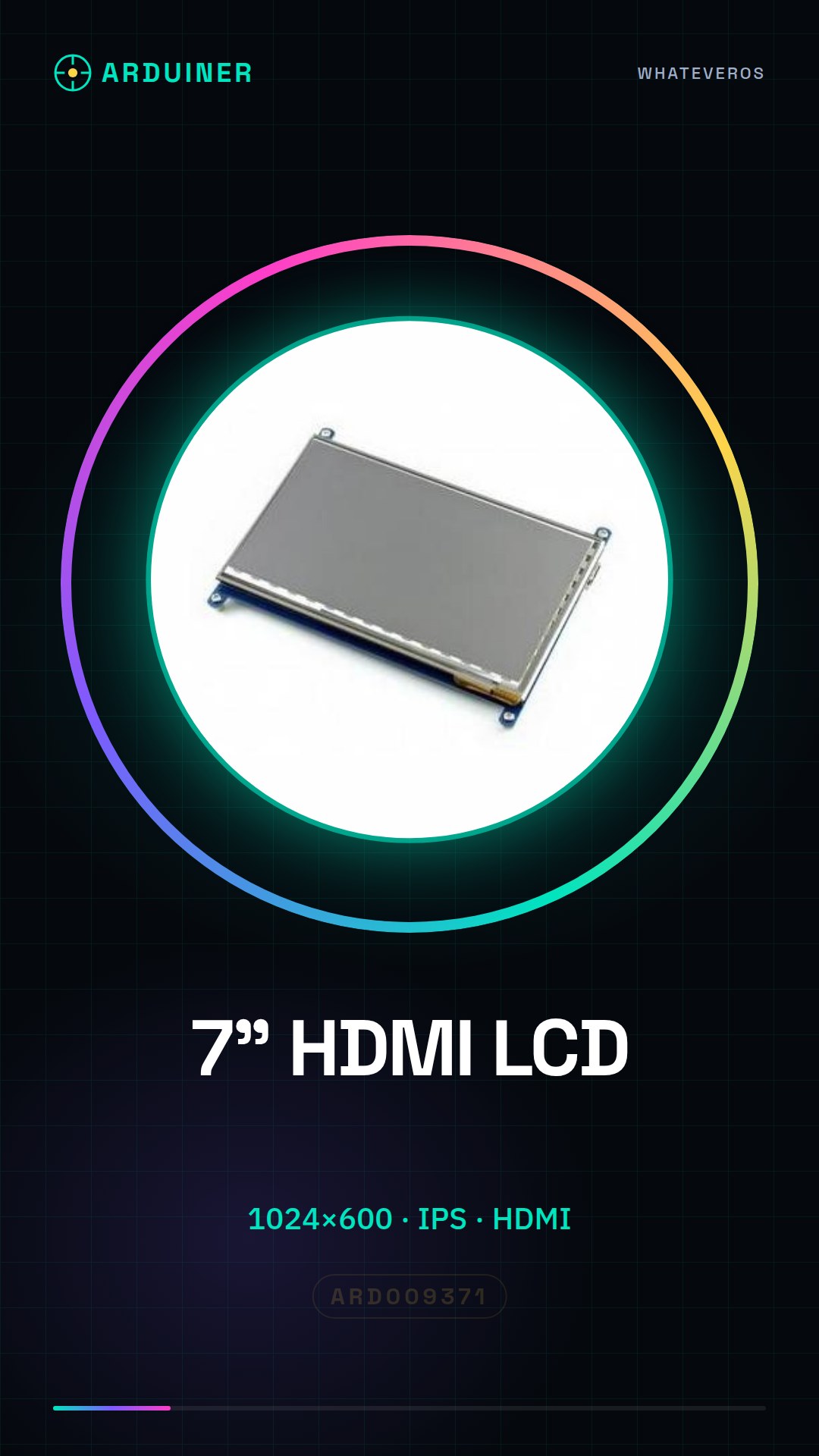
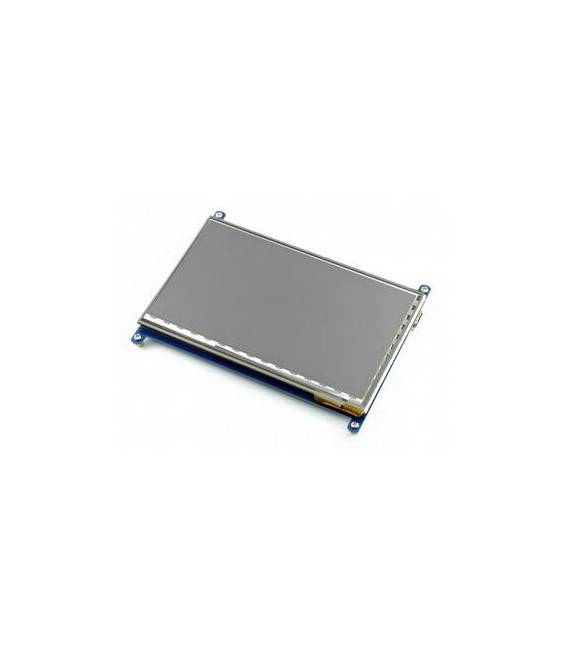
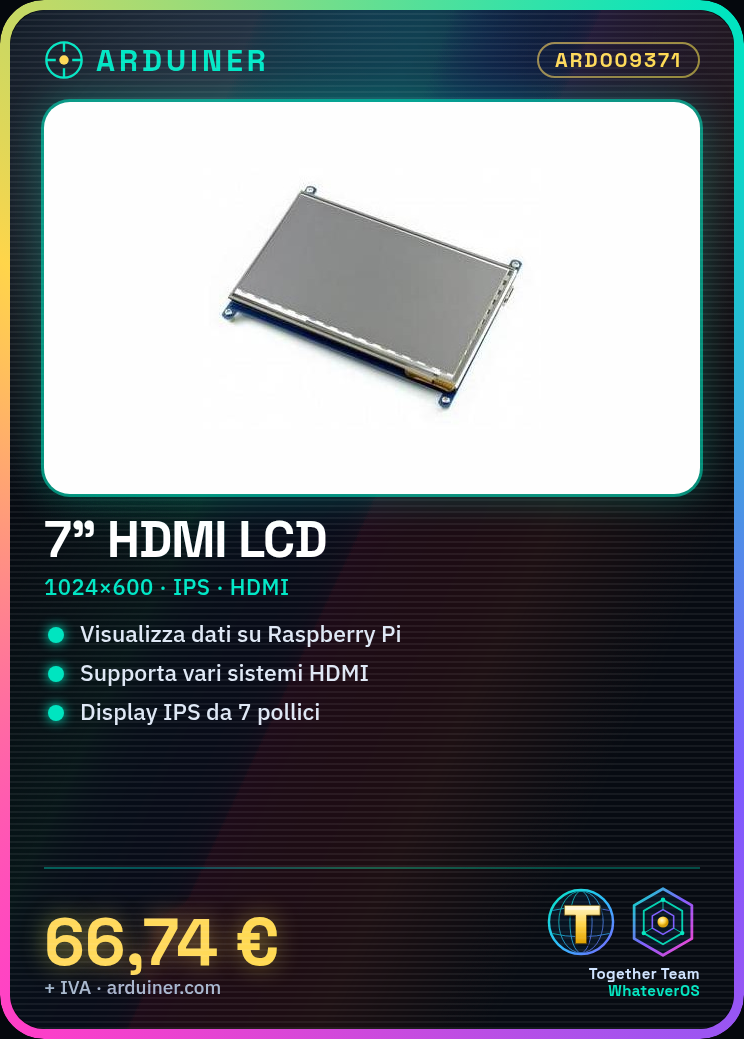
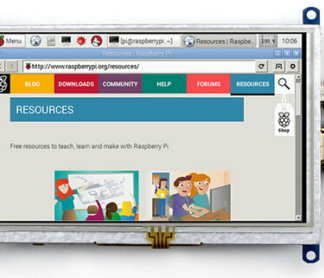
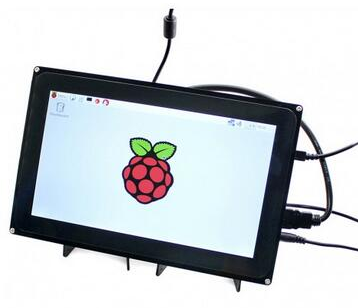
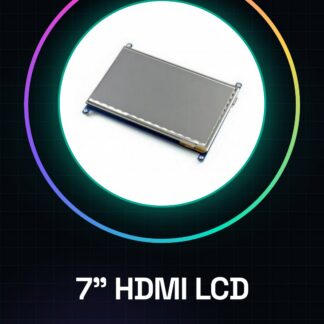
The 7-inch LCD monitor with HDMI connection and 1024×600 IPS resolution is a video device that allows displaying information on various systems, including Raspberry Pi. This liquid crystal display offers high image quality thanks to its high resolution.
Features
- Type: LCD 7-inch HDMI
- Resolution: 1024×600
- Display technology: IPS
- Supports various systems, including Raspberry Pi
What it is for
This LCD monitor is ideal for electronics projects such as displaying data on a drone or creating small temperature and humidity displays with a DHT22 sensor. It is compatible with Raspberry Pi.
Tutorial: How to use the 7-inch HDMI LCD
This LCD monitor is ideal for Raspberry Pi projects or for displaying information on a drone. It is used to display high-quality images and videos.
What you need
- HDMI cable
- Raspberry Pi
- Micro USB adapter
- Power supply
Steps
- 1. Connect the HDMI cable to the HDMI port on the monitor.
- 2. Connect the Raspberry Pi to the monitor via the HDMI cable.
- 3. Connect the micro USB adapter to the Raspberry Pi.
- 4. Connect the micro USB adapter to the monitor power supply.
- 5. Turn on the monitor power supply.
- 6. Start the Raspberry Pi.
- 7. Configure the HDMI monitor in the Raspberry Pi.
- 8. Check the datasheet for supported resolution.
Mini project
Create a small temperature and humidity display with a Raspberry Pi and a DHT22 sensor.
Common mistakes
- Do not verify the correct HDMI connection.
- Power the monitor with an incompatible adapter.
- Ignore the HDMI configuration in the Raspberry Pi.
- Do not use a high-quality HDMI cable.
Recommended accessories
- DHT22 Sensor
- Power Supply System
- HDMI Cable
- Micro USB Adapter
Frequently asked questions
Does the monitor work with other HDMI devices?
Check the datasheet for compatibility.
What resolution does the monitor support?
Check the datasheet for supported resolution.
Does the monitor support 24-bit colors?
Check the datasheet for color depth.
Reviews
There are no reviews yet.