 EN
 IT Italiano
 ES Español
 FR Français
 DE Deutsch
Description
What it is
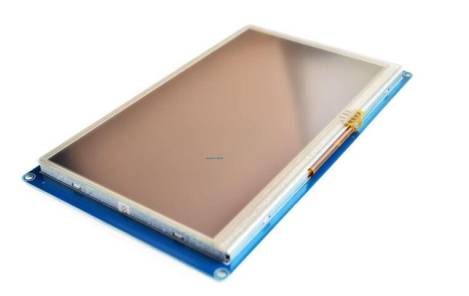
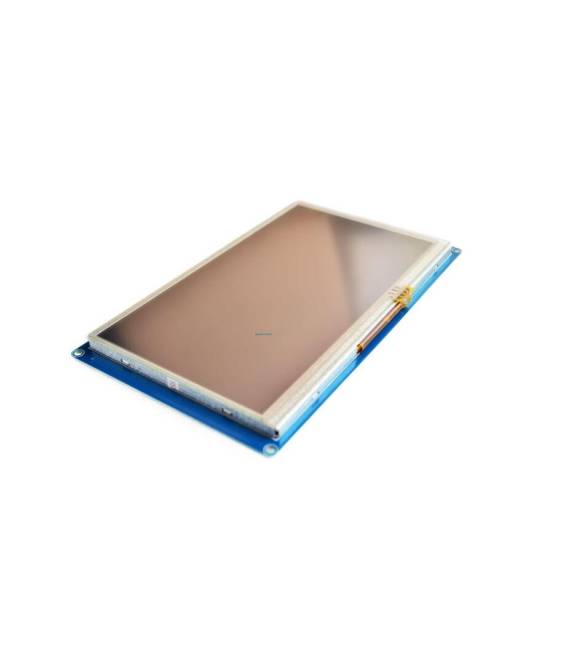
7 inch full-color TFT LCD module with 800×480 resolution based on SSD1963 technology.
Features
- Display size: 7 inches
- Resolution: 800×480
- Display technology: full-color TFT
- Controller: SSD1963
What it is for
The 7 inch TFT LCD module with 800×480 resolution is ideal for anyone who wants to display detailed and colorful information. It can be used in 3D printing projects, drones, and other visualization systems. It is compatible with Arduino and other microcontrollers.
Tutorial: How to use 7″ TFT LCD SSD1963 Module
The 7 inch TFT LCD module with 800×480 resolution is ideal for anyone who wants to display detailed and colorful information. This component is perfect for 3D printing projects, drones, and other visualization systems.
What you need
- Arduino Mega 2560
- USB cable
- 5V power supply
- LCD connection cable
- TFTLCD libraries
Steps
- Connect the LCD module to the Arduino Mega 2560 microcontroller using the LCD connection cable.
- Check the correct power supply for the module (5V) and ensure that the communication signals are properly connected.
- Install the necessary libraries for the LCD module, such as TFTLCD, following the provider’s library instructions.
- Configure the LCD module in the Arduino code specifying the type of screen and its dimensions.
- Insert the example code provided by the library to verify the correct display of text and images.
- Customize the code to adapt it to the project requirements.
- Test the entire system with various inputs and outputs to ensure proper interaction between the LCD module and the rest of the system.
- Verify the system stability and correct any configuration or connection errors.
Example code
/* Inserire qui il codice di esempio per il modulo LCD TFT 7" SSD1963 */
#include <TFTLCD.h>
TFTLCD tft;
void setup() {
  tft.initLCD();
  tft.fillScreen(TFT_BLACK);
  tft.setTextColor(TFT_WHITE);
  tft.setCursor(0,0);
  tft.print("Benvenuto!");
}
void loop() {
  // Aggiungi qui il codice per il loop
}
Mini project
Real-time data visualization project: connect the 7″ SSD1963 TFT LCD module to an Arduino Mega 2560 and create a system that displays temperature and humidity data collected from a DHT11 sensor.
Common mistakes
- Incorrect LCD module configuration in the Arduino code.
- Inadequate connection of communication signals between Arduino and LCD module.
- Insufficient power supply to the LCD module.
- Missing library required for the LCD module.
Recommended accessories
- DHT11 sensor
- 3D printer
- Arduino prototyping kit
- 5V power supply
Frequently asked questions
Which libraries are needed for this LCD module?
To use this LCD module, you need to install the TFTLCD library or a similar one.
How can I customize the background color of the LCD module?
Use the methods provided by the LCD module library to change the background color.



Reviews
There are no reviews yet.