 EN
 IT Italiano
 ES Español
 FR Français
 DE Deutsch
Description
What it is
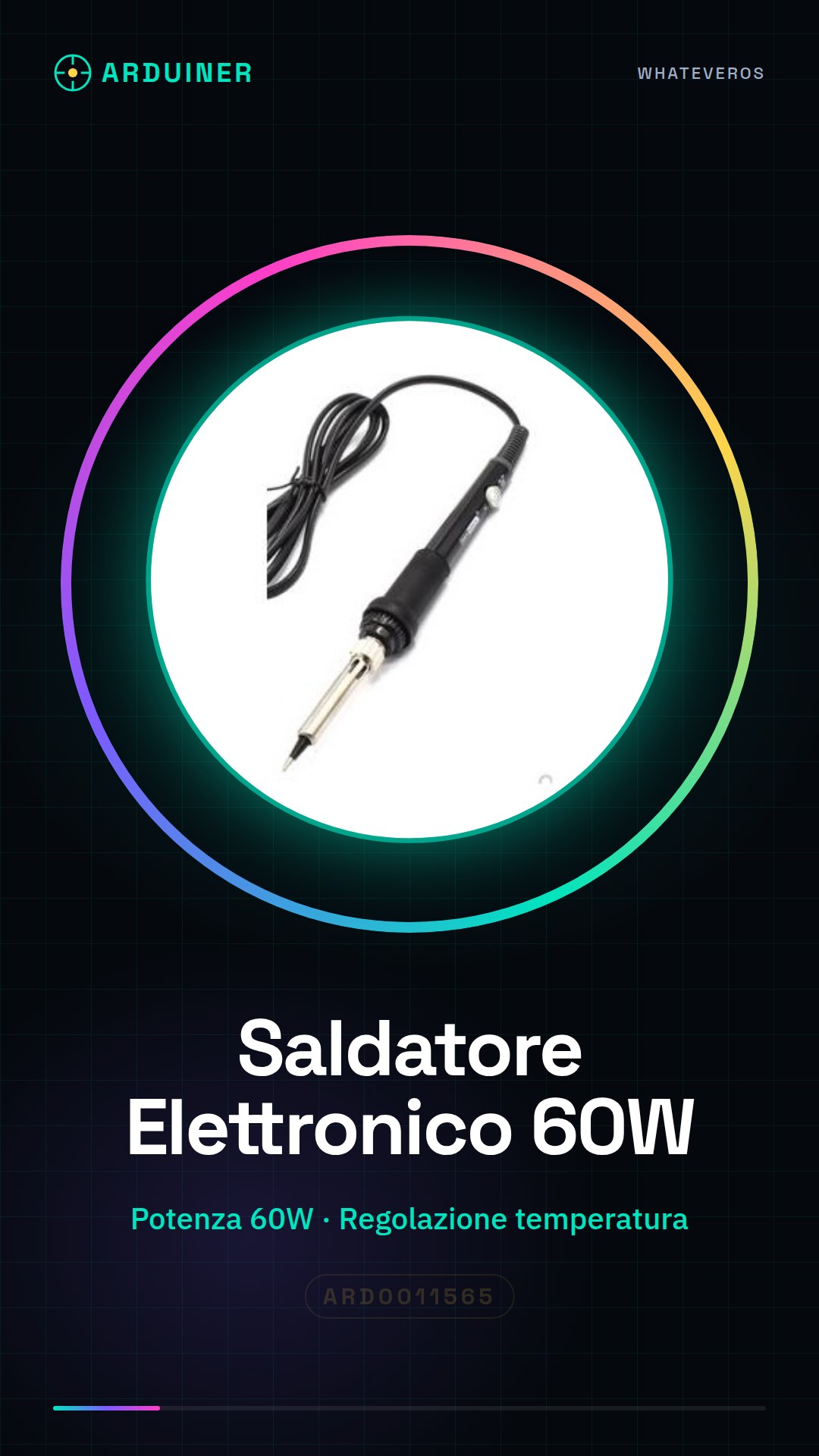
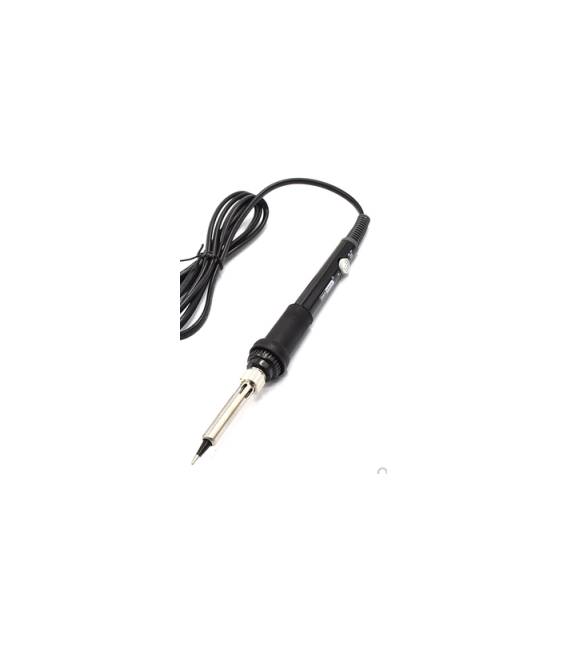
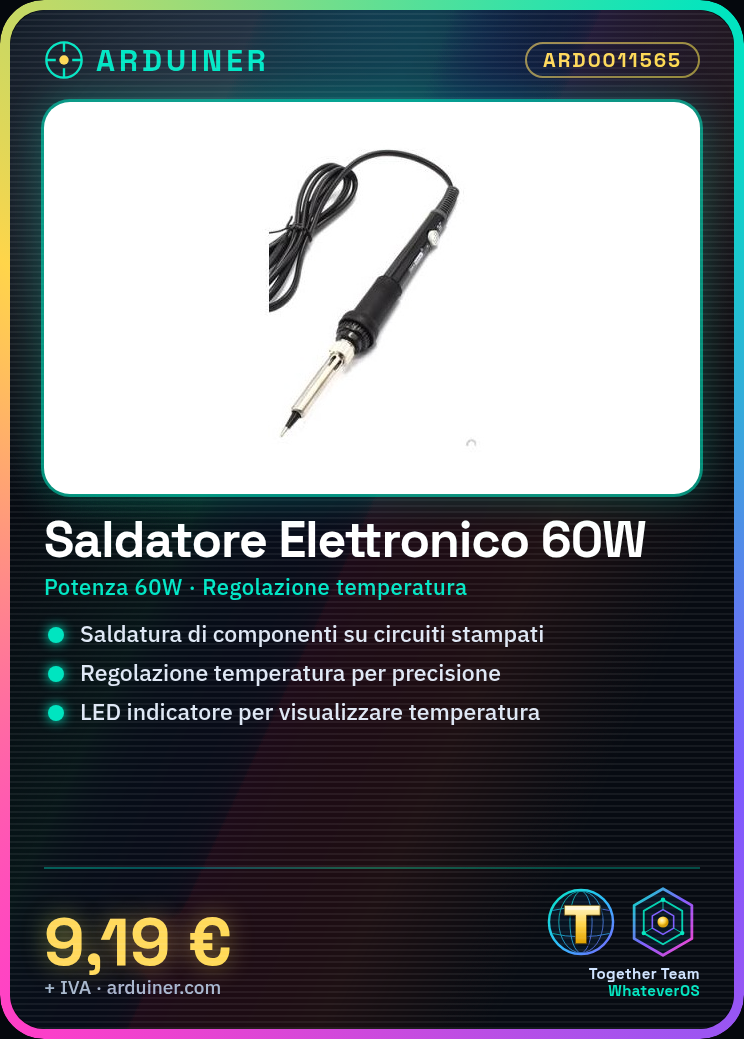
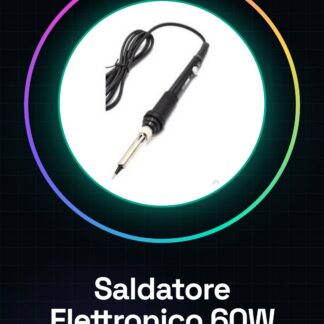
The 60W adjustable temperature electronic soldering iron with LED indicator is an electrical tool used for soldering electronic components onto printed circuit boards.
Features
- Power: 60W
- Temperature Adjustment
- LED Indicator
- EU Compatibility
What it is for
This soldering iron is ideal for Arduino projects, sensors, and printed circuit boards. It allows for precise soldering of electronic components, ensuring a good result for basic electronic project realization.
Tutorial: How to Use the 60W Adjustable Temperature Electronic Soldering Iron with LED
The 60W adjustable temperature electronic soldering iron with LED indicator is an essential tool for makers and electronics enthusiasts who want to solder electronic components with precision. Ideal for Arduino projects, sensors, and printed circuit boards.
What you need
- 60W Adjustable Temperature Electronic Soldering Iron with LED
- Soldering Pencil
- Solder Cartridge
- Soldering Wipe
- Reference thermometer (optional)
Steps
- Connect the soldering iron to an electrical outlet
- Adjust the soldering iron temperature using the adjustable control
- Verify the temperature with a reference thermometer (if available)
- Choose the appropriate solder cartridge for your project
- Prepare the surface to be soldered by cleaning any impurities
- Apply soldering flux to the area to be soldered
- Bring the tip of the soldering iron into contact with the area to be soldered and the solder cartridge
- Wait for the solder to solidify before removing the soldering iron
Mini project
Basic project: solder an LED onto a printed circuit board
Common mistakes
- Incorrectly adjusting the soldering iron temperature
- Failing to properly clean the surface to be soldered
- Using the wrong solder cartridge
- Failing to wait for the solder to fully solidify
Recommended accessories
- Soldering iron
- Solder cartridge
- Soldering flux
- Reference thermometer
Frequently asked questions
How to set the soldering temperature?
Use the adjustable control to set the desired temperature. Check the datasheet for specific values.
What types of solder cartridges should be used?
Select the solder cartridge based on the type of solder and the circuit resistance. Check the datasheet for specifications.



Reviews
There are no reviews yet.