 EN
 IT Italiano
 ES Español
 FR Français
 DE Deutsch
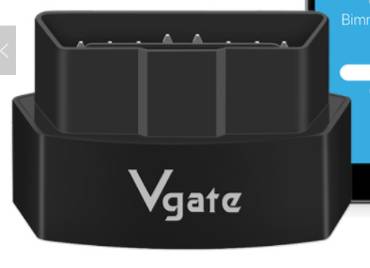
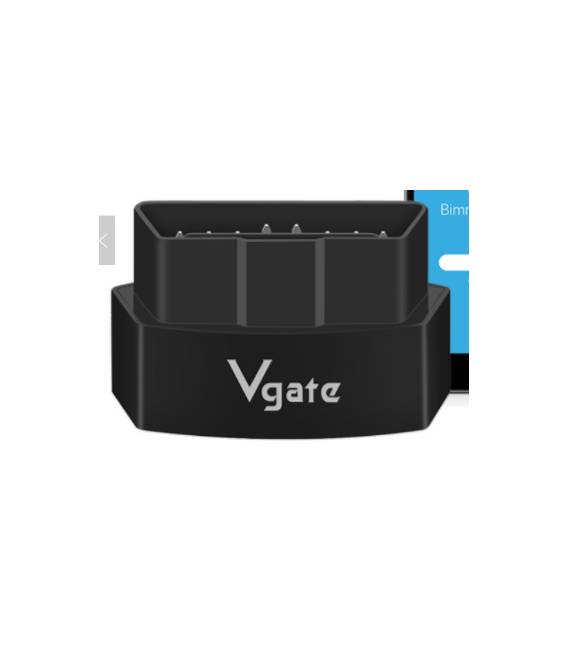
Description
What it is
The iCar3 V2.1 OBD2 Reader is a Bluetooth diagnostic tool that supports the Android Torque app and the ELM327 specification, ideal for monitoring and troubleshooting vehicle issues. It is compatible with various car models and uses OBD2 technology to access engine data.
Features
- Supports Android Torque
- Compatible with ELM327
- Version 2.1
- Supports OBD2 technology
- Bluetooth connectivity
What it is for
This OBD2 reader is used for vehicle diagnosis, engine monitoring, and problem-solving. It can be used by mechanics and makers to create Arduino sketches to monitor variables such as engine temperature.
Tutorial: How to use iCar3 V2.1
The iCar3 V2.1 Code Reader is ideal for anyone who wants to diagnose and monitor their vehicle’s condition. It supports Android Torque and OBD2, allowing you to access board data and solve problems.
What you need
- Android Smartphone
- OBD2 Vehicle
- USB Cable
- Android Software Torque (optional)
Steps
- 1. Connect the iCar3 V2.1 USB cable to your smartphone.
- 2. Start the vehicle and ensure the board code is visible.
- 3. Launch the Android Torque app (if installed).
- 4. Select ‘ELM327’ as the device.
- 5. Configure the baud rate to 500000.
- 6. Connect the OBD2 cable to the vehicle.
- 7. Start the board code scan.
- 8. View and resolve any issues.
Mini project
Create a simple Arduino sketch to monitor the motor temperature using the iCar3 V2.1 and Android Torque.
Common mistakes
- Do not connect the OBD2 cable to the vehicle before starting the scan.
- Set the wrong baud rate.
- Not having the Android Torque app installed.
- Forget to check the board code on the vehicle’s screen.
Recommended accessories
- OBD2 Cable
- USB Adapter
- Android Torque Software
Frequently asked questions
Can I use this reader with iOS?
No, the iCar3 V2.1 supports only Android.
Which vehicles does it support?
It supports almost all vehicles with OBD2 system.
How long does the battery last?
Check the datasheet.
Can I use this reader with an old vehicle?
Yes, it supports old and modern vehicles with OBD2 system.



Reviews
There are no reviews yet.