 EN
 IT Italiano
 ES Español
 FR Français
 DE Deutsch
Description
What it is
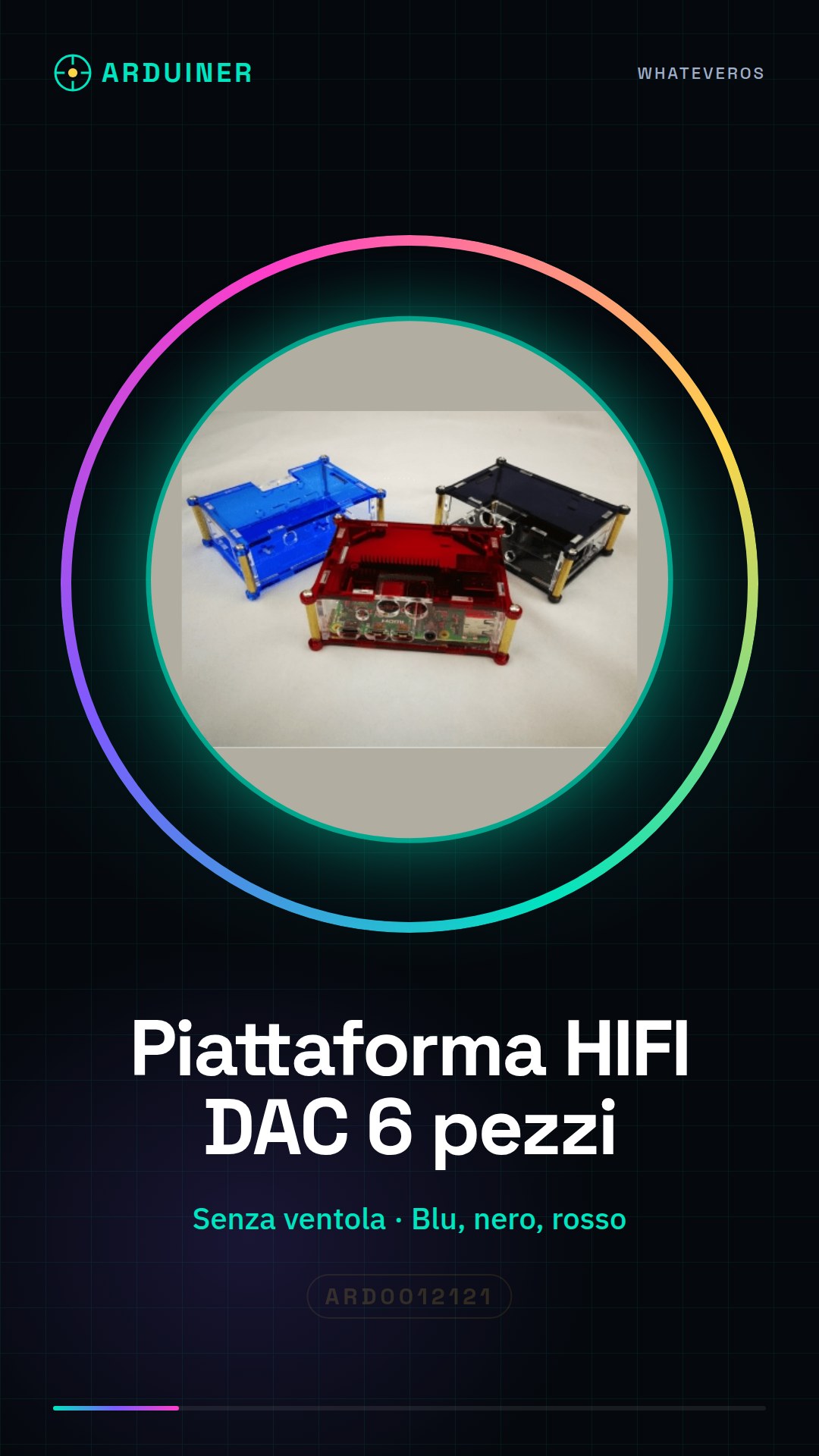
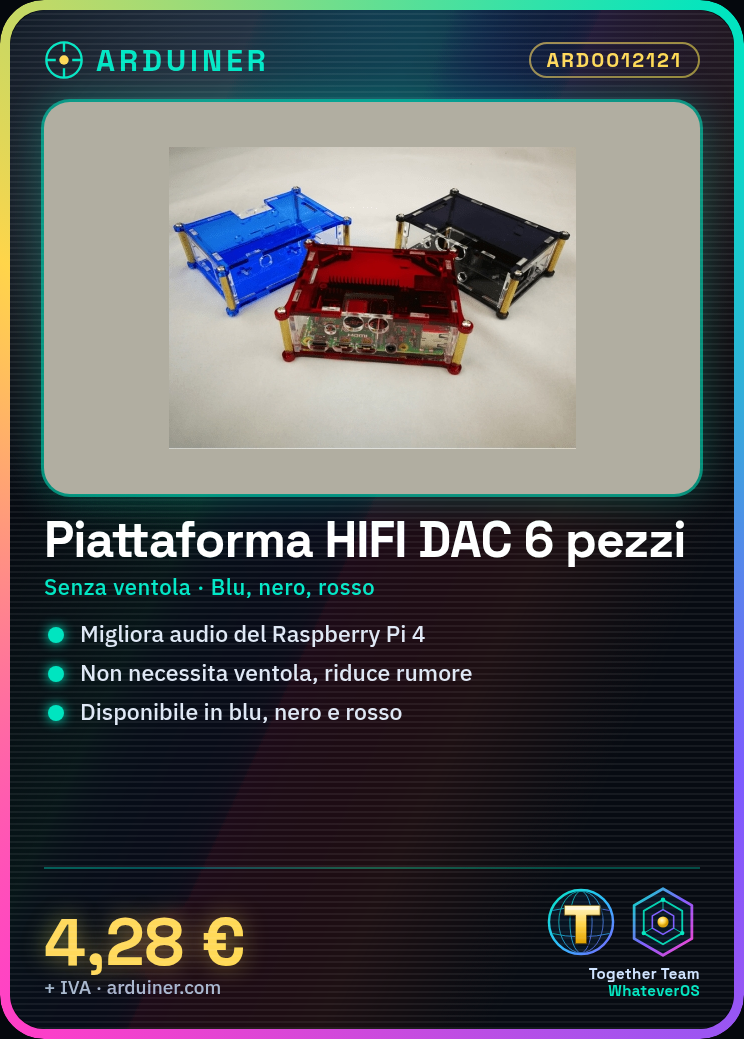
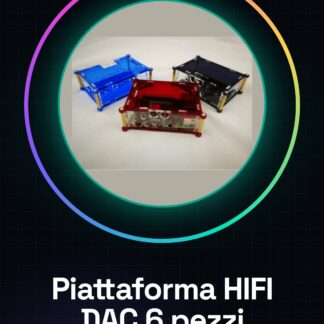
The 6-piece HiFi DAC Combo Fanless Platform for Raspberry Pi 4 is a device that allows you to enhance the audio quality of your Raspberry Pi 4. This platform is available in various colors (blue, black, red) and does not require the use of a fan, making it ideal for projects that require high-quality sound without noise.
Features
- HiFi DAC Platform for Raspberry Pi 4
- Fanless
- Available in various colors (blue, black, red)
What it is for
This platform is perfect for improving the sound quality of Raspberry Pi 4-based projects, especially for digital music enthusiasts and designers seeking high-quality audio. To use it, simply connect it to the Raspberry Pi 4, install a DAC software, and play high-quality audio files.
Tutorial: How to Use 6-piece HiFi DAC Combo Fanless Platform
This platform is ideal for improving the sound quality of your Raspberry Pi 4, perfect for digital music enthusiasts and hobbyists.
What you need
- Raspberry Pi 4
- microUSB cable
- compatible speakers or headphones
- USB power supply
- MicroSD card with installed operating system
- audio files to play
Steps
- 1. Connect the microUSB cable to the platform.
- 2. Connect the platform to the Raspberry Pi 4.
- 3. Connect the microUSB cable to the USB power supply.
- 4. Connect the power supply to the power unit.
- 5. Start the Raspberry Pi 4.
- 6. Install a software DAC on Raspbian.
- 7. Configure the DAC to use the Combina HIFI DAC platform.
- 8. Create an audio file or use an existing one.
- 9. Play the audio file with an audio player.
Mini project
Connect the platform to a Raspberry Pi 4, install a software DAC, and play a high-quality audio file. Notice the difference in sound quality.
Common mistakes
- Do not connect the microUSB cable to the platform without power.
- Ensure that the DAC software is correctly configured.
- Check the datasheet for compatibility of your speakers.
- Do not use an audio file that is too large or in an unsupported format.
Recommended accessories
- Compatible Speakers or Headphones
- USB Power
- MicroSD with operating system installed
- Audio files to play
Frequently asked questions
Which speakers are compatible?
Check the datasheet for compatibility of your speakers.
Can I use another Raspberry Pi?
The Combina HIFI DAC is specifically designed for the Raspberry Pi 4.
How long does the USB power battery last?
The USB power does not have a battery. Ensure it is always connected.
Can I use a high-resolution audio file?
Check the datasheet for compatibility of the audio file.
Reviews
There are no reviews yet.