 EN
 IT Italiano
 ES Español
 FR Français
 DE Deutsch
Description
What it is
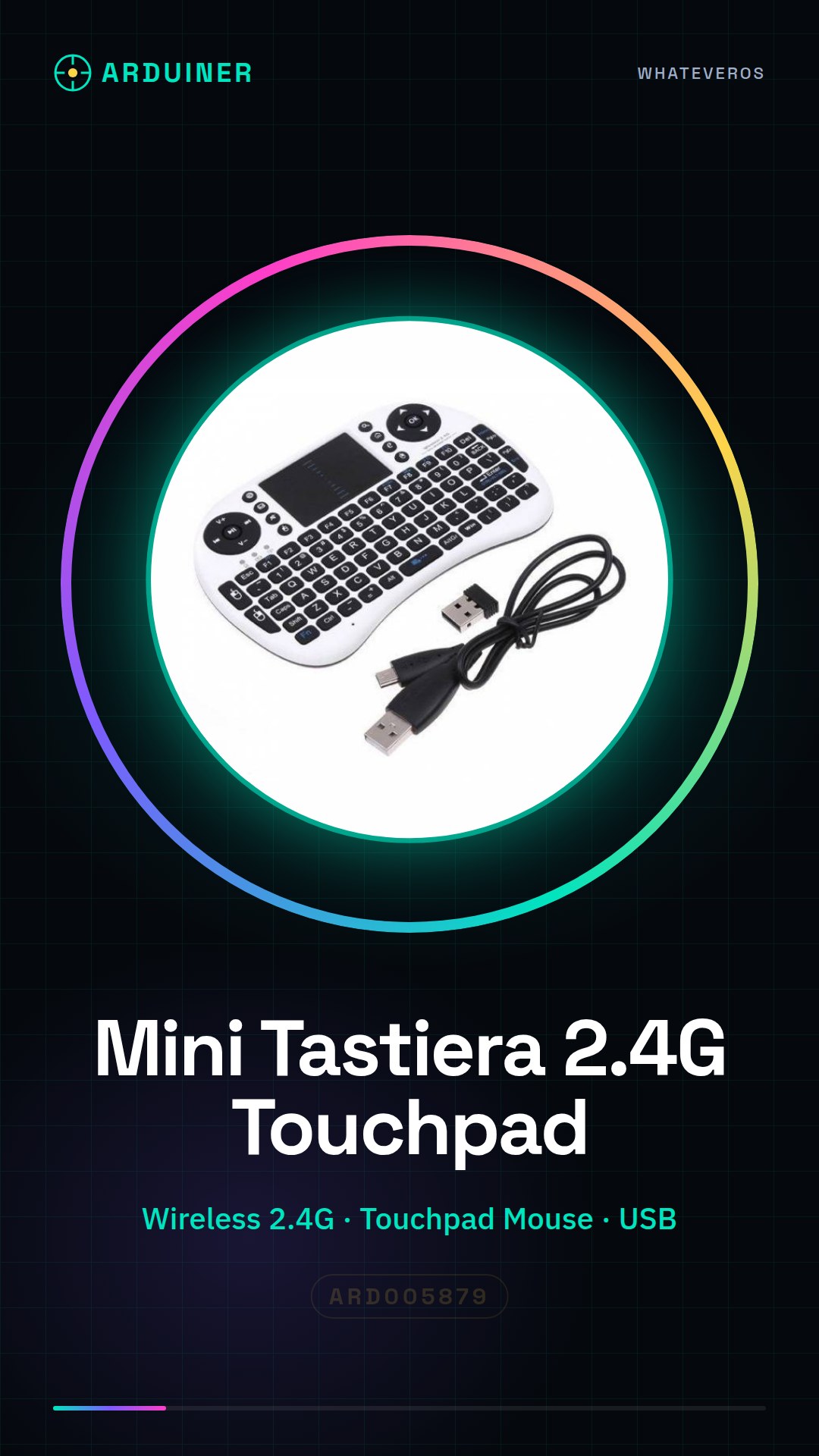
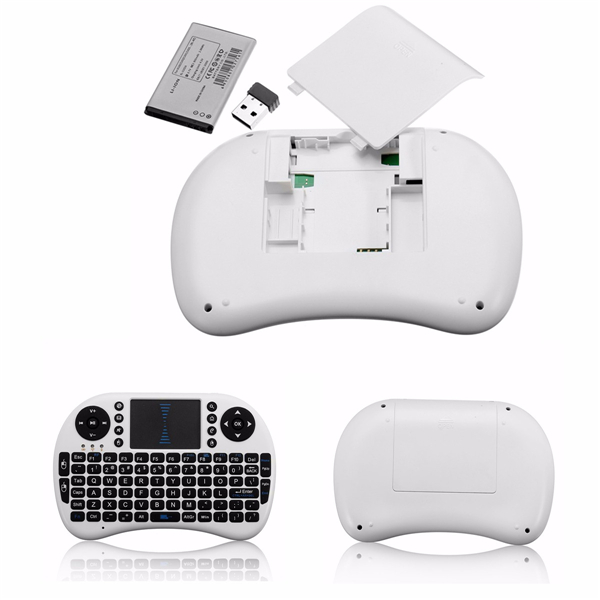
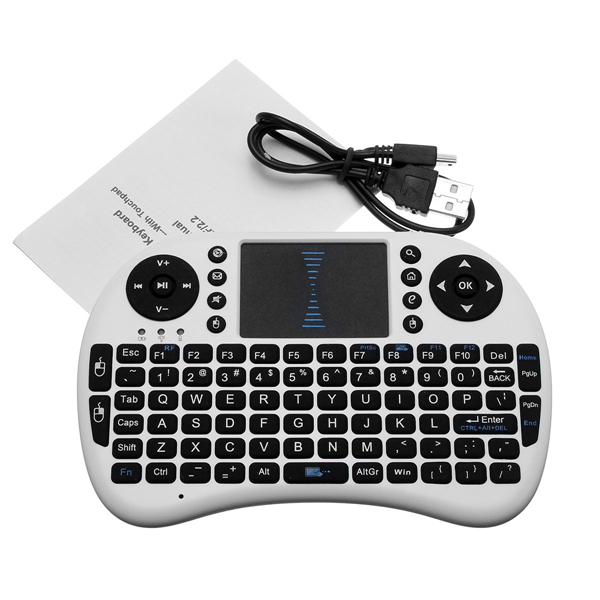
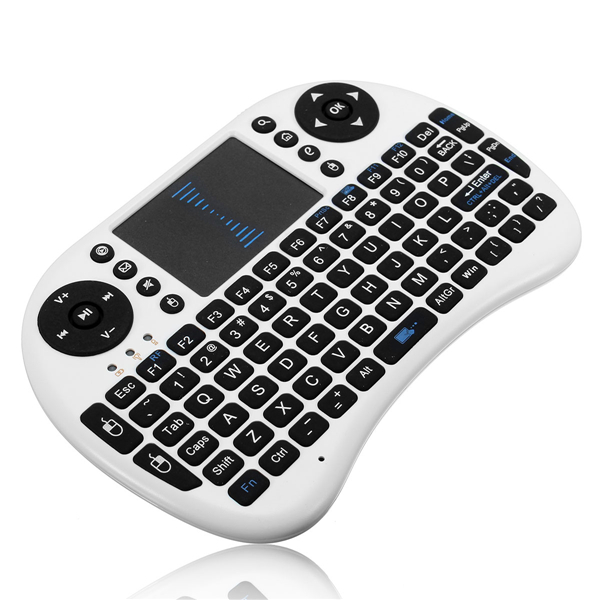
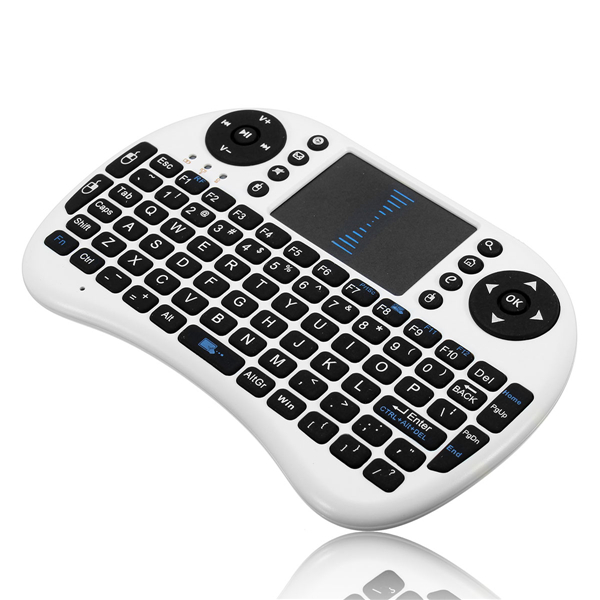
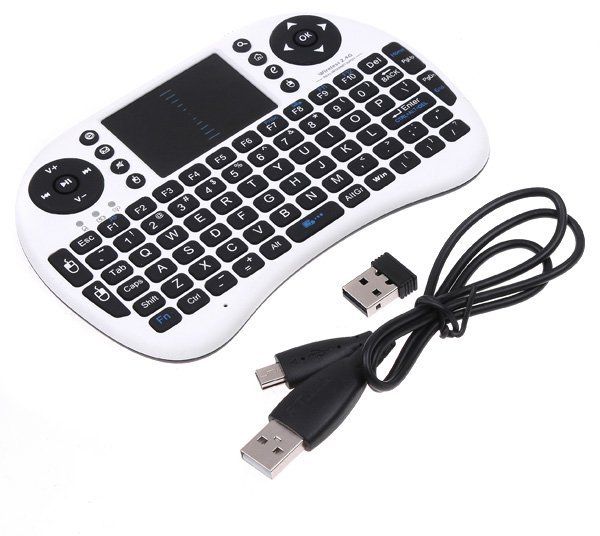
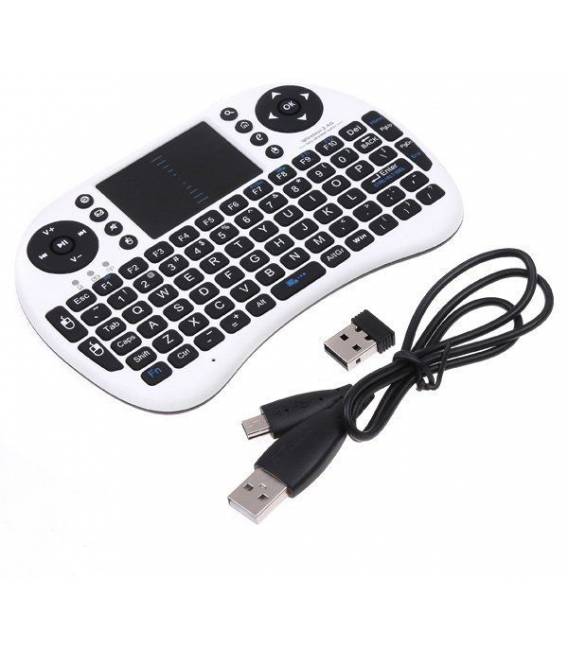
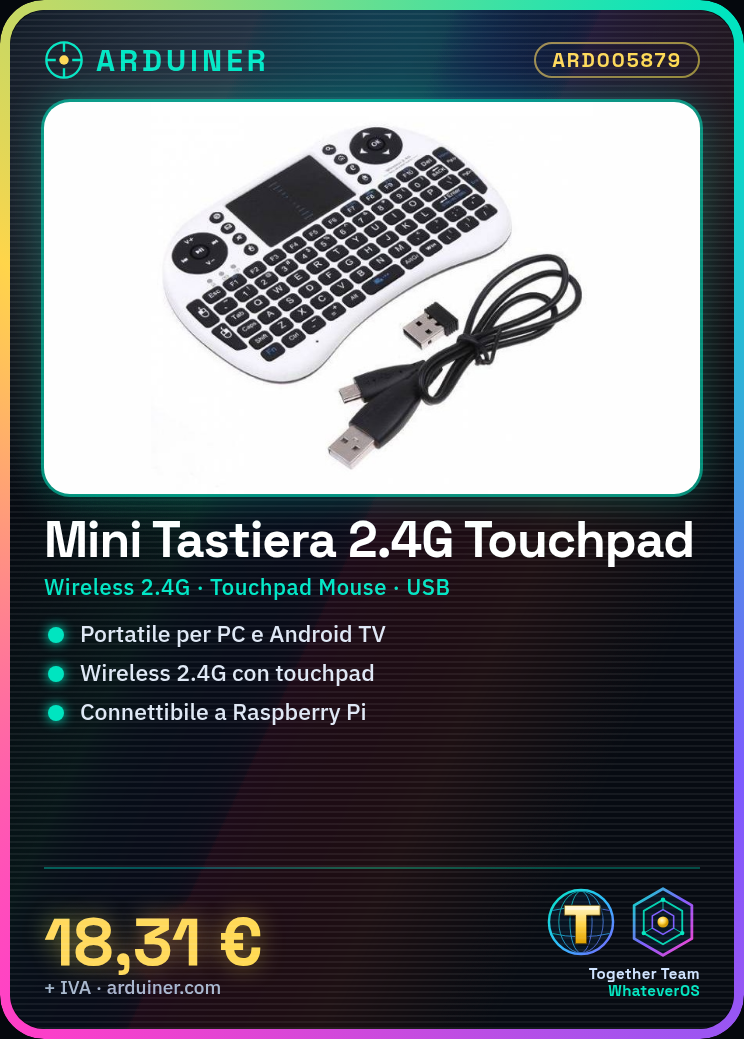
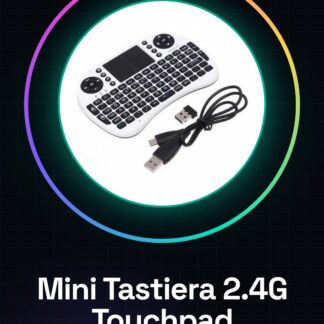
The Mini Wireless Keyboard 2.4G with Touchpad Mouse for PC, Google Android TV Box and USB is an input device that allows greater mobility and comfort in interactions with devices.
Features
- Wireless Keyboard 2.4G
- Integrated touchpad mouse
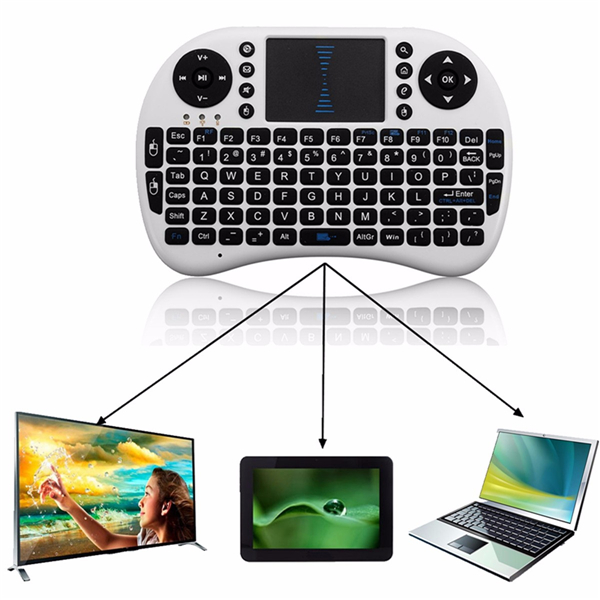
- Compatible with PC, Android TV Box and Raspberry Pi
What it is for
This keyboard is ideal for those who work on the move or seek a multifunctional device. It can be used to create small scripts that control mouse and keyboard movements with Raspberry Pi.
Tutorial: How to use Mini Wireless Keyboard 2.4G with Touchpad Mouse
This mini wireless keyboard is ideal for those seeking a comfortable and portable peripheral for PC, Android TV Box and Raspberry Pi. Perfect for those who work on the move or seek a multifunctional device.
What you need
- Mini Wireless Keyboard 2.4G with Touchpad Mouse
- PC or Android TV Box
- USB Cable (if necessary)
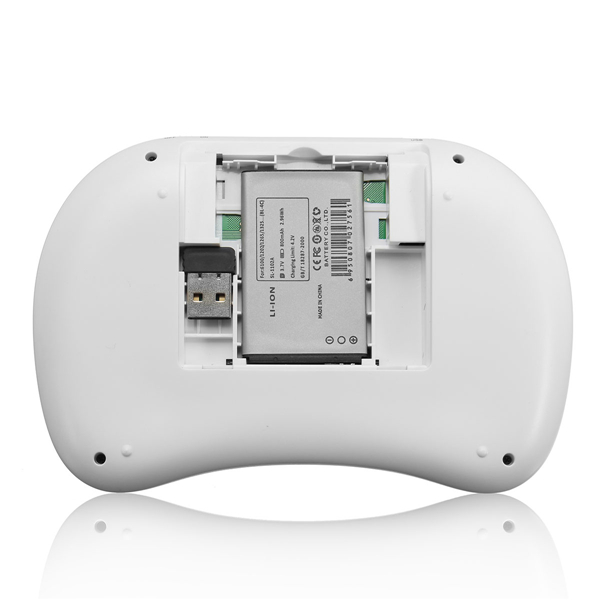
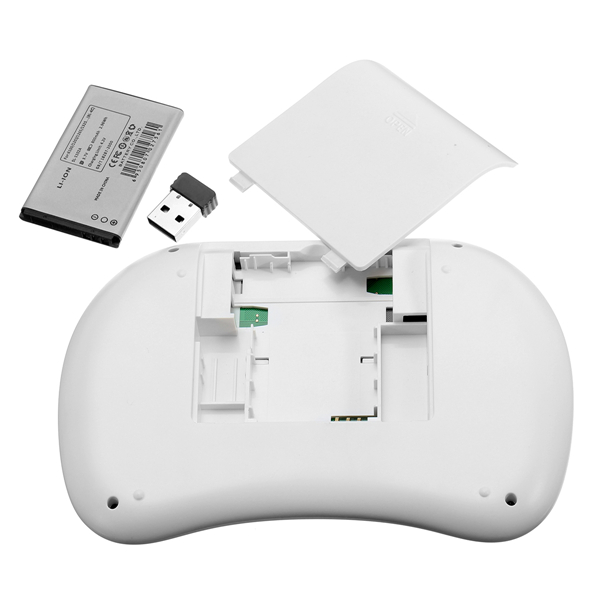
- Battery Charge
Steps
- 1. Check that the keyboard and mouse are charged.
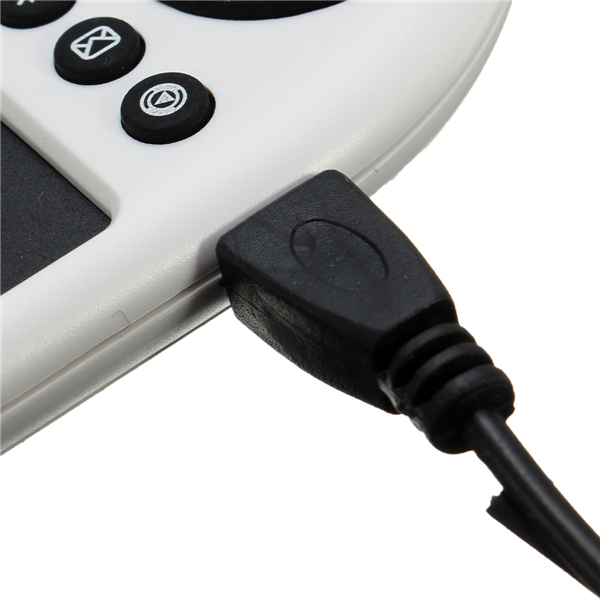
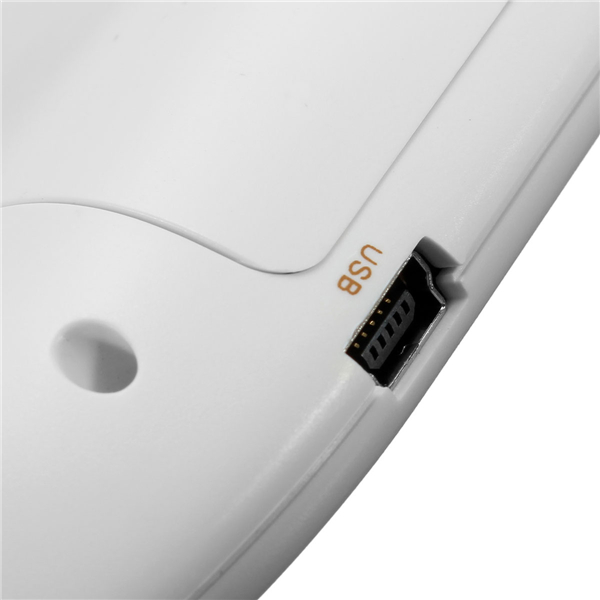
- 2. Connect the keyboard to the PC or Android TV Box via USB Cable.
- 3. Turn on the keyboard by pressing the power button.
- 4. The mouse connects automatically to the keyboard.
- 5. Use the touchpad for the mouse and the keyboard for typing.
- 6. For navigation, use the directional keys and the right button.
- 7. For special commands, press the ‘Fn’ key in combination with other keys.
- 8. If necessary, sync the keyboard with the mobile app.
Mini project
Create a small script to control the keyboard and mouse with a Raspberry Pi. Connect the keyboard to the Raspberry Pi, run a Python script to control the mouse movements and the keyboard.
Common mistakes
- Forget to sync the keyboard with the mobile app.
- Connect the keyboard to the Raspberry Pi without USB Cable.
- Not having enough charge to use the touchpad.
- Not using the ‘Fn’ key for special commands.
Recommended accessories
- Battery Charges
- USB Cable
- Mobile App for Synchronization
- Keyboard Covers
Frequently asked questions
How can I synchronize the keyboard with the mobile app?
Download the app from the Play Store, follow the synchronization instructions and report any issues.
Does the touchpad work with the Raspberry Pi?
The touchpad works with the Raspberry Pi but may require a specific driver.
Can I use the keyboard without the mouse?
Yes, the keyboard can be used independently of the mouse.
How long does the battery last?
Check the datasheet for battery duration.
Reviews
There are no reviews yet.