 EN
 IT Italiano
 ES Español
 FR Français
 DE Deutsch
Description
What it is
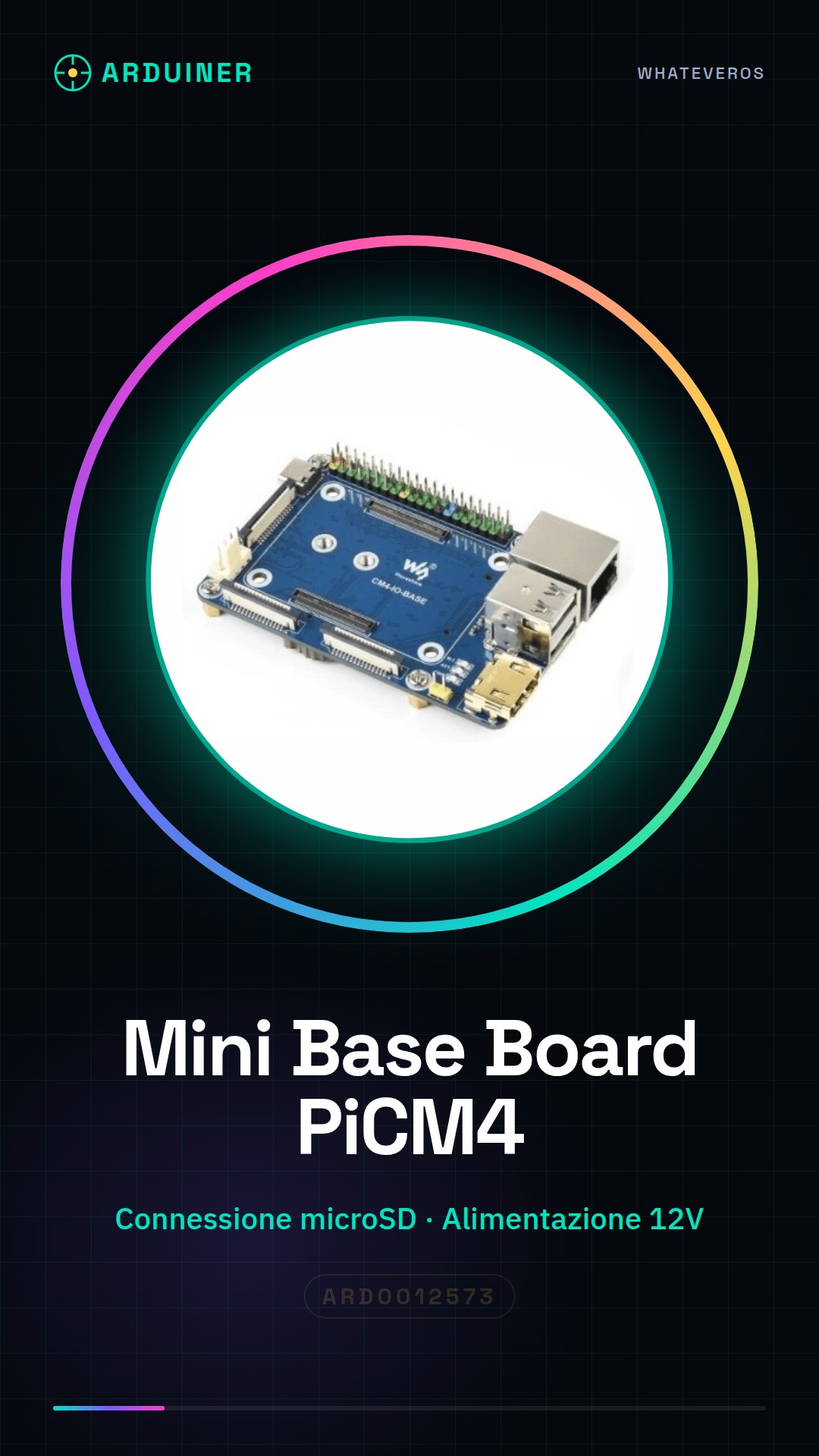
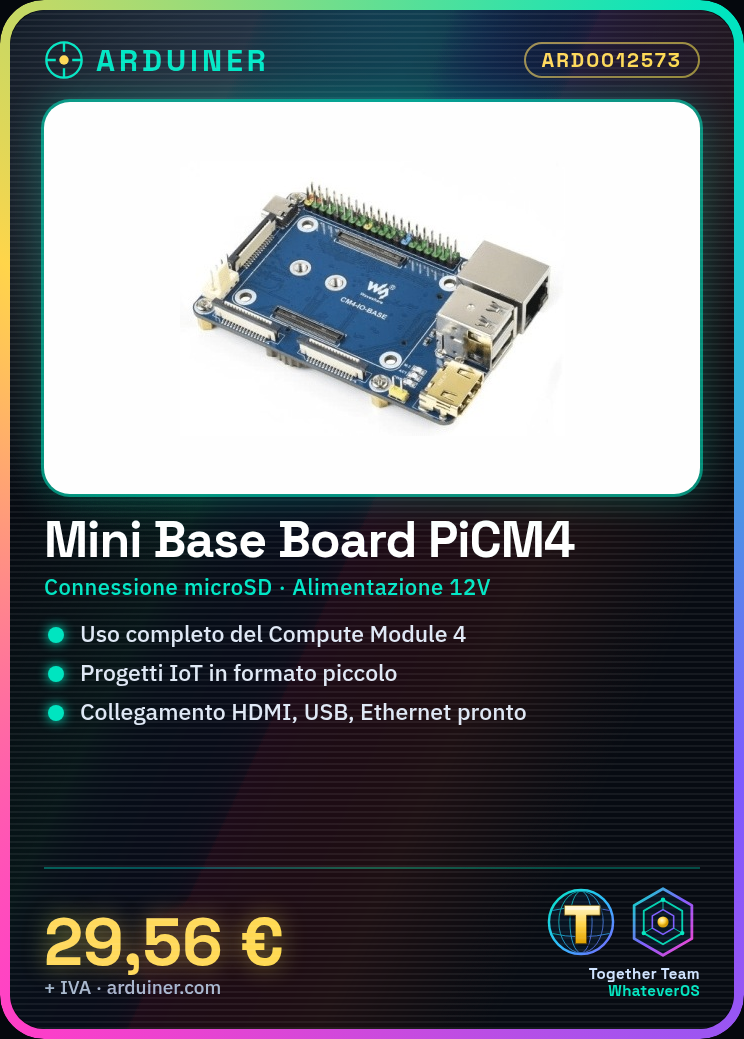
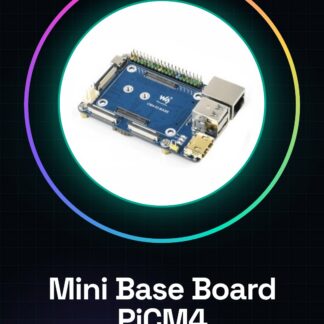
The Mini Base Board is a support designed for the Raspberry Pi Compute Module 4, providing a basic solution for developers and makers who want to use the module in small-sized projects.
Features
- Designed for the Raspberry Pi Compute Module 4
- Essential connections for full use of the module
- Compatible with electronic and IoT projects
What it is for
The Mini Base Board is used to create small-sized devices with full functionality using the Raspberry Pi Compute Module 4. It can be used for projects such as small web servers, IoT devices, and other applications that require a full operating system in a small format.
Tutorial: How to use Mini Base Board for Raspberry Pi Compute Module 4
The Mini Base Board for Raspberry Pi Compute Module 4 is an essential support for developers and makers who want to use the Raspberry Pi Compute Module 4 in small-sized projects. This board provides all the necessary connectors to use the module fully, allowing the creation of small-sized devices with full functionality.
What you need
- Raspberry Pi Compute Module 4
- microSD Connection
- 12V Power Supply
- Ethernet Cable
- USB Connection
- HDMI Connection
Steps
- Check that the Raspberry Pi Compute Module 4 is correctly installed on the Mini Base Board.
- Connect an Ethernet cable to the appropriate connector on the base board.
- Power the Raspberry Pi Compute Module 4 using a 12V power supply.
- Connect a microSD interface to the microSD connector on the base board.
- Connect an HDMI monitor to the HDMI connector on the base board.
- Connect a USB mouse and keyboard to the USB connectors on the base board.
- Access the Raspberry Pi Compute Module 4 via SSH or direct connection.
- Configure the operating system and necessary drivers for the Raspberry Pi Compute Module 4.
Mini project
Create a small web server using the Raspberry Pi Compute Module 4 and the Mini Base Board. Install a web server like Apache and a scripting language like PHP to create a simple web page.
Common mistakes
- Ensure that the Raspberry Pi Compute Module 4 is correctly installed on the base board.
- Check that the power supply is correct and sufficient.
- Check that all connectors are correctly connected.
- Check that the operating system is correctly configured.
Recommended accessories
- 12V power supply
- Ethernet cable
- microSD interface
- HDMI monitor
Frequently asked questions
How much memory space is required to install the operating system?
Check the datasheet for the Raspberry Pi Compute Module 4.
Which connectors are included on the Mini Base Board?
Check the datasheet for the Mini Base Board.
Can I use the Raspberry Pi Compute Module 4 without the Mini Base Board?
The Raspberry Pi Compute Module 4 is designed to be used with a specific base board.
Reviews
There are no reviews yet.