 EN
 IT Italiano
 ES Español
 FR Français
 DE Deutsch
Description
What it is
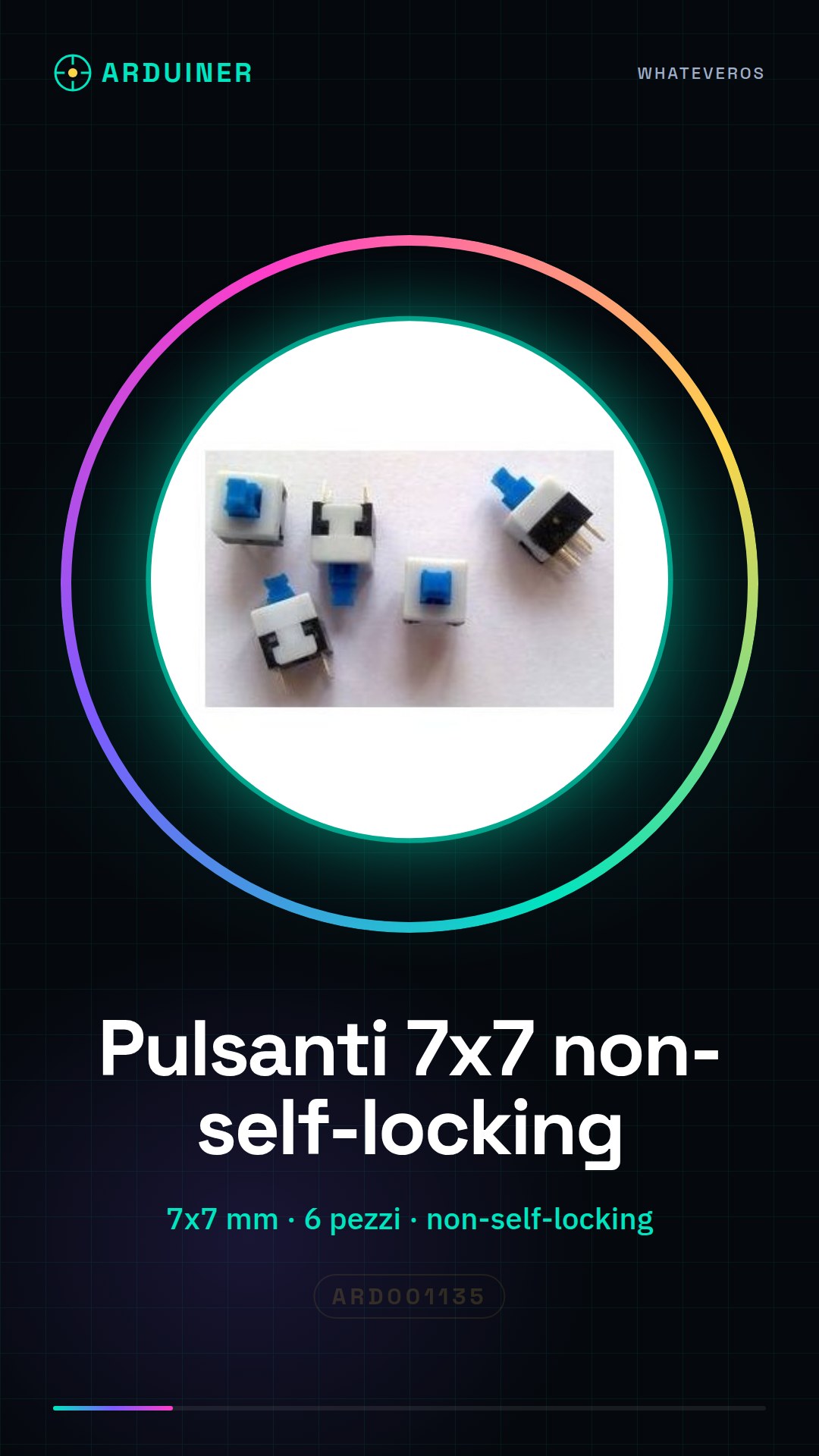
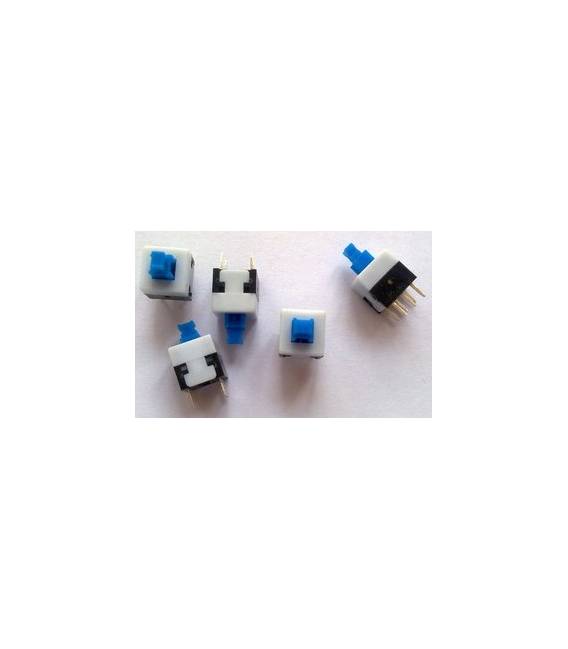
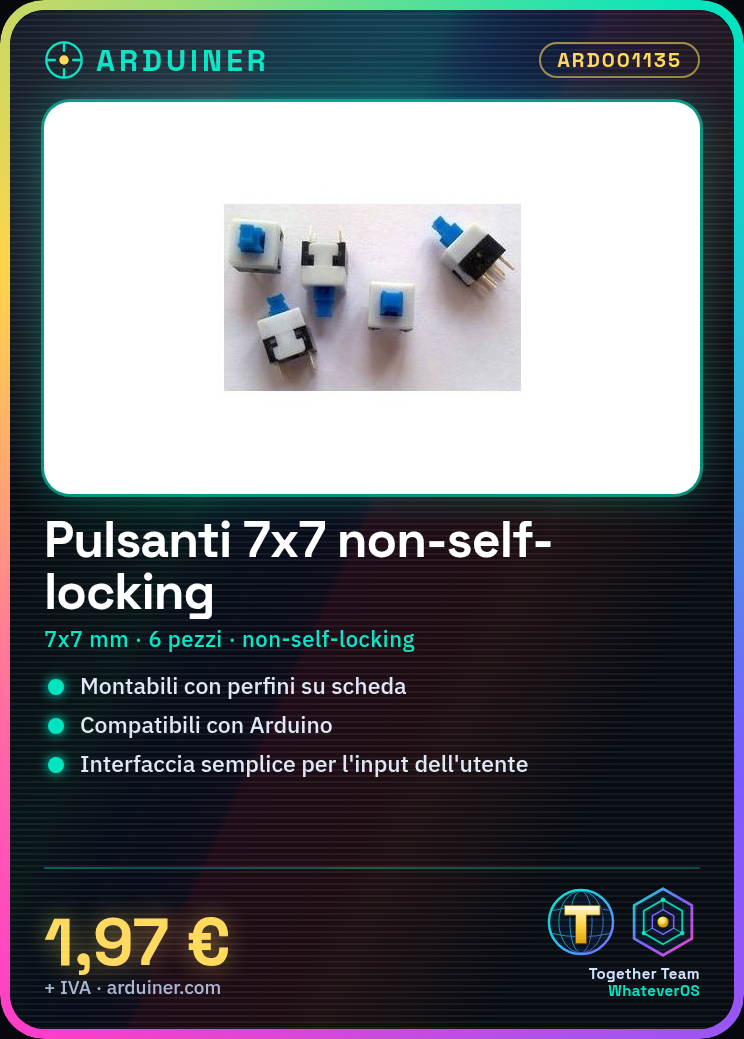
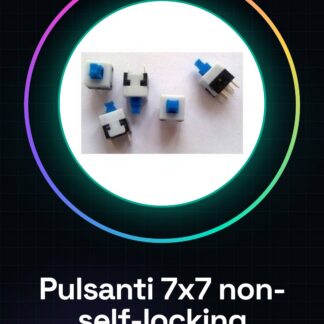
Non-locking push buttons sets of 7×7 mm are essential components for creating custom user interfaces in Arduino and other electronic device projects. These buttons, available in packs of six pieces, offer a simple and reliable interface for user input.
Features
- Type: Non-locking Push Button
- Dimensions: 7×7 mm
- Quantity: 6 pieces
What it is for
The buttons are ideal for projects requiring human interaction, such as controlling electronic devices or creating simple user interfaces. They are compatible with Arduino and other microcontrollers.
Tutorial: How to use 7×7 Button
This button is ideal for projects requiring human interaction, such as controlling electronic devices or simple user interfaces.
What you need
- 7×7 Button
- Arduino or compatible microcontroller
- Pull-up resistor
- Pin header
- Power cable
Steps
- 1. Assemble the button on the circuit using a perfboard.
- 2. Connect a pull-up resistor between the button’s input pin and VCC.
- 3. Connect the button’s ground pin to GND.
- 4. Load the provided Arduino code.
- 5. Test the button by connecting it to the Arduino.
- 6. Adapt the code for your specific project.
- 7. Repeat the steps to install additional buttons.
- 8. Check the datasheet for further details.
Example code
```void setup() { pinMode(2, INPUT_PULLUP);}void loop() { if (digitalRead(2) == LOW) { Serial.println("Pulsante premuto"); }}```Mini project
Create a simple button press counter in 30 minutes.
Common mistakes
- Omitting the pull-up resistor can cause operational issues.
- Incorrectly connecting the pins can damage the microcontroller.
- Not checking the datasheet can lead to suboptimal configurations.
- Missing the pull-up resistor can cause unintended interrupts.
Recommended accessories
- Arduino Uno
- 10kΩ Resistor
- Perfboard
- Screw Terminal 2.5mm
Frequently asked questions
Does the button lock up after a while of pressing?
Check the datasheet for the maximum pressure limit and make sure to use an appropriate perfboard.
How can I connect multiple buttons?
Connect additional buttons to different pins and modify the code to handle them.
Does the button work with Arduino Nano?
Yes, the Nano is compatible, make sure to use the same configuration.
Can I use a different power supply?
Check the datasheet for power supply requirements.
Reviews
There are no reviews yet.